
1 / 2
QR code (tutorial)
Zamów wydruk tego modelu
Obliczymy ostateczną cenę na podstawie wybranego pliku. Sprawdzisz ją i zaakceptujesz przed płatnością.
Zapisane na tym urządzeniu.
Informacje o modelu
- Źródło
- Printables
- Kategoria
- Other Gadgets
- Licencja
- Creative Commons — Attribution
How to print your own QR code?
It is simple. You need QR code generator and any jpg to stl converter.
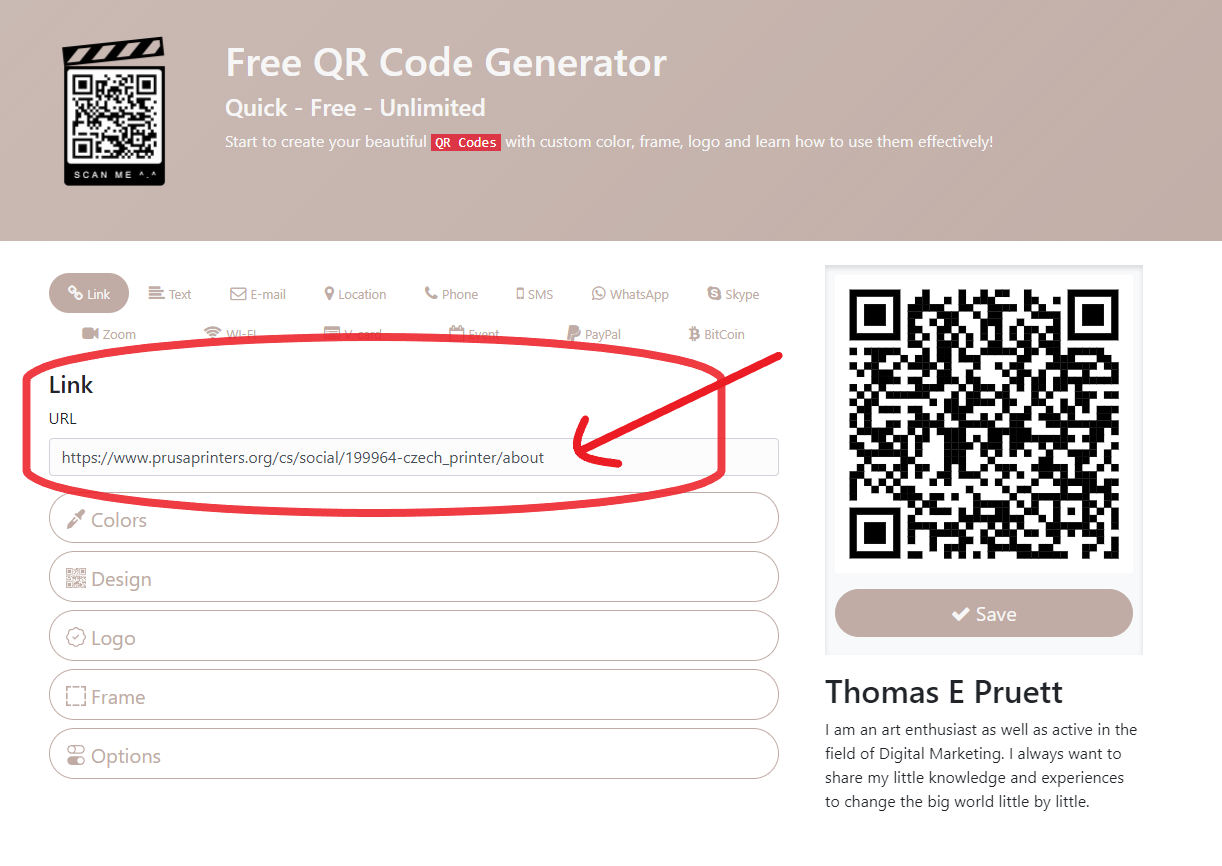
In the first line, type the link you want to convert to a QR code.
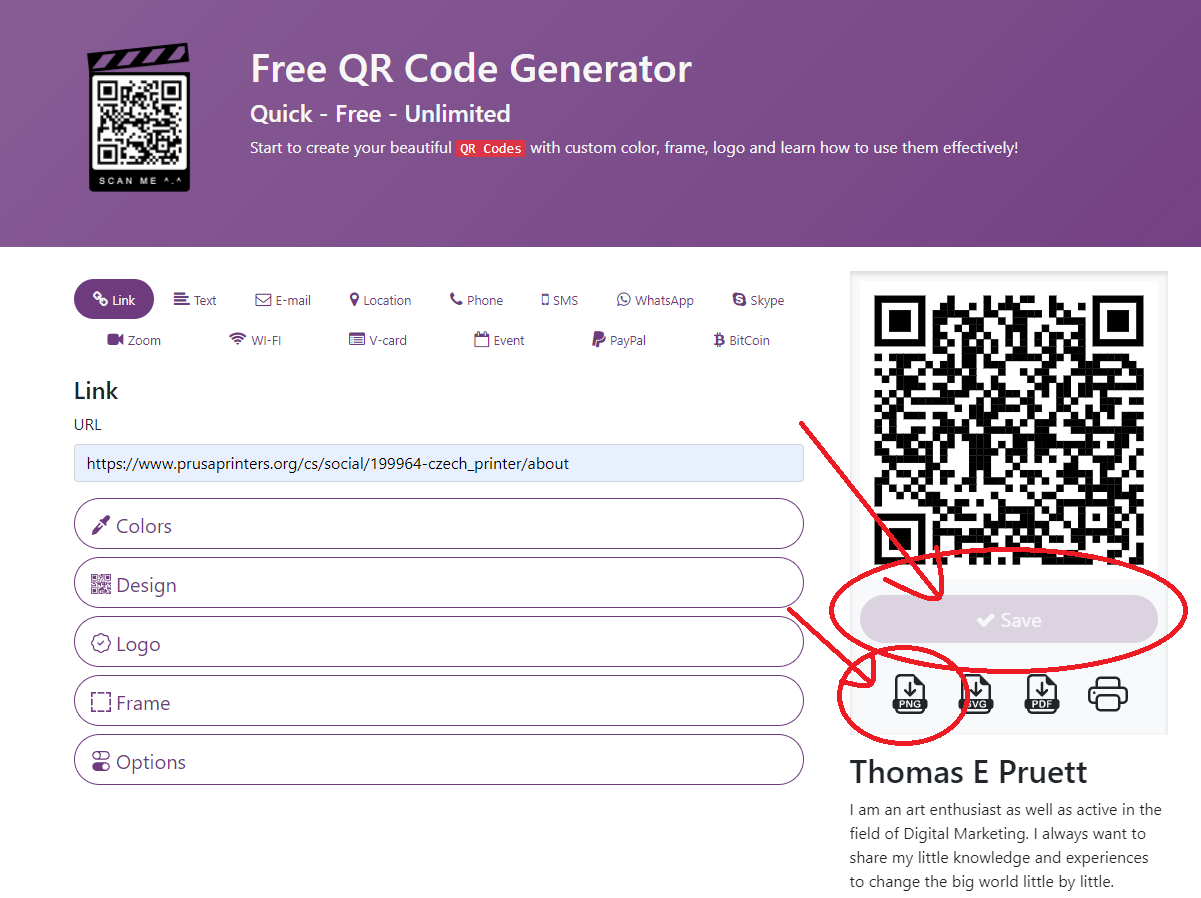
Then click on the save icon and choice PNG.
Open the converter
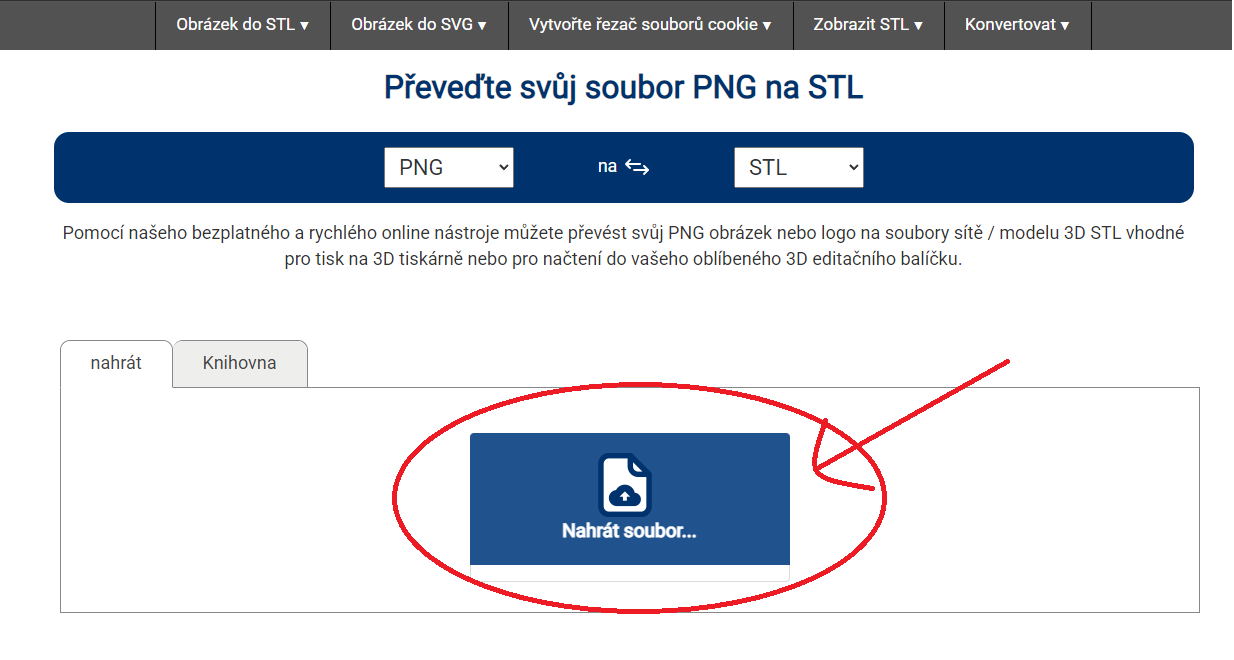
Upload the generated PNG file, convert to STL and download it.
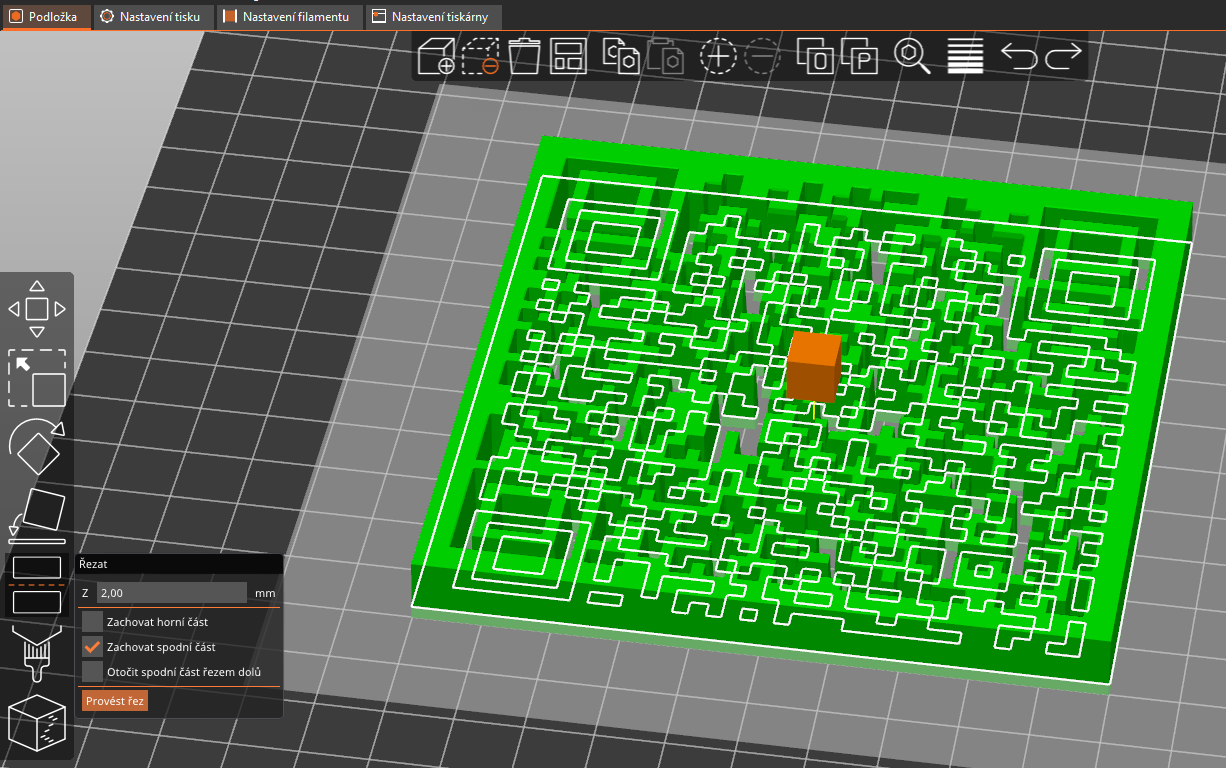
Insert the STL to PrusaSlicer
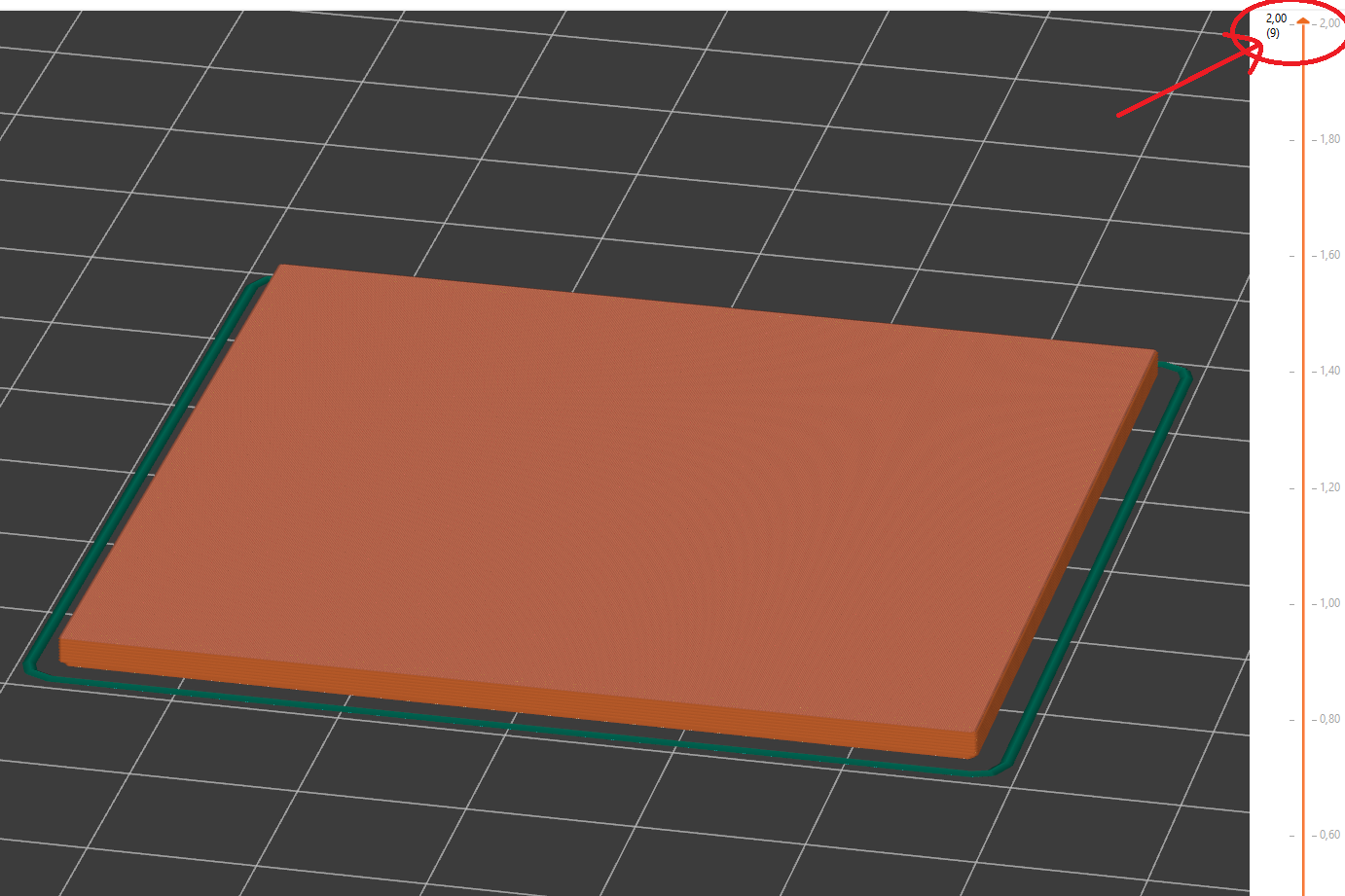
If you don't have Multi Material Upgrade, you must print bottom part first and in second print add code.
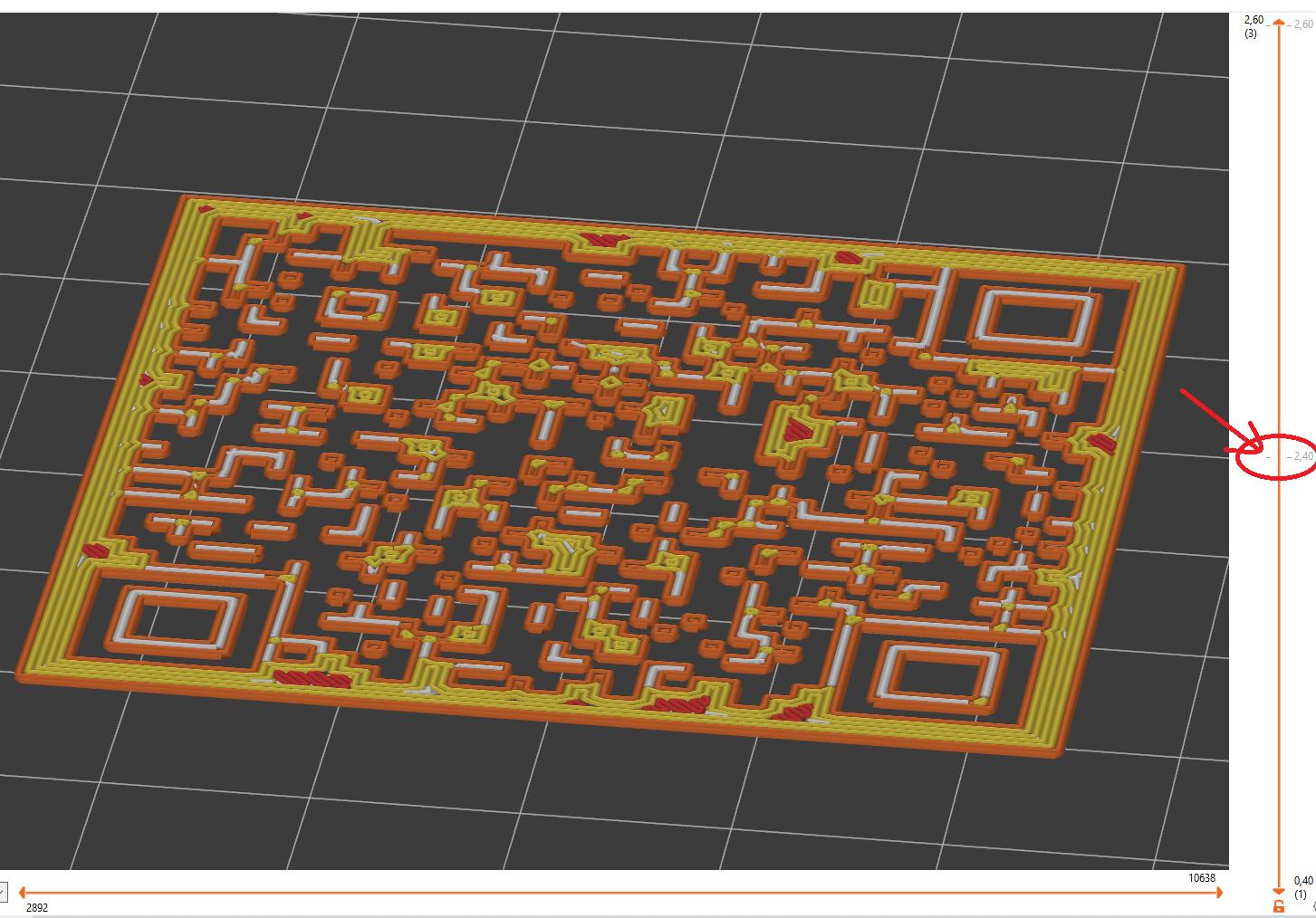
Do not forget to pick up the second print by the height of the first piece.
Two layers are enough to print the code.
Use ironing to first piece.