
1 / 3
Gothic, but make it stylish.
Zamów wydruk tego modelu
Obliczymy ostateczną cenę na podstawie wybranego pliku. Sprawdzisz ją i zaakceptujesz przed płatnością.
Zapisane na tym urządzeniu.
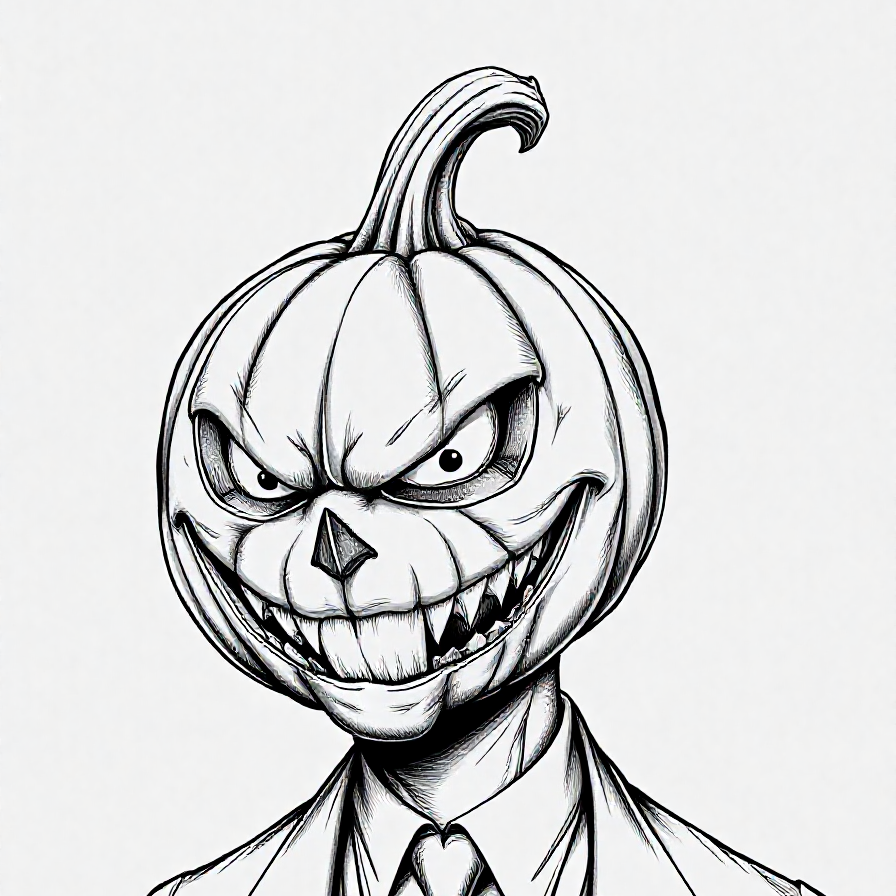
Gothic, but make it stylish: darkness in the soul, gloss on the lips, and lashes ready to conquer the underworld.
- Ocena
- 0 / 5
- Polubienia
- 30
- Pobrania
- 107
- Wydruki
- 0
- Wyświetlenia
- 1103
- Oceny
- 0
Aktualizacja u źródła:
Informacje o modelu
- Źródło
- Printables
- Kategoria
- Wall-mounted
- Licencja
- Creative Commons — Attribution — Noncommercial — NoDerivatives
SzczegółyPliki (4)Wydruki i komentarze (Wydruki: 0) (Komentarze: 0)Remiksy (0)Kolekcje (24)Powiązane
Meet the gothic diva who laughs at convention: an intense gaze, bold lips, and jaw-dropping lashes. This piece merges high-fashion, over-the-top drama, and acerbic humor in one glance, inviting you into a dark, enchanting world where elegance meets irreverence. An explosion of style for fearless standouts!
- All characters depicted in this creation are fictional. Any resemblance to real persons, living or dead, is purely coincidental.
- The illustration is of an adult woman (+18 years old)
- Rendered in three Hueforge colors.
- Print at 100% infill with a layer height of 0.08mm with a base layer of 0.16mm
- If you want to resize, don't modify the Z axis, as the colors may shift position.
- This print uses 3 unique filaments
- Filaments Used:
PLA Prusament Prusa Galaxy Black
PLA Elegoo Grey
PLA Prusament Pristine White - Swap Instructions:
Start with Prusa Galaxy Black
At layer #8 (0.72mm) swap to Grey
At layer #9 (0.8mm) swap to Pristine White for the rest. - I have added the 3MF file along with the STL to offer greater versatility and compatibility
- I have also added two gcode files, one normal and the other with input shaper with the change already made to make it easier.
- This design should be compatible with any 3D printer capable of changing colors.
- easy to print
- Technical note for resizing in PrusaSlicer:
You can resize the image if needed, but it is very important to keep the original thickness (Z-axis). Changing the thickness may cause issues during printing, especially with how color changes are applied by layer height, which can negatively affect the final appearance of colors and shadows.
If you need to adjust the size, only modify the X and Y axes (width and length), but do not change the Z-axis (height). Preserving this proportion ensures that the color changes by layer height work correctly and that the design prints as intended.
Tagi
wallfashiondarkfantasywallmountgothicmoderngirlprintableposter2dwallmountedmakeupeyeeyeswallmountingwallartpiercingboldcontemporarygirlselegantartisticsexystylishtattoosexygirlbraidsrelaxationblackandwhitesmileconfortfiercealternativeedgyaestheticdigitalartchokermysteriouschiclashespalesurrealgrungeetherealinkedmoodygraphicdesignfantasyarthueforgehueforgedtattooinkhueforgeartsensualityglamourdarkbeautyalternativearthighfashionartisticportraittattoosdramaticpiercingsvisualartaltgirl