
Emergency Alt-F4 Button
Obliczymy ostateczną cenę na podstawie wybranego pliku. Sprawdzisz ją i zaakceptujesz przed płatnością.
Zapisane na tym urządzeniu.

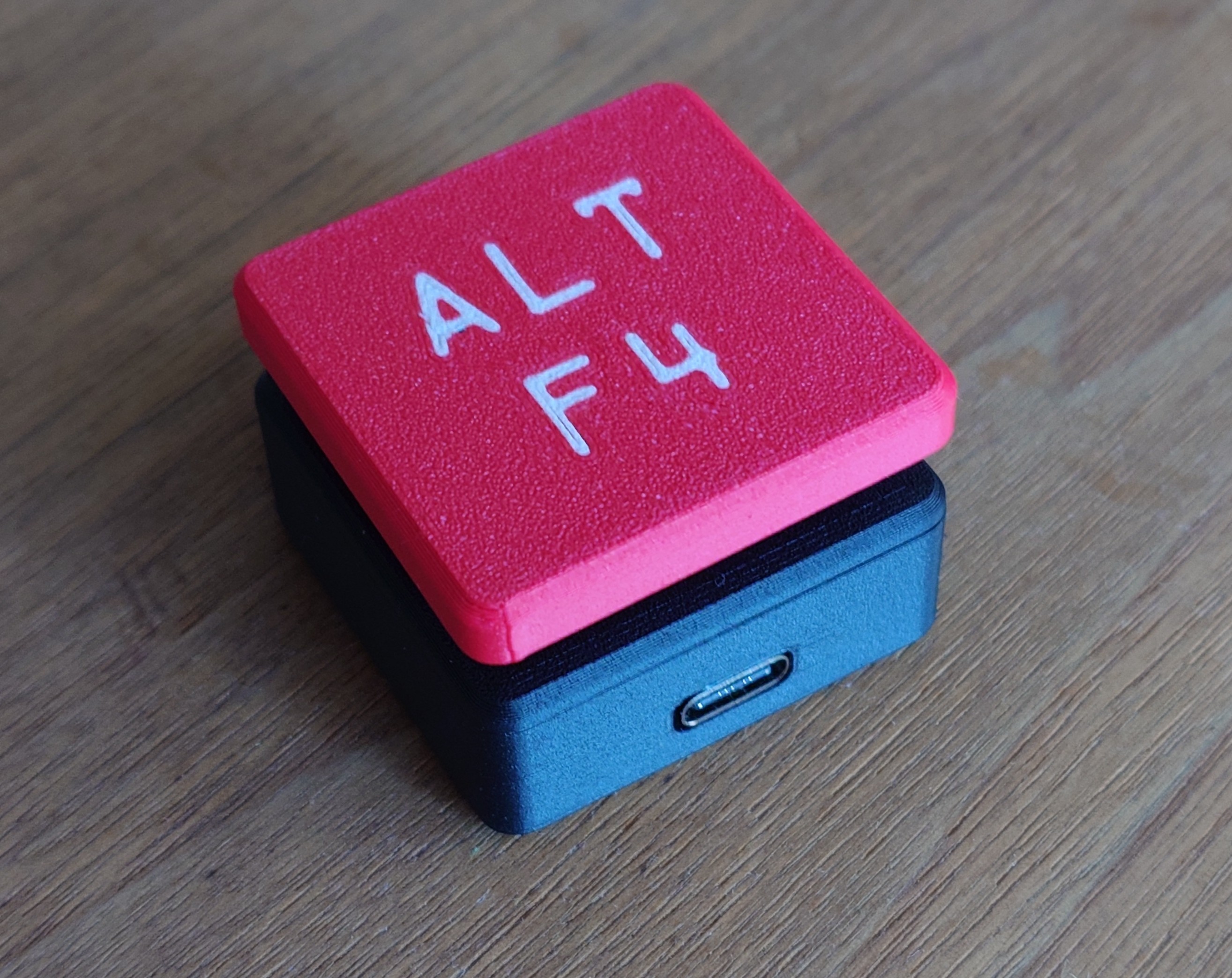
Arduino based Alt-F4 Button built using a generic MX-Keyswitch and a USB-C Arduino Micro
- Ocena
- 4,75 / 5
- Polubienia
- 378
- Pobrania
- 371
- Wydruki
- 4
- Wyświetlenia
- 9102
- Oceny
- 4
Aktualizacja u źródła:
Informacje o modelu
- Źródło
- Printables
- Kategoria
- Computers
- Licencja
- Creative Commons — Attribution — Share Alike
This is my Alt-F4 Emergency button! It uses an Arduino Micro and a Cherry-MX style keyboard switch so you no longer have to press two buttons to rage-quit. If the button is held for 10 seconds, it triggers a Windows shutdown.
I included the Fusion360, and the STEP file, so you can modify the parts to your specific hardware.
BOM:
- Arduino Micro with USB-C
- Cherry-MX style keyswitch
- Printed parts
Printing instructions:
No fancy settings needed. I printed the enclosure in PLA on my Prusa MINI
The Button cap with coloured letters was printed on an X1C.
Assembly:
For easier assembly, I soldered right angle pin headers to PIN 7 & 8 of the Arduino. (8 acts as GND) And the corresponding female pins to the wires on the switch. I recommend you do a less terrible solder job than i have.


The Arduino slides into the bottom-part. I recommend to slightly deburr the edges of the PCB to get a snug fit.

The Keyswitch can just click into the top-part

Snap on the top housing - It can take a little force to make it fit flush.


Finally, put the button cap on.
Code:
The code is a simple Arduino sketch.
At the very top you can customize the shutdown command:
It is programmed to press Win-R first, then insert the shutdown command. Not sure how that would work on Linux or MacOS. Feel free to edit the code to your liking.
If you hold the button while plugging in, it enables Serial-output for easy debugging.