
iPhone 16 Pro case with multicolor honeycomb design
Obliczymy ostateczną cenę na podstawie wybranego pliku. Sprawdzisz ją i zaakceptujesz przed płatnością.
Zapisane na tym urządzeniu.
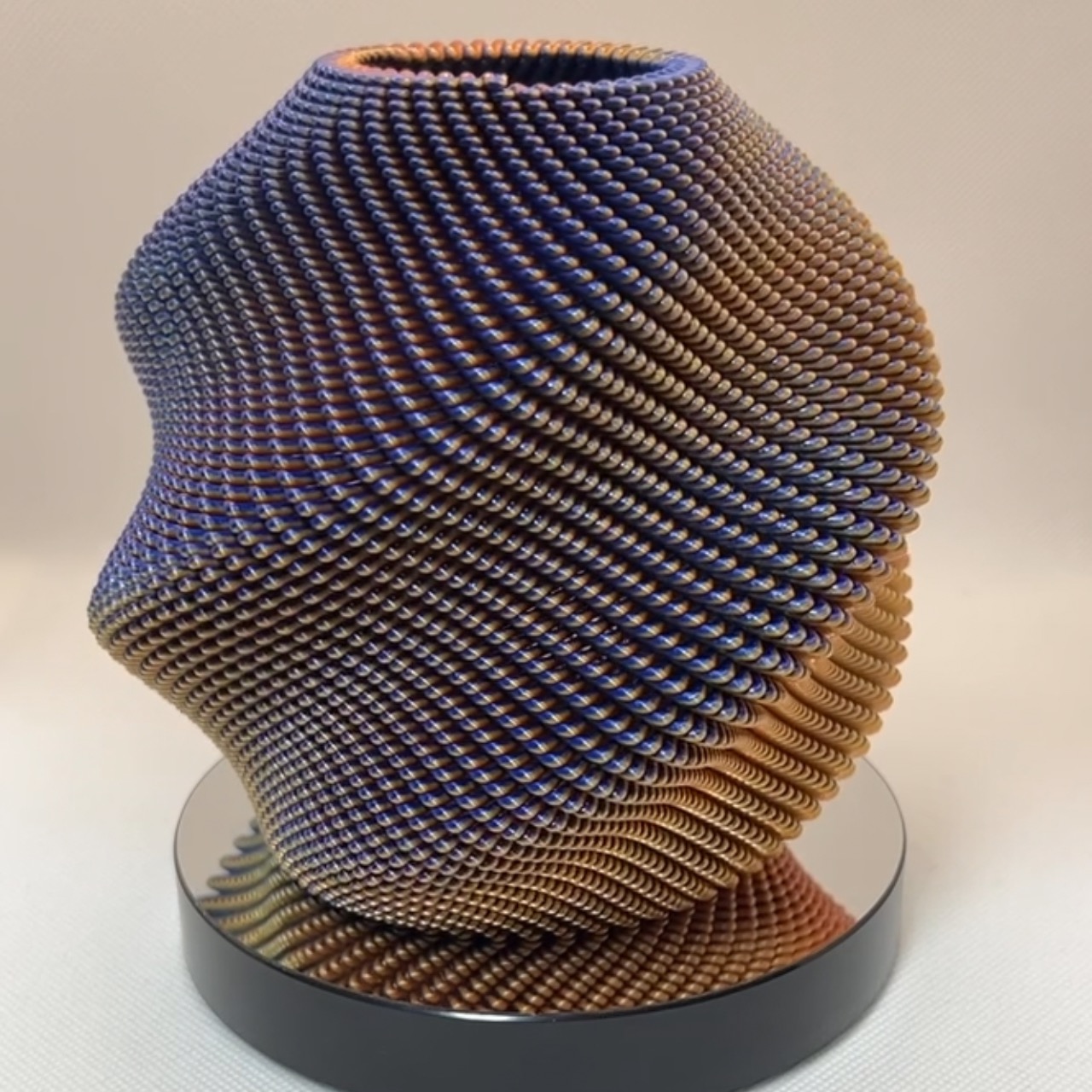
iPhone 16 Pro case with multicolor honeycomb design. PLA supports are used, making the print slightly more challenging.
- Ocena
- 0 / 5
- Polubienia
- 12
- Pobrania
- 68
- Wydruki
- 0
- Wyświetlenia
- 601
- Oceny
- 0
Aktualizacja u źródła:
Informacje o modelu
- Źródło
- Printables
- Kategoria
- Electronics
- Licencja
- Creative Commons — Attribution — Noncommercial — Share Alike
Honeycomb Remix iPhone 16 Pro Case
Insert a MagSafe-compatible plate into the inner circular hole.
This is a honeycomb-designed case for iPhone 16 Pro, intended for multi-color and multi-material printing using the MMU.
The honeycomb pattern can be freely colored using the Material Paint function in Prusa Slicer.
The honeycomb features a raised/lowered structure and uses PLA supports for good printing.
Main material: PETG
Support material: PLA
Since standard support density was insufficient, hexagonal pillars are arranged as PLA supports. The PLA supports can be easily removed with thick needles, but leaving them in place can add a textured accent.
Included 3MF file setup (for MMU3):
Extruder 2: Tinmorry PETG (Orange)
Extruder 3: Elegoo PLA Plus (Black)
Extruder 5: Tinmorry PETG-eco (Sparkly Black)
⚠ Important note:
Switching from PLA supports to PETG main material requires extensive purging (set to 600) to prevent mixing, as even slight contamination can severely weaken the print. Do not reduce this value.
The sample photo uses these filaments, with some central PLA supports intentionally left unremoved for aesthetic effect.
ハニカムデザインにRemixしたiPhone 16 Proのケースです。
内側の円形の穴にはMagsafe用のプレートを入れてください。
MMUを用いたマルチカラー、マルチマテリアルプリントが前提となっています。
ハニカムはPrusa slicerのマテリアルペイント機能で自由に着色できます。
ハニカムは凹凸構造になっており、きれいにプリントできるよう異種材料サポートを用いています。
そのため、
本体:PETGなど
サポート:PLA
という前提になっていますのでご注意ください。
サポート機能では密度が足りなかったので六角形の柱を並べてPLAサポートにしています。
PLAサポートは太めの針を使えば簡単に除去できますが、あえて取らないことで凹凸のアクセントをつけることもできます。
添付の3mfファイルでは
エクストルーダー2:Tinmorry PETGオレンジ
エクストルーダー3:Elegoo PLA plus ブラック
エクストルーダー5:Tinmorry PETG-eco スパークリーブラック
がMMU3に装填されている状況になっています。
※注意 PLAサポート→PET本体の切替時にPLAとPETGが交じると本体強度が著しく低下するおそれがあるため、切り替えのパージ量を意図的に多く (600) しています。戻さないほうが懸命です。
写真ではこれらのフィラメントでプリントし、中央付近のPLAサポートをなんかいい感じかもしれないと思ってあえて外さずにおいてます。