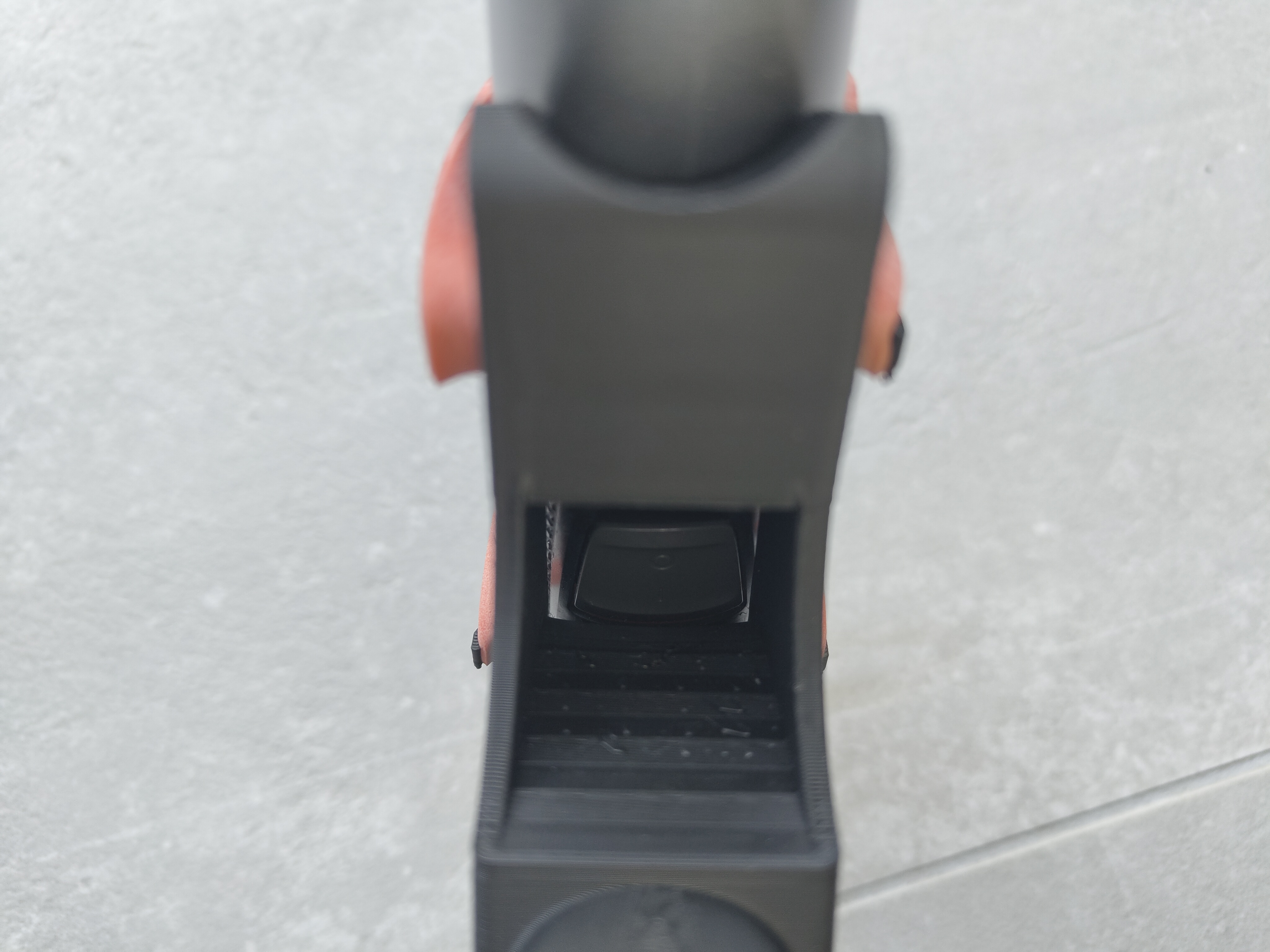
Fully 3D-Printable Extension Arm for Philips MG5720 – OneReachPrint
Obliczymy ostateczną cenę na podstawie wybranego pliku. Sprawdzisz ją i zaakceptujesz przed płatnością.
Zapisane na tym urządzeniu.

OneReachPrint – for compact printers, full reach, and a no-hardware setup.
- Ocena
- 5 / 5
- Polubienia
- 16
- Pobrania
- 50
- Wydruki
- 0
- Wyświetlenia
- 557
- Oceny
- 1
Aktualizacja u źródła:
Informacje o modelu
- Źródło
- Printables
- Kategoria
- Bathroom
- Licencja
- Creative Commons — Attribution — Noncommercial — Share Alike
OneReachPrint – Adaptive Back Grooming Extension for Philips MG5720 – no tools, no hardware, just print and groom
After developing the original OneReach, I wanted to revisit the design to make it even more accessible for home users – with no special materials, tools, or hardware required.
So I reduced the size, removed the screw inserts and Velcro mount, and optimized the geometry for common 220×220 mm print beds – making it fully printable on most household 3D printers.
Instead of using a Velcro strap, OneReachPrint features four integrated hooks that let you secure the MG5720 trimmer with a simple rubber band – something most people already have at home.
Key Features:
- Fully 3D-printable – no screws, no glue, no hardware
- Fits standard 220×220 mm print beds
- Max. Reach: 49 cm
- Threaded connector – secure, tool-free joint using printed screw
- Rubber band mounting – holds the trimmer safely in place without modification
- Compact design – slightly shorter than original OneReach but still covers the upper and mid-back comfortably
- Quick and easy to assemble – no tools or fasteners required

Print Advice:
Holderarm | |
|---|---|
 | |
| Material | PLA |
| Layer Height | 0.2mm |
| Infill | 20% minimum |
| Supports | Yes |
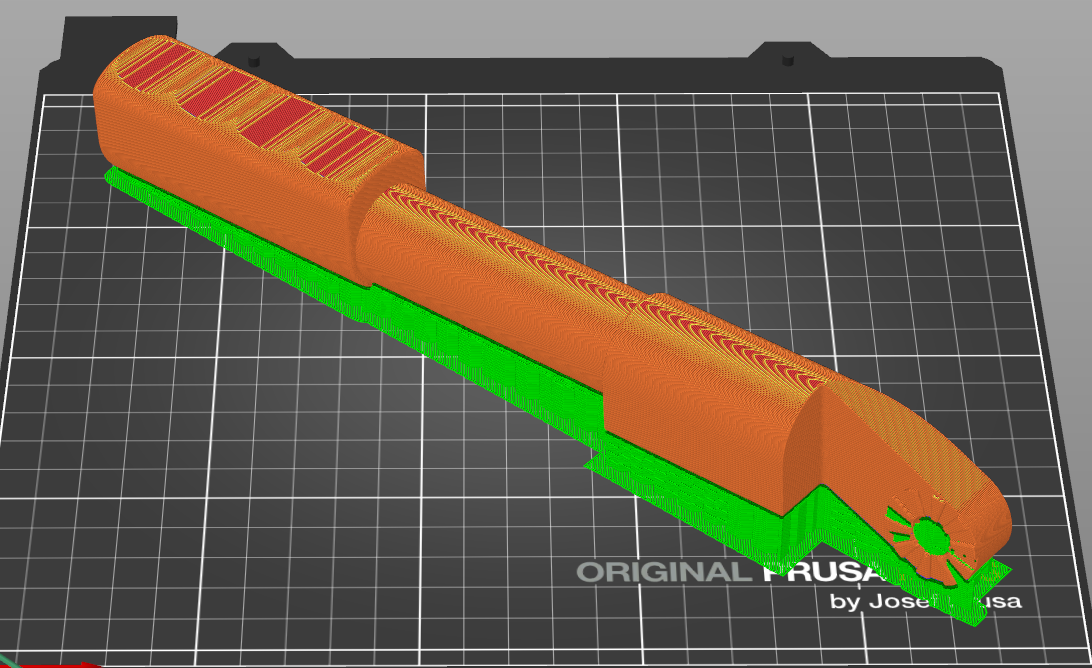
| Print Orientation | see Picture |
Handlearm | |
|---|---|
 | |
| Material | PLA |
| Layer Height | 0.2mm |
| Infill | 20% minimum |
| Supports | Yes |
| Print Orientation | see Picture |
Assembly:
Printed parts | |
Name | Quantity |
| Handlearm | 1 |
| Holderarm | 1 |
| Screw | 1 |
Other parts required | |
Name | Quantity |
| Rubberband | max 170mm Diameter |
1. Prepare All Required Parts
Lay out all necessary components.

2. Assemble the OneReachPrint
Screw the parts together. A little oil at the beginning helps to make the thread smooth.

3. Mount the MG5720
Attach the MG5720 to the four hooks with the rubber band.

4. Power Control
The MG5720 can be switched on and off easily via the cut-out in the holder – no need to remove it.