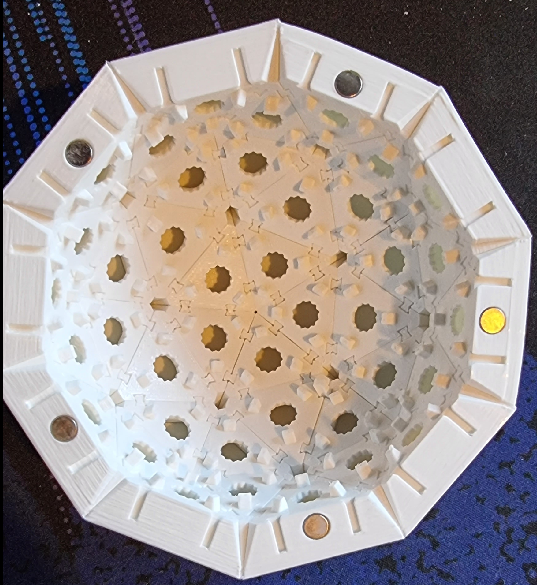
2v Geodesic Light Sphere
Obliczymy ostateczną cenę na podstawie wybranego pliku. Sprawdzisz ją i zaakceptujesz przed płatnością.
Zapisane na tym urządzeniu.
Informacje o modelu
- Źródło
- Printables
- Kategoria
- Other Art & Designs
- Licencja
- Creative Commons — Attribution — Noncommercial
80 facets of Neopixel joy! Inspired by https://www.prusaprinters.org/prints/40182-geodesick-rgb-led-spheres but designed completely from scratch to use a more consistent way of assembling the facets together.
Additional components required -
- 10 6mm * 2mm Neodymium magnets
- 80 Neopixel LEDs
- Some wire or 3 way leads.
- A micro controller of your choice - I used a Pimoroni Plasma to prototype and a Tiny 2040 in the final version.
You can get the LEDs in 100s on 10mm PCBs but I found these too fiddly. These will work on this design, but I made my own PCBs that were larger and have 2 outputs for 1 input, in the direction of the next facet. I also modelled in clips for these PCBs to hold them in place whilst soldering up.
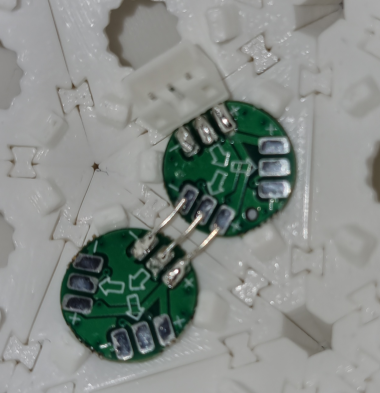
The kicad project archive for the PCBs has been add to files.
Tools Required
- Sharp knife
- Long Nose Pliers
New Project Files
Note: I have included new 3mf projects - the parts required for each half are in filenames that begin with A or B. There are new layer settings to remove unnecessary paths when slicing and to improve the outer mating wall quality.
These files DO NOT have pads - I have found that using PETG on the Prusa Satin bed does not require them.
I have left the old project files for anyone that needs them.
To print an entire sphere -
Half A -
A-AABx30.3mf
A-BBBx5+BBBMagnetx5.3mf
Half B -
B-AABx25.3mf
B-BBBx9+AAAMagnetx5+BBBWire.3mf
Enough Wedges To Connect Everything
Wedge8in1.3mf
Original Instructions now follow -
Note that the 3mf files contain the settings required to print these with the best quality facet sides. It's worth noting that there is 0% infill until 11mm off the bed.
There are 2 facet types AAB and BBB - A and B being the 2 edge lengths. So AAB is a triangle with A, A and B length sides.
FullHalfAABMagnets.3mf is one complete half of the sphere with 5 AAB facets having holes for magnets. There is also a single BBB piece with a cable hole. These should be kept to one side when assembling to ensure they aren't accidentally used in the wrong place.
FullHalfBBBMagnets.3mf is the opposite half, with magnet holes on 5 of the BBB facets.
Wedges.3mf is the butterfly wedges use to tie the facets together. You will need to print about 20 of these.
Note - I added an alternate file for the wedges - sliced so that the infill runs along the length.
Assembly
The (older) 3mf files have pads on all the bottom layer triangle corners to help stop the corners from lifting. These will need to be cut off carefully with a sharp knife.
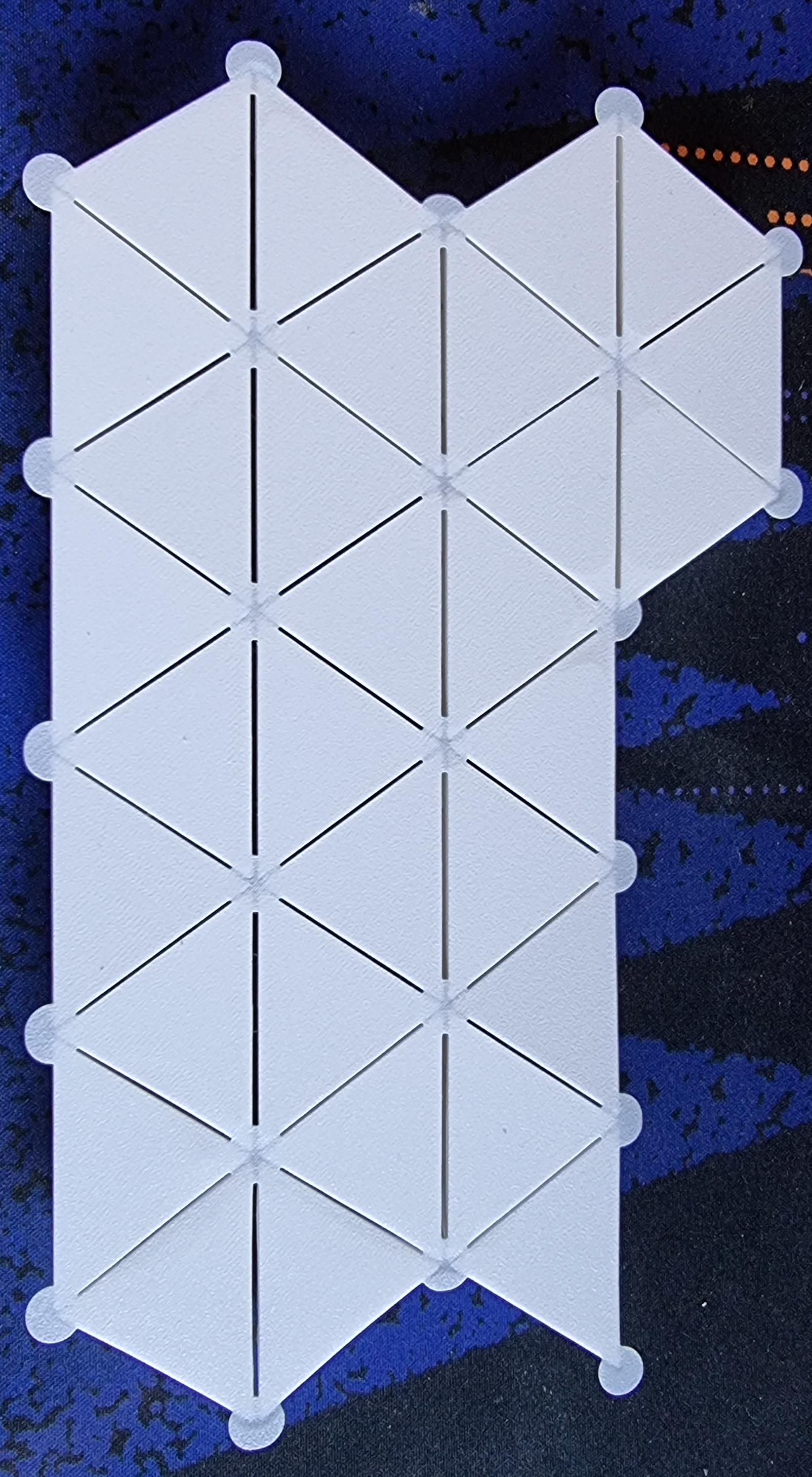
Facets are connected by butterfly wedges. You start by making a pentagon shape from 5 AAB facets.
Slide 2 wedges on to one A side of an AAB facet
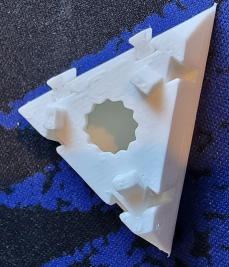
Then slide on another facet by its A side - ensuring that the B side is on the same outer edge as the first facets B side. The B faces are the outside of the pentagon we are assembling.
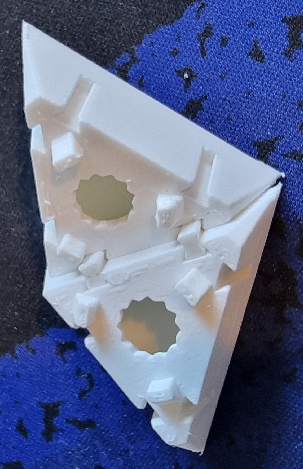
Push the wedges fully in using the tips of the nose of your pliers. This ensures that the external faces are flush also.
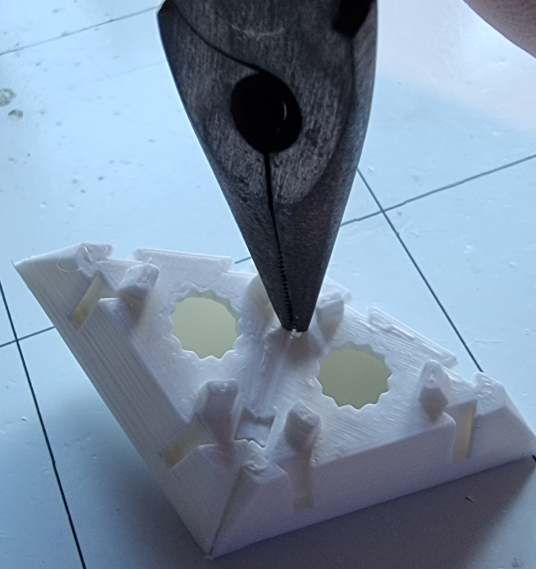
Repeat this until you have a pentagon
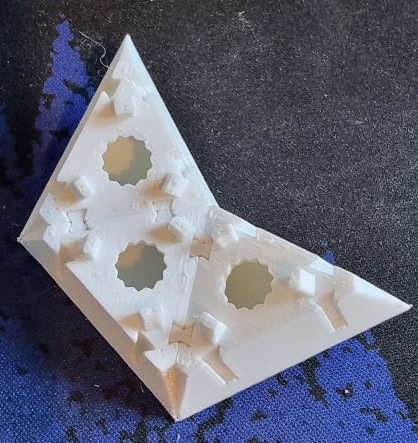
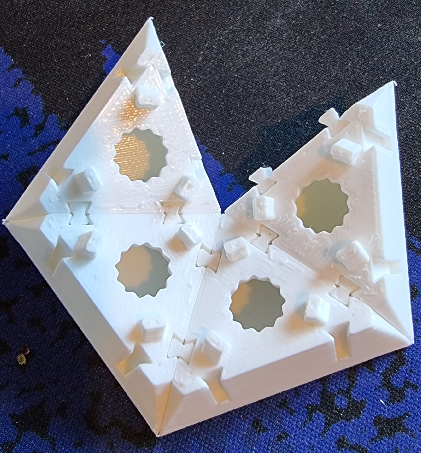
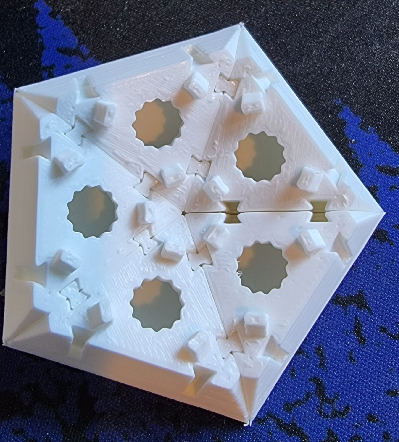
Lock this altogether with 2 more wedges in the newly adjacent facets.
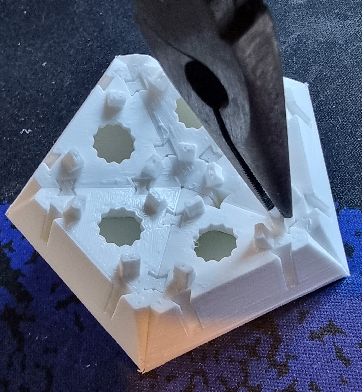
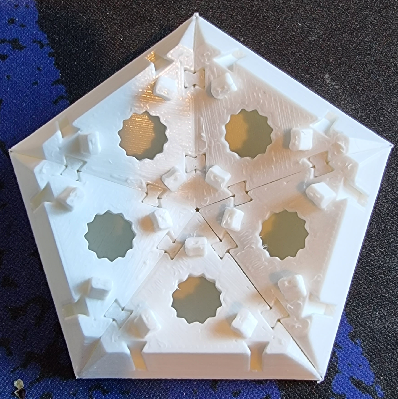
Next you need to add 5 BBB facets to each of the pentagon factets
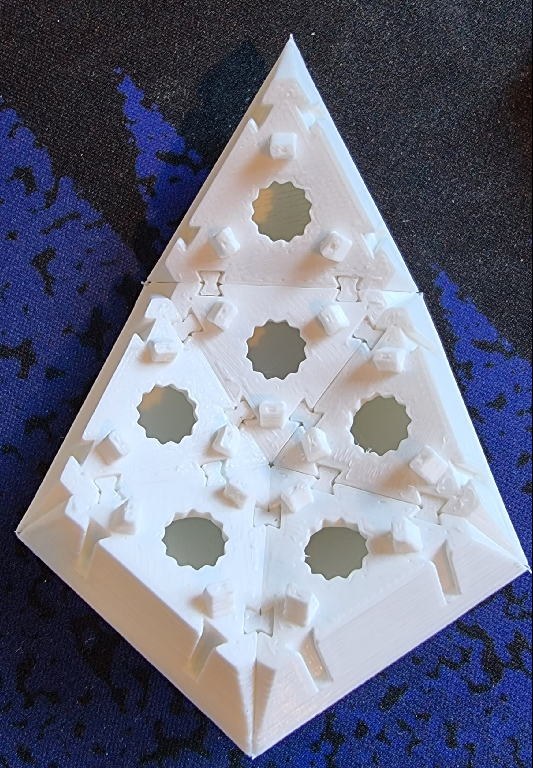
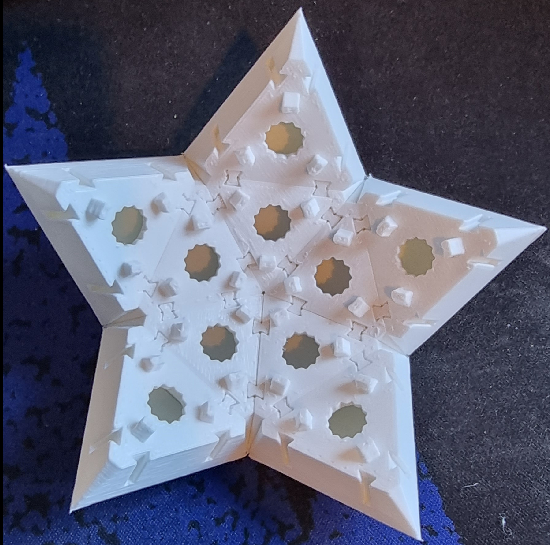
Now you need to make 5 more pentagons in the same way as the first. If you are assembling the AAB Magnets 3mf, ensure that there is one facet with the magnet hole on the outer edge of each pentagon.
Insert 2 wedges on one side only of each of the stars V and slide the pentagons in. Then lock them in place with 2 more opposite wedges.
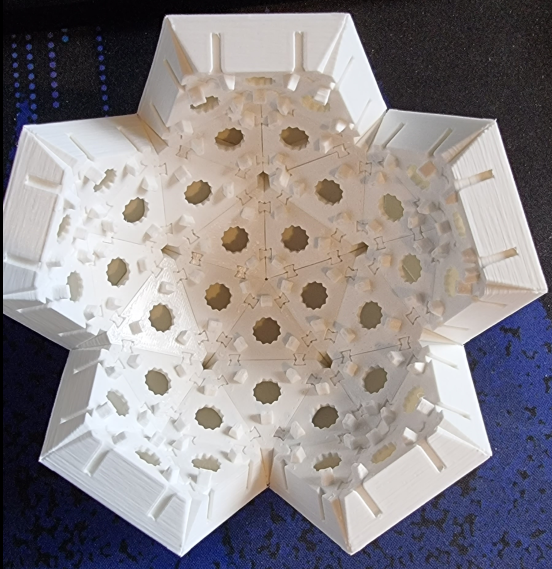
All that is left to to to finsh one half now is to fill in the remaining gaps with 5 more BBB facets. If you are assembling the BBB Magents 3mf, ensure that the magnet holes are on the outer edge.