
Nextruder Plotters
Obliczymy ostateczną cenę na podstawie wybranego pliku. Sprawdzisz ją i zaakceptujesz przed płatnością.
Zapisane na tym urządzeniu.
Make art with your Prusa and more! Install-and-forget, tool-less, zero hardware, and cross compatibility.
- Ocena
- 5 / 5
- Polubienia
- 88
- Pobrania
- 111
- Wydruki
- 2
- Wyświetlenia
- 1908
- Oceny
- 2
Aktualizacja u źródła:
Informacje o modelu
- Źródło
- Printables
- Kategoria
- Prusa Parts & Upgrades
- Licencja
- Creative Commons — Public Domain
Checkout my improved solution!
Features
No additional hardware needed
A G2 pen and filament are all you need.
Install and forget
Flexibly switch between plotting and 3D printing without removal of the attachment.
Tool free design
Slide in a spring and click the adapted cartridge into place. Easily remove by hand when complete.
Printer Support
Printer | Tool | Plotter Model | Installation | Homing | Calibration |
MK4 | G2 Pen | NEXTG2PP V11 Slim | ✅❔ | ✅❔ | |
MK4S | G2 Pen | NEXTG2PP V11 Slim | ✅Author | ✅Author | ✅Author |
XL | G2 Pen | NEXTG2PP V11 Slim | ❌❔ | ❌❔ | ❌❔ |
CORE One | G2 Pen | NEXTG2PP V11 Slim | ⚠❔ | ❌❔ | ❌❔ |
MK4 | FP Sharpie | NEXTFPSPP V11 Slim | ✅❔ | ✅❔ | ✅❔ |
MK4S | FP Sharpie | NEXTFPSPP V11 Slim | ✅Author | ✅Author | ✅Author |
XL | FP Sharpie | NEXTFPSPP V11 Slim | ❌❔ | ❌❔ | ❌❔ |
CORE One | FP Sharpie | NEXTFPSPP V11 Slim | ⚠❔ | ❌❔ | ❌❔ |
Download
G2 Pen
Latest G2 Spring to G2 Refill Adapter (V1)
Fine Point Sharpie
Latest Fine Point Sharpie Plotter (V11) Slim
Latest G2 Spring to Sharpie Adapter (V7)
Printing Notice
For correct operation, these models requires dimensional accuracy with a tolerance of 0.1 mm. Filaments sensitive to moisture should be dried prior to printing.
Samples
If you'd like to see scans of everything I've made with my adapters so far, check out my online art gallery at https://wryco.com/art
Installation
MK4S
Disassemble the Nextruder into state shown on step 21.
Install pen plotter adapter onto the three M3x12 screws, while using it to keep the loveboard right in place.
Perform steps 22 to 42 taking extra caution as to not damage cables during step 22.
Example Usage
Read these instructions carefully to prevent damage to the adapter and printer.
It is very important that the pen or sharpie be loaded into the adapter AFTER it has performed the probing sequence. Failure to remove the pen or sharpie before probing can result in damage to the adapter and printer.
Required materials:
Small binder clips
Paper (cardstock preferred)
G2 pen
(Fine point sharpie if you're using the FPS Adapter)
Note on materials:
There is flexibility in how one afixes a sheet of paper to their print bed. Small binder clips are used in these instructions, but something like printers tape or magnets can also be used. Just be mindful of printer head path and clearances.
Getting started:
Download the base project 3mf file for your adapter located in the model files > project file folder.
G2 Adapter | FPS Adapter |
|---|---|
G2 Base Project.3mf | FPS Base Project.3mf |
These files contain print settings like Z hop, Z offset, extrusion width, bed shape, and more already configured for you.
Import the SVG you want to plot.
Set the SVG dimensions to X: 203, Y: 207, Z: 0.1 and center the SVG on the print bed.
Slice the SVG and load the gcode onto your printer.
Before continuing, ensure the following:
- Your printer nozzle is clean to ensure accurate bed probing.
- Has a print sheet to prevent damage to the heated bed.
- VERY IMPORTANT: Does NOT have the pen or sharpie installed yet.
- Does not have paper secured yet.
Start the print and accept a "wrong filament" warning if prompted.
Printer will begin gcode, performing nozzle wipe, bed leveling sequence, and then pauses.
Load your g2 pen or sharpie into the adapter.
I find it easiest to combine the spring, adapter, and cartridge first, seat the spring to the top nub first, and then click the adapter and cartridge into place.
Place a sheet of US letter size paper on the bed aligning the top right corner with the top right of the bed. Secure the paper to the bed. 8mm binder clips, tape, magnets, etc. Be mindful of collisions
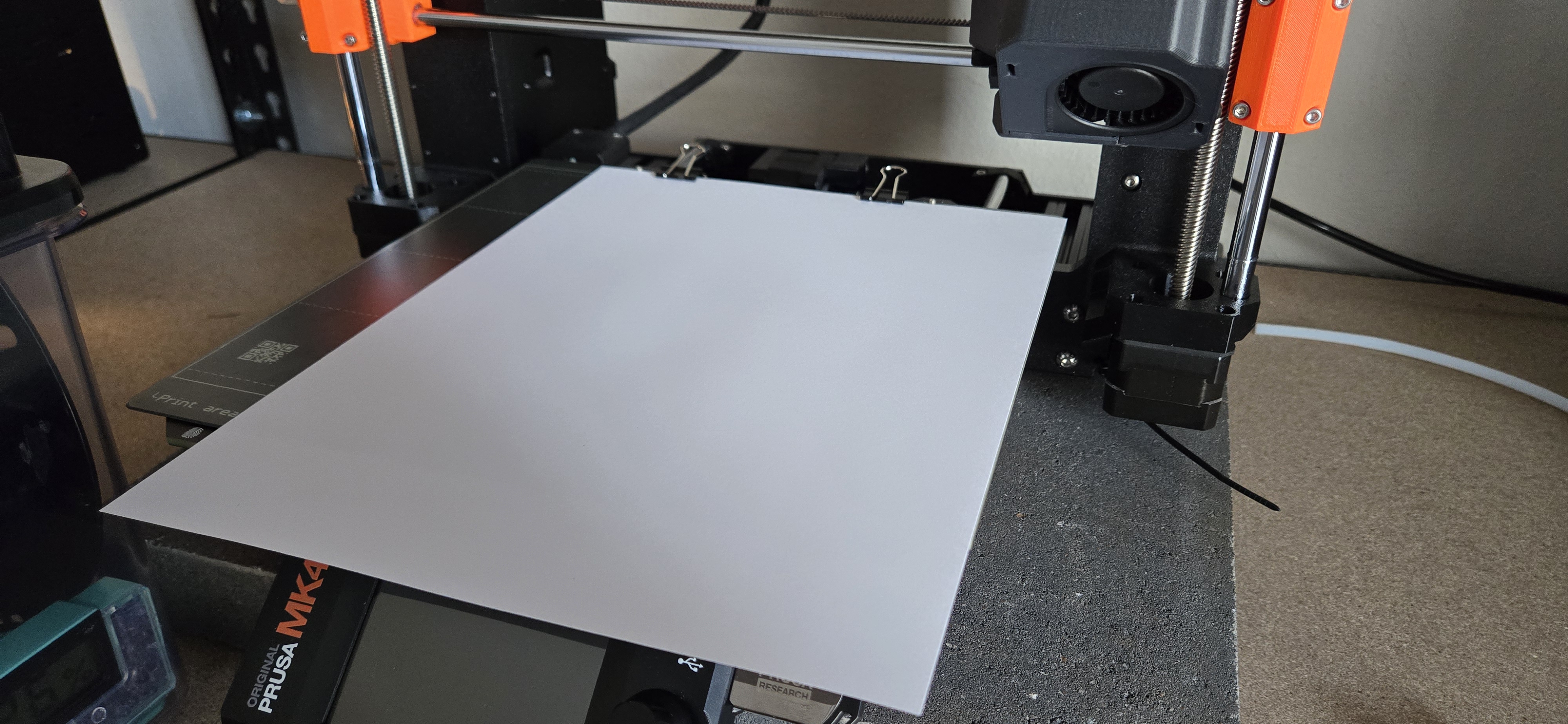
Ensure the right side of the paper is aligned with the print bed. This step is important for alignment of the plot on the page and the repeatability in realignment for multicolor plots.
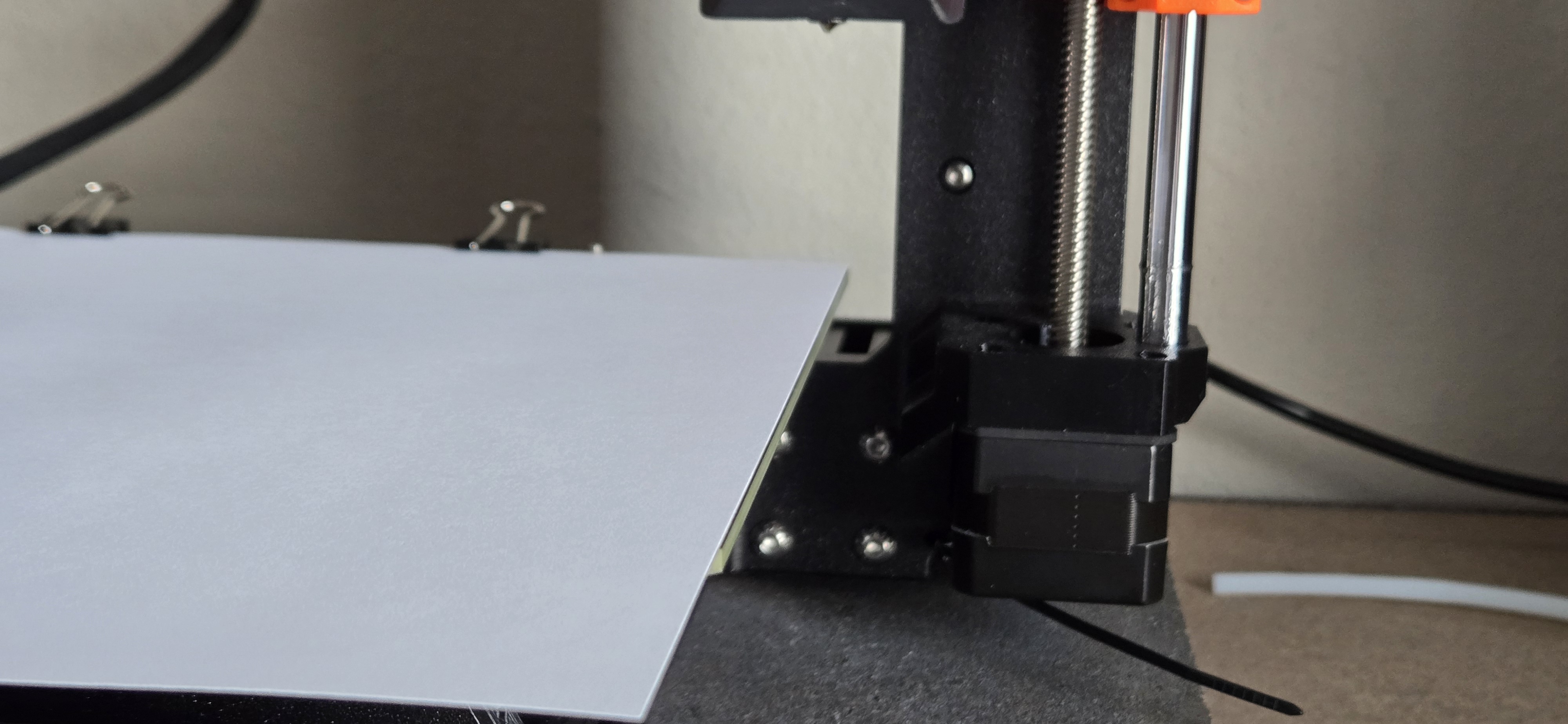
Remove the clips for that extra bit of clearance.
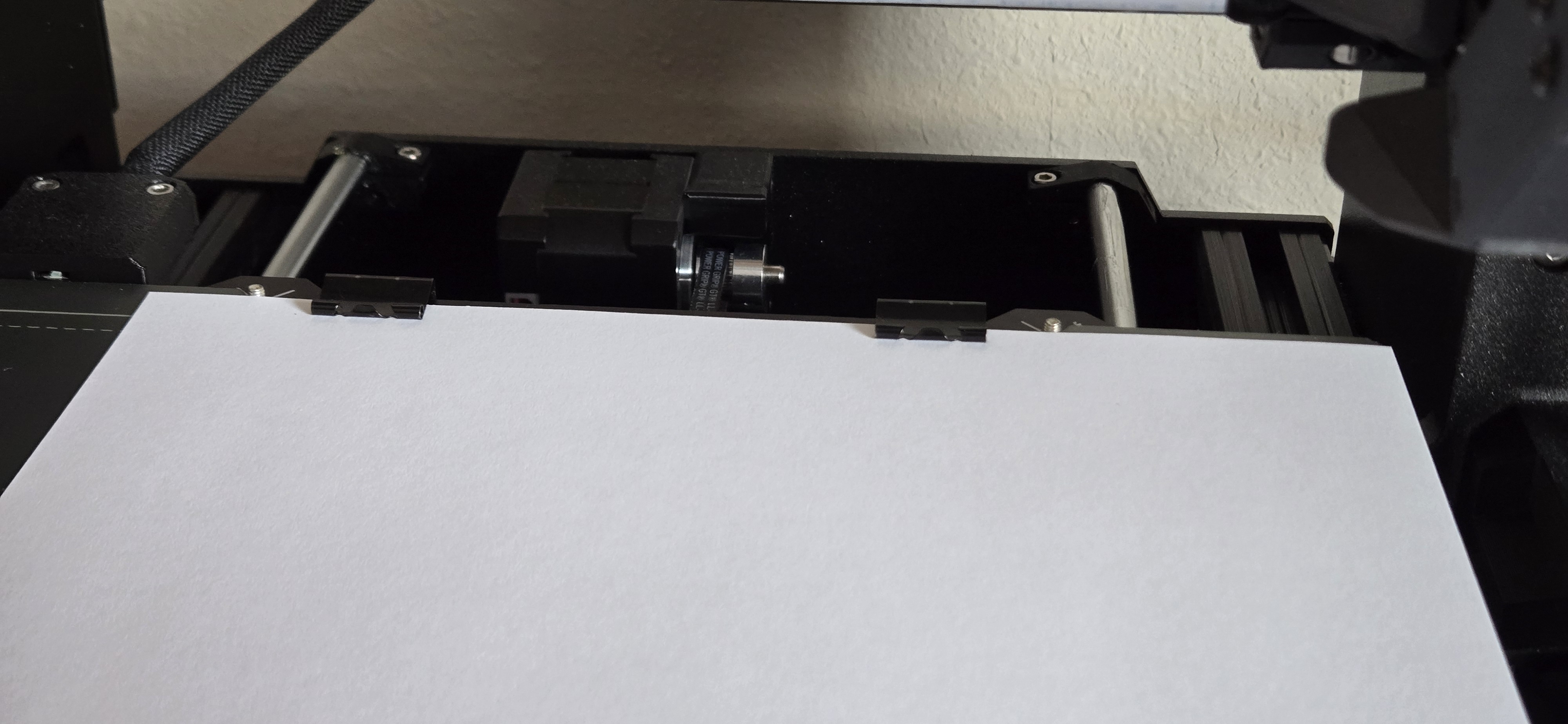
Click resume the plot and watch it begin the plot.
Once complete, remove the paper from the bed and remove the cartridge from the adapter. The adapter remains installed to the printer, allowing you to flexibly switch between 2d plotting and 3d printing.
I find that removing the g2 pen from the bottom is easiest, and the sharpie easiest from the top after removing the spring and adapter.
Enjoy your art.
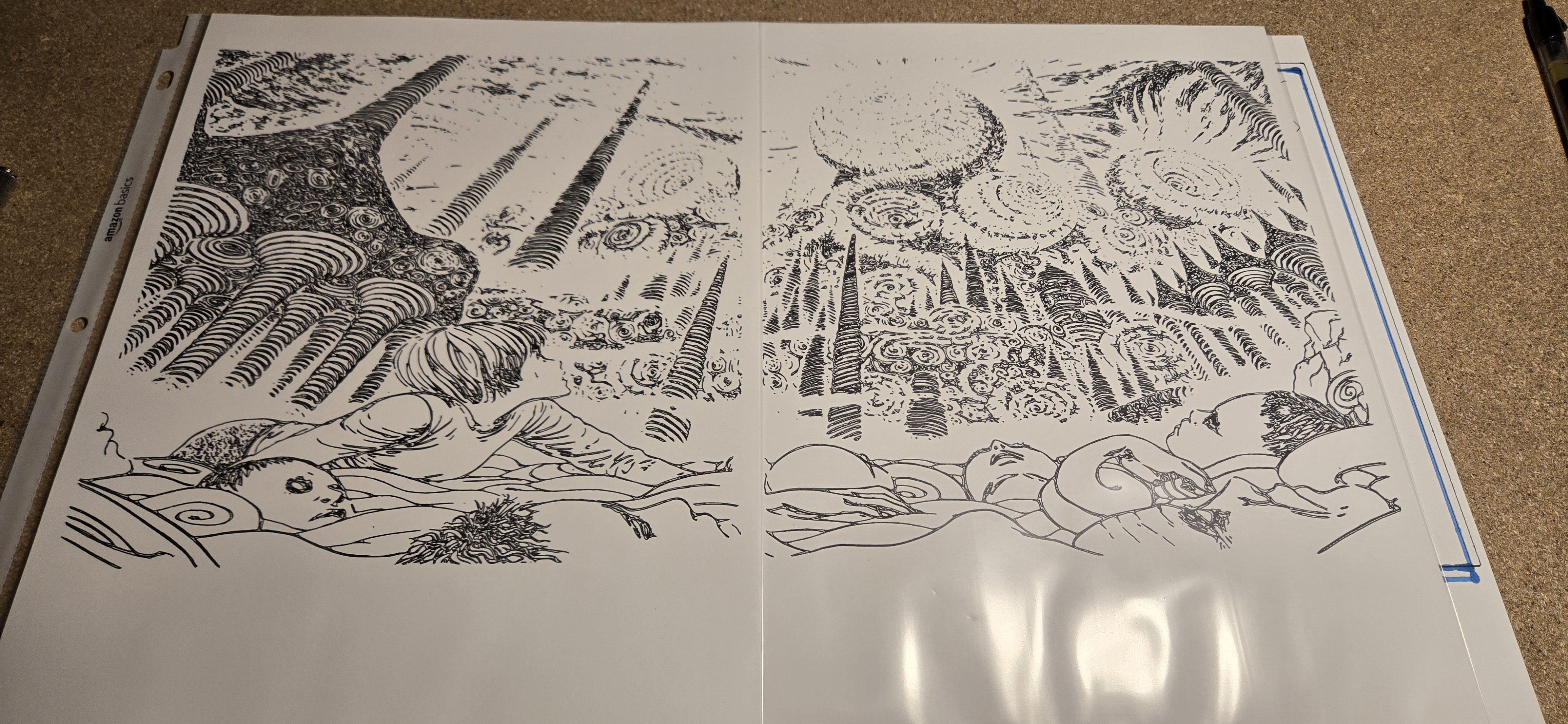
Be sure to share your make and art in the comments!