
Futuristic ESP8266 development case with Wagos
Obliczymy ostateczną cenę na podstawie wybranego pliku. Sprawdzisz ją i zaakceptujesz przed płatnością.
Zapisane na tym urządzeniu.
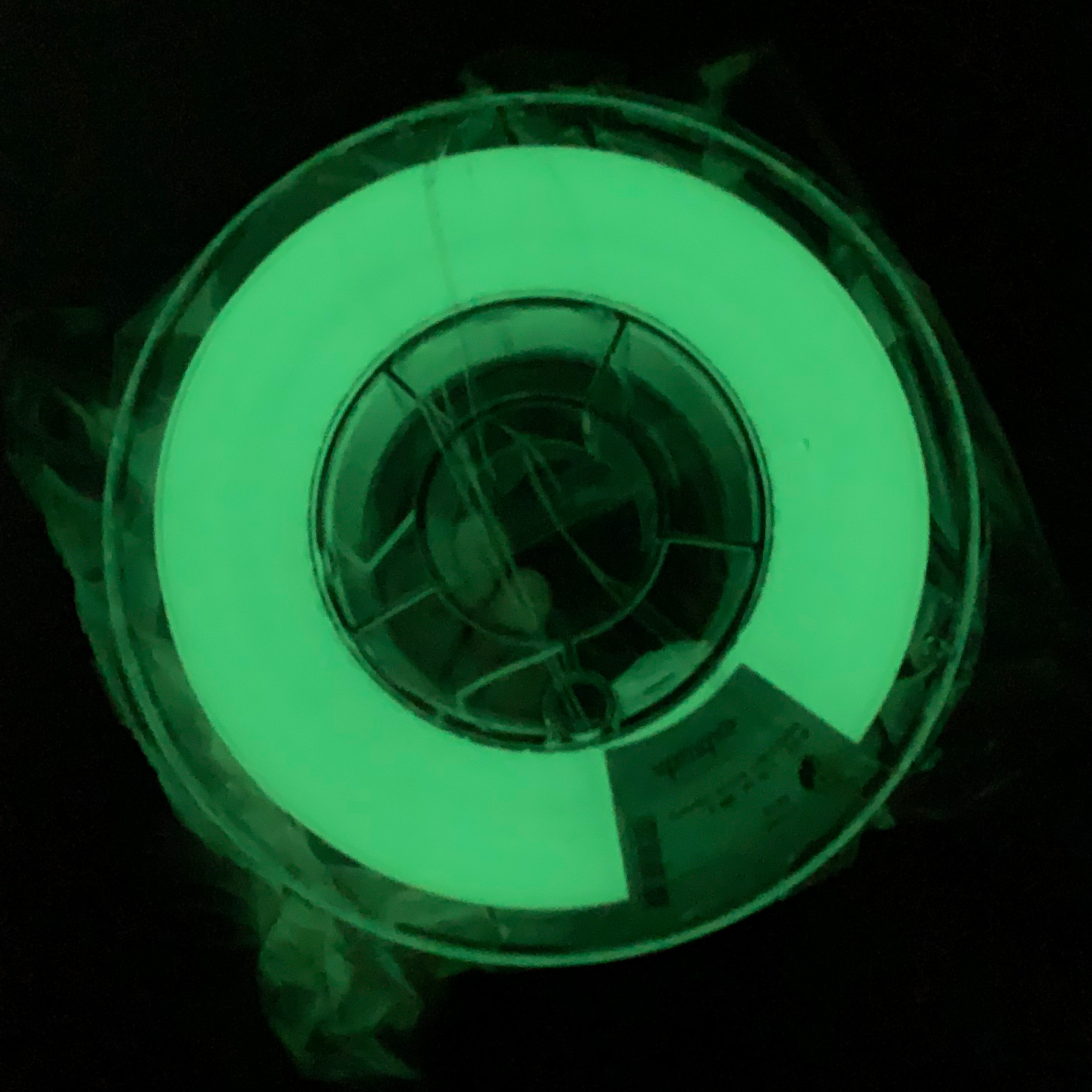
An Wemos D1 Mini - ESP8266 development case that uses Wago connectors.
- Ocena
- 0 / 5
- Polubienia
- 711
- Pobrania
- 313
- Wydruki
- 0
- Wyświetlenia
- 17 691
- Oceny
- 0
Aktualizacja u źródła:
Informacje o modelu
- Źródło
- Printables
- Kategoria
- Electronics
- Licencja
- Creative Commons — Attribution — Share Alike
For the Get creative with WAGO contest I thought it would be cool to have a case that houses a d1 mini esp8266 development board and Wago connectors to do the test setup instead of a breadboard.
You need to print the following files:
CaseTop 1x
CaseBottom 1x
CaseHandle 1x
CaseLatch 2x
ESPSection 1x
ESPSectionAccent 1x
WagoSectionRight 1x
WagoSectionBackplateRight 1x
WagoSectionLeft 1x
WagoSectionBackplateLeft 1x
LabelsSection 2x
Labels
WagoHolder 16x
Stls are already oriented in the right printing direction. For LabelsSection and ESPSection you can add support.
For the Labels use Split>ToParts and then select a different color for the base so you can print the letters of the labels in a different color. Please note that all labels are connected together as the wago creaters page limits the upload to 15 stls and there are already 16 labels.
Assembly Instructions
In the CaseBottom add 30 m3 heat inserts, so you can screw on the different top sections.
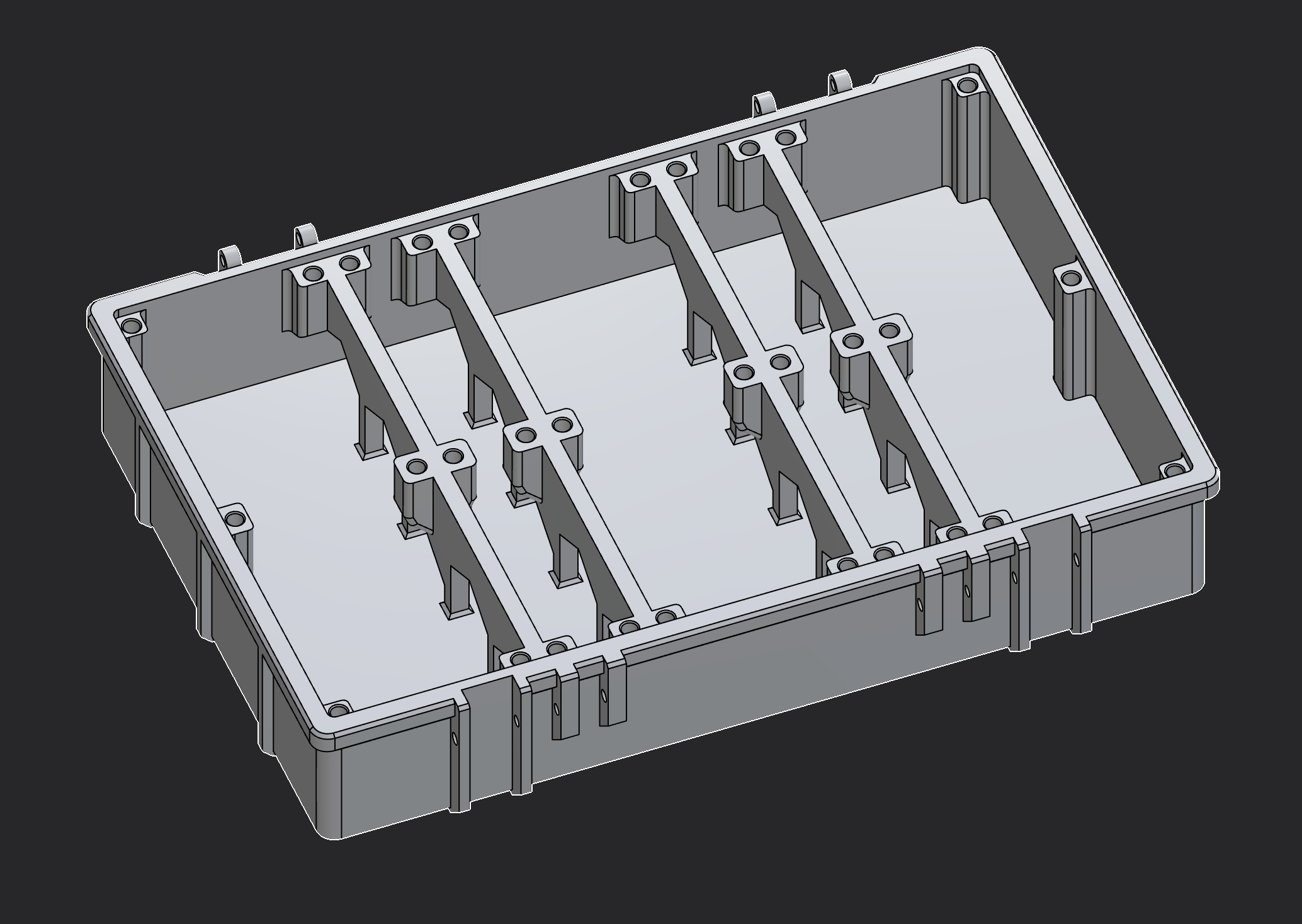
Connect CaseTop and CaseBottom with 2 m3x25 screws.
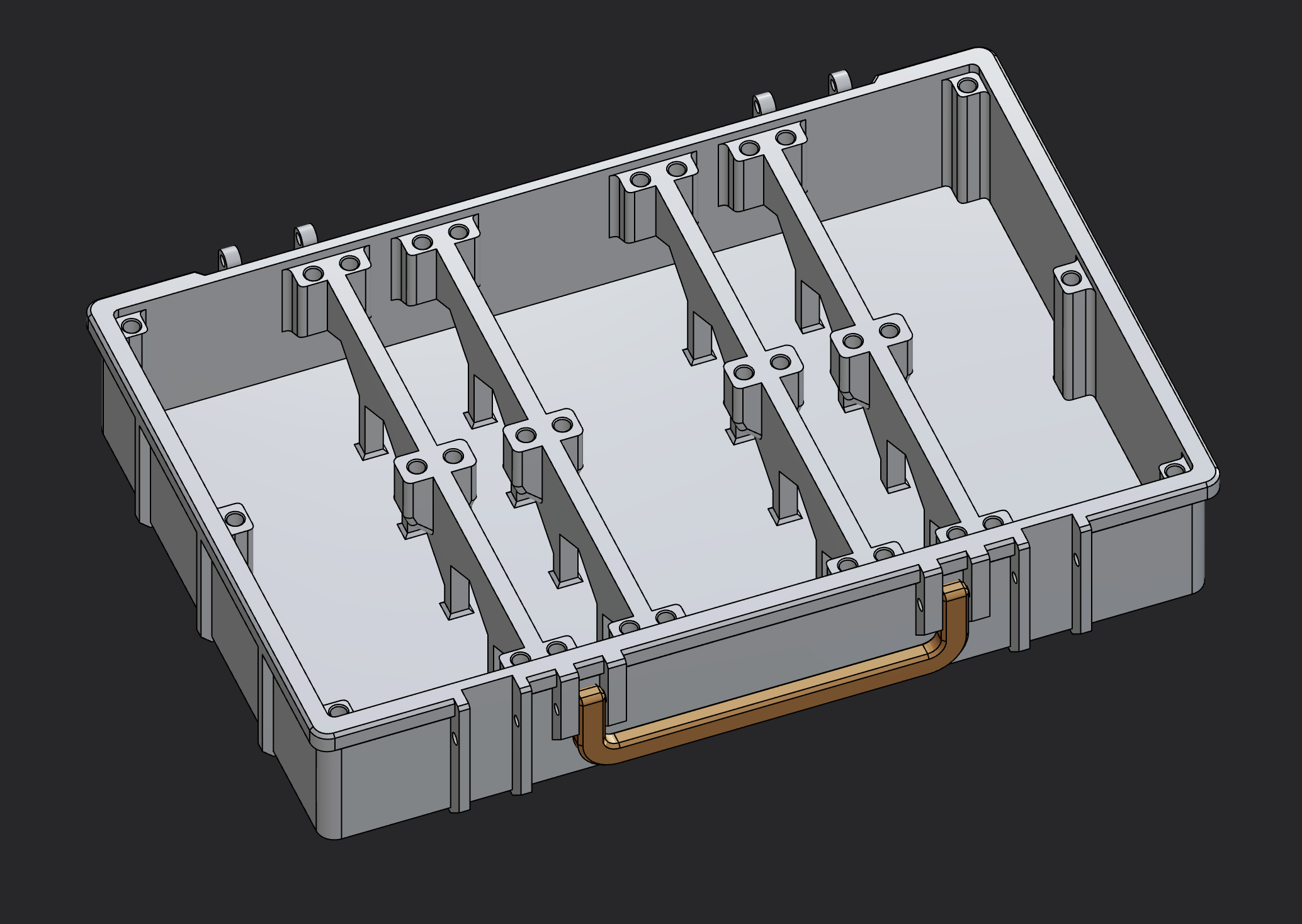
Add the CaseHandle to the CaseBottom with 2 m3x18 screws.
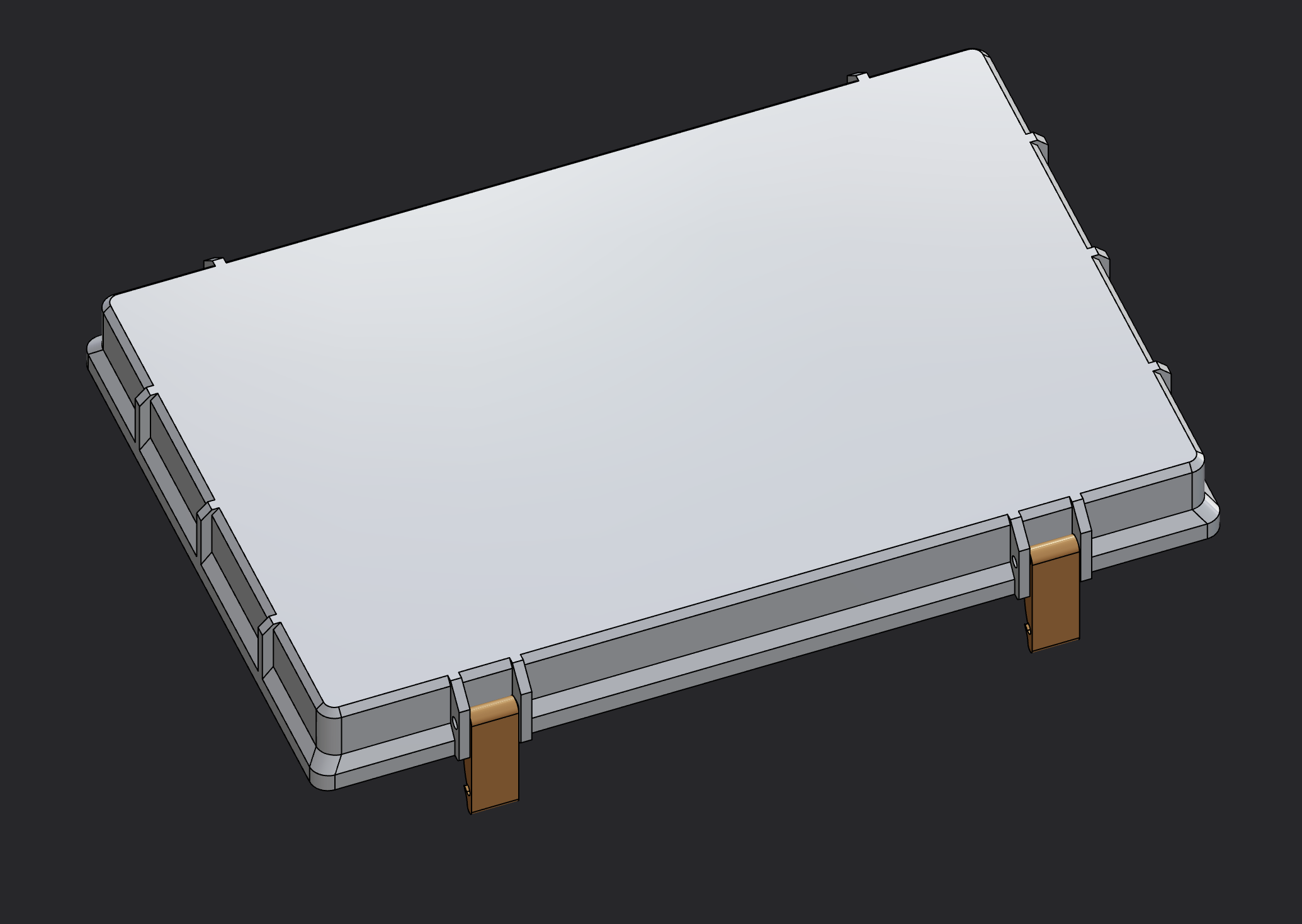
Add 2 m3x20 screws to CaseBottom for the latches to snap into and 2 m3x20 screws to secure the CaseLatches to the CaseTop
Add 2 8pin Dupont Connectors to the ESPSection. They should be press fit.
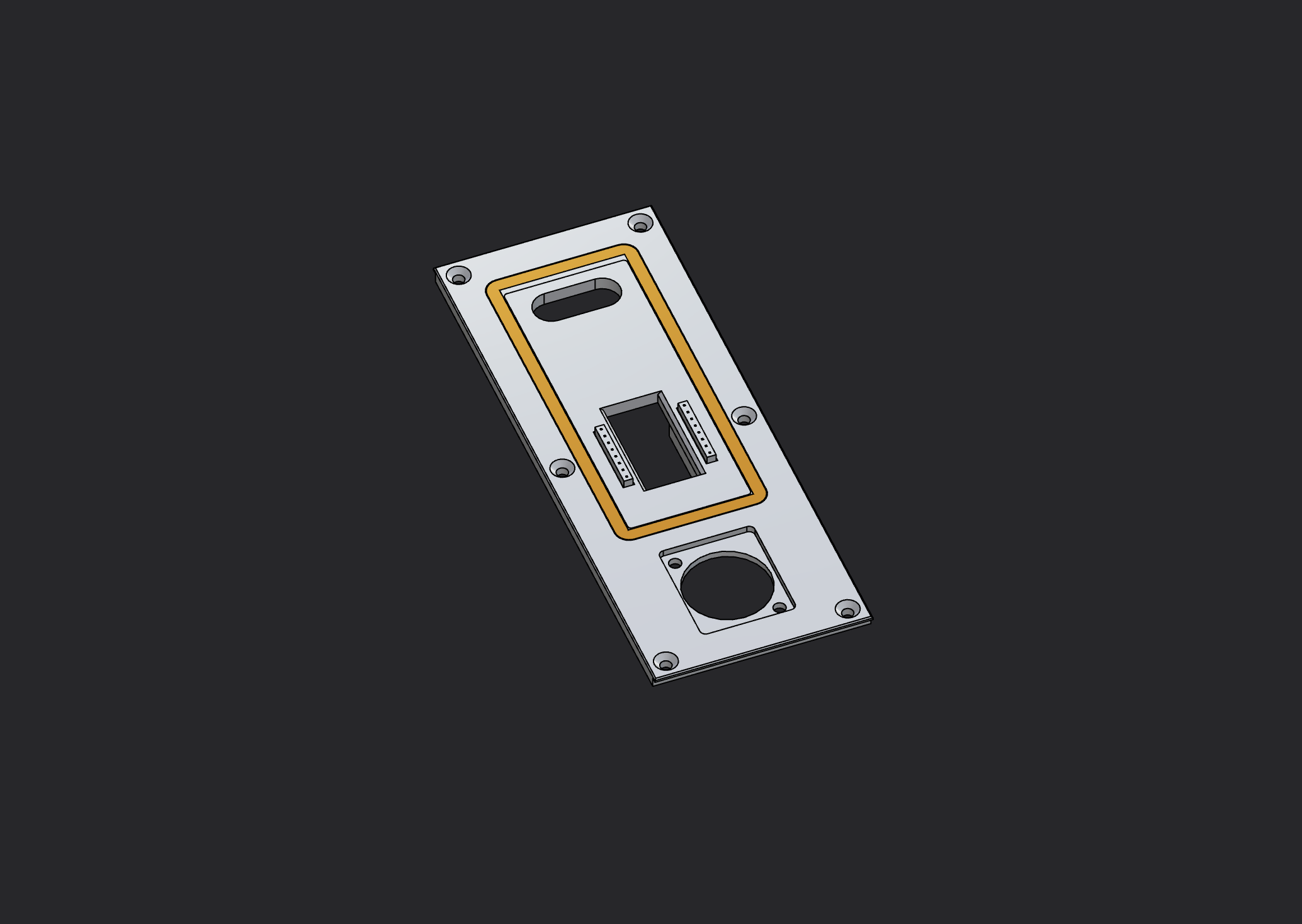
Crimp 16 cables and add them to the dupont connectors.
Add the USB-Port and secure it from the back with m3 hex nuts.
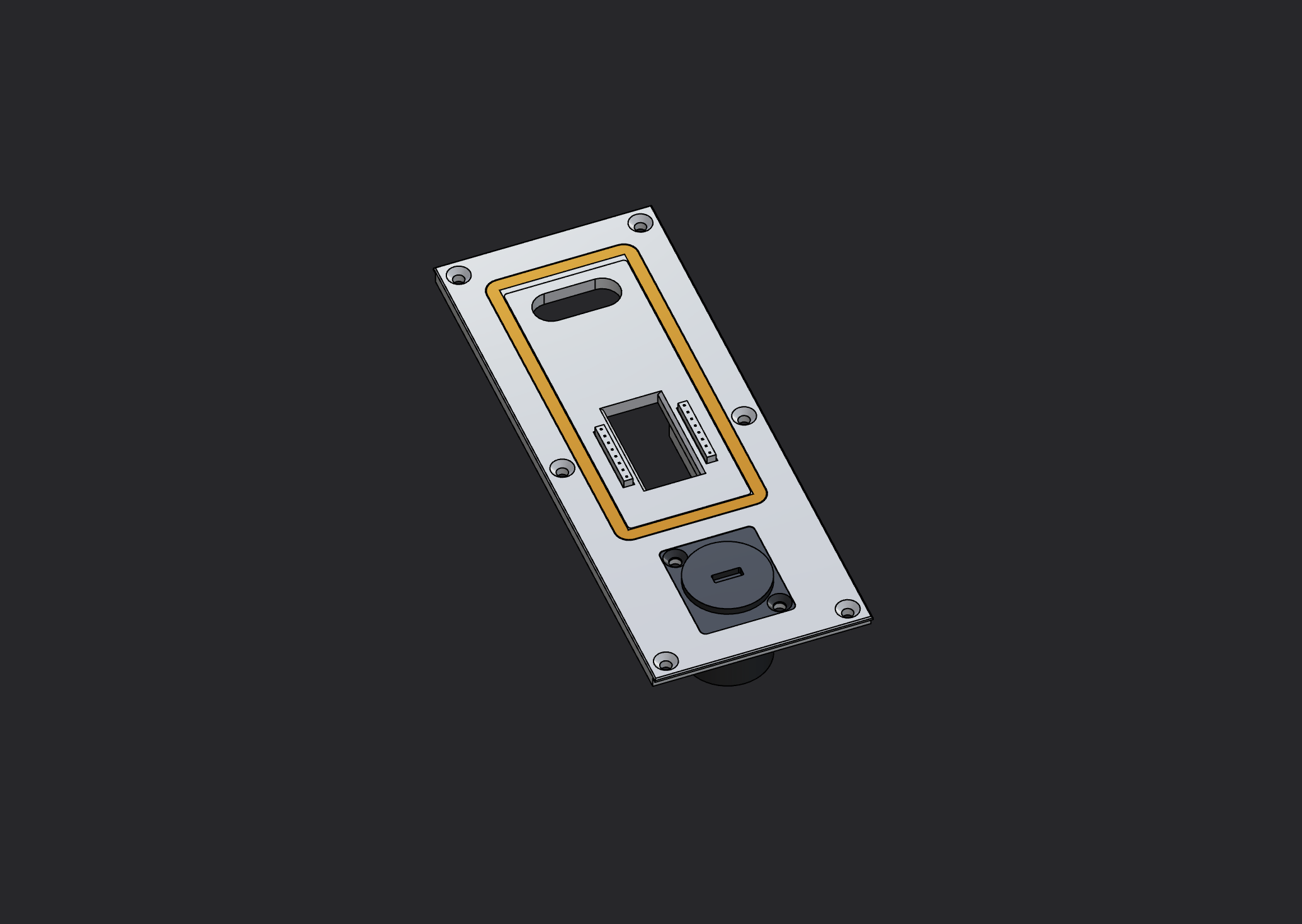
Add the ESPSectionAccent with some glue.
Add 2 m2.5 heatset inserts to the two holes in the bottom of each WagoHolder
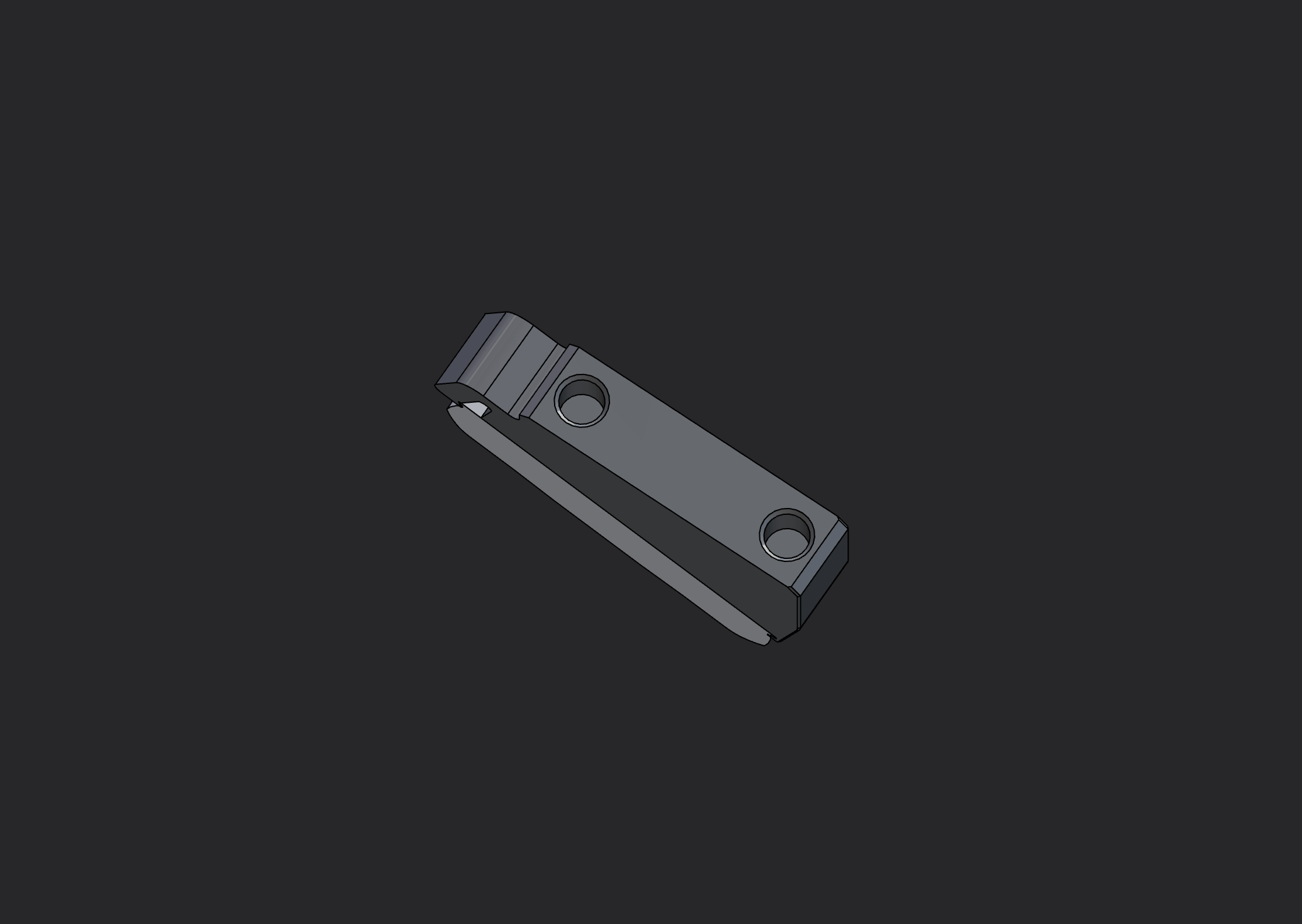
Add at least 6 m2.5 heatset inserts to the WagoSectionLeft and WagoSectionRight on both sides and in the middle. You can add more if you like.
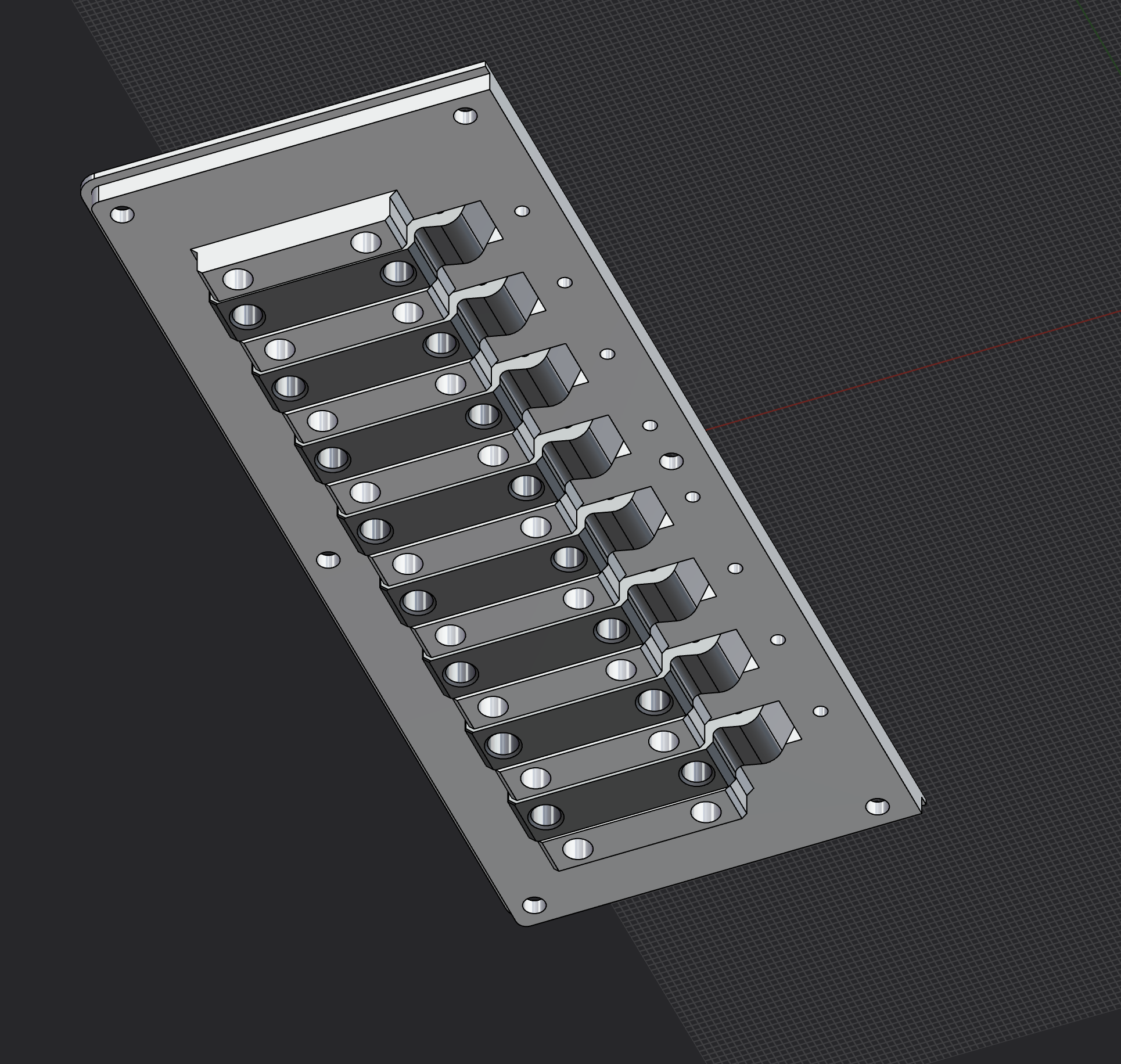
Insert the WagoHolders to the WagoSectionLeft and WagoSectionRight and secure them with the WagoSectionBackplateLeft and WagoSectionBackplateRight with m2.5x8 screws (38 in total).
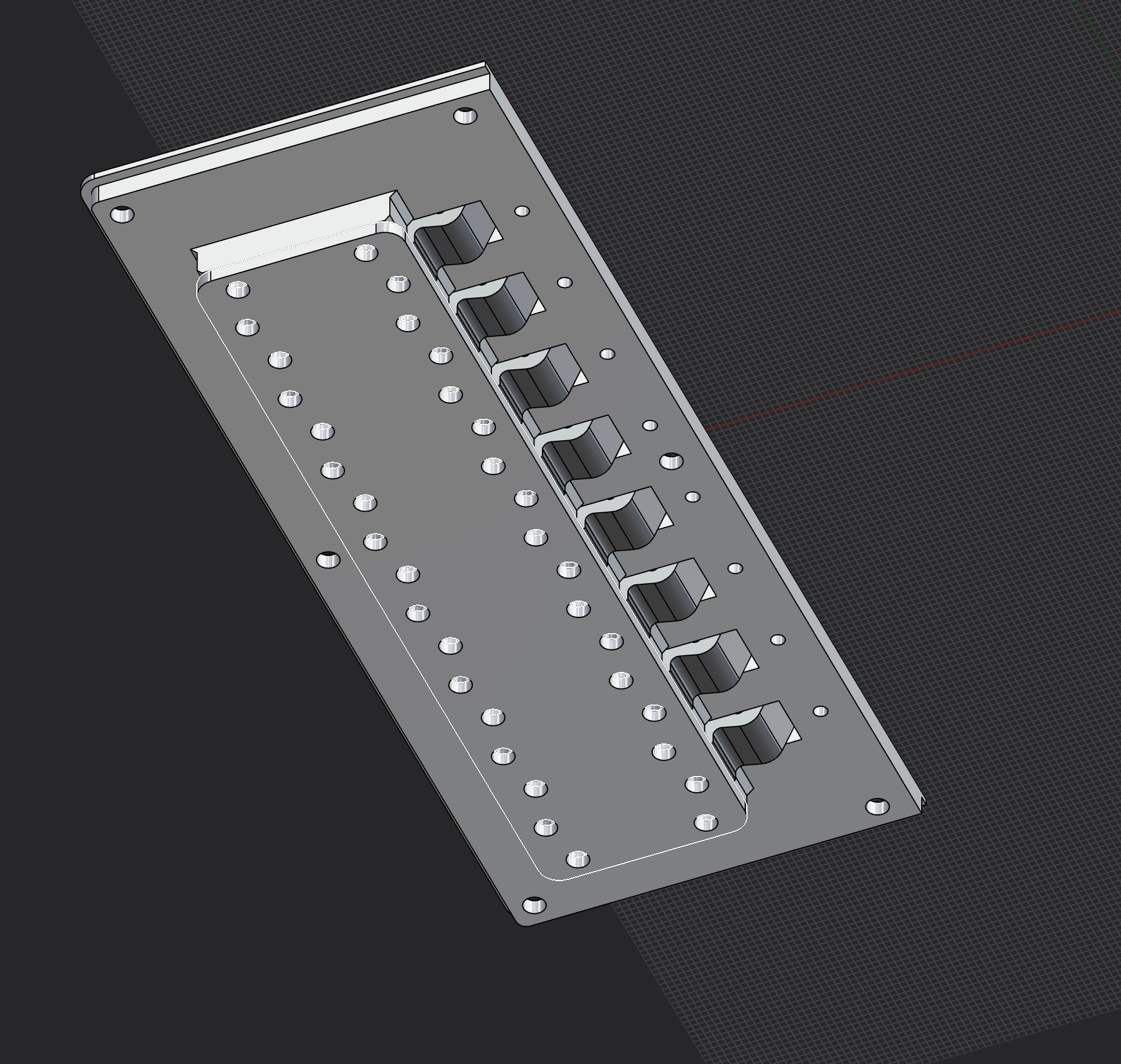
Thread the cables through to the holes in the WagoSectionLeft and WagoSectionRight and insert them to the Wago connectors.
Add the USB-Cable and the ESP8266 to the ESPSection
Screw in all sections to the CaseBottom using m3x8 countersunk screws (30).