
Crowpanel 1.28 Rotary Display mount
Obliczymy ostateczną cenę na podstawie wybranego pliku. Sprawdzisz ją i zaakceptujesz przed płatnością.
Zapisane na tym urządzeniu.

Mounting solution for the Crowpanel 1.28 Rotary Display
- Ocena
- 0 / 5
- Polubienia
- 7
- Pobrania
- 39
- Wydruki
- 0
- Wyświetlenia
- 516
- Oceny
- 0
Aktualizacja u źródła:
Informacje o modelu
- Źródło
- Printables
- Kategoria
- Electronics
- Licencja
- Creative Commons — Attribution
This is a mounting option for the Elecrow Crowpanel 1.28in rotary display.
This is simply two TPU ring halves that fit around the display and allow you to mount it in a 50mm hole. I needed it for a 5mm thick panel so that's what this is made for, but you can adjust for a thicker panel in the freecad file. I have it set to 5.5 in the FreeCad file and it works perfectly in a 5mm panel, so you might want to use the thickness of your panel plus .5mm.
I printed the TPU rings with support using slim tree supports and I changed "Support/object XY distance" to 2mm. That keeps the ring from sticking to the base of the supports.
You should experiment with this before using. You may need to adjust the 50mm hole to slightly larger or smaller. You can also adjust the FreeCad file if you don't like the gap between the ring halves. The FreeCad file started off as a 50mm circular ring that I cut in half. You can adjust the size by changing the 0mm constraint on the last sketch so it's not cut exactly in half.
To use, create a panel with a 50mm hole in a 5mm thick panel. Print two ring halves.
Note that the rings have a thick part on the inside that fits down inside the black groove on the Crowpanel, so make sure to orient the ring halves the same way.
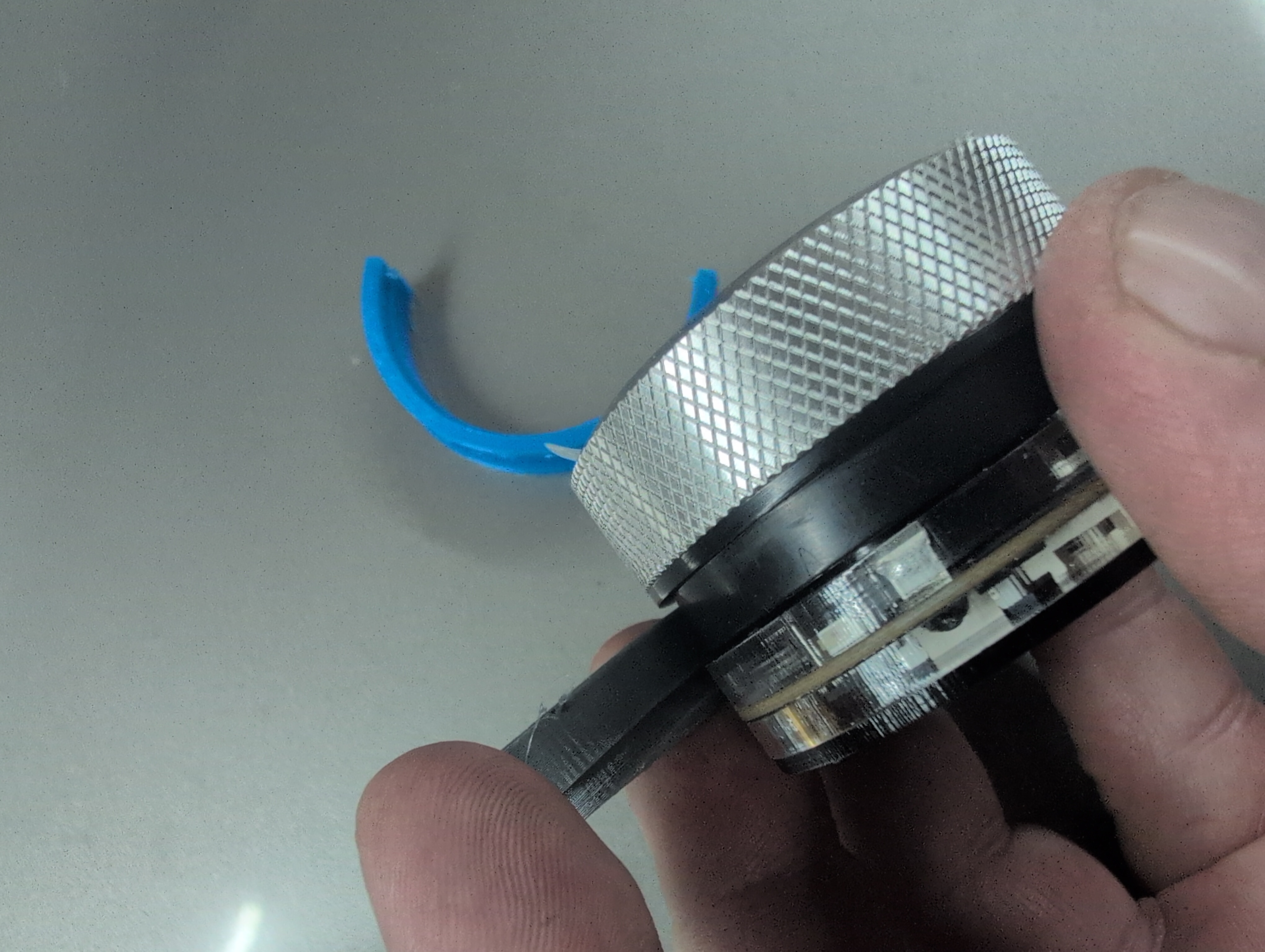
Put one ring around the Crowpanel and put them in the 50mm hole.I'm using gray and blue rings here.
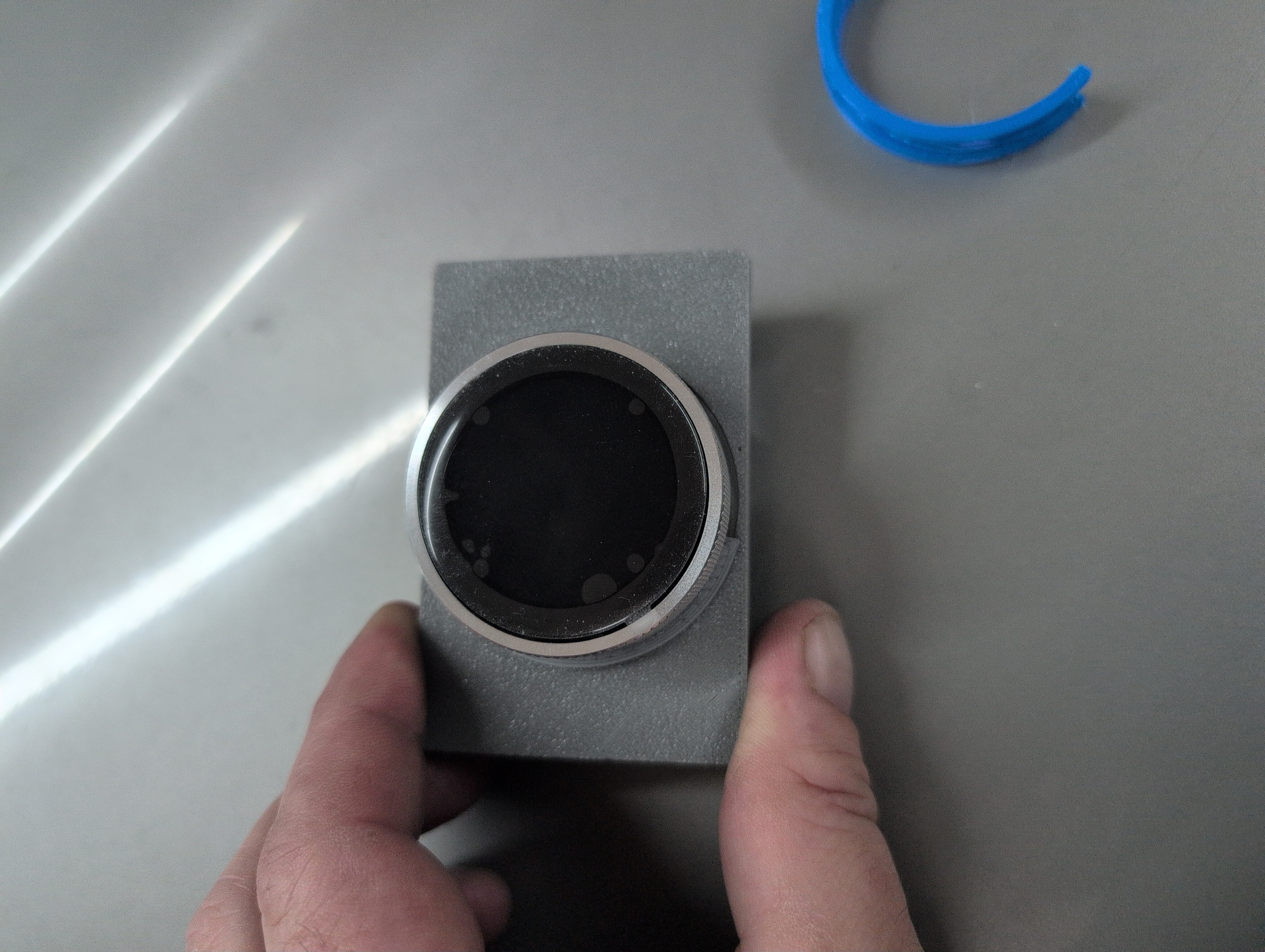
Put one corner of the second ring half into the hole
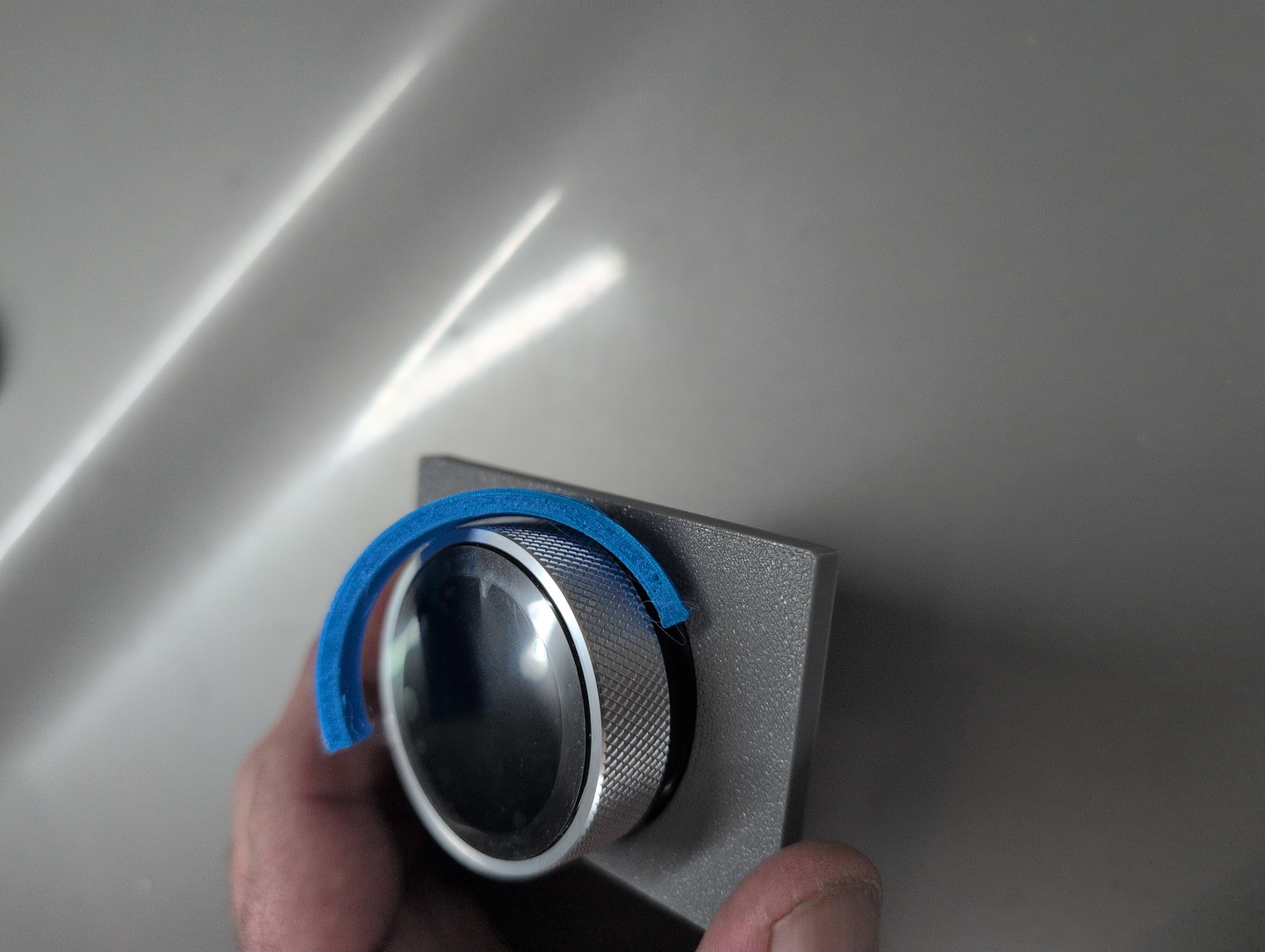
Slide it around while pushing down and most of it should go in the hole
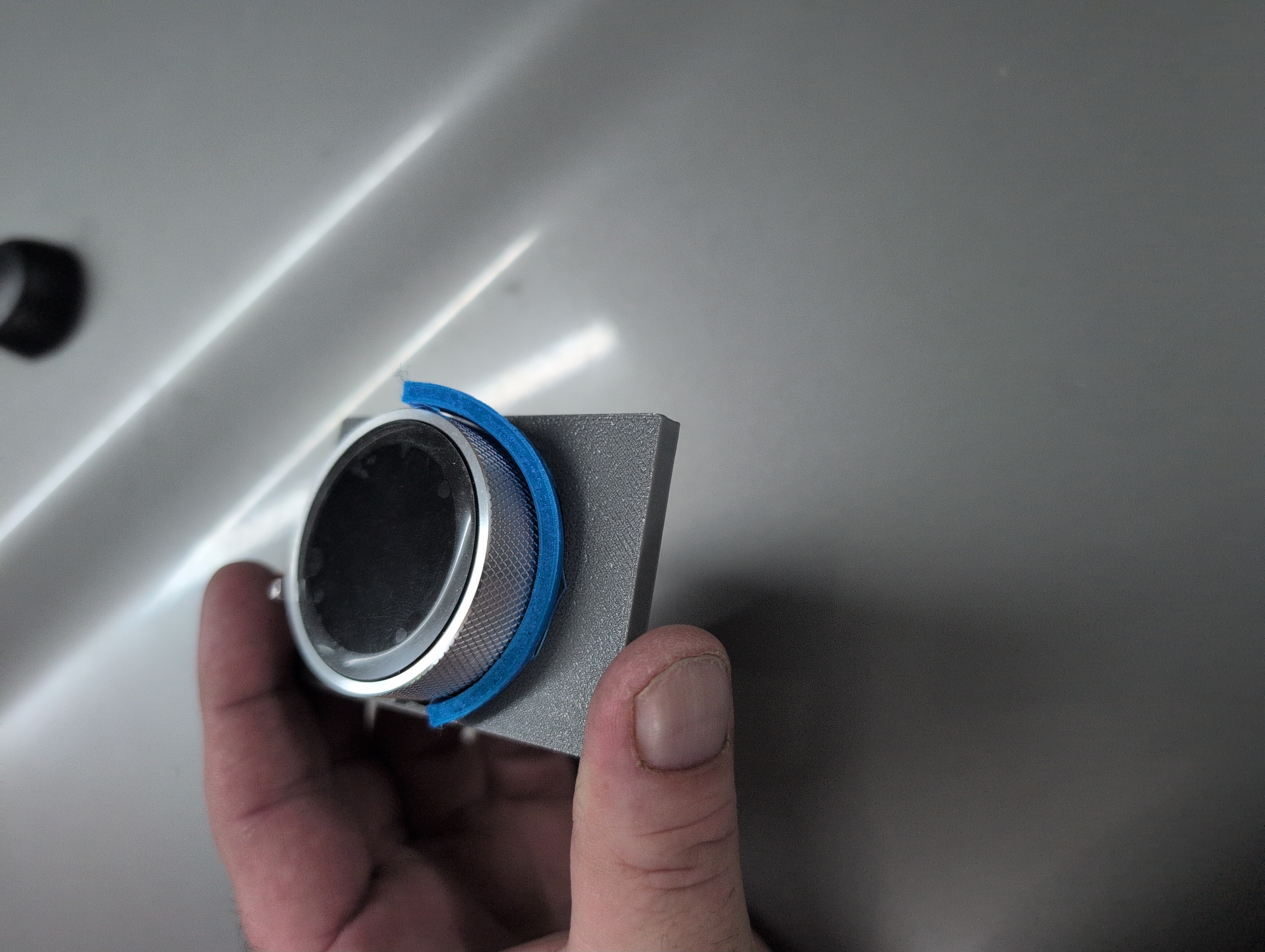
You will probably end up like this. Keep pushing down on the second ring and wiggle the Crowpanel up and down and the ring will eventually pop into place.
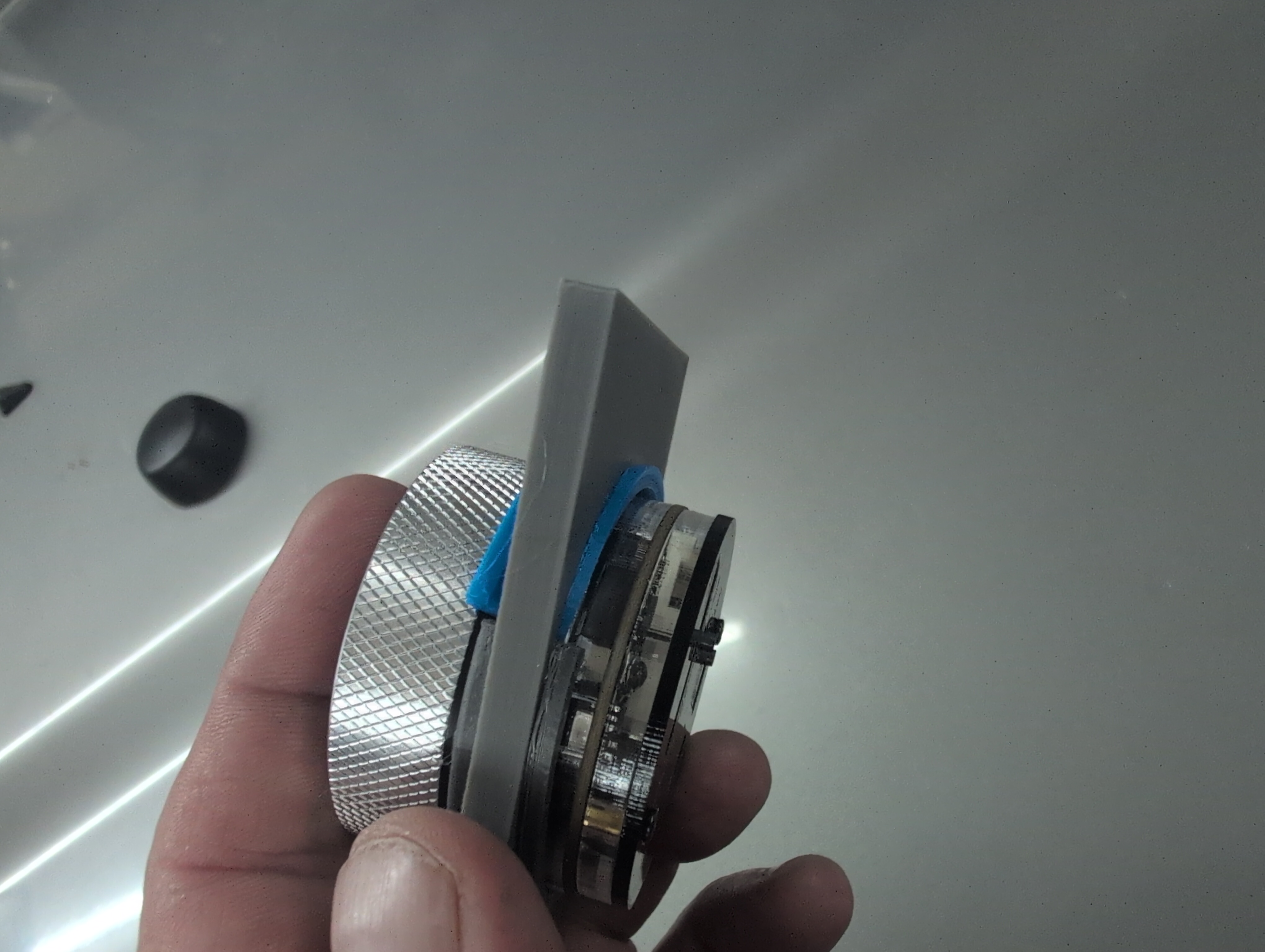
Note: Rotate the silver bezel of the Crowpanel and make sure the black base of the Crowpanel doesn't rotate. If it does, you need a slightly smaller hole to squeeze the base of the Crowpanel a little more. The bezel needs to rotate while the rest of the Crowpanel stays stationary.