
ScoreFlip - bluetooth page flipper
Obliczymy ostateczną cenę na podstawie wybranego pliku. Sprawdzisz ją i zaakceptujesz przed płatnością.
Zapisane na tym urządzeniu.
Informacje o modelu
- Źródło
- Printables
- Kategoria
- Music
- Licencja
- GNU Lesser General Public License
Its here! Cheap page flipper - ScoreFlip
"Comercial page flippers are very expensive (+30€), yet they do the same job as a wireless mouse!" That was the thought that sparked this project. I got it after buying my first wide-screen tablet mainly for playing music and mush more effective musical notes. And here is its 3 version, which I have been using on profesinal level for more than half a year and few dozens performaces.
For more detailed information and tutorial visit my website, where you can find even more projects (usually less practical 😅 )
Model is specific for my selection of generally available components. Feel free to remix for your components of choice, please do share your remix with the community 🥰. Fusion 360 design files included in .zip below.
Key Features
Sleek and minimal design
Ideal button angle prevents slipping
Power by AA battery
Total cost of material and components around 7 € (176 kč)
Dimensioned for even large boots (mine are EU 46)
Tested on real musicians (not just me)
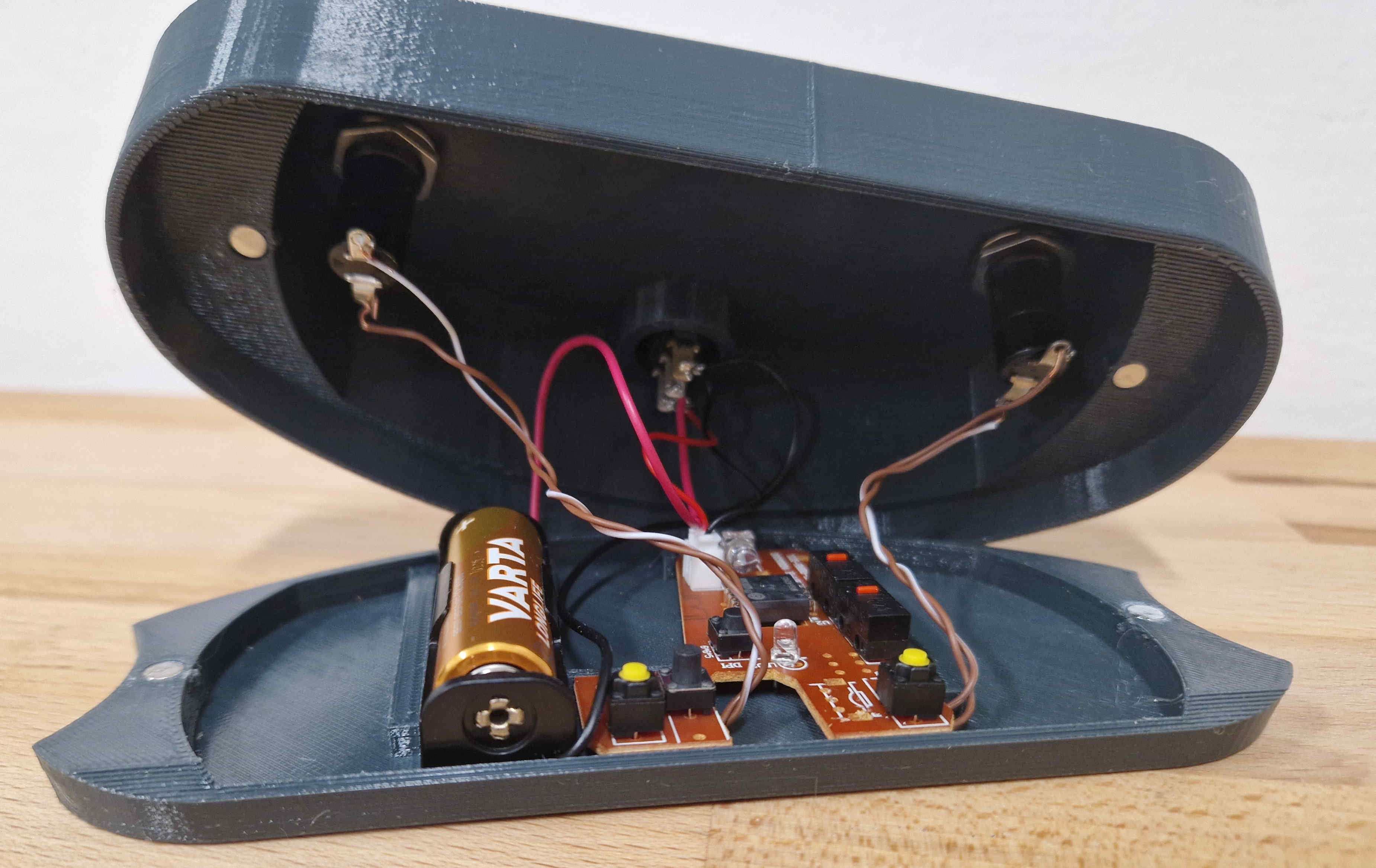
List of ALL components
Electronics
Wireless bluethooth mouse, the cheaper the better. I use this cheap mouse. Note that using a different one will probably not press-fit into existing design. More on that later.
AA batery housing - Mouse usually has AA bateries. I use this AA Batery housing beacuse its realiable. Note that using a different one will probably not press-fit into existing design. More on that later. You can also print one out and use end connections from the mouse
Buttons - with quiet click, no aretation: something like these buttons.
Power switch - best with light indication: something like this switch. Mine has indication, but not for 1,5V batteries.
Wires and soldering stuff - to connect buttons and switch to mouse PCB.
3D print
• PETG filament 90g - I used PETG Prusa Urban Grey.
Aditional
Magnets - If you can, use 5x3 mm neodymium cylinders. For different sizes, change parameters in the model. Can be suplemented by two-sided ducktape or some clever 3D printed locking.
Music sheet app - I use MobileMusic, paid. With other apps, check compatibility with regular bluetooth mouses first.
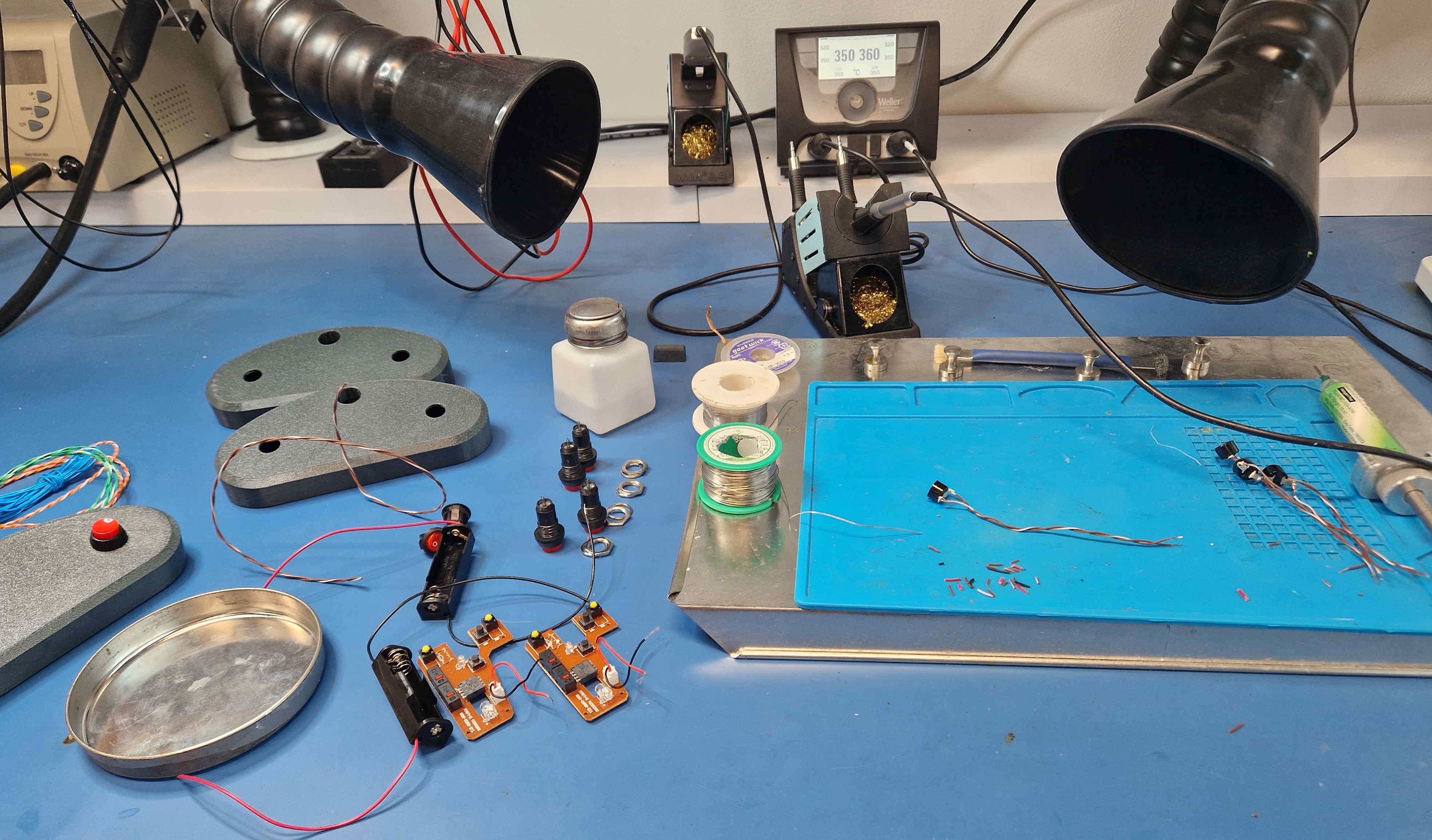
Connection instruction
Fully assembled ScoreFlip can be connected via bluetooth like this:
Turn on the ScoreFlip using the power switch.
Put the ScoreFlip into pairing mode by pressing two buttons, shown on picture simultaneously for 3-4s. Release and center LED should turn blue.
On your tablet or computer, go to Bluetooth settings and search for new devices.
Select the ScoreFlip, usually named GW-224 5.2, from the list of available devices.
Once connected, open your music sheet app and test the page flipping functionality using the buttons on the ScoreFlip.
Instructions are mousel model specific, but mice tent to have similar instructions included.