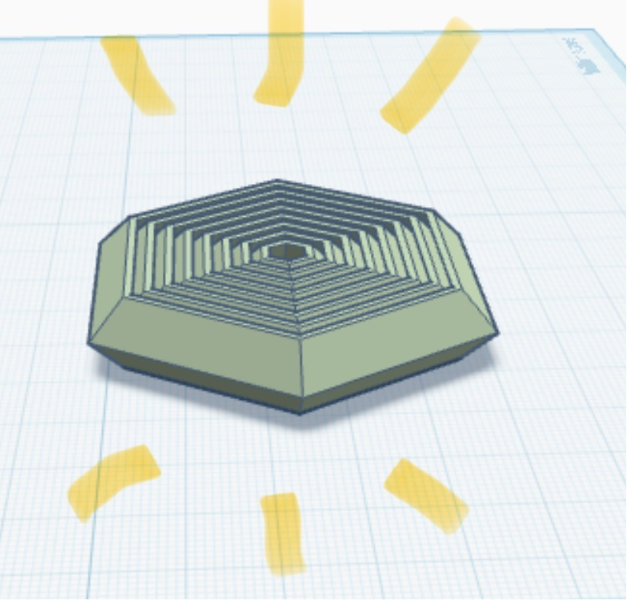
Fidget Tutorial!!!! DIY on Tinkercad
Obliczymy ostateczną cenę na podstawie wybranego pliku. Sprawdzisz ją i zaakceptujesz przed płatnością.
Zapisane na tym urządzeniu.
Informacje o modelu
- Źródło
- Printables
- Kategoria
- Other Ideas
- Licencja
- Creative Commons — Public Domain
Before we start, I just want to let you all know there is already a 🆓 model available of what we’re about to make. I just want to show you how this was made, or just create one yourself. If you want to download, check out my “Really cool fidget”. Best not to download from here :)
Oki! Now we’re going to do the thang!
get a revolve on Tinkercad...
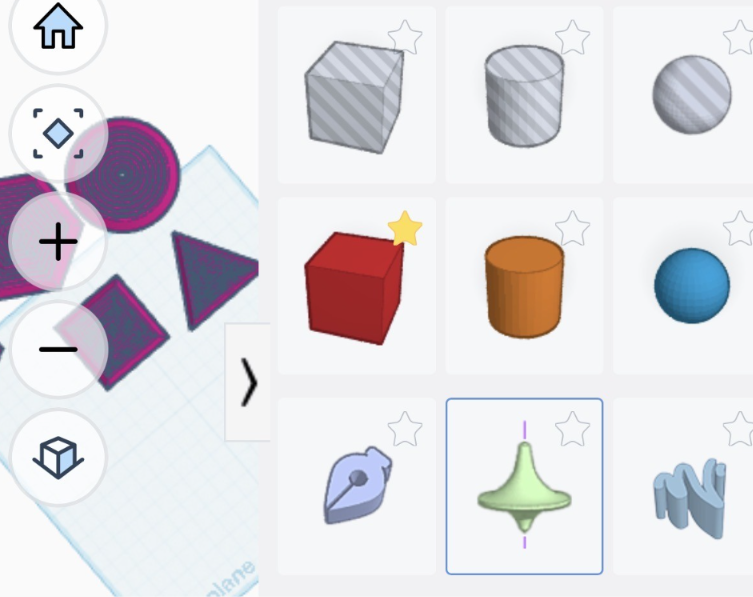
this is the only shape we will use. it will automatically show you to the sketch menu. now you have the screen looking like this!
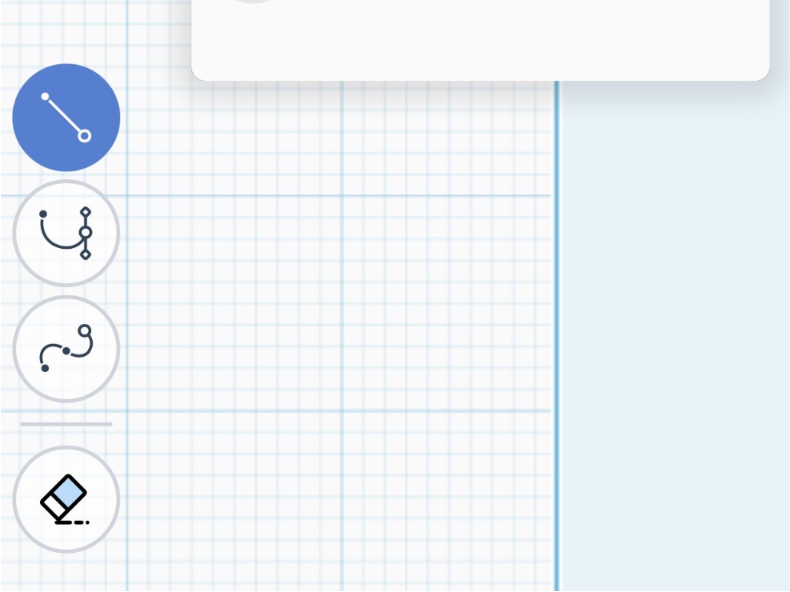
now draw the shape following. don't worry, you're using the line tool! :)
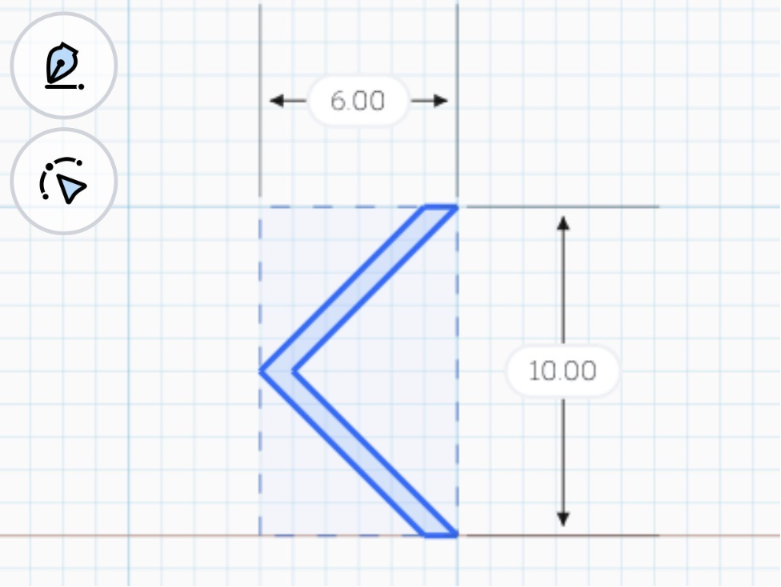
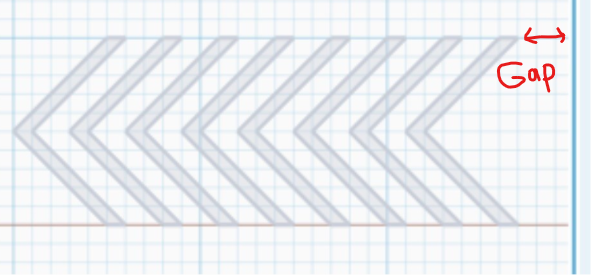
now, the fun bit! copy it, and paste it with a two millimetre space between each other until it meets the end of the sketching board, but make sure it has a gap.
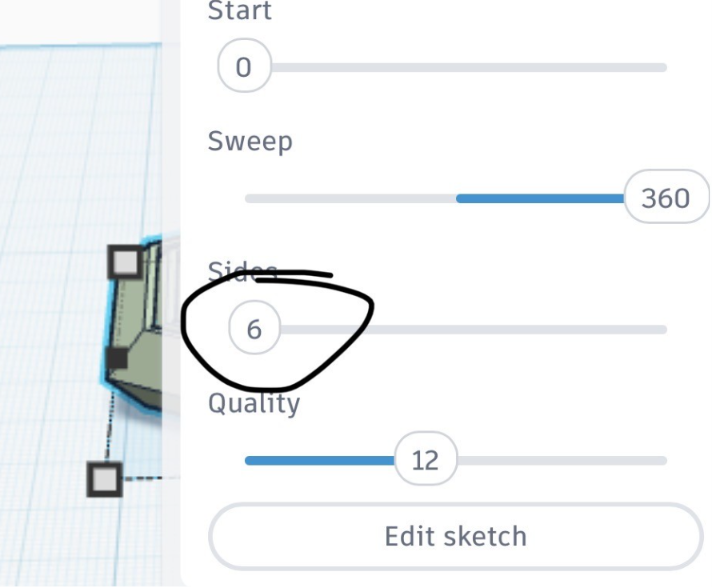
ok! <<FINAL BIT!!>> select the amount of sides you want it to have. it will automatically set the sides to 48.
ANNNNNND YOU'RE FINISHED! WOW!!! BET YOU COOKED!!