
Nefertiti ColorMix - created with Color Mix Lab
Obliczymy ostateczną cenę na podstawie wybranego pliku. Sprawdzisz ją i zaakceptujesz przed płatnością.
Zapisane na tym urządzeniu.
The bust of Nefertiti as a ColorMix model, created with Color Mix Lab.
- Ocena
- 0 / 5
- Polubienia
- 11
- Pobrania
- 71
- Wydruki
- 0
- Wyświetlenia
- 402
- Oceny
- 0
Aktualizacja u źródła:
Informacje o modelu
- Źródło
- Printables
- Kategoria
- Sculptures
- Licencja
- Creative Commons — Attribution — Noncommercial — Share Alike
The bust of Nefertiti was converted into a ColorMix model using Color Mix Lab.
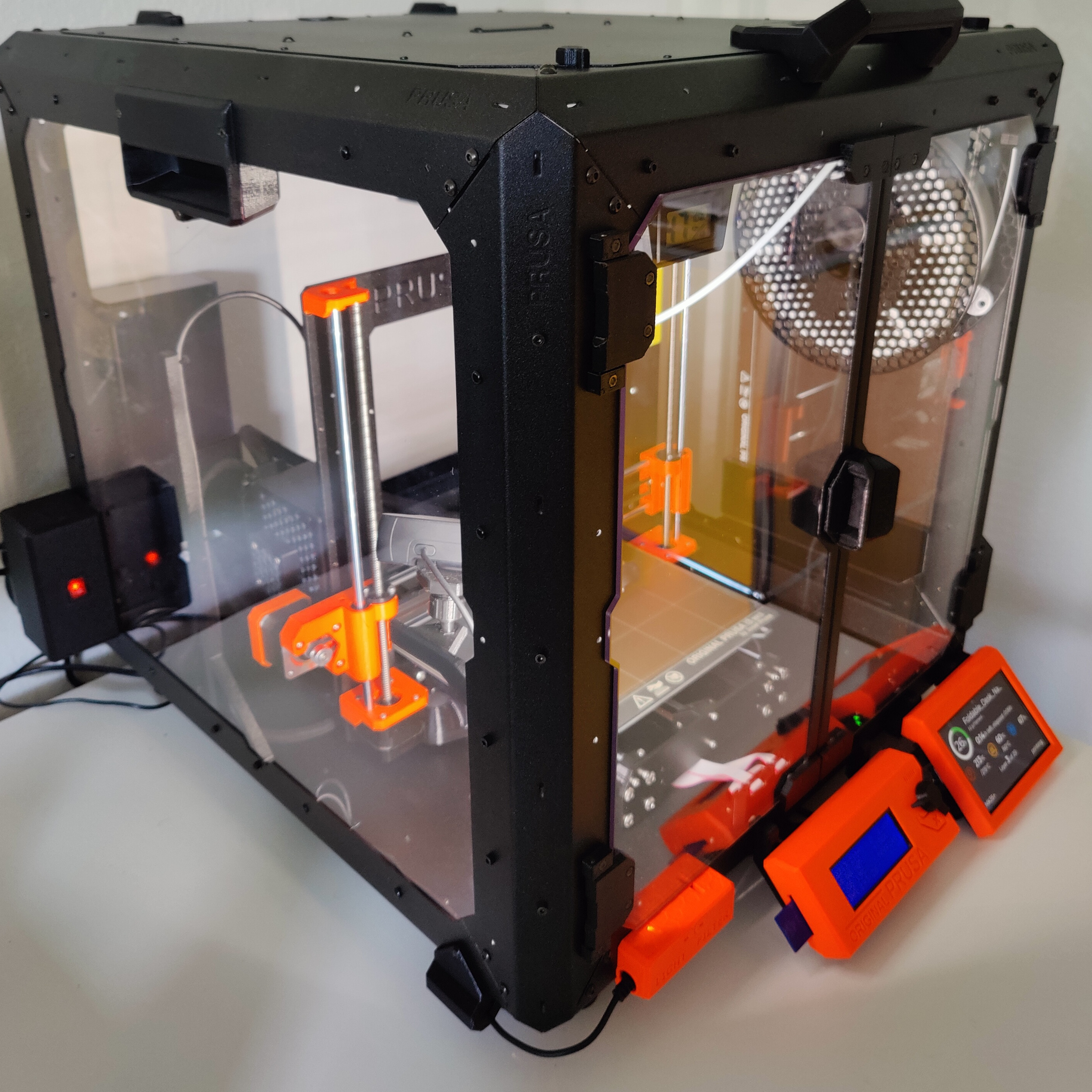
First, an acknowledgment: The photos of the four Nefertiti figures were taken by Kryštof Kohout at the Prusa Studio in Prague. The photos show a test print that Kryštof produced in July 2026 on a Prusa Core One + INDX with CMYKWRGB filaments. I created the 3MF file, which is included in this publication. The 3MF file for this test print contains four mixing step levels: 5%, 10%, 20%, and 25%. Thank you very much, Kryštof, for your collaboration and for allowing me to participate in this experiment!
You need Prusa Slicer 2.9.6 or newer for the 3MF file.
In the ZIP you will find the project data for the Color Mix Lab. Unzip it and import the JSON-files under “Project data”
But what is “Color Mix Lab”? It is a browser-based tool for converting textured or vertex-colored 3D models into PrusaSlicer-compatible 3MF projects using virtual color and extruder mixes. It is an experimental lab and reference workflow for preparing color-rich 3D models for PrusaSlicer ColorMix / virtual extruder workflows.
Try the live app: Color Mix Lab Github Page

Many 3D models contain colour information as textures, materials, or vertex colours. At the time this tool was created, PrusaSlicer did not directly convert arbitrary textured models into virtual colour mixes for the ColorMix workflow. This may change in future PrusaSlicer releases. Color Mix Lab provides an experimental workflow for converting these model colours into a PrusaSlicer-compatible 3MF project.
The app has two main parts:
Texture Baking converts texture or material colours into baked model colours.
VertexColor 2 ColorMix converts baked or vertex-coloured models into reduced palettes, physical colour assignments, virtual blends, print simulations, and PrusaSlicer 3MF exports.
The intended workflow is:
Textured model → baked colours → reduced target palette → physical colours → virtual blends → PrusaSlicer 3MF
Selected capabilities:
combine Texture Baking and VertexColor 2 ColorMix in one browser-based app,
configure up to eight physical extruders,
import filament colour lists and generate model-based filament colour proposals,
generate a reduced target palette that is independent of the number of physical extruders,
generate effective virtual blends for PrusaSlicer ColorMix / virtual extruder workflows,
preview the reachable colour approximation using an FDM-oriented mixer model,
use 3MF templates to preserve printer and filament-slot configuration,
process models locally in the browser without a server-side workflow.
Color Mix Lab is not a general full-colour slicer. It is a focused lab tool for this specific texture/vertex-colour to PrusaSlicer ColorMix workflow.
Main workflows
Color Mix Lab contains two related but separate workflows.
Texture Baking
The Texture Baking workflow is used for models that contain texture or material colours but do not yet contain directly usable baked colour information.
Texture Baking converts visible texture or material colours into baked model colours. These baked colours can then be used in the VertexColor 2 ColorMix workflow.
This workflow is useful when a model looks coloured in a 3D viewer, but the colour information is stored in textures rather than in geometry-level colour data.

VertexColor 2 ColorMix
The VertexColor 2 ColorMix workflow is used for models that already contain baked or vertex-level colour information.
VertexColor 2 ColorMix reduces the model colours, maps them to physical and virtual extruder colours, previews the reachable colour approximation, and exports a 3MF project intended for PrusaSlicer.
This workflow can be used independently of Texture Baking. For example, a model baked in Blender can be loaded directly into VertexColor 2 ColorMix.

Typical workflow
A typical full workflow starts with a textured model and ends with a PrusaSlicer-compatible 3MF project.
Load textured model
Load a GLB or OBJ/MTL model with textures into the Texture Baking workflow.Apply bake colour correction
Adjust colour correction settings if the texture colours need to be corrected before baking.Bake colours
Convert the visible texture or material colours into baked model colours.Send to VertexColor 2 ColorMix
Transfer the baked model to the VertexColor 2 ColorMix workflow.Configure physical colours
Select the number of physical extruders and assign real filament colours manually or from a filament list.Generate palette and virtual mixes
Generate the reduced target palette and the effective virtual colour blends.Export PrusaSlicer 3MF
Export a 3MF project for PrusaSlicer, optionally based on a 3MF template.Inspect in PrusaSlicer
Open the exported 3MF in PrusaSlicer and check all printer, filament, extruder, wipe, and preview settings before printing.

Supported inputs
Type | Supported | Workflow / purpose |
|---|---|---|
GLB | Yes | Texture Baking |
OBJ + MTL + textures | Yes | Texture Baking |
OBJ with vertex colours | Yes | VertexColor 2 ColorMix |
Baked OBJ model | Yes | VertexColor 2 ColorMix |
3MF template | Yes | Recommended for PrusaSlicer export |
Filament CSV | Yes | Physical colour proposal and colour reference |
STL | No | STL does not contain colour information |
Generic 3MF model import | No | 3MF is used as a template/export format, not as a general colour-model import workflow |
The practical result depends strongly on the structure and quality of the input model. Clean geometry, valid UV maps, correctly assigned textures, and consistent colour data improve the result.
Supported outputs
Output | Supported | Notes |
|---|---|---|
PrusaSlicer-compatible 3MF project | Yes | Main export target |
Baked model data for internal handoff | Yes | Used between Texture Baking and VertexColor 2 ColorMix |
General full-colour slicer project | No | Color Mix Lab is not a full-colour slicer |
Universal slicer-compatible 3MF | No | The 3MF export is intended for PrusaSlicer |
Key concepts
Reduced target palette
The reduced target palette describes the important colours of the model after colour reduction.
It is the target colour set that the model should preserve as well as possible. It is not limited to the number of physical extruders.
For example, a model may have a reduced target palette of 64 or 128 colours, while the printer may only have five or eight physical filament colours. The target palette describes the model. The physical colours describe the printer setup.
The reduced target palette should:
preserve dominant colours,
preserve visually important accent colours,
merge very similar colours where reasonable,
provide useful colour targets for virtual blend generation.
Physical colours
Physical colours are the real filament colours available in the printer.
They correspond to the actual loaded filaments or extruder slots, for example cyan, magenta, yellow, white, black, grey, brown, red, or any manually selected filament colour.
Physical colours define the available colour basis from which virtual blends can be generated.
Virtual extruders
Virtual extruders are PrusaSlicer-side colour entries that represent a mix of physical extruders.
Instead of using only the real filament slots, PrusaSlicer can represent additional virtual colour entries by combining physical extruders according to defined mixing ratios.
Color Mix Lab uses this concept to approximate more model colours than would be possible with the physical filaments alone.
Effective virtual blends
Effective virtual blends are the actual reachable colour mixes generated from the selected physical colours.
They represent the colours that Color Mix Lab can approximate with the configured physical filament set and the supported virtual mixing logic.
The effective virtual blends are therefore different from the reduced target palette:
The reduced target palette describes the desired model colours.
The effective virtual blends describe the colours that are reachable with the selected physical filaments and virtual mixing constraints.

Print simulation
The print simulation previews how the model may look after mapping the reduced target palette to the available physical colours and effective virtual blends.
The print simulation is a diagnostic approximation, not a guarantee of the real printed result.
It is meant to be closer to the PrusaSlicer / ColorMix concept than a simple RGB average.
Prusa FDM Mixer preview model
Color Mix Lab’s preview logic is based on the idea of Prusa’s prusa-fdm-mixer model rather than a simple RGB or sRGB layer average.
This matters because FDM colour mixing is not just a mathematical RGB blend. Real filament mixing is affected by material behaviour, layer interaction, pigment strength, and the way the slicer represents virtual mixes.
The preview should therefore be understood as a slicer-oriented approximation, not as an exact optical simulation.
Filament lists
Color Mix Lab can import filament colour lists, for example from CSV exports.
The app is not intended to be a filament database. It does not try to manage spools, stock, purchase data, or detailed filament profiles.
Instead, filament lists are used as external colour reference data.
A filament list can be used to:
select real filament colours,
propose physical colour sets,
compare available filaments against model colours,
provide colour values for virtual blend generation.
Possible external sources include:
Filament-DB,
OpenPrintTagDB-based colour data,
manually maintained CSV files.
Color Mix Lab uses filament colours only as input for colour selection, proposal, and mixing calculations. The slicer’s actual filament profiles remain part of PrusaSlicer and, where applicable, the selected 3MF template.

PrusaSlicer / 3MF export
Color Mix Lab exports 3MF projects intended for PrusaSlicer.
The ColorMix / virtual extruder workflow targeted by Color Mix Lab is based on PrusaSlicer 2.9.6 development releases. Earlier PrusaSlicer releases, including 2.9.5, do not provide the same ColorMix workflow.
The export can use an existing 3MF template to preserve printer-specific settings. This is recommended because printer, filament, and extruder settings are usually more reliable when they come from a known working PrusaSlicer project.
A 3MF template can help preserve:
printer profile settings,
physical extruder count,
filament slot definitions,
filament profile references,
wipe and purge settings,
PrusaSlicer metadata,
printer-specific configuration.
Color Mix Lab focuses on adding or updating the colour-mix-related parts required for the generated model and virtual extruder workflow.
After export, the 3MF should be checked in PrusaSlicer.
Recommended checks:
physical extruder count,
virtual extruder entries,
physical filament colours,
virtual colour blends,
filament profile assignments,
purge and wipe configuration,
model placement,
slicer preview,
estimated filament changes,
estimated print time,
estimated waste.
Compatibility with other slicers is not a goal.


Limitations
Color Mix Lab is experimental and has several important limitations.
Browser-based processing
All processing happens in the browser on the user's own computer. No server-side processing is required for the core workflow.
The app was developed and tested primarily in Firefox. Firefox was the main browser used during development and iterative testing.
Chrome, Edge, and Safari were not tested as extensively. They may work, but behaviour, memory use, WebGL performance, file handling, and rendering stability can differ between browsers and operating systems.
Performance depends on both the local system and the complexity of the processed model.
Relevant local system factors include:
CPU performance,
GPU performance,
available RAM,
graphics driver,
browser engine.
Relevant model and workload factors include:
model size,
triangle count,
texture resolution,
number of colours,
number of virtual blends.
A fast CPU, a capable GPU, and sufficient RAM are strongly recommended when working with large or complex models.
Models with a very high triangle count can slow down the browser significantly or exceed available memory. This is especially relevant for dense scanned models, heavily subdivided meshes, or textured models that are baked into very detailed geometry.
FDM colour mixing and print simulation are approximate
FDM colour mixing is not exact colour reproduction. The print simulation helps evaluate whether the chosen physical colours and virtual blends are plausible, but it does not guarantee the final print appearance.
The same virtual mix can look different depending on several groups of factors:
Filament and material properties: brand, material type, pigment strength, translucency, and colour consistency.
Slicer and process settings: layer height, nozzle diameter, extrusion width, temperature, speed, cooling, purge volume, and wipe strategy.
Printer and calibration: extrusion calibration, tool or filament change behaviour, mechanical accuracy, and general printer tuning.
Model and viewing conditions: model geometry, surface orientation, lighting, and camera or viewer settings.
PrusaSlicer-focused export
The generated 3MF is intended for PrusaSlicer and its virtual extruder / ColorMix workflow. It is not intended as a universal slicer format.
Poorly structured models can lead to poor results.
Common issues include:
missing textures,
broken MTL references,
bad UV maps,
non-manifold geometry,
extremely dense meshes,
inconsistent vertex colours,
transparent or complex materials that do not bake cleanly.
More information about Color Mix Lab you will find here: github.com/michaelhq/color-mix-lab