Parametric - Temp Tower | Temperature Test | Stringing and Bridging Probe
Obliczymy ostateczną cenę na podstawie wybranego pliku. Sprawdzisz ją i zaakceptujesz przed płatnością.
Zapisane na tym urządzeniu.
Informacje o modelu
- Źródło
- Printables
- Kategoria
- Test Models
- Licencja
- Creative Commons — Attribution — Noncommercial — Share Alike
Purpose of the Model
Parametric temp tower for temperature tests, stringing, and bridging.
Similar to models by Extrutim and the fixed version of FlorinB.
Rebuilt from scratch in FreeCAD 1.1.1.
Requirements
To create your specific temp tower, you need FreeCAD 1.1.1 or newer.
The embossed tempsteps are created with the Lattice2 Workbench. You can install this workbench, if required, through the FreeCAD Addon Manager.
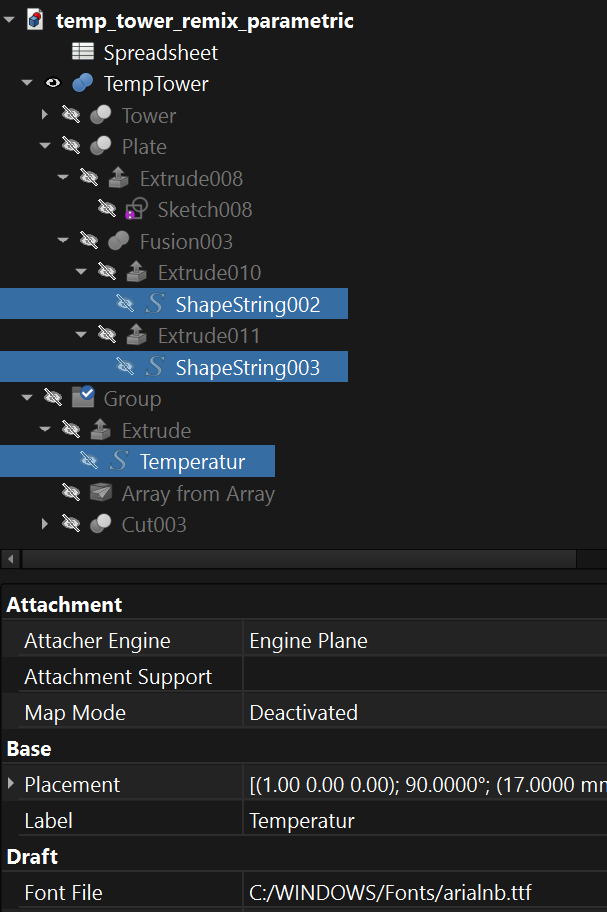
You can set any other font in the FreeCAD model tree. The marked elements in the tree contain the link to the font file.
Workflow
Simply set your parameters in the FreeCAD spreadsheet, export the computed model as STEP, and import it into your slicer.
In the FreeCAD spreadsheet, change only the blue cells, the temperature levels will be computed.
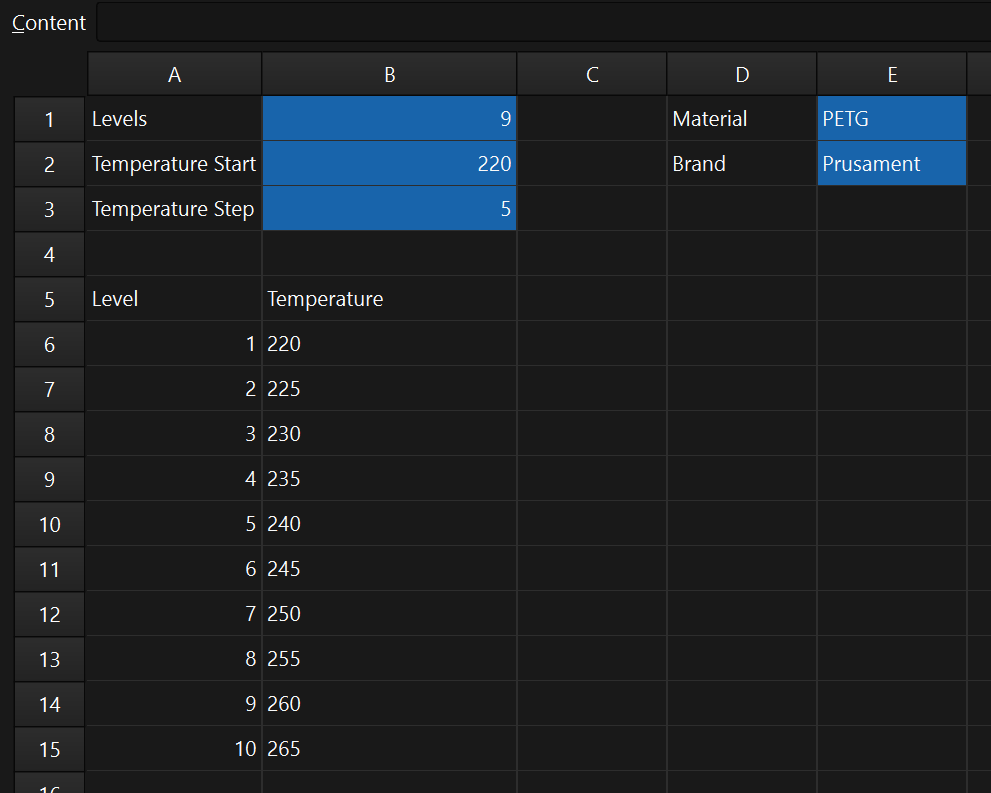
You probably need to recompute the model after changing the parameters in the spreadsheet. Export it as STEP file afterwards.
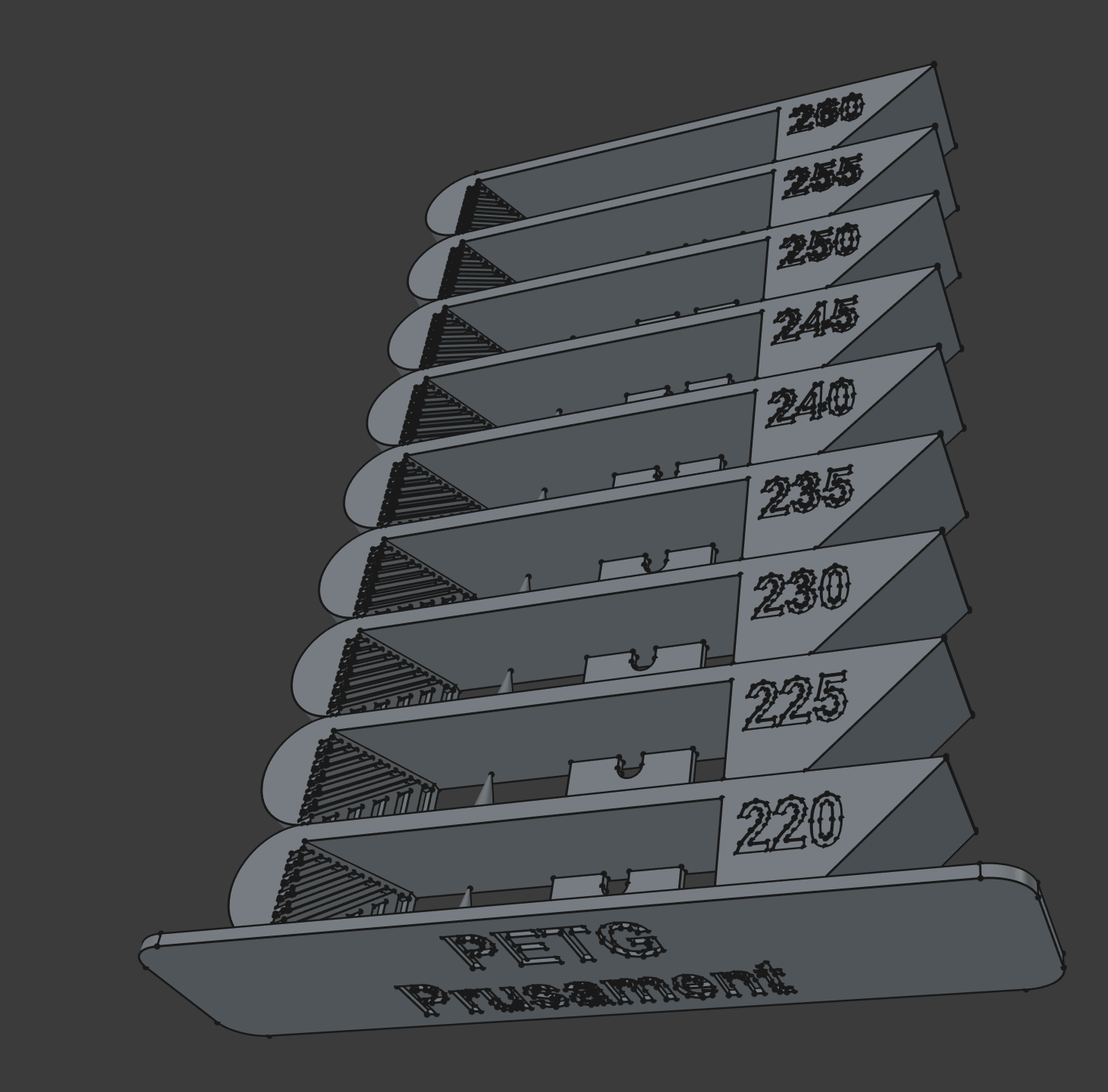
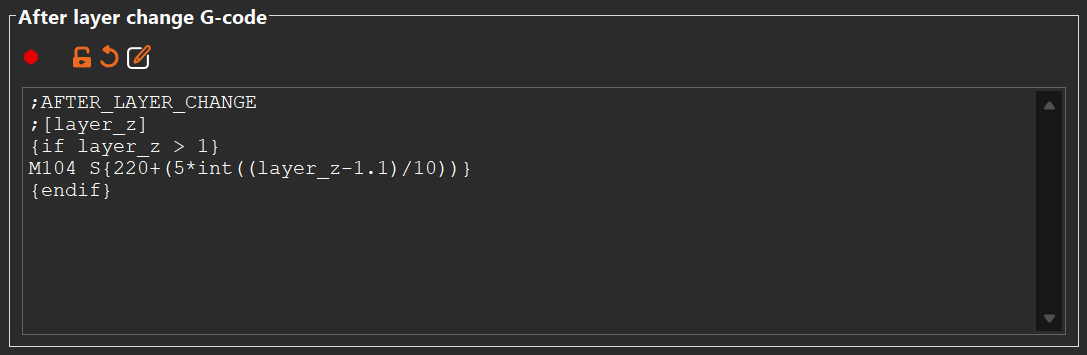
In the Slicer, you can set the temperature steps manually (the first level begins after 1 mm, then after 11 mm, 21 mm, etc.) or enter the following code in the section "After layer change G-Code" under "Printers" -> "Custom G-Code". You just have to set the initial temperature in the code. In the example, it is 220.
;AFTER_LAYER_CHANGE
;[layer_z]
{if layer_z > 1}
M104 S{220+(5*int((layer_z-1.1)/10))}
{endif}