
Tektronix Function Generator Power Button (AFG 3000)
Obliczymy ostateczną cenę na podstawie wybranego pliku. Sprawdzisz ją i zaakceptujesz przed płatnością.
Zapisane na tym urządzeniu.
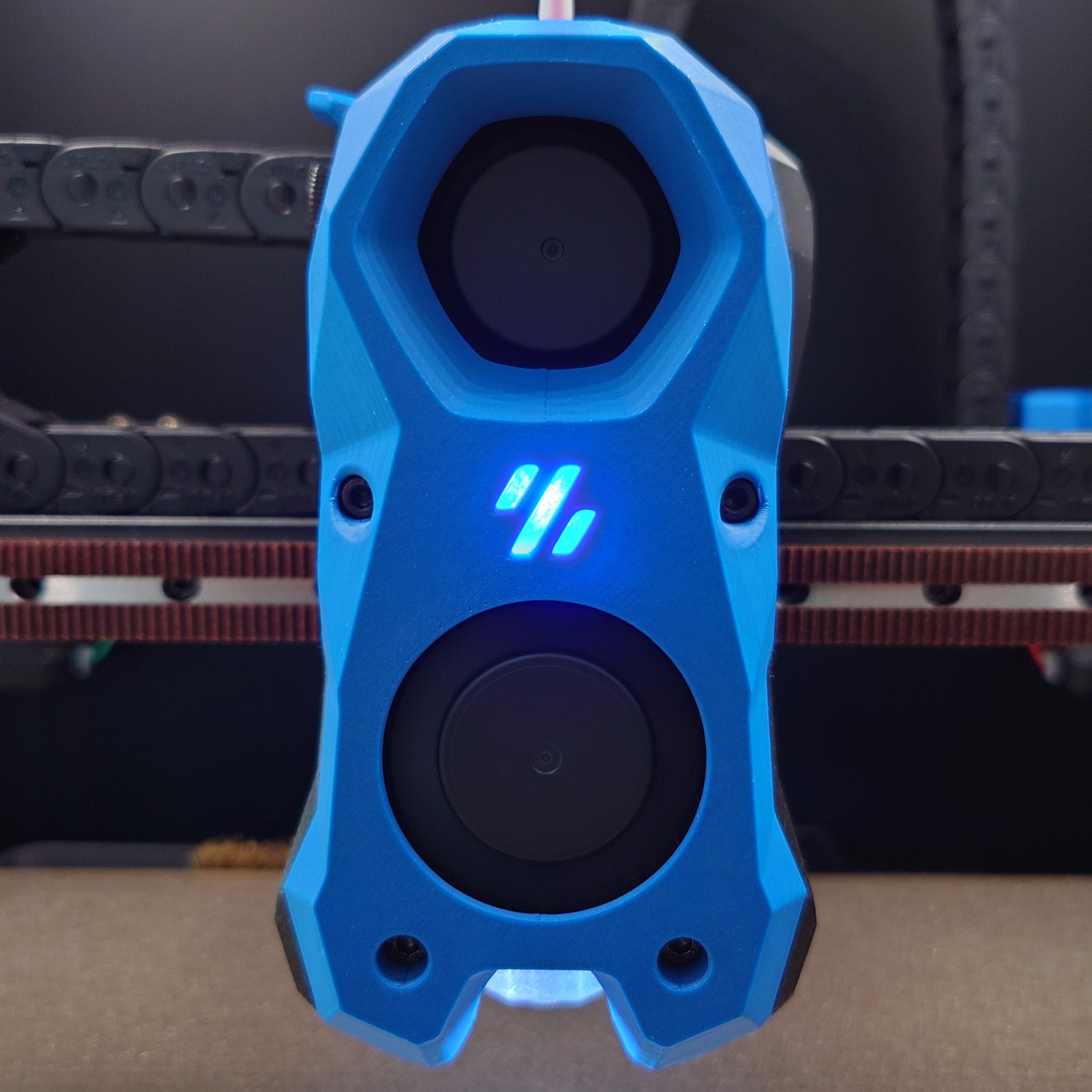
A replacement power button for the Tektronix AFG3000 series Function generator. Original P/N 366-0840-00
- Ocena
- 0 / 5
- Polubienia
- 2
- Pobrania
- 7
- Wydruki
- 0
- Wyświetlenia
- 33
- Oceny
- 0
Aktualizacja u źródła:
Informacje o modelu
- Źródło
- Printables
- Kategoria
- Electronics
- Licencja
- Creative Commons — Attribution — Noncommercial — Share Alike
This model is a replacement power button for Tektronix AFG3000 series function generators. The original button has some very thin plastic elements that can snap, resulting in the button dislocating from the power switch and rendering the device non-functional.
Specifically I designed it for the AFG3021B, but I think that Tek usually use the same chassis design for all of their 3000-series, so it hopefully fits all of these devices. The original part number for this component is 366-0840-00.
I printed the button face down for a better surface finish on the part that you'll touch. Supports are required for the overhang. The button should be a friction fit onto the switch, however you may want to use a small amount of soft glue to secure it if it's loose.
To replace the button you must disassemble the device. The official manual explains how to do this but here's a summary:
Disconnect power first! There are high voltages present inside.
Remove the plastic rear cover (held on with several screws).
Remove the metal electronics cover.
Remove the four screws that secure the front panel, plus the large knob.
Now you can remove the button from the power switch.
Reverse the process for re-assembly. This is also a good opportunity to remove dust from the electronics should it be present :)