
CR-10S Max z height leveling block - direct x to y rails leveling for max precision
Obliczymy ostateczną cenę na podstawie wybranego pliku. Sprawdzisz ją i zaakceptujesz przed płatnością.
Zapisane na tym urządzeniu.
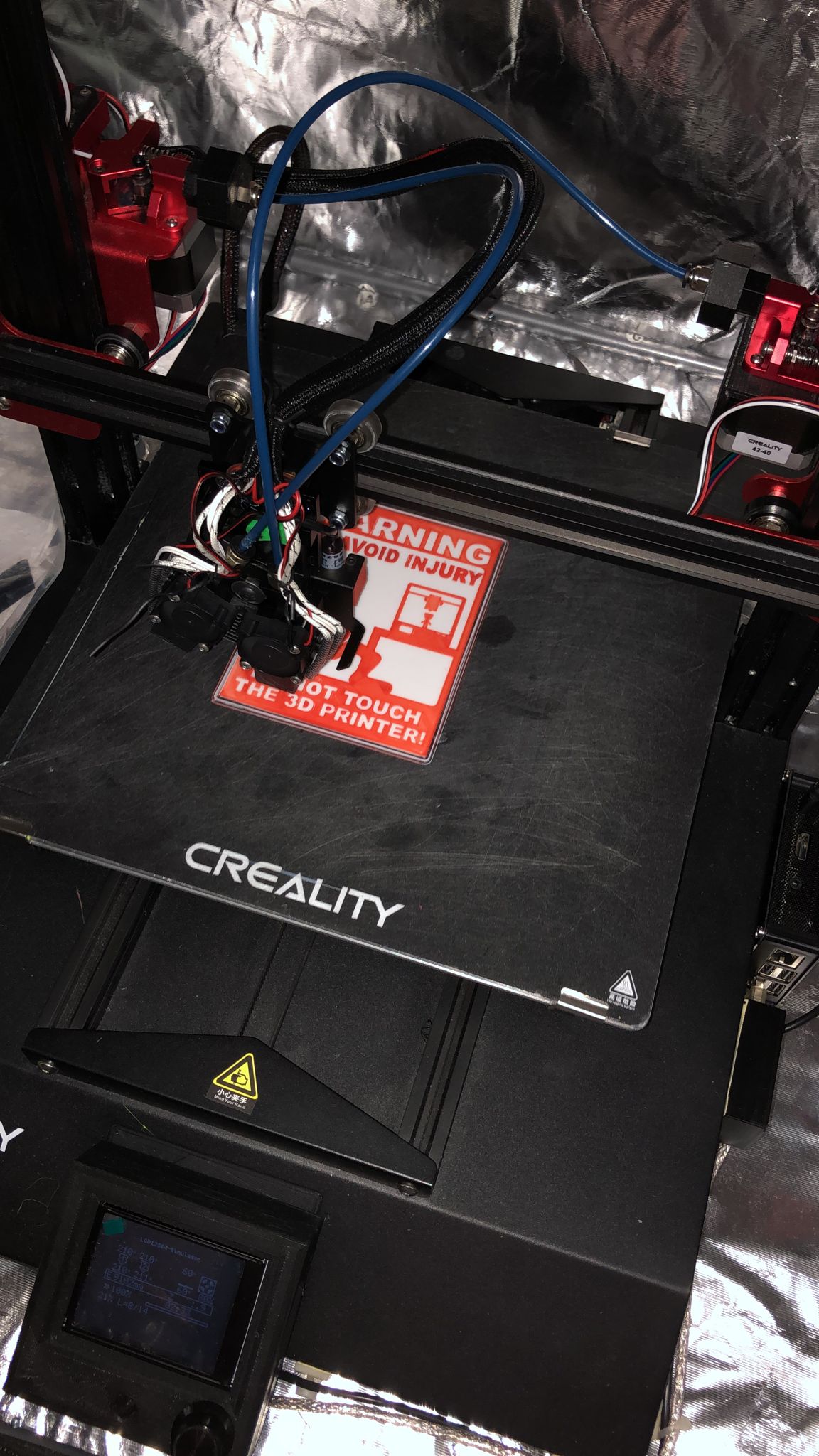
There are already a lot of z height blocks around but I was looking for maximum precision while haven also a maximum…
- Ocena
- 0 / 5
- Polubienia
- 9
- Pobrania
- 110
- Wydruki
- 0
- Wyświetlenia
- 563
- Oceny
- 0
Aktualizacja u źródła:
Informacje o modelu
- Źródło
- Printables
- Kategoria
- Accessories
- Licencja
- Creative Commons — Attribution
There are already a lot of z height blocks around but I was looking for maximum precision while haven also a maximum ease of use.
I found some designs leveling x to y rails which would give maximum precision, so I went for this concept. To get the ease of use I designed a one piece block which will stay stable while moving the z axis down since you will need two hands for operate the two spindles at the same time.
The process is just straight forward:
- Disable stepper motors
- Move the bed to the very front
- Raise the z axis so the block fits under the beam
- Place the block on the two rails
- Lower the z axis manually until it sits perfectly parallel to the two lower rails
- Use the printer control (or print server like octoprint) to raise the z axis for at least 30mm
- Remove the block
The design is also allowing easy printing without support.
If you insist in two separate blocks, I also uploaded the single block design.
you can also choose if you want to use the V1 or V2, where the V2 provides more stability but the carriage hast to be moved to the left or right.
Print Settings
Printer:
SecKit SK-Tank
Rafts:
Yes
Supports:
No
Resolution:
0,2
Infill:
50
Filament:
Sunlu PLA
Grey How I Designed This ===================
FreeCAD
Model included
Category: 3D Printer Accessories