
CR-10S PRO z height leveling block - direct x to y rails leveling for max precision
Obliczymy ostateczną cenę na podstawie wybranego pliku. Sprawdzisz ją i zaakceptujesz przed płatnością.
Zapisane na tym urządzeniu.
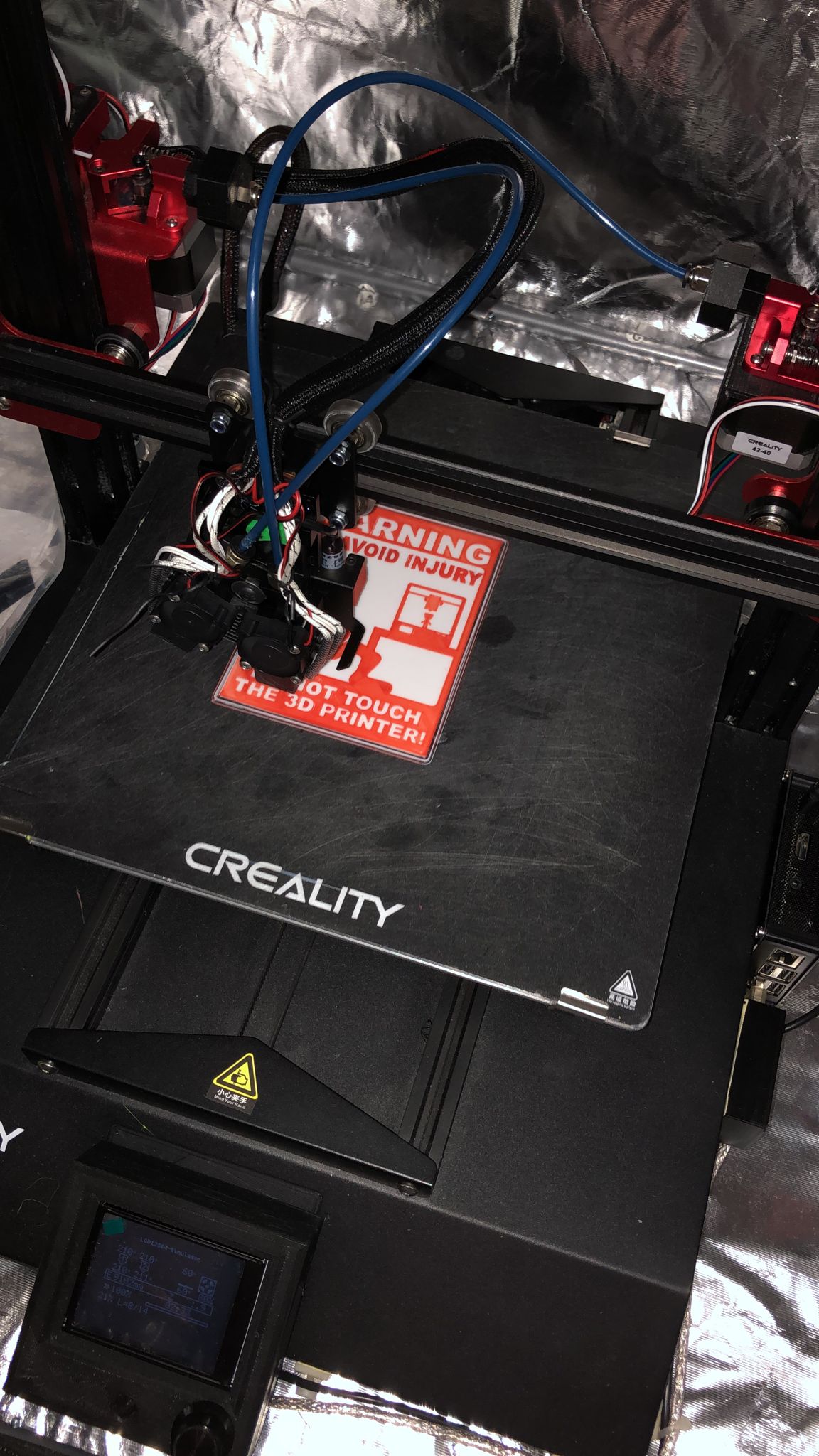
There are already a lot of z height blocks around but I was looking for maximum precision while haven also a maximum…
- Ocena
- 5 / 5
- Polubienia
- 15
- Pobrania
- 91
- Wydruki
- 1
- Wyświetlenia
- 462
- Oceny
- 1
Aktualizacja u źródła:
Informacje o modelu
- Źródło
- Printables
- Kategoria
- Accessories
- Licencja
- Creative Commons — Attribution
There are already a lot of z height blocks around but I was looking for maximum precision while haven also a maximum ease of use.
I found some designs leveling x to y rails which would give maximum precision, so I went for this concept. To get the ease of use I designed a one piece block which will stay stable while moving the z axis down since you will need two hands for operate the two spindles at the same time.
The process is just straight forward:
- Disable stepper motors
- Move the bed to the very front
- Raise the z axis so the block fits under the beam
- Place the block on the two rails
- Lower the z axis manually until it sits perfectly parallel to the two lower rails
- Use the printer control (or print server like octoprint) to raise the z axis for at least 30mm
- Remove the block
The design is also allowing easy printing without support.
If you insist in two separate blocks, I also uploaded the single block design.
Updated V2: increase the tolerances you it slips easier on the extrusions...
Print Settings
Rafts:
No
Supports:
No
Resolution:
0,15
Infill:
30
Filament: OWL PLA orange How I Designed This ===================
FreeCAD
model included
Category: 3D Printer Accessories