
3D Benchy nfc
Obliczymy ostateczną cenę na podstawie wybranego pliku. Sprawdzisz ją i zaakceptujesz przed płatnością.
Zapisane na tym urządzeniu.
Informacje o modelu
- Źródło
- Printables
- Kategoria
- Test Models
- Licencja
- Creative Commons — Attribution — Noncommercial
3D Benchy with a embedded 25mm nfc tag to store information and/or product link.
This is a visual reference for which filament is used in each benchy and an nfc tag for easy restock of each filament
Please expect the benchmark result will be different than a normal 3D benchy
I bought mine from here https://www.lazada.com.my/products/10100x-ntag215-nfc-tags-sticker-phone-available-adhesive-rfid-labels-tag-m7p6-i2645421277-s12041561265.html?
They come in a pack of 10 for around RM7 or around 2 USD
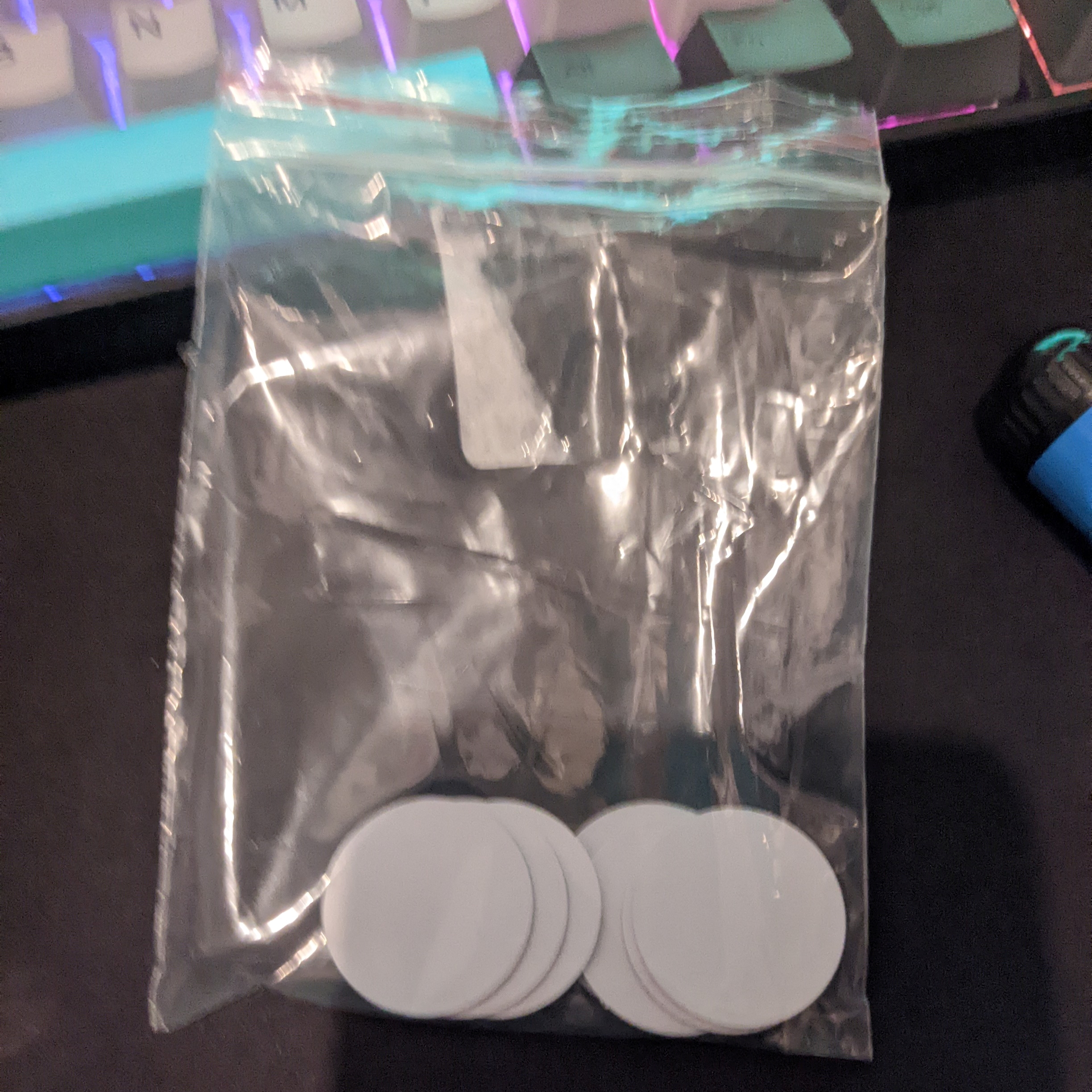
The embedded version need to be pause half way printing to add the tag
iPhone 7 and newer are supported, check the site below on how to read tags on iPhone. iPhone XR and newer just tap the tag on the top left corner of your iPhone
https://techwiser.com/read-nfc-tags-iphone
Android with nfc just tap it behind your phone
I use nfc tools to write the data, if you want it to open the product page, set the link as the first data
scan demo:

write demo:
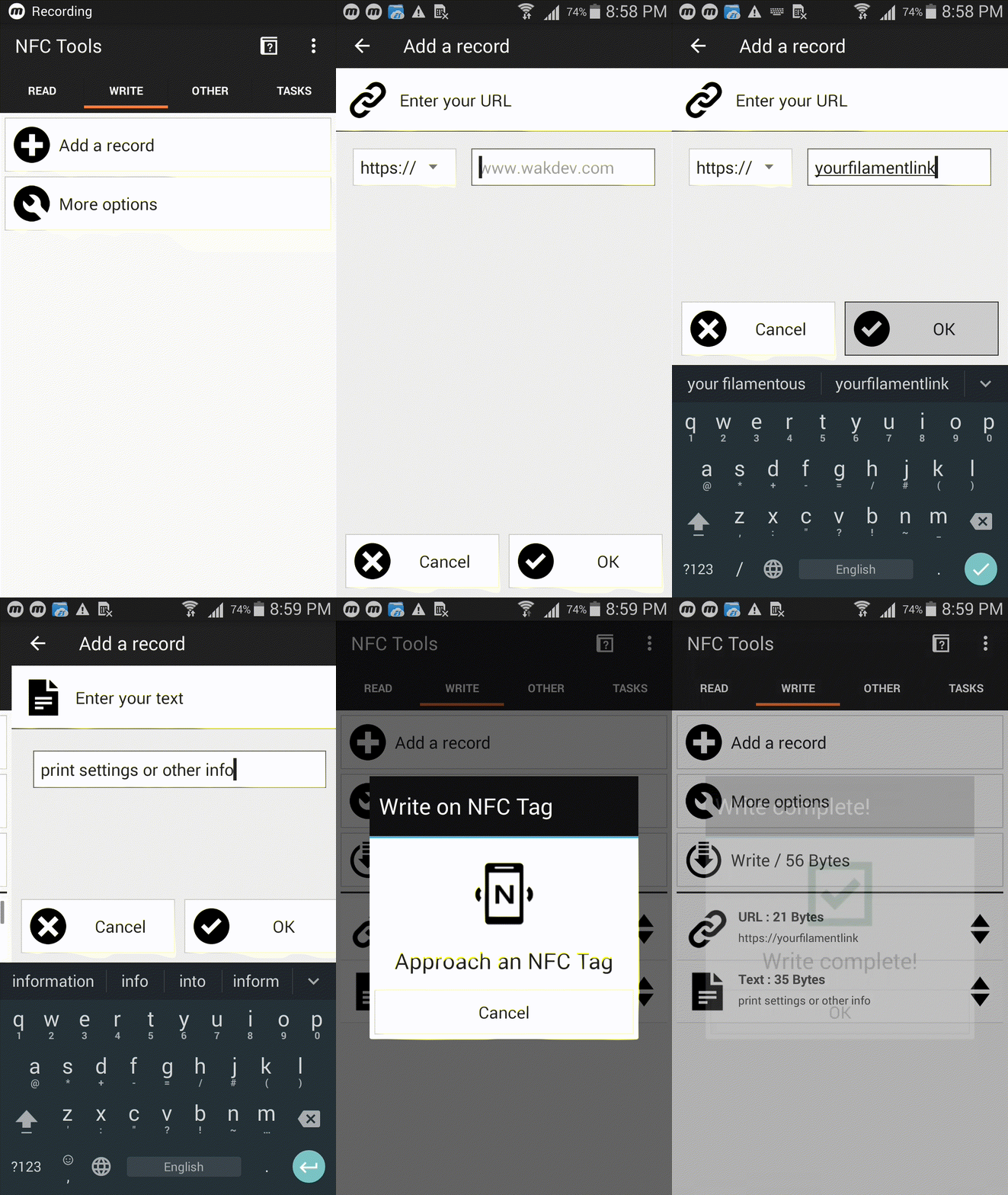
(the only android nfc enable phone i have is quite old, samsung galaxy note 2 if you are curious)
detailed instruction (nfc tools):
- open the app,
- go to write tab
- press “Add a record”
- press “URL/URI”
- enter your filament product link
- press “OK”
- repeat step 2 to step 6 if you need to add addition data like print settings using “Text” instead of “URL/URI”
- Press “Write / XX Bytes”
- Tap your tag against your device
- Done !
So now if you need to buy it again, just tap it against the back of your phone !