
1 / 5
QR Code Filament Sample Swatch
Zamów wydruk tego modelu
Obliczymy ostateczną cenę na podstawie wybranego pliku. Sprawdzisz ją i zaakceptujesz przed płatnością.
Zapisane na tym urządzeniu.

Filament swatch with QR code to store all informations about filament like brand, temperature, purchase link and more..
- Ocena
- 1 / 5
- Polubienia
- 40
- Pobrania
- 53
- Wydruki
- 0
- Wyświetlenia
- 1381
- Oceny
- 1
Aktualizacja u źródła:
Informacje o modelu
- Źródło
- Printables
- Kategoria
- Test Models
- Licencja
- Creative Commons — Attribution — Share Alike
SzczegółyPliki (5)Wydruki i komentarze (Wydruki: 0) (Komentarze: 1)Remiksy (0)Kolekcje (46)Powiązane
Do you need to save more information than the usual color and brand?
Through a QR code you can save all information you need such as brand, color, printing temperature, retraction settings, printer name, date of purchase, purchase link, and more.
You can choose to print the QR code with 3D printer or print it on paper and then glue it, the last one is my favorite because it's very fast.
How to make QRcode?
To generate QR code click on this link: https://me-qr.com
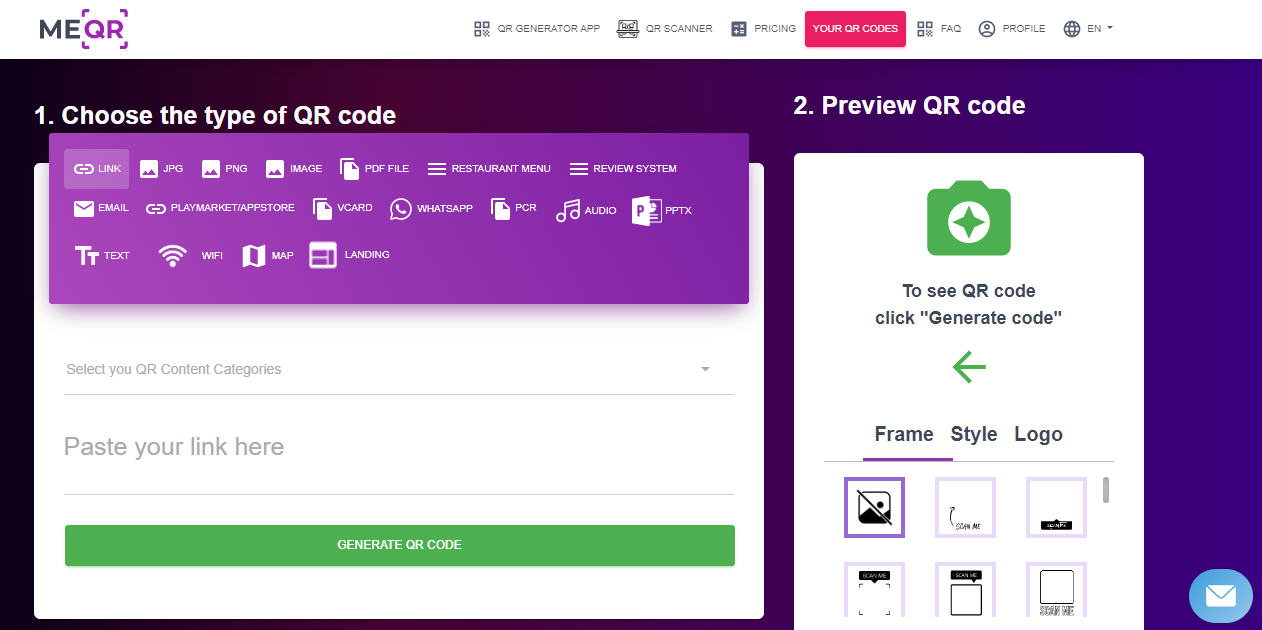
- Select text option and write everything you want about your filament.
- Click “GENERATE QR CODE" and download it in .png if you want to print it on paper or in .svg if you want to make it with 3d printer.
- Print it on paper, size 40 x 40mm (if you had to paste it on a dark filament make sure to leave a little white margin around it to facilitate detection).
- Print the stl with 0.2 mm layer height otherwise transparency test will not work.
- Glue QR code on model just printed and that's it, you will always stored all information about your filament, how top print it and more info.
If you want to add text or 3D print the QR code I have also uploaded the .step files