Dimensional Accuracy Using Linear Equations
Obliczymy ostateczną cenę na podstawie wybranego pliku. Sprawdzisz ją i zaakceptujesz przed płatnością.
Zapisane na tym urządzeniu.

Use math to compensate for both shrinkage and outer XY in one print.
- Ocena
- 5 / 5
- Polubienia
- 58
- Pobrania
- 176
- Wydruki
- 2
- Wyświetlenia
- 1593
- Oceny
- 4
Aktualizacja u źródła:
Informacje o modelu
- Źródło
- Printables
- Kategoria
- Test Models
- Licencja
- Creative Commons — Public Domain
3D printers always have some error, usually creating larger parts & smaller holes due to the width of the extrusion. On the other hand, all plastics shrink when cooled. Especially ABS. How can we get both of these conflicting parameters?
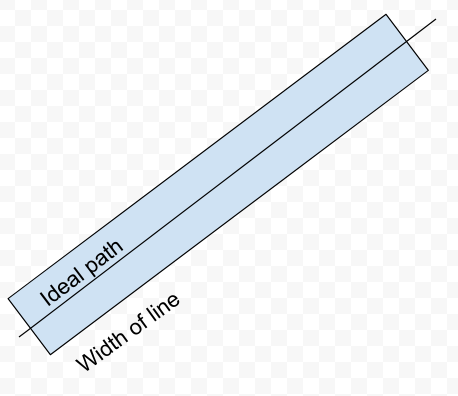
Solution: Print an object and measure it. This is two equations in two unknowns, which is solvable. Actually, we will use 3 equations and 3 unknowns so we can guarantee that screws fit.
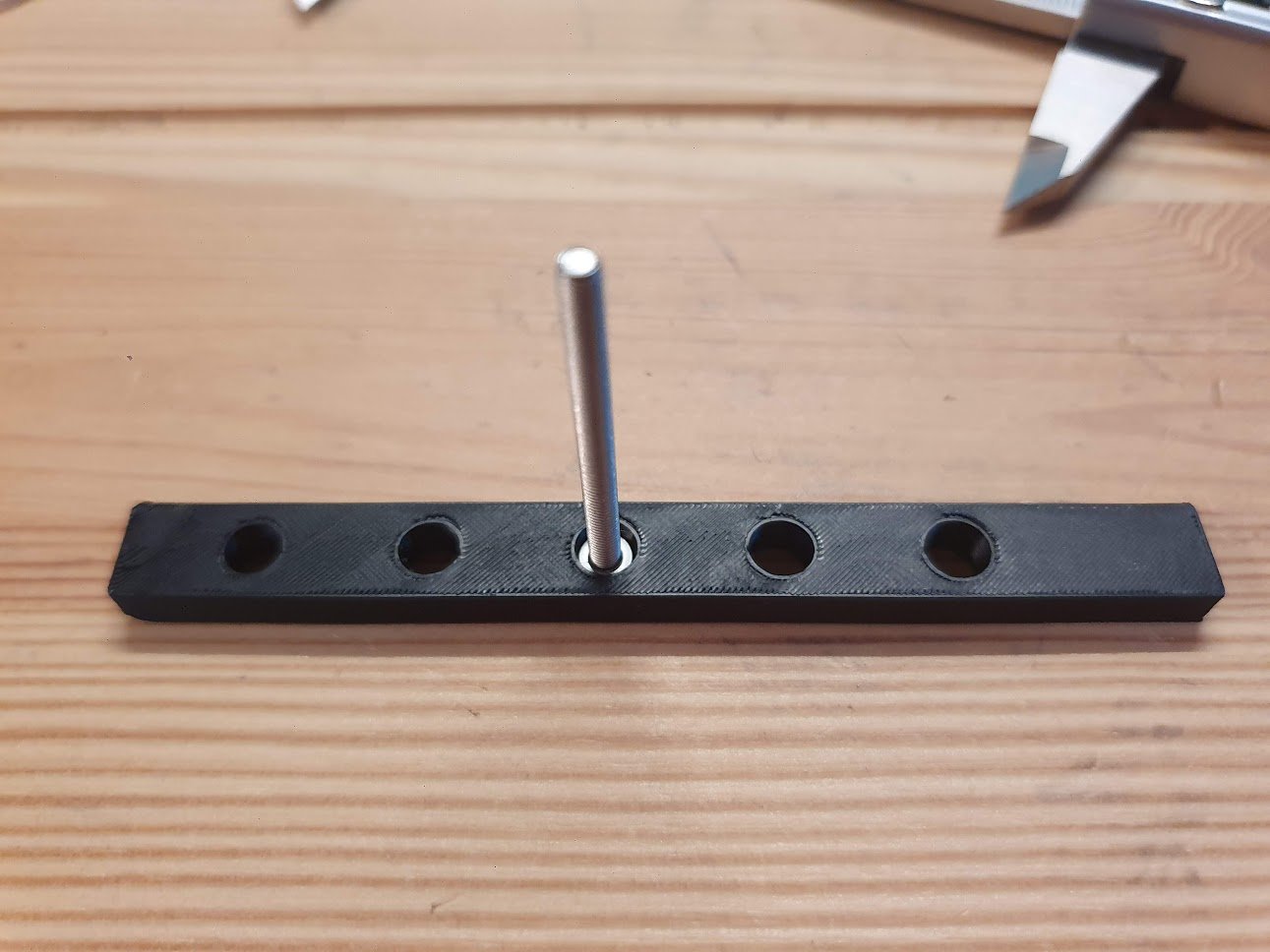
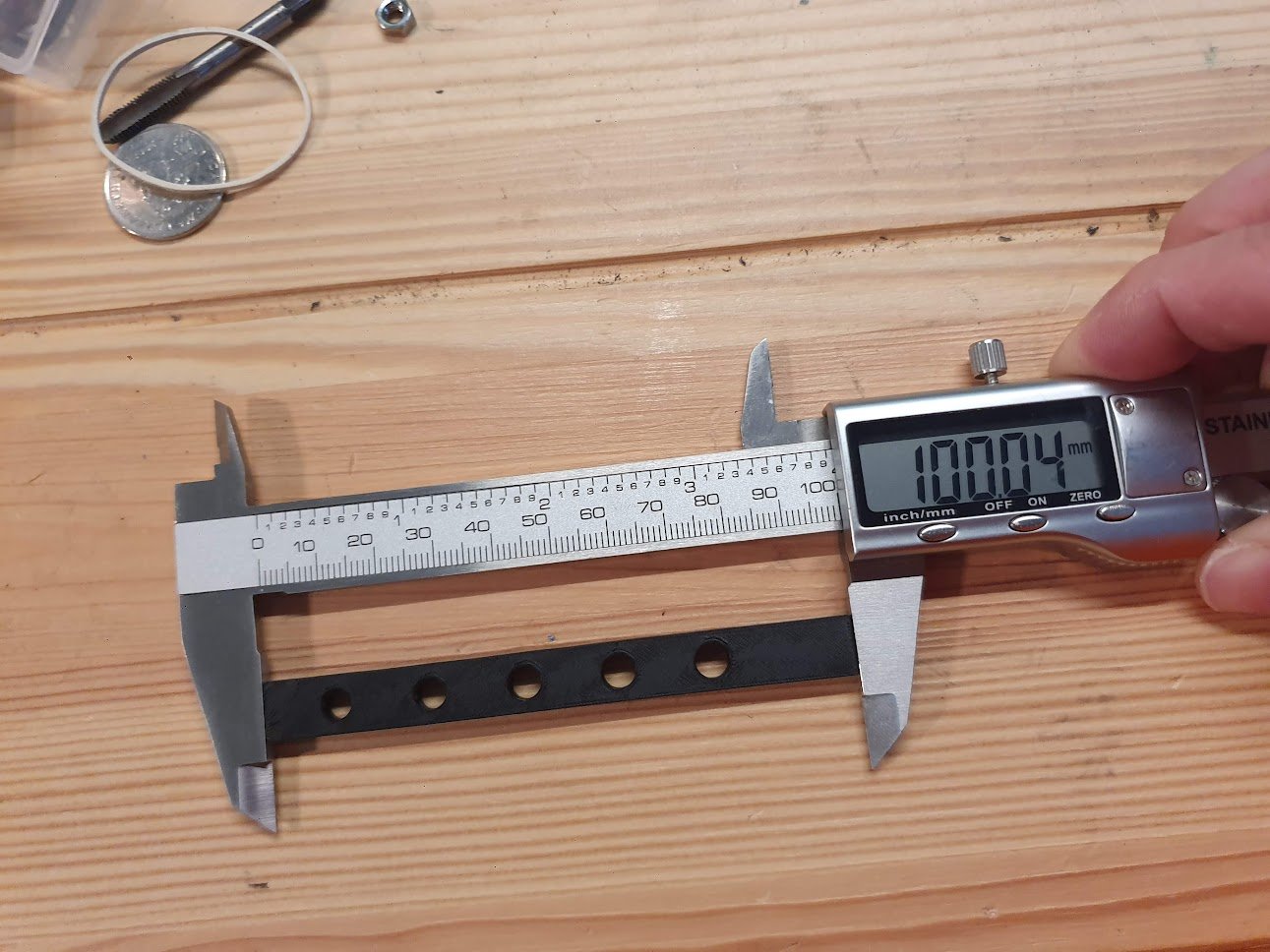
Print this object. It is 10x100mm and has 5.1, 5.3, 5.5, 5.7, 5.9mm holes in it. (The smallest one is closest to the end) 5.5 is near the same diameter as an M3 cap screw head, because you probably have some nearby. https://tinkercad.com/things/iYdAunP
Measure the length and width. Then figure out the diameter of the middle hole by inserting the screw head into the ones after it. Mine's actually about 5.2mm. The screw is too big for the 4th hole and too small for the 5th, after cooling.
Remember, the holes diameters in the STL file are like this:
[ o o o o o ]
[ 5.1 5.3 5.5 5.7 5.9 ]
So if your screw fits in the 5.9 mm one, the middle hole actually printed at 5.1 mm instead of 5.5. So if you want, you can think of them like this:
(Number you should read from the hole)
[ 5.9 5.7 5.5 5.3 5.1 ]
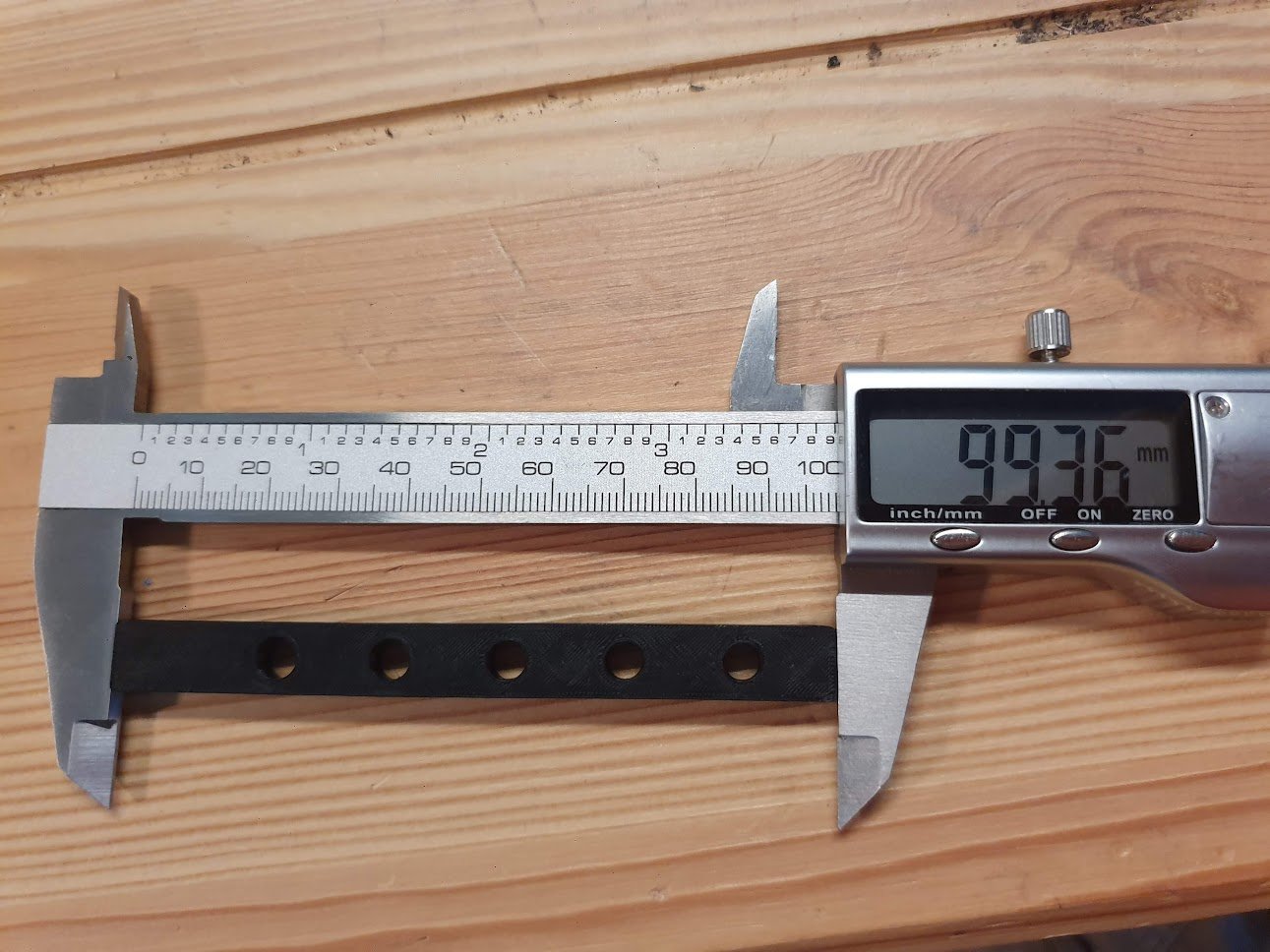
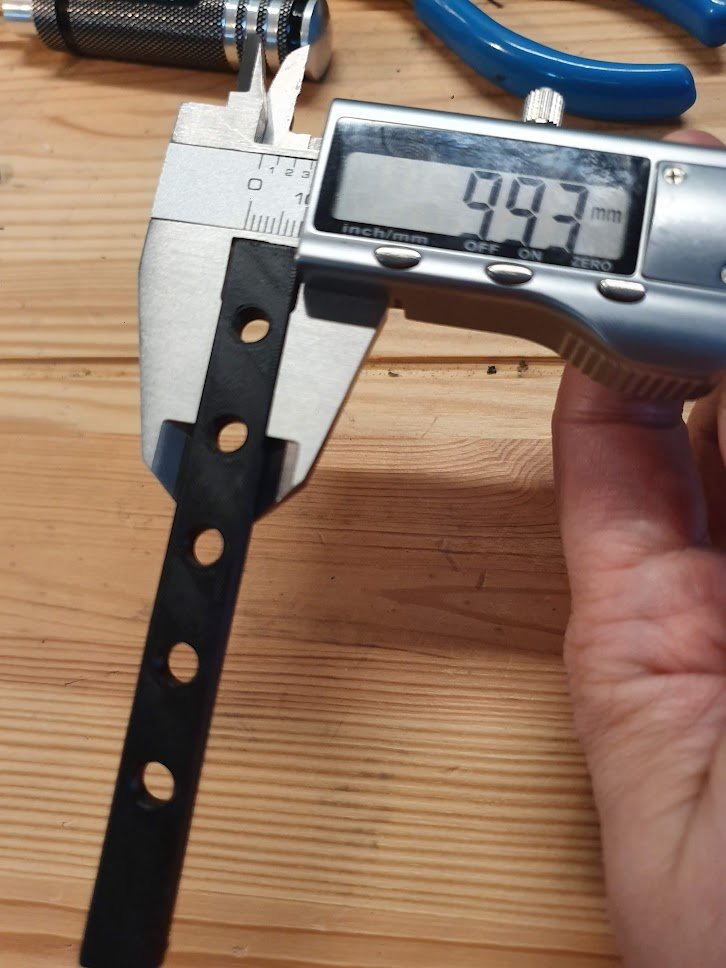
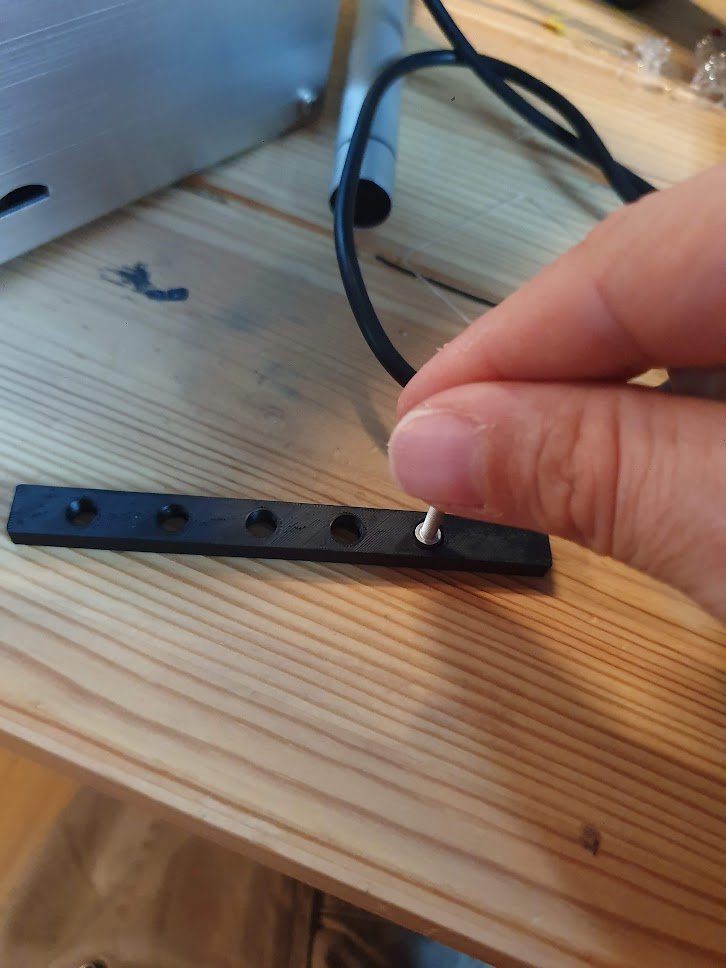
Enter the three equations into wolfram alpha's solver. You can use my link and just change the numbers after the equals.
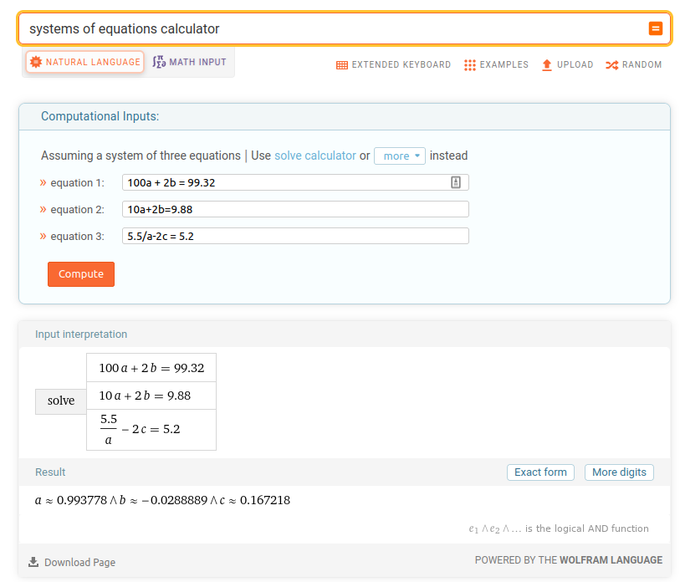
Enter the value for A into Superslicer/Prusaslicer's shrinkage value under Filament. Under the slicer settings, B is the outer xy-compensation and C is the inner.
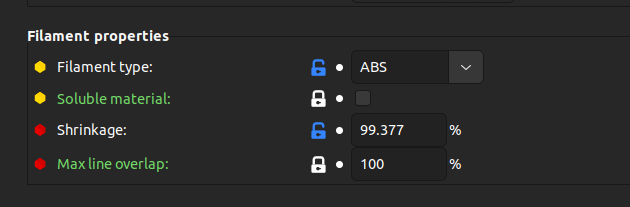
The negative OUTER XY compensation decreases the size of the outside of the part. The POSITIVE INNER xy compensation makes the holes larger.

Result: Dimensionally accurate parts in ABS or any other shrinking filament.