
QR Code Pet Name Tag
Obliczymy ostateczną cenę na podstawie wybranego pliku. Sprawdzisz ją i zaakceptujesz przed płatnością.
Zapisane na tym urządzeniu.

Pet Name Tag with QR code for contact info in case pet gets lost
- Ocena
- 0 / 5
- Polubienia
- 25
- Pobrania
- 85
- Wydruki
- 0
- Wyświetlenia
- 724
- Oceny
- 0
Aktualizacja u źródła:
Informacje o modelu
- Źródło
- Printables
- Kategoria
- Pets
- Licencja
- Creative Commons — Attribution — Share Alike
I know thats a pretty weird looking dog, but you work with what you got.
I made a pet tag that has a QR code with a phone number that can be scanned if your pet gets lost. There are a few options for the shape of the tag and you can put the pets name on it as well. This works best with a dark QR code and a light background. I used black and yellow.
There is also a couple of options for the shape that the nametag with a bone or a rectangle.
You will need to download OpenSCAD at https://www.openscad.org/ to export the file.
- Generate a new QR code with: https://freeqrcodegenerator.net/#tel There are a few options for the format, Phone number is likely to be the smallest and easiest to print. You could like to a facebook or instagram profile.
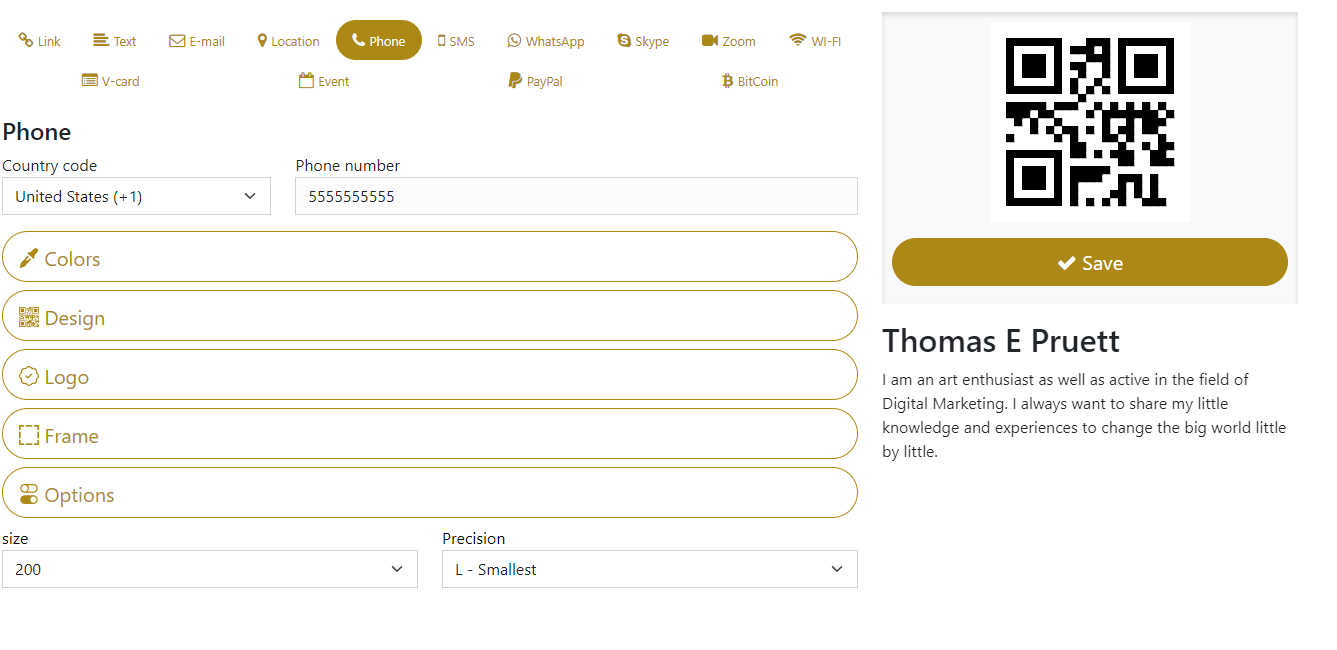
- Under options you must select size 200 and I recommend “L - Smallest” for the precision.
- Save the PNG file of the QR code in the same folder as the QRCodeDogTag.scad with the name: "qrcode.png"
- Check the dimensions of the image, you need to put the pixel dimensions in the image scale field in the openSCAD customizer.
- Open the scad file with OpenScad, you can use the Customizer to generate the tag with the parameters that you want, by default it will use the dog bone for the shape.
- You can use the text field here to add a name, you might have to play with the text size a little bit to get your pets name to fit.
- Render the object. This will likely take a few minutes.
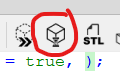
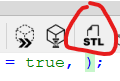
- Export it as an STL
You can either paint or use markers on the top surface to get the QR code to show up or you can swap filaments halfway through, it will only require one filament swap.
Also I had to cover the tag with my cat modeling the print because it has my phone number on it.