
Bambulab ABL Widget
Obliczymy ostateczną cenę na podstawie wybranego pliku. Sprawdzisz ją i zaakceptujesz przed płatnością.
Zapisane na tym urządzeniu.

Simple widget for the Bambulab printer to visualise Auto Bed Levelling and Z axis movements
- Ocena
- 5 / 5
- Polubienia
- 75
- Pobrania
- 193
- Wydruki
- 2
- Wyświetlenia
- 3842
- Oceny
- 2
Aktualizacja u źródła:
Informacje o modelu
- Źródło
- Printables
- Kategoria
- Accessories
- Licencja
- Creative Commons — Attribution
Bambulab ABL Widget :
Bambulab ABL Widget is a simple accessory that let you easily see Z axis movements.
You can easily see how much Z axis is moving :
- when print head is shaking
- when print head is homing
- when making an Auto Bed Levelling
- when printing (and see how much Automatic Bed Levelling is used while printing)
- when you move hotend from printer menus (or studio)
By moving print head using menus to desired locations, it is a convenient tool to verify if your bed is warped and how much.
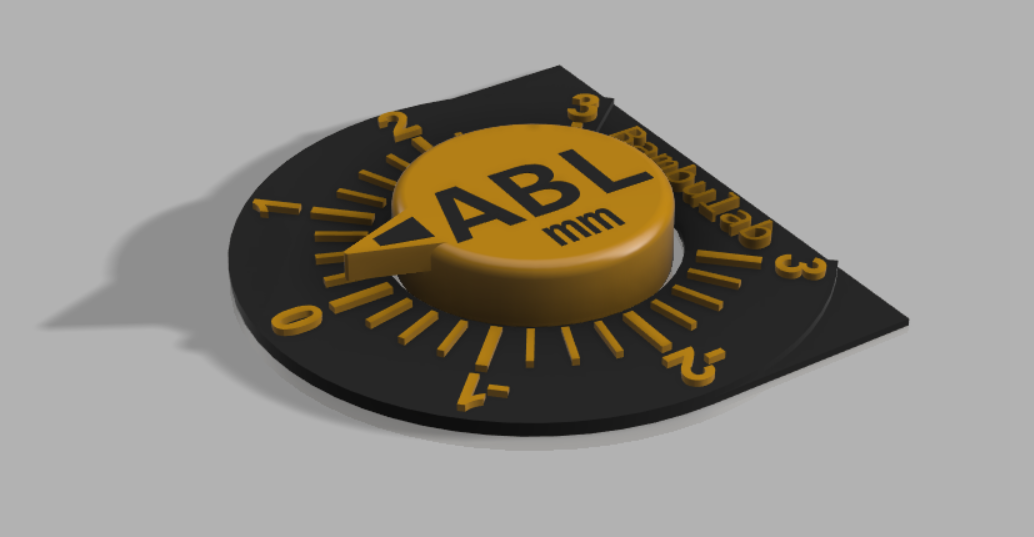
Objects are made of multi-parts to easily print them with multi-colors (menu “split => To parts”).
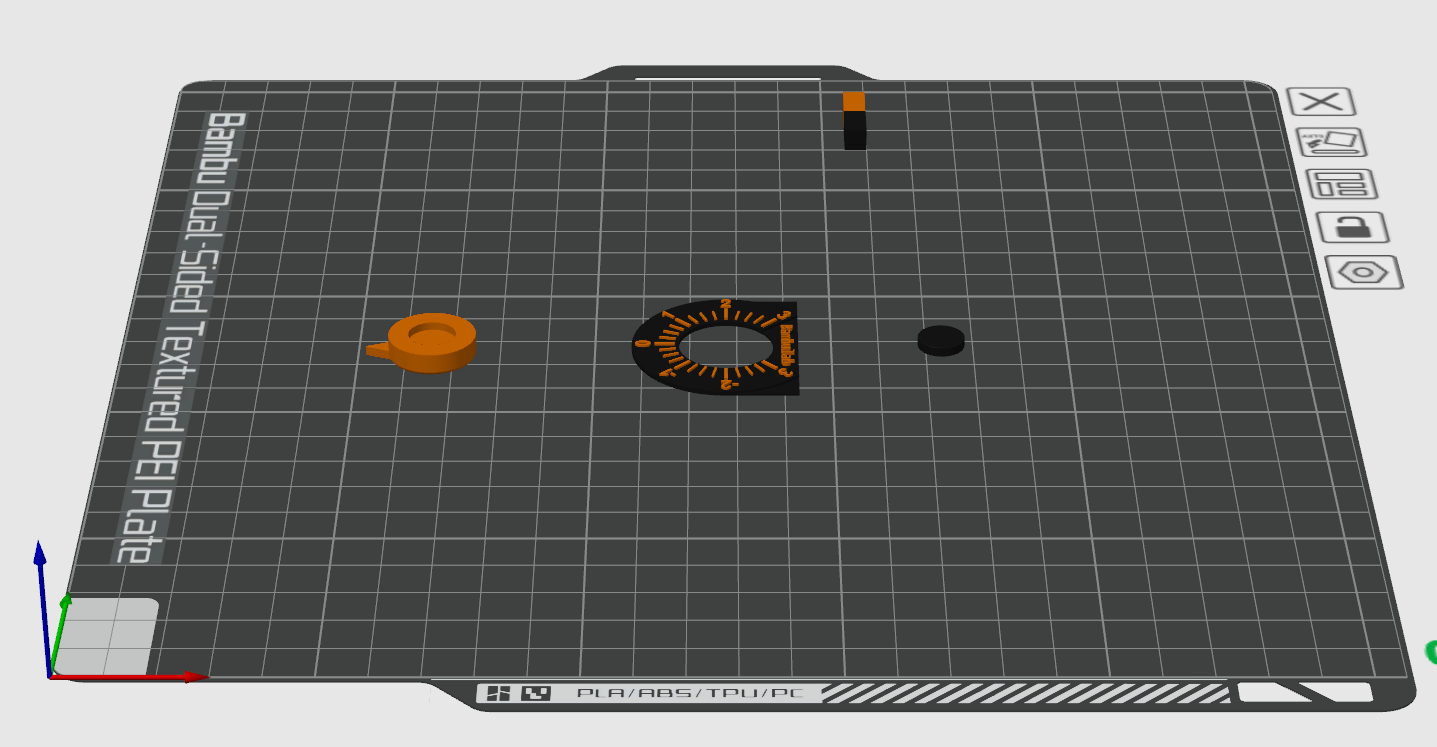
Required parts :
- Bambulab ABL Widget base
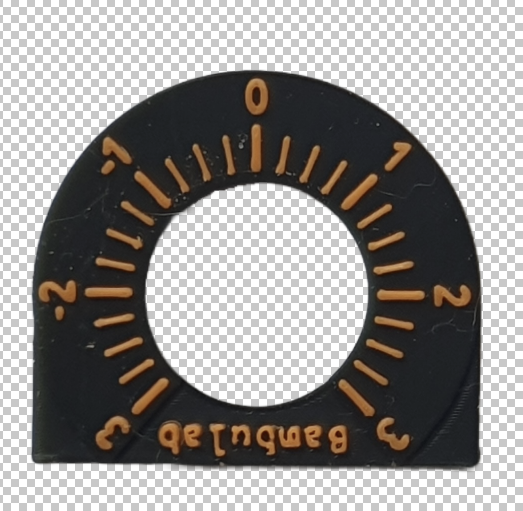
- Bambulab ABL Widget cursor
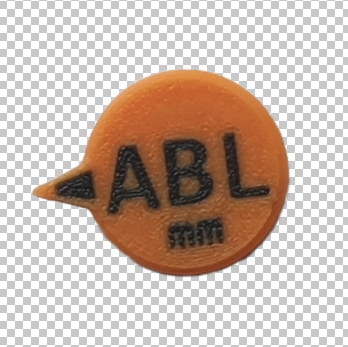
- Bambulab ABL Pin or magnet (2mm thick * 10mm diameter):
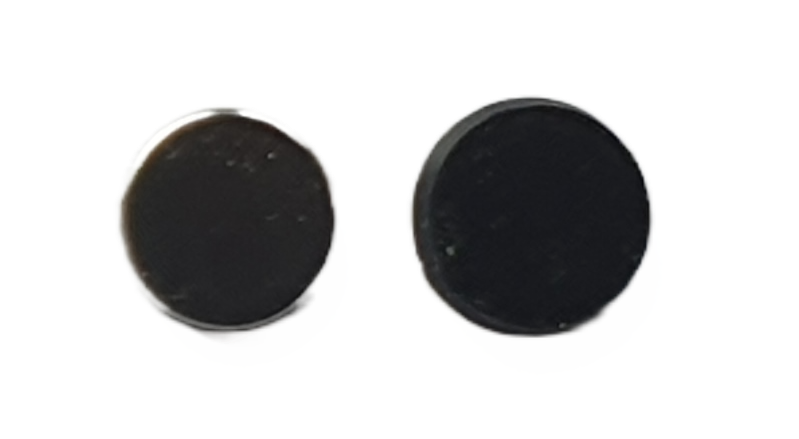
Recommended print settings :
Due to very small features, print settings have to be a little adjusted
- Material : PLA+ (Esun, Sunlu, Bambulab)
- Nozzle : 0.4mm or lower
- Layer height : 0.16mm
- Speed : 50mm/s to 100mm/s
- Line width : 0.25mm
- Wall mode : Arachne
- Ironing all top surfaces enabled
Post processing :
You may wet sand a little the cursor to make the text a little more clear.
Once everything is printed, use a point of glue at the center of the pin or the magnet to stick it to the top of the right lead screw.
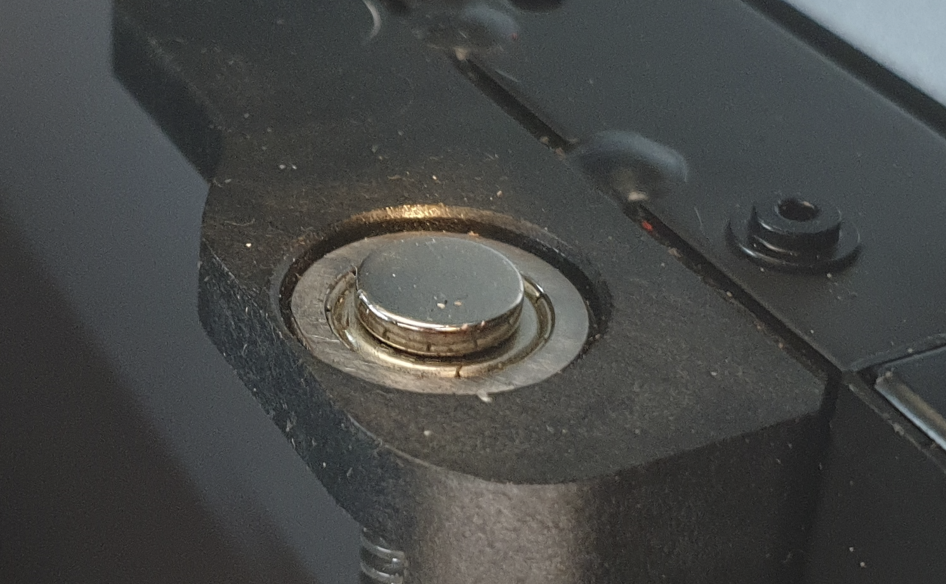
It may work without glue using a magnet but it will be less precise (magnet tend to slip on fast movments), I recommend using a small point of glue in all cases.
Place the widget base, you may also use a point of glue to stick it in place, but that's should not be required.
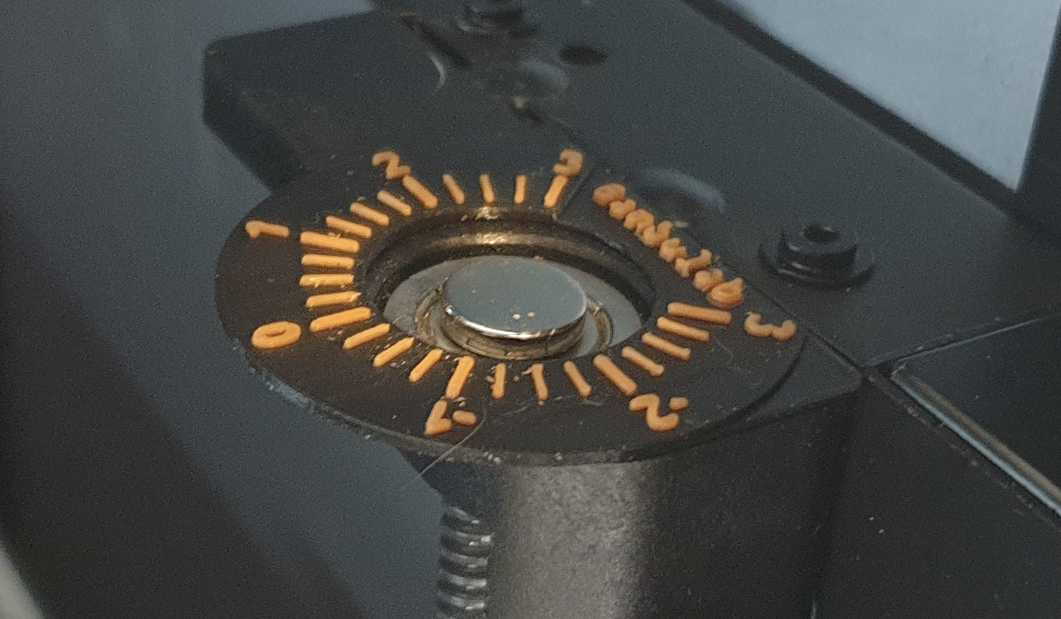
Place the cursor (do not glue it!) then do a printer homing, once homing is finished turn the cursor manually to the zero position.
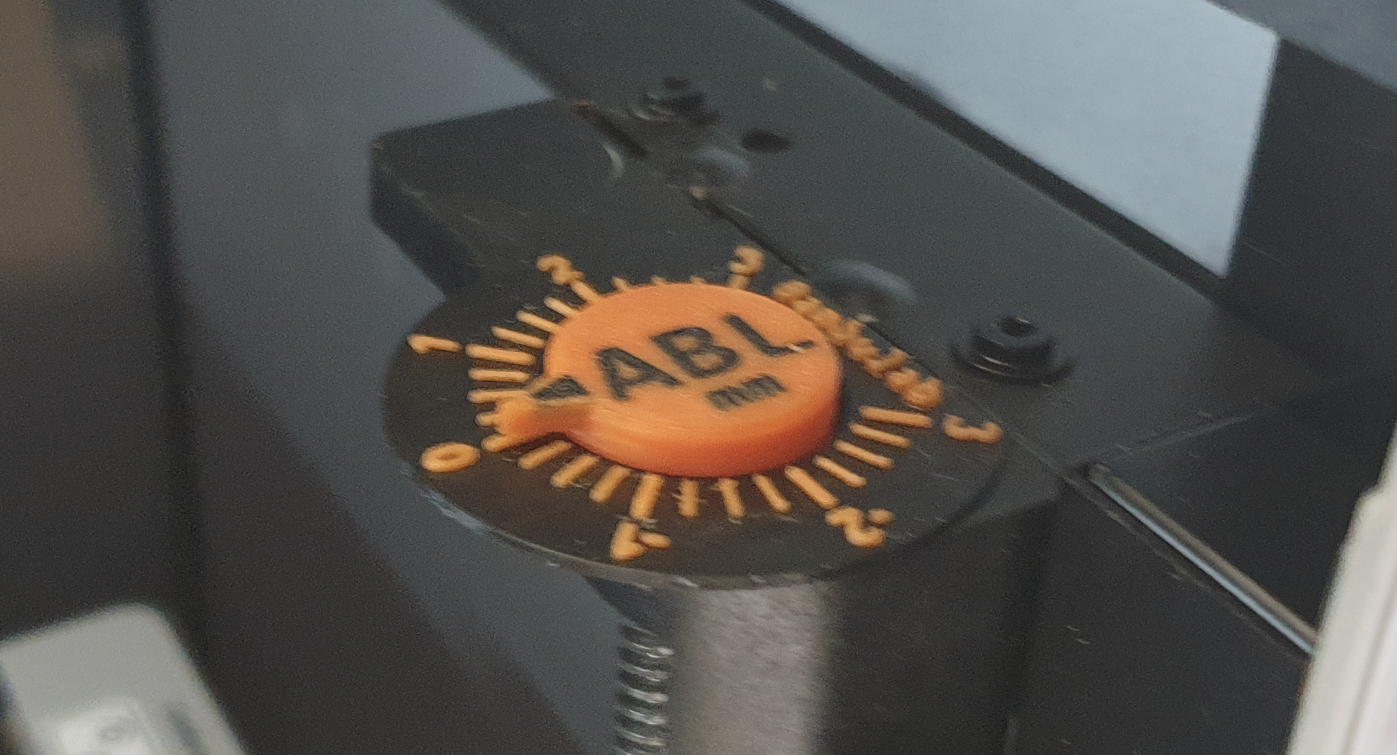
You can always turn the cursor manually to fit your requirement.