
MK4/MK3.9 printable parts
Obliczymy ostateczną cenę na podstawie wybranego pliku. Sprawdzisz ją i zaakceptujesz przed płatnością.
Wstępna wycena dla PETG
1,38 € – 1,68 € netto (bez VAT)
Dla pliku: 6_MK4_MK3.9_upgrade_BLK_0.2mm_PETG_MK3S_1h41m.gcode
To wstępna wycena jednego pliku. Dokładną cenę poznasz przed zamówieniem.
Plik i założenia wyceny
Plik użyty do wyceny
Średnia wycena orientacyjna: 1,53 € netto (środek widełek).
- Masa podana przez autora
- 17 g
- Czas druku podany przez autora
- 1,69 godz.
- Materiał u źródła
- PET
- Materiał wyceny
- PETG
- Drukarka wyceny
- Bambu Lab P1S - 0.4 nozzle
- Proces wyceny
- 0.20mm Standard
Orientacyjna wycena wyłącznie wybranego pliku, oparta na masie i czasie druku podanych przez autora. Warianty plików nie są sumowane. Ostateczna cena zostanie obliczona po analizie pliku.
Zapisane na tym urządzeniu.
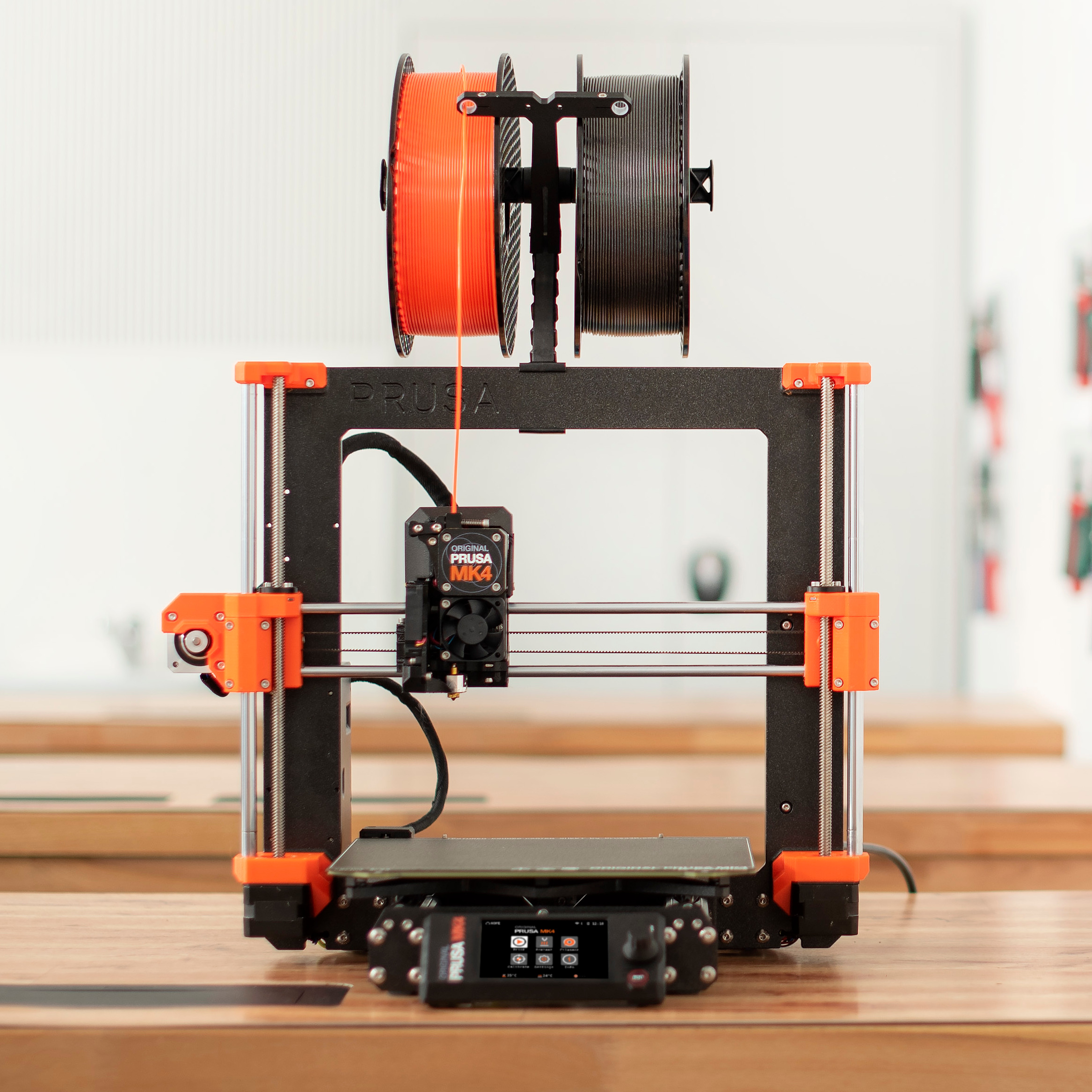
Original Prusa MK4 and Original Prusa MK3.9 printable parts
- Ocena
- 4,88 / 5
- Polubienia
- 2663
- Pobrania
- 45 329
- Wydruki
- 361
- Wyświetlenia
- 154 963
- Oceny
- 275
Aktualizacja u źródła:
Informacje o modelu
- Źródło
- Printables
- Kategoria
- Prusa Parts & Upgrades
- Licencja
- GNU General Public License v2.0
All printable parts for your Original Prusa MK4 and Original Prusa MK3.9.
MK4/MK3.9 upgrade
Stage 1: Read the manual first!
- Don't disassemble the printer for now, follow the instructions provided in the manual.
Stage 2: Printing the required parts
- The upgrade package includes two spools (black and orange). Based on the color combination, some filament will remain unused. It serves as a reserve in case of a failed print (for the black&orange option only).
- Fan-shroud is included in the package from Prusa, since it must be printed from ASA or similar.
- Compared to the MK4 kit, the xLCD-cover and PG-front-case will be printed by your printer without the “Original Prusa MK4” signs, because a special post-processing is needed. However, the upgrade package includes stickers, which should create similar look. Applying the stickers is optional. See the assembly upgrade manual.
- Optional: If you decide to upgrade your older Silver PSU to the newer Black PSU, remember to print PSU-cover.stl from the 'xLCD' folder in the 'Files' tab. Print settings are described below.
- All the printer parts are separated into multiple G-codes, you have to print all of them. Each G-code has in its name either BLK or BLK_ORG, so you can load the correct color in advance.
Stage 3: Assembling the MK4/MK3.9 upgrade
- Follow the instructions, prepare parts, then assemble your full MK4/MK3.9 upgrade.
Print instructions
Download the latest PrusaSlicer and use the following settings**:
- Print settings: 0.20mm QUALITY
- Filament: PETG (tested on Prusament)
- 15% Grid infill
** Note that print settings are recommended, but you can experiment with your own.