
Xiaomi Temperature and Humidity Sensor Stand - LYWSD03MMC
Obliczymy ostateczną cenę na podstawie wybranego pliku. Sprawdzisz ją i zaakceptujesz przed płatnością.
Zapisane na tym urządzeniu.

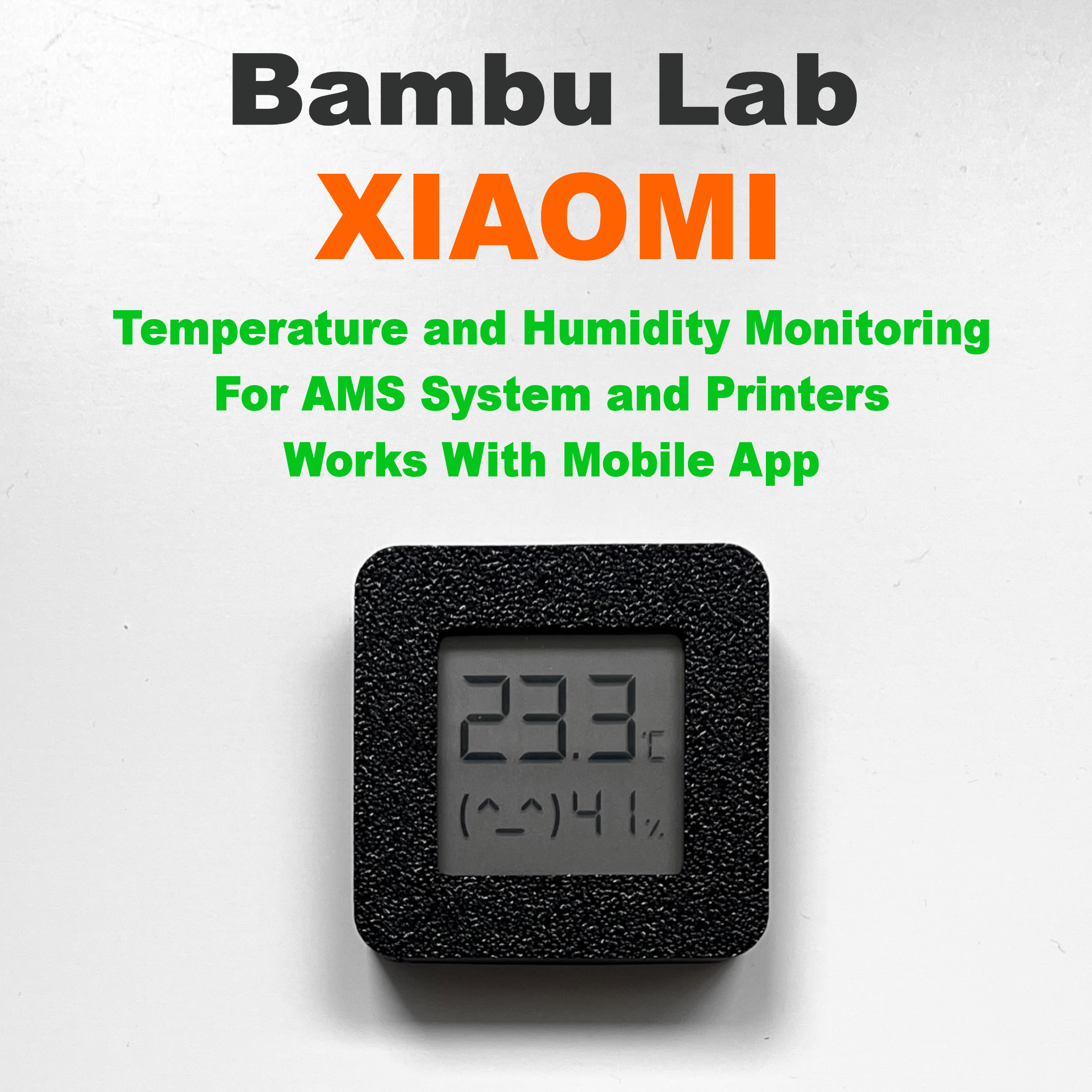
Stand for Xiaomi temperature and humidity sensor. Two versions available. One with the Xiaomi logo and the other without
- Ocena
- 5 / 5
- Polubienia
- 57
- Pobrania
- 374
- Wydruki
- 6
- Wyświetlenia
- 2776
- Oceny
- 3
Aktualizacja u źródła:
Informacje o modelu
- Źródło
- Printables
- Kategoria
- Accessories
- Licencja
- Standard Digital File License
Hello Everyone
This is my second project for the Xiaomi temperature and humidity sensor. The first design is to change the color of the sensor housing for use in the Bambu Lab AMS System or the second version to change the color of the sensor housing and mount the back side to the wall or other surface. Downloadable models from the link below.
The model I share here is simply a Xiaomi sensor stand. I tested several versions and decided to share it model at an angle of 15 degrees. It is the most optimal in my opinion. There are two versions for download: one with the Xiaomi logo and the other without the logo. You can also download a version of the .3mf file which includes two versions and a colored logo. .3mf file for Bambu Lab Studio. The logo version is for color logo printing only. If you don't color it, it won't be printed.
The Xiaomi sensor is a great alternative to monitoring temperature and humidity because it has bluetooth communication and costs only about 6 euros. Work with Mobile App. If you want to monitor the temperature and humidity through this sensor while away from home, you must have a Xiaomi - Aqara gateway or connect it directly to Home Assistant or Homebridge. My sensors are ported over Homebridge to Homekit.
When you complete the project, please share a photo and a comment. Thank you and have a nice day.
Feel free to download and print another version of the housing for the Xiaomi temperature and humidity sensor from the link below:
https://www.printables.com/pl/model/456991-bambu-lab-xiaomi-temperature-and-humidity-sensor-f
IMPORTANT - READ:
Set the design for printing in the slicer as shown in the photo gallery and make sure to set the seam position to the back. I tested the project on PLA filaments from brands such as Polymaker, FormFutura, Bambu Lab, Fiberlogy, Spectrum and Eryone. Each time the size after printing was perfect for the Xiaomi sensor. If you decide to print the housing with a different material, pay attention to its shrinkage and the settings of your printer. You can always make it a little bigger and if it's too loose, just use a piece of paper to make side pads. Download a file for a size trial print.
Version 1
- With Logo Xiaomi
Version 2
- No Logo
How to print ? :
- Material : Any (I tested with PLA)
- Layer Height : 0.2mm
- Wall Loops : 2
- Bottom Layers : 3
- Top Layers : 3
- Infill : 20%
- Seam Position : Back
- Support : No
- Brim : No
- Brim Auto : No (Be sure to disable Brim Auto. When printing in color with Brim Auto on, it may cause a problem on the first layer)