Flippity210 Flip-Dot display case
Obliczymy ostateczną cenę na podstawie wybranego pliku. Sprawdzisz ją i zaakceptujesz przed płatnością.
Zapisane na tym urządzeniu.

Cover for the Flip-Dot control board / library Flippity210 for BUSE BS 210 panels.
- Ocena
- 0 / 5
- Polubienia
- 17
- Pobrania
- 55
- Wydruki
- 0
- Wyświetlenia
- 2160
- Oceny
- 0
Aktualizacja u źródła:
Informacje o modelu
- Źródło
- Printables
- Kategoria
- Wall-mounted
- Licencja
- GNU General Public License v3.0
This is a 3D printed cover for Flippity210 board/library for BUSE BS 210 panels.
You can use for one panel (use only "left" and "right" models) or for multiple daisy-chained panels (print also the “middle” models for every additional panel). Printed and put together correctly it's pretty strong, but will probably be more flimsy with more than two panels (I tested only with two). The case has rims on two sides to be secured on the wall. No supports needed.
Project github:
https://github.com/mcer12/Flippity210
Needed parts:
- BUSE BS 210 panels (duh)
- Flippity210 control board
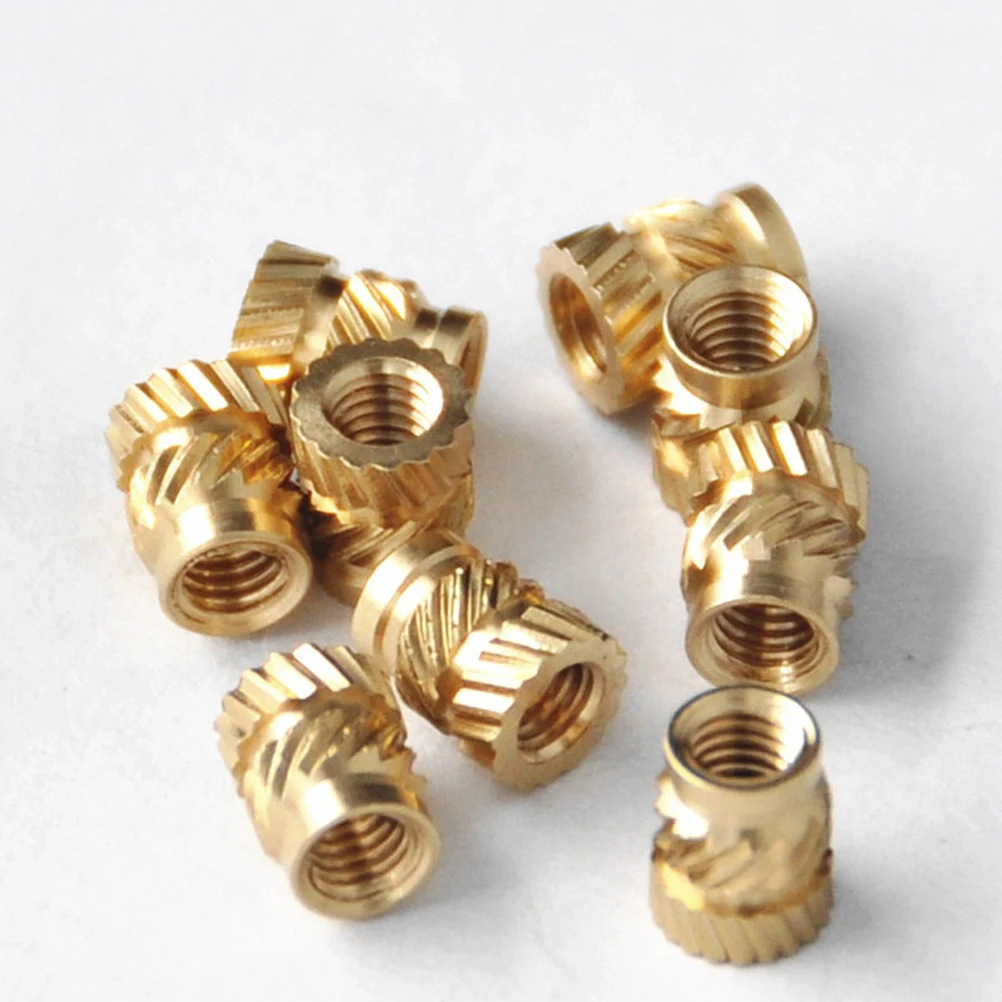
- M3 hot melt brass inserts (see images) - 5mm length like these: https://ae01.alicdn.com/kf/S30a364a1017747f9a79cdf85ba3678cfK/100-50pcs-M3-M3-5-7-OD4-6-Brass-Insert-Nut-Hot-Melt-Knurled-Thread-Embedment.jpg
- M3 bolts (see images), smaller head for the Flippity210 board, large flat head for the panels (they have large holes, you can also use washers)
- Spray paint if you plan on painting the LEDs and/or flip dots (you can see the process here: https://imgur.com/a/I41zt9G ). I personally recommend to at least spray paint the LEDs with transparent green tint so they look almost black. It greatly improves readability. Don't be afraid to do several layers to make it almost black and make sure they are covered from all sides. It highly improves contrast but keeps the functionality at night.
- If you want to paint the dots (I recommend "traffic white"), use “dots” model to easily paint them. To remove the dots use tweezers and turn and bend the dots so they press against the middle "pin", they should pop out. The dots are flexible, so no worries. Don't attempt to bend the towers that hold the dot, they break easily. To put the dots back, put one side in and bend the dot to snap the other side in place. It takes some practice at first but you can get fast at it.