
Lucky Golden Owl
Obliczymy ostateczną cenę na podstawie wybranego pliku. Sprawdzisz ją i zaakceptujesz przed płatnością.
Orientacyjna cena wydruku pliku
2,80 € – 3,42 € netto (bez VAT)
Dla pliku: owl75mm_0.25mm_PLA_162min.gcode
To wstępna wycena jednego pliku. Dokładną cenę poznasz przed zamówieniem.
Plik i założenia wyceny
Plik użyty do wyceny
Średnia wycena orientacyjna: 3,11 € netto (środek widełek).
- Masa podana przez autora
- 48 g
- Czas druku podany przez autora
- 2,68 godz.
- Materiał u źródła
- PLA
- Materiał wyceny
- PLA
- Drukarka wyceny
- Bambu Lab P1S - 0.4 nozzle
- Proces wyceny
- 0.20mm Standard
Orientacyjna wycena wyłącznie wybranego pliku, oparta na masie i czasie druku podanych przez autora. Warianty plików nie są sumowane. Ostateczna cena zostanie obliczona po analizie pliku.
Zapisane na tym urządzeniu.
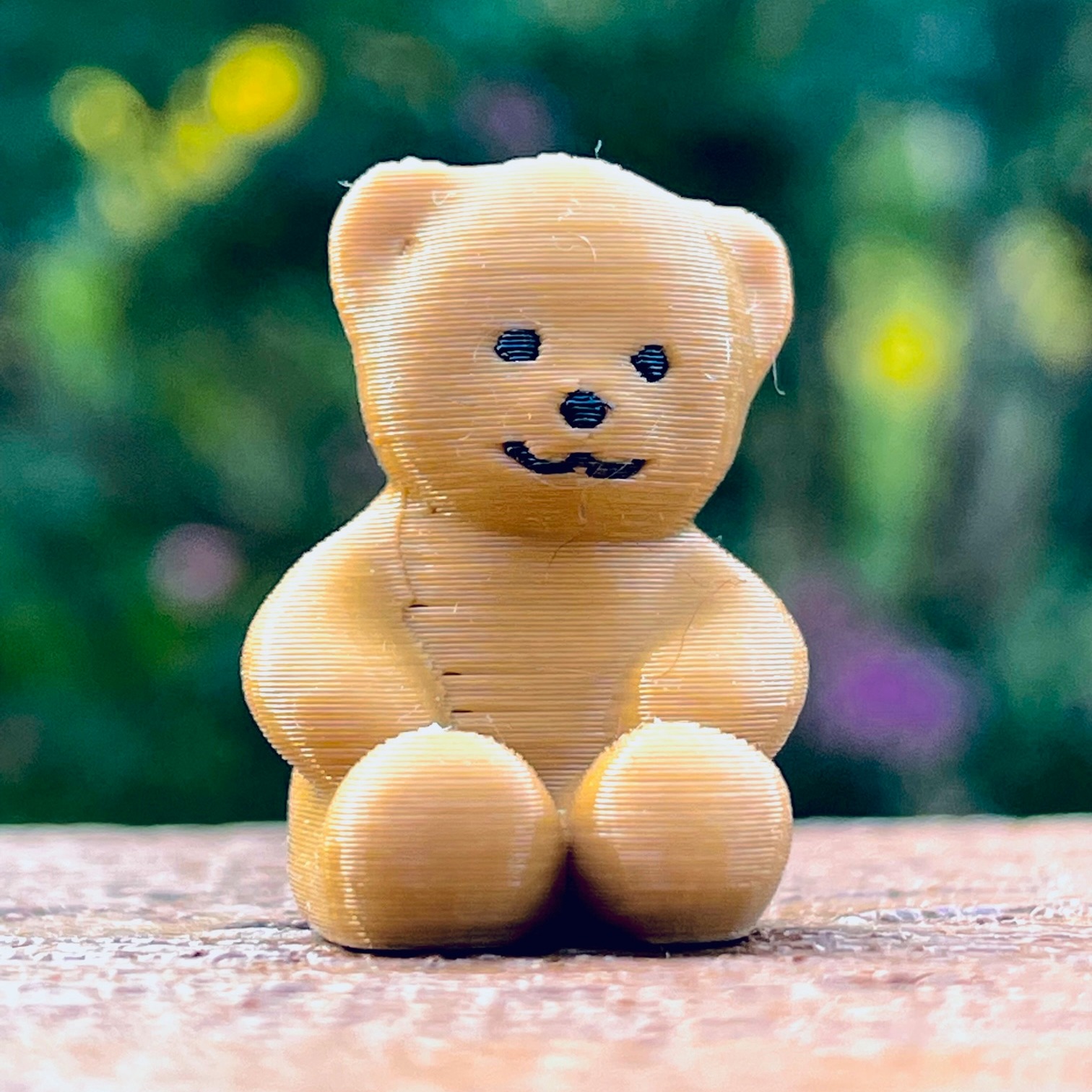
An owl that I scanned from the original one I made in elementary school from clay.
- Ocena
- 5 / 5
- Polubienia
- 8
- Pobrania
- 27
- Wydruki
- 1
- Wyświetlenia
- 196
- Oceny
- 1
Aktualizacja u źródła:
Informacje o modelu
- Źródło
- Printables
- Kategoria
- Sculptures
- Licencja
- Standard Digital File License
I made this owl in seventh grade from clay. Recently I took about 60 photos of him, and made him into a mesh. I found this gold PLA from Inland/Microcenter looks really nice on him. https://filamentcolors.xyz/swatch/43/ It is not too bright or too dark or too intense.
Tools used a few years ago:
- modeling clay
- flour to place on clay while photographing
- iPhone camera
- Agisoft Metashape Software (only only since I have an AMD video card)
- Computer with AMD video card (hence the need for metashape since I didnt have an Nvidia card)
- Meshmixer to edit and improve mesh
If I were doing this again here is the process I would follow which is faster, easier, and doesn't require a really powerful computer or specific video card:
- modeling clay
- iPhone camera
- Luma AI App on iPhone to scan the object
- Download completed mesh from Luma AI website
- Meshmixer to edit and improve mesh
- Use paint tool in prusaslicer to add multicolor sections if desired
- Print on MMU in multicolor or single color