
Customizable Wi-Fi QR code
Obliczymy ostateczną cenę na podstawie wybranego pliku. Sprawdzisz ją i zaakceptujesz przed płatnością.
Zapisane na tym urządzeniu.

This is version two it’s far better and has a stand this is also great for your printables profile
- Ocena
- 5 / 5
- Polubienia
- 45
- Pobrania
- 180
- Wydruki
- 3
- Wyświetlenia
- 1577
- Oceny
- 2
Aktualizacja u źródła:
Informacje o modelu
- Źródło
- Printables
- Kategoria
- 2D Plates & Logos
- Licencja
- Creative Commons — Attribution — Noncommercial — Share Alike
Import the flat box into Tinkercad
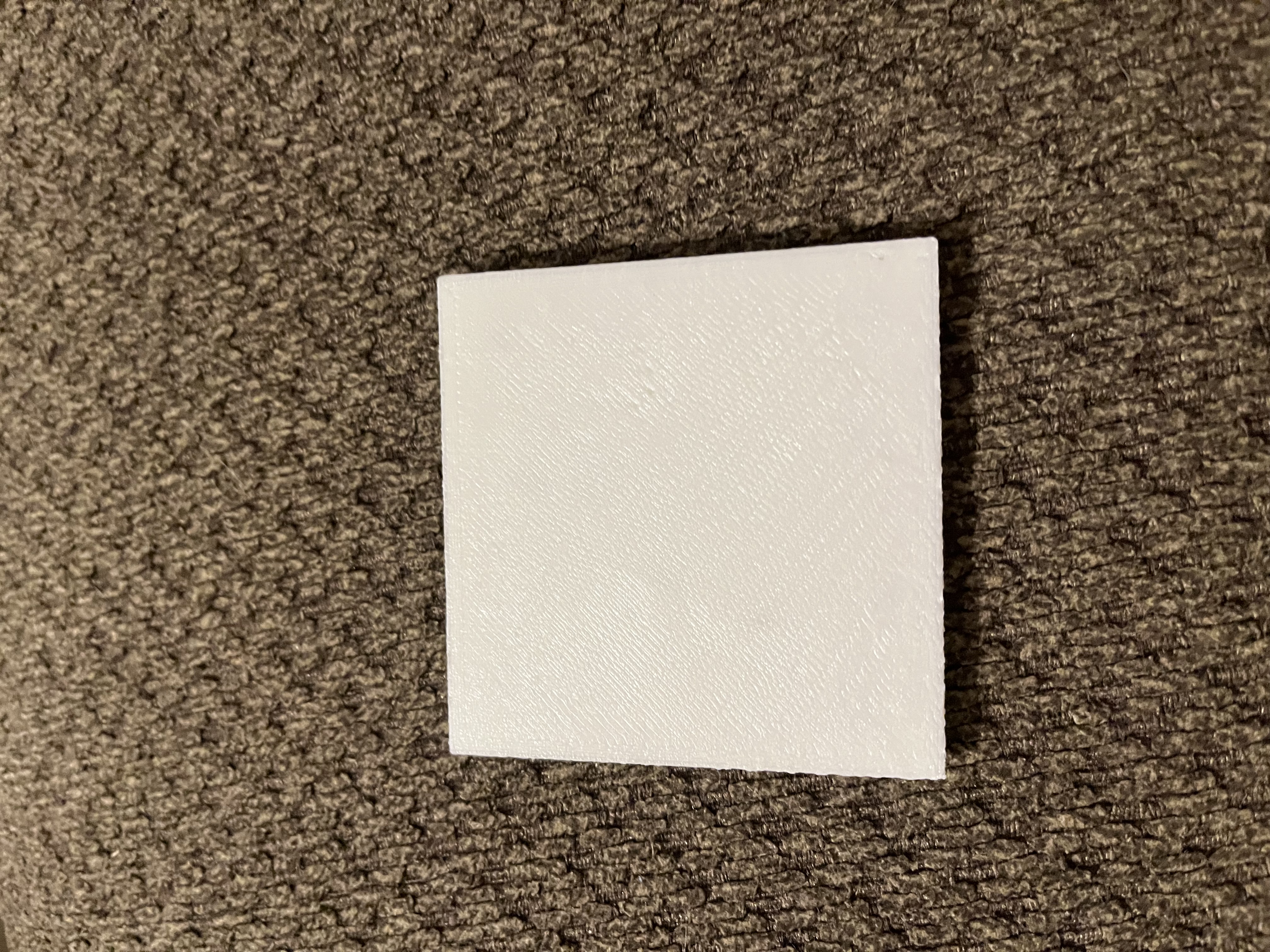
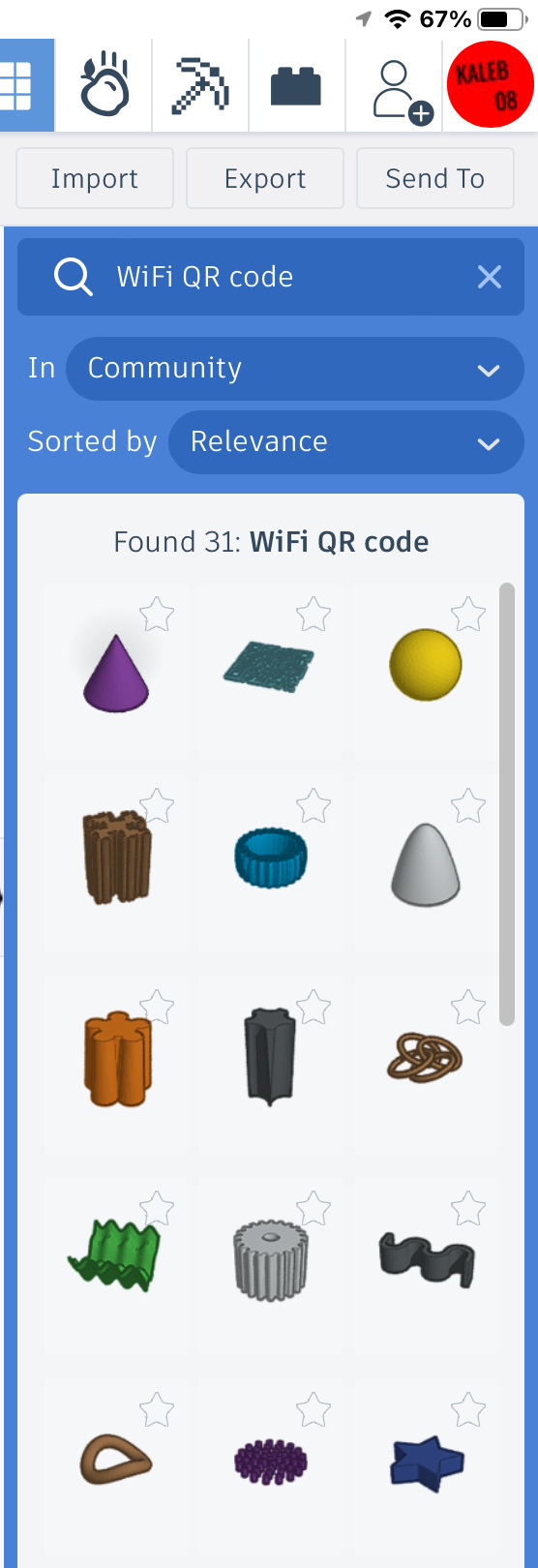
after you are done find the QR code, and to thinkercad space
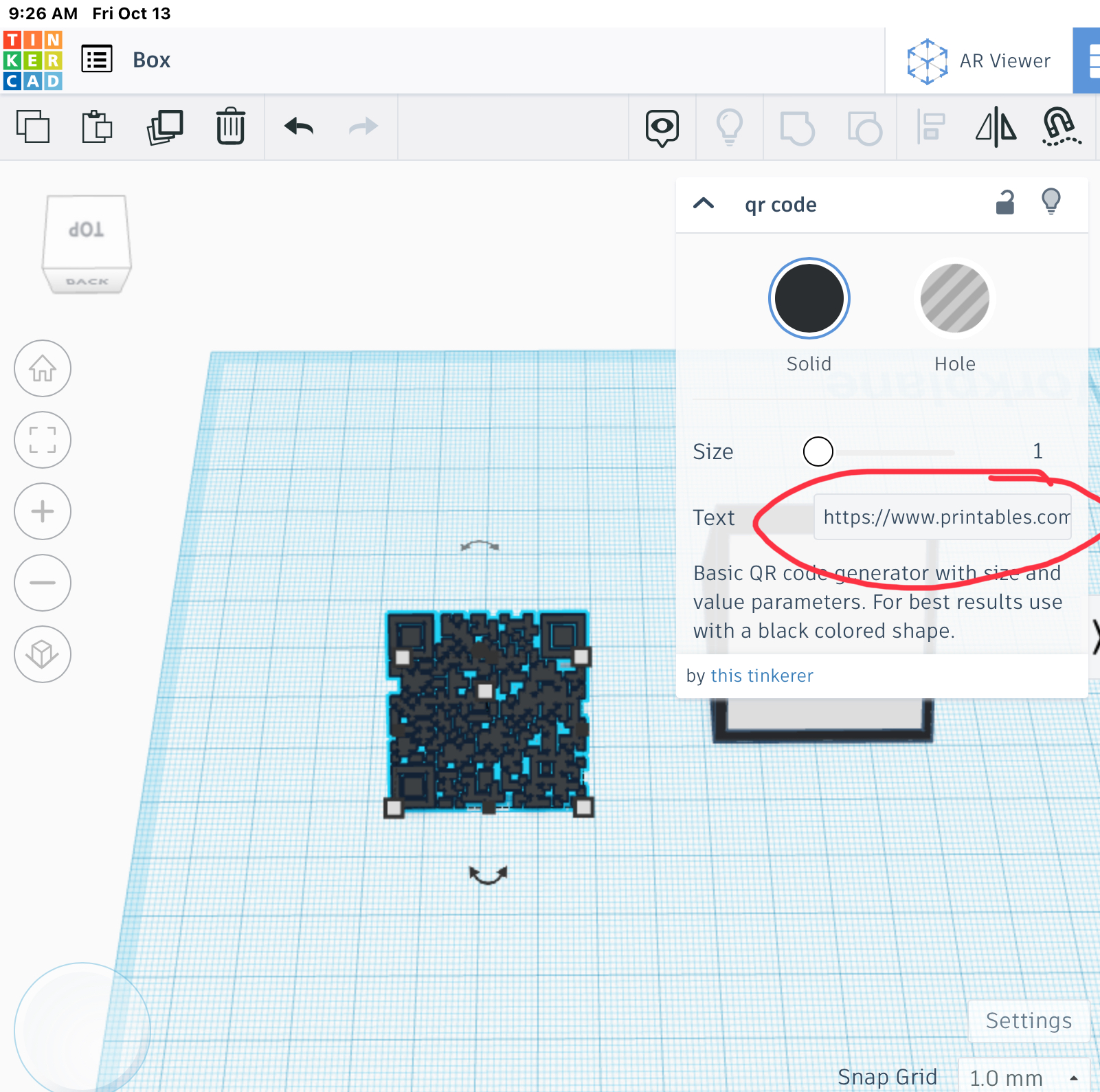
then Select just the QR code object. In the Properties for the QR code object, enter your WiFi information into into the Text box using this format: WIFI:S:ssid;T:WPA;P:password;;where ssid is the SSID of your WiFi network and password is your network password.
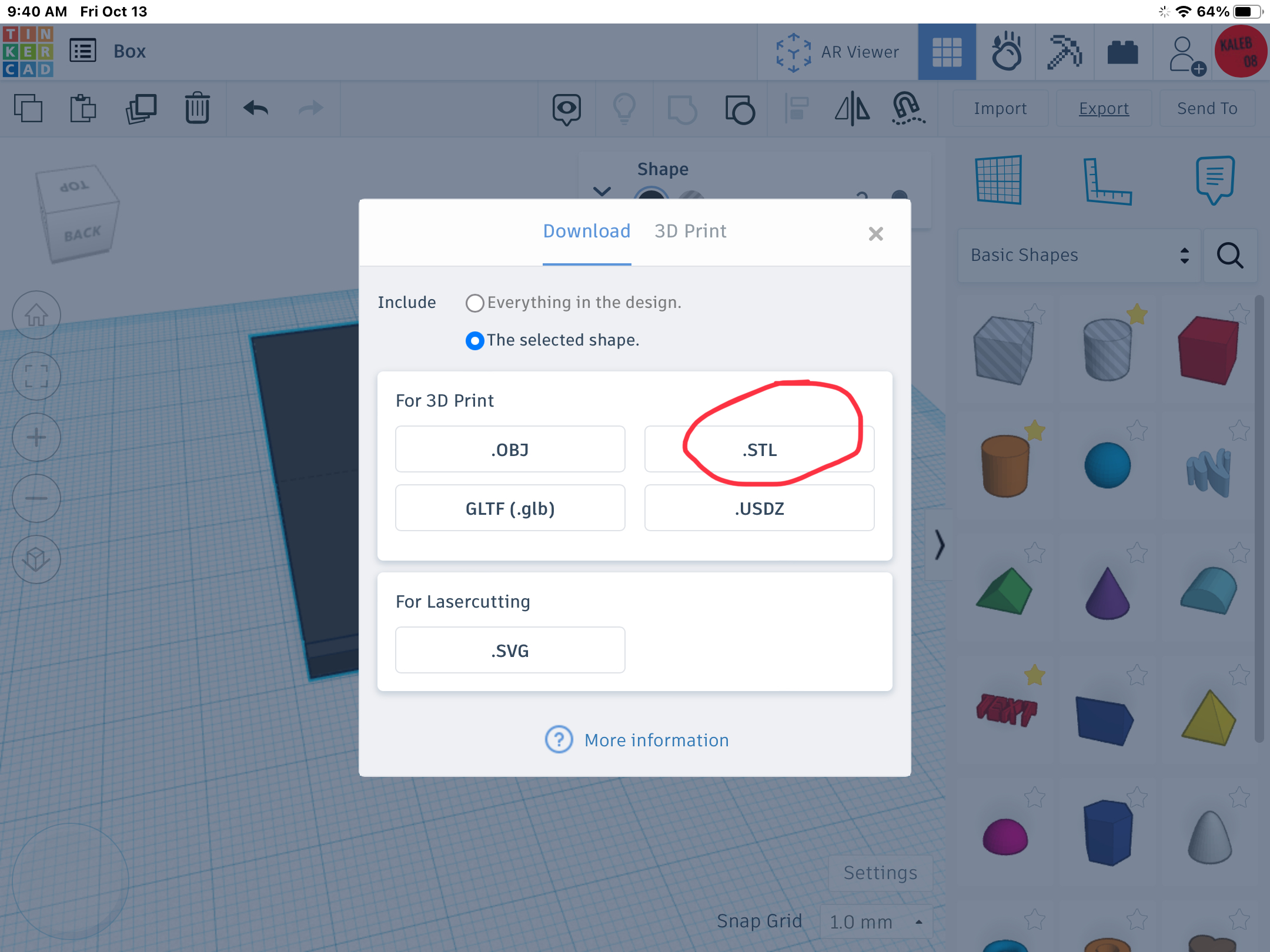
Then put the flat box in the QR code together and export it as an STL
And then put in your slicer and print
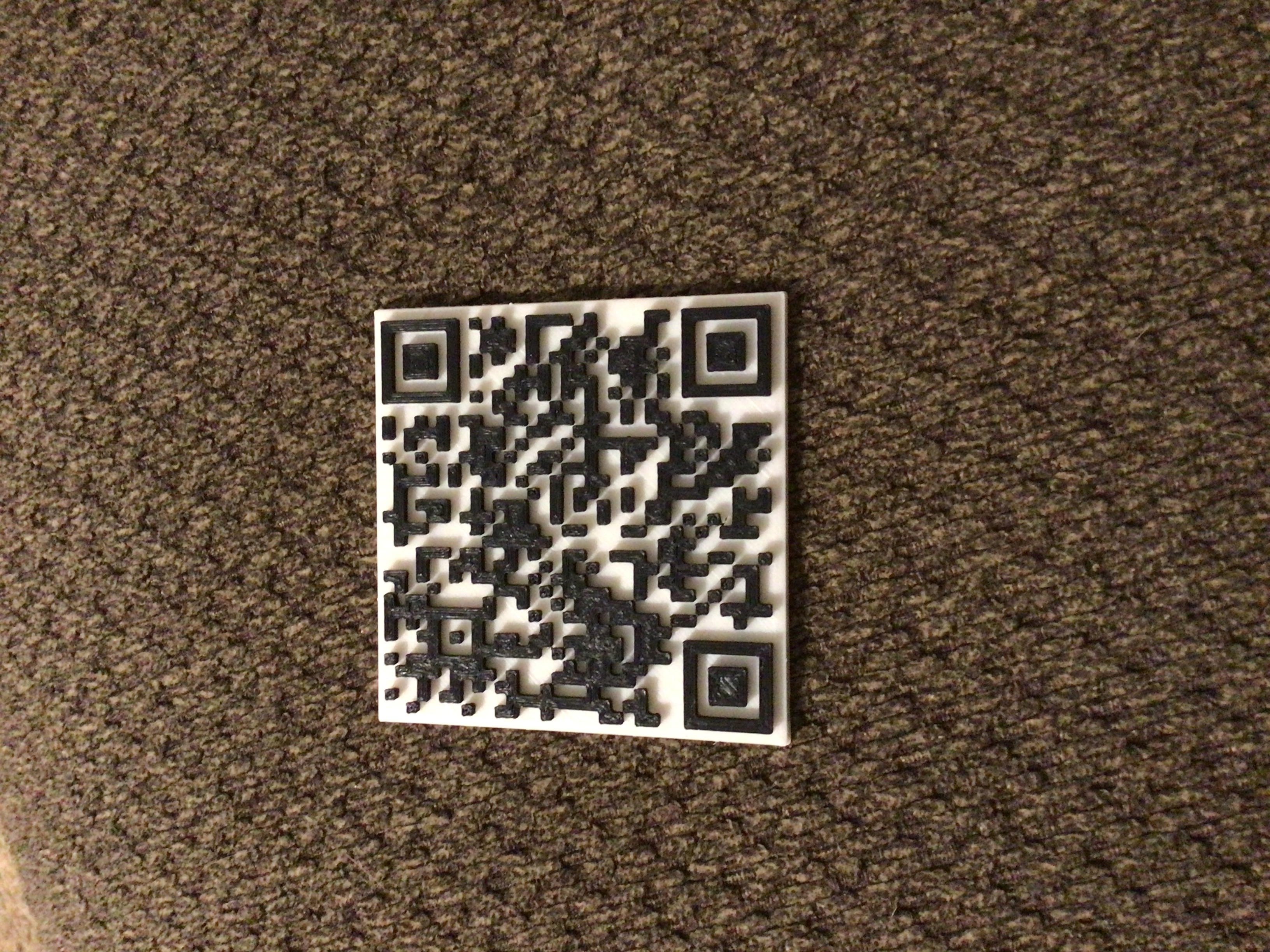
and then print the stand, and set the QR code on the stand and then you are done

just set the QR code on top