
i3 MK3S to MK3S+ Upgrade Printable parts
Obliczymy ostateczną cenę na podstawie wybranego pliku. Sprawdzisz ją i zaakceptujesz przed płatnością.
Wstępna wycena dla PETG
1,30 € – 1,59 € netto (bez VAT)
Dla pliku: Y-axis-LCD_MK3StoMK3S+_0.2mm_PETG_MK3S_1h44m.gcode
To wstępna wycena jednego pliku. Dokładną cenę poznasz przed zamówieniem.
Plik i założenia wyceny
Plik użyty do wyceny
Średnia wycena orientacyjna: 1,44 € netto (środek widełek).
- Masa podana przez autora
- 13 g
- Czas druku podany przez autora
- 1,73 godz.
- Materiał u źródła
- PET
- Materiał wyceny
- PETG
- Drukarka wyceny
- Bambu Lab P1S - 0.4 nozzle
- Proces wyceny
- 0.20mm Standard
Orientacyjna wycena wyłącznie wybranego pliku, oparta na masie i czasie druku podanych przez autora. Warianty plików nie są sumowane. Ostateczna cena zostanie obliczona po analizie pliku.
Zapisane na tym urządzeniu.
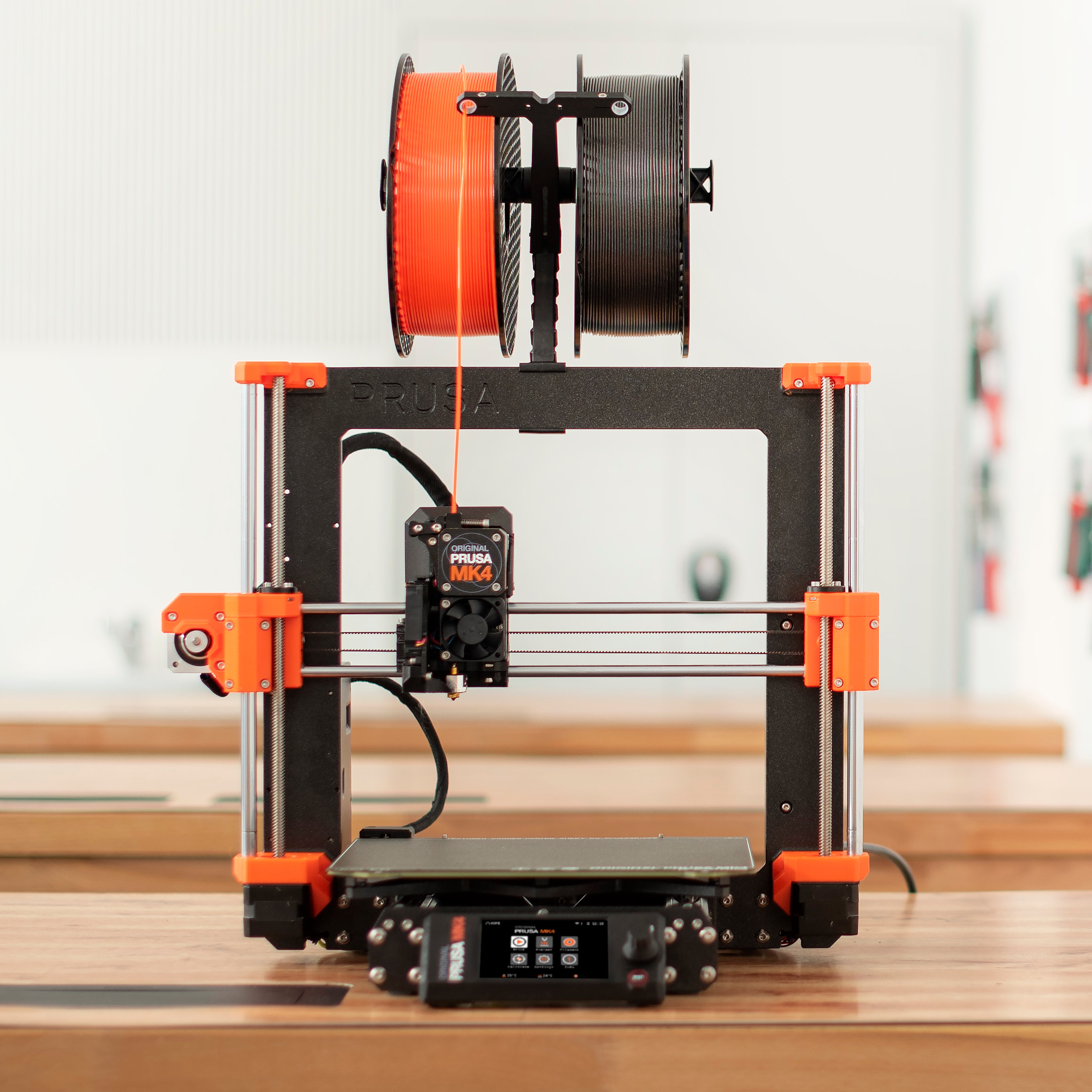
Original Prusa i3 MK3S to MK3S+: All printable parts you need for the upgrade.
- Ocena
- 4,945 / 5
- Polubienia
- 614
- Pobrania
- 23 135
- Wydruki
- 102
- Wyświetlenia
- 72 964
- Oceny
- 145
Aktualizacja u źródła:
Informacje o modelu
- Źródło
- Printables
- Kategoria
- Prusa Parts & Upgrades
- Licencja
- GNU General Public License v2.0
All printable parts for upgrading your MK3S to MK3S+
Attention, y-rod-holder is present 4 times in the printer. If you plan to print the whole upgrade, print this part 4x. Look for a number in the brackets in the file description.
the fan-shroud part isn´t included in the pre-sliced files because it needs to be printed from a high-temp resistant material.
The Optional parts folder includes some optional upgrades to the latest part version if you have the older ones installed on your printer.
Print instructions
PrusaSlicer's default PETG 0.2mm presets.
For fan-shroud part, please use Prusament ASA / PC-Blend with default settings and 5mm brim. If you still have issues with bed adhesion, keep lowering the print speed until the part prints out successfully.
The fan-shroud STL file includes an inner support rim that needs to be removed after printing. It can be easily removed with needle-nose pliers, a knife, or flush cutters together with the brim. Otherwise, it will block most of the air from coming out. See the printed part post processing article to see what the fan-shroud should look like after removing the inner support.
ASA, PC Blend, PA or even ABS, as well as other high-temperature materials are only suitable for experienced users, and being from different manufacturers, properties may vary greatly.
PLA or PET-G is a no-go for fan-shroud because of its low temperature resistance.
We recommend using black filament to print all MK3S+ extruder parts. If you want different colour, you can use it, but the FS-lever part should be definitely dark (black) and the other parts surrounding the IR-Sensor as well. In case you use any lighter colour for the FS-lever it might not trigger the sensor.