
1 / 3
Bambu Lab X1C Start G-Code - Short Purge
Zamów wydruk tego modelu
Obliczymy ostateczną cenę na podstawie wybranego pliku. Sprawdzisz ją i zaakceptujesz przed płatnością.
Zapisane na tym urządzeniu.

Bambu Lab X1C Start G-Code - Short Purge line
- Ocena
- 4,75 / 5
- Polubienia
- 108
- Pobrania
- 721
- Wydruki
- 3
- Wyświetlenia
- 4741
- Oceny
- 4
Aktualizacja u źródła:
Informacje o modelu
- Źródło
- Printables
- Kategoria
- Bambu Lab Parts & Upgrades
- Licencja
- Creative Commons — Attribution — Noncommercial — Share Alike
SzczegółyPliki (3)Wydruki i komentarze (Wydruki: 3) (Komentarze: 17)Remiksy (0)Kolekcje (162)Powiązane
Bambu Lab X1C Start G-Code - Short Purge line
File: Bambu Lab X1C Start Gcode Short Purge.txt
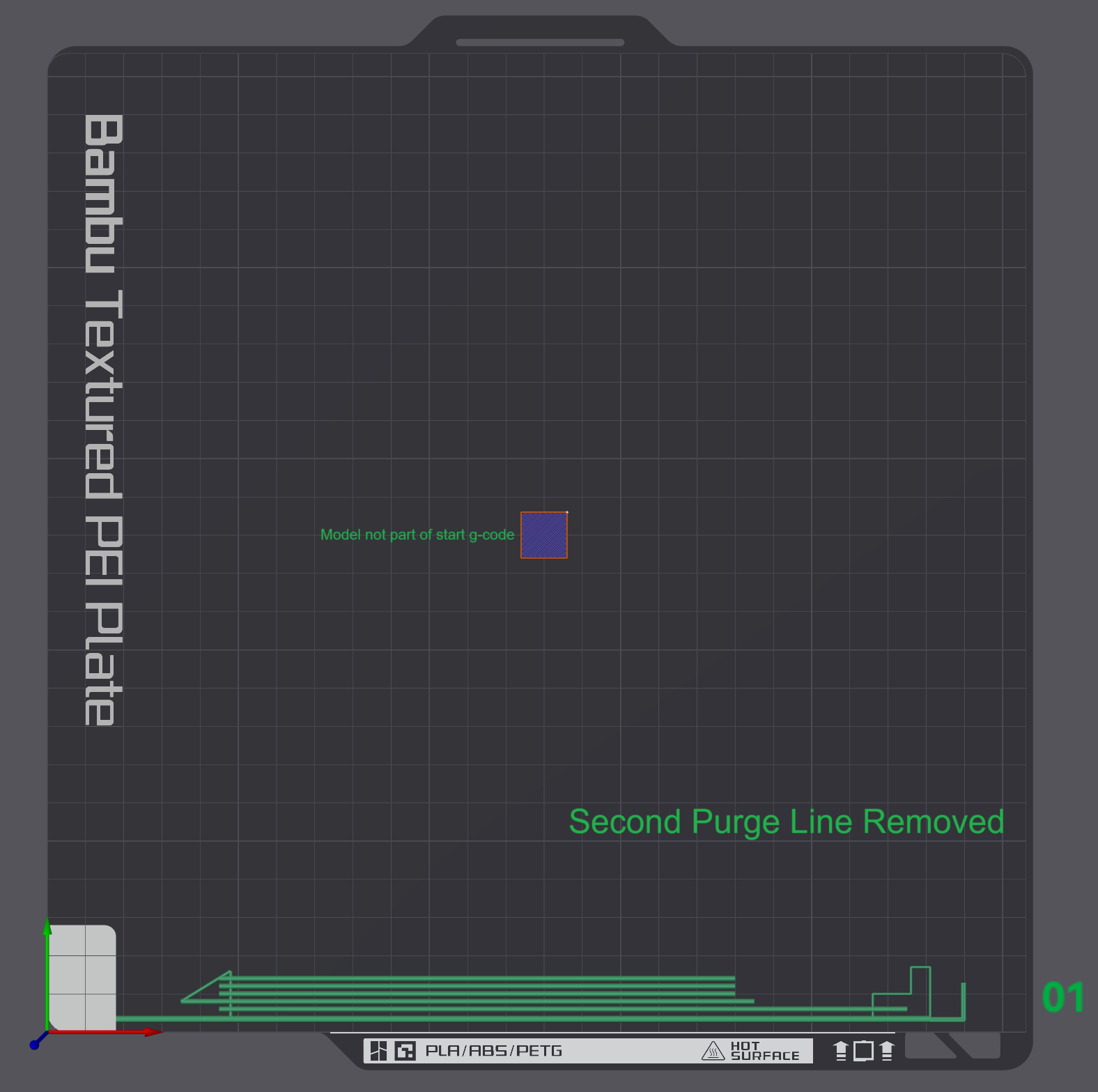
- The start G-Code removes the default purge line in the top right hand corner and changes it to a short purge line in the bottom right corner of the build plate.
- Note: The start G-Code is for the Bambu Lab X1C.

File: Bambu Lab X1C Start Gcode No Purge.txt
- The start No Pruge G-Code removes the default (second) purge line in the top right hand corner.
- Note: The start G-Code is for the Bambu Lab X1C.
Both Start G-Code files tested on:
- Bambu Studio version 1.7.7.89
- Orca Slicer version 1.7.0 (Beta)
Instructions:
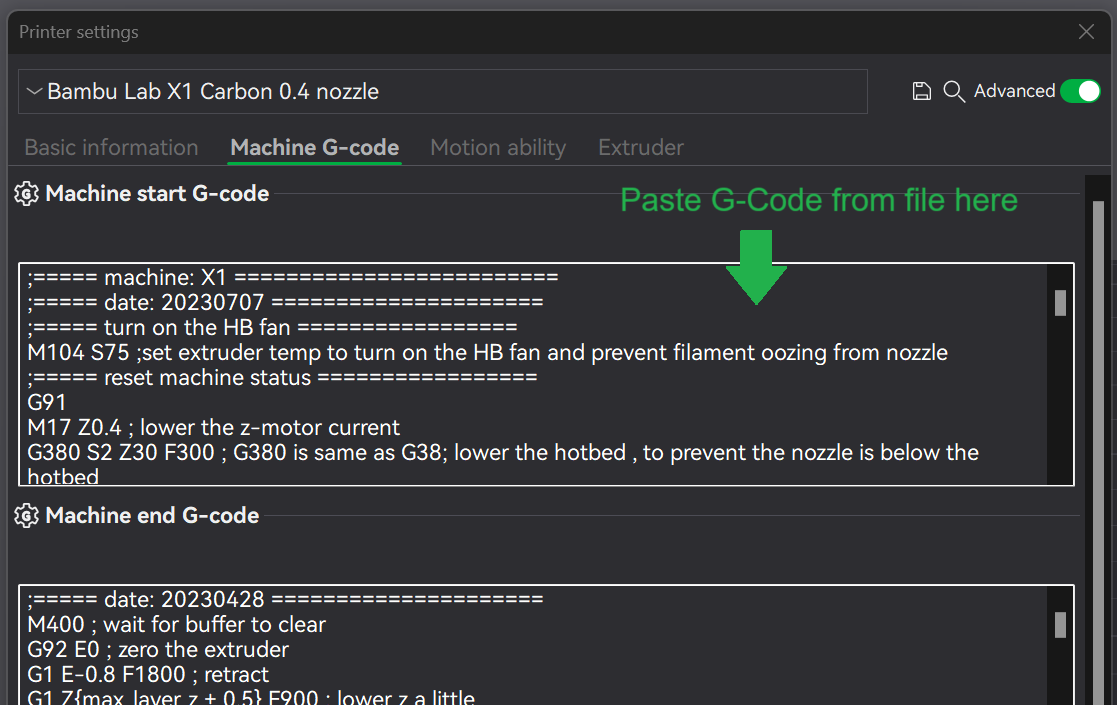
- Download the “Bambu Lab X1C Start Gcode Short Purge.txt” or “Bambu Lab X1C Start Gcode No Purge.txt” file.
- Copy all the text in the document.
- Delete all Machine start G-Code.
- Paste the copied text into the “Machine start G-Code”
- Save the profile under a new name.
If you found the G-Code helpful, please drop a like.
Disclaimer:
- Please use the start G-Code at your own risk.
- The G-Code was tested on my Bambu Lab X1C on both Bambu Studio and Orca Slicer.