
Flying Banshee from Avatar
Obliczymy ostateczną cenę na podstawie wybranego pliku. Sprawdzisz ją i zaakceptujesz przed płatnością.
Zapisane na tym urządzeniu.
Informacje o modelu
- Źródło
- Printables
- Kategoria
- Other Toys & Games
Youtube
Overview.
I like playing with flying models, and this is my next flying model.
This time I adapted the banshes from the movie Avatar (Ikranä Maktoyu) printing and flying. In For more information, please visit the Avatar wiki
https://james-camerons-avatar.fandom.com/wiki/Ikranä_Maktoyu
Its long neck and long tail make it a well-balanced model for flight and it actually flies very well
Instruction
Print it with 100% infill to have good balace
To print it you have to have very good calibrated first layer, because wings have only one layer.
To make various color, use color change option in the slicer on layer 2 and 3.
After printing, gently peel it off the bed so as not to bend anything too much.
It's best if it falls off on its own after the bed cools down. This happens, for example, on PEI boards.
It should lie flat on your back when removed from the printer
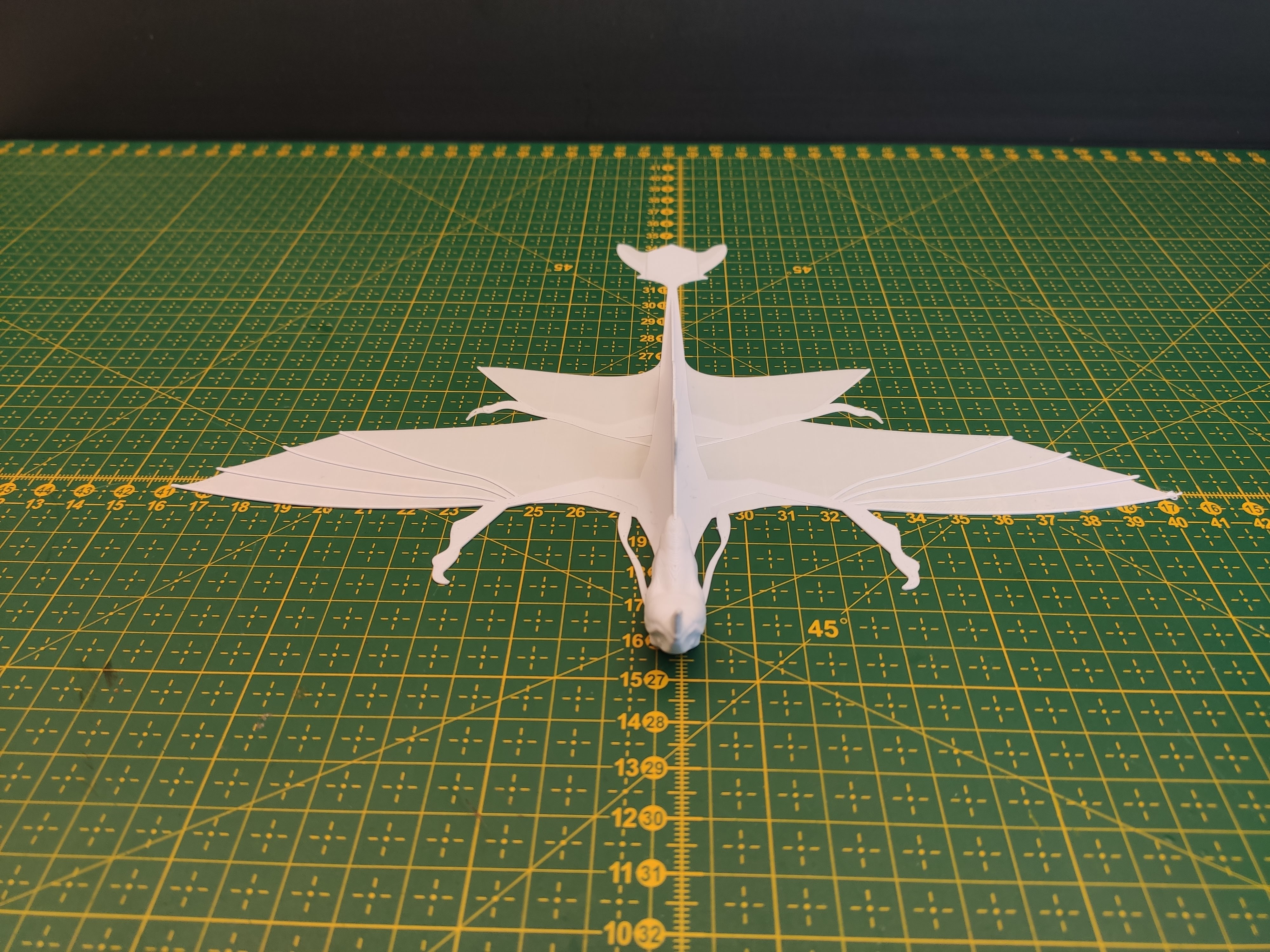
Before flight
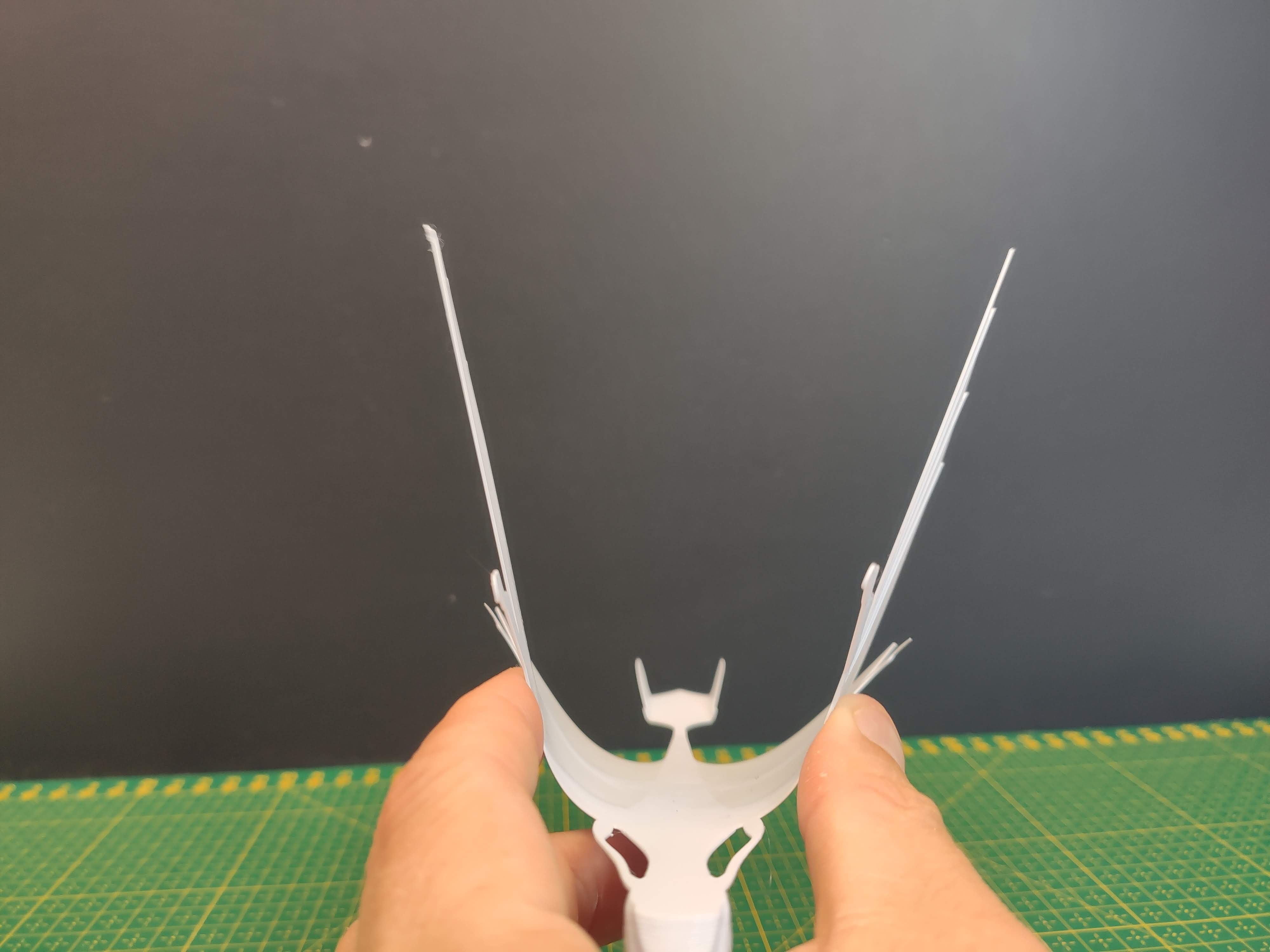
Basicaly your model should have wings straight or a little up.
To achieve that stretch wings a little up.
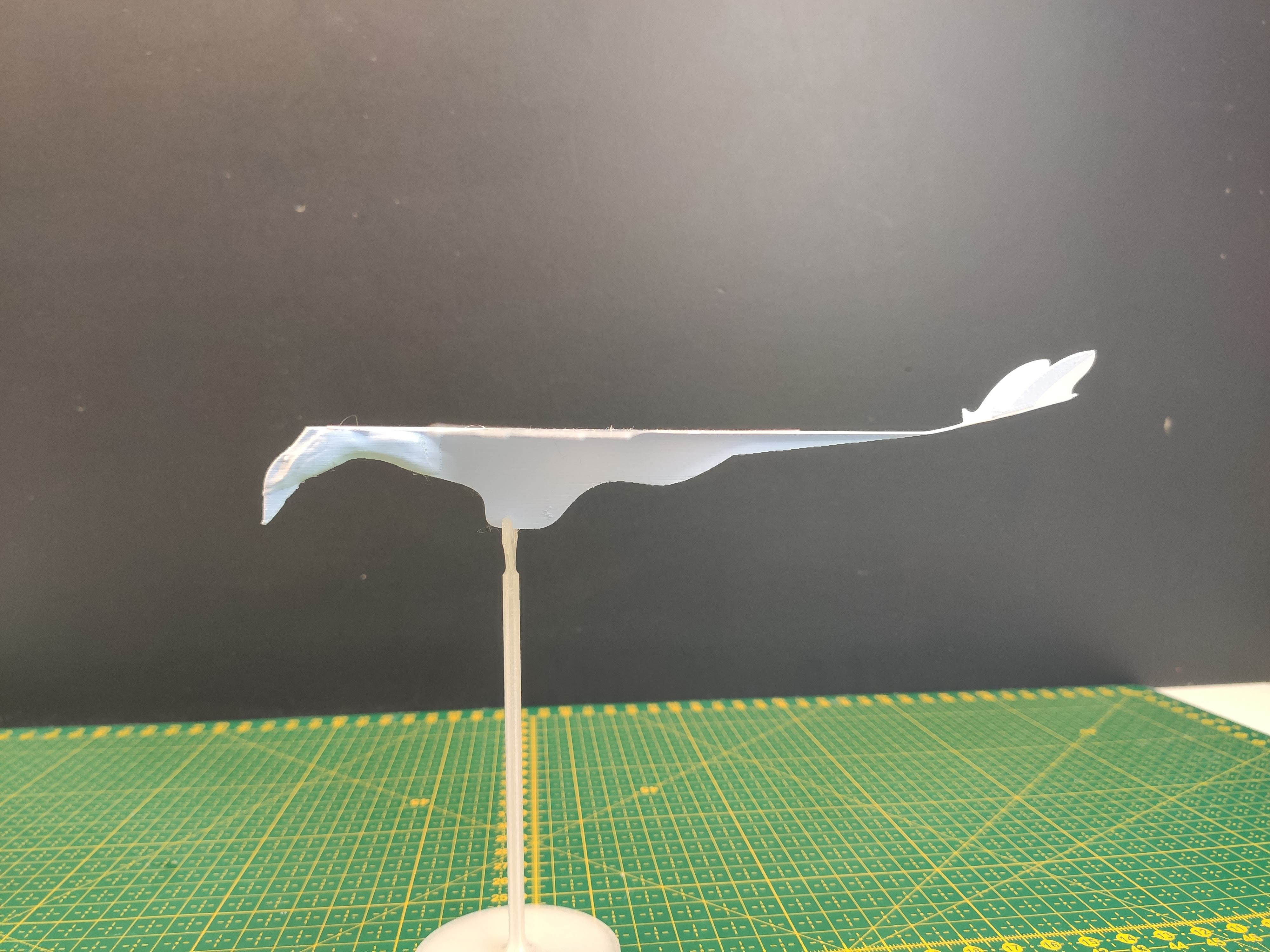
For the model to fly well, you need to bend the tail upwards
and set its sides vertically
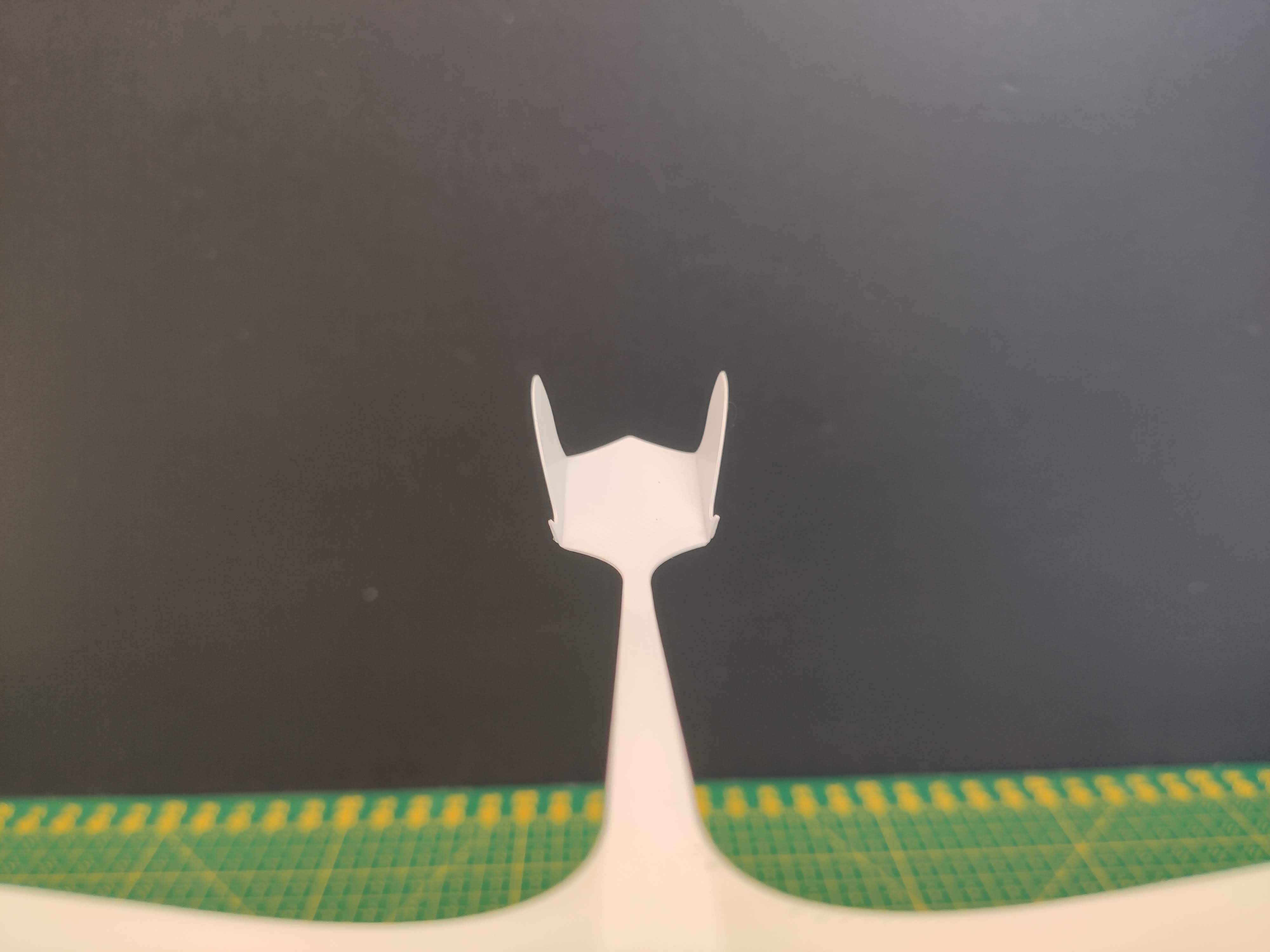
You can also raise its back wings a little.
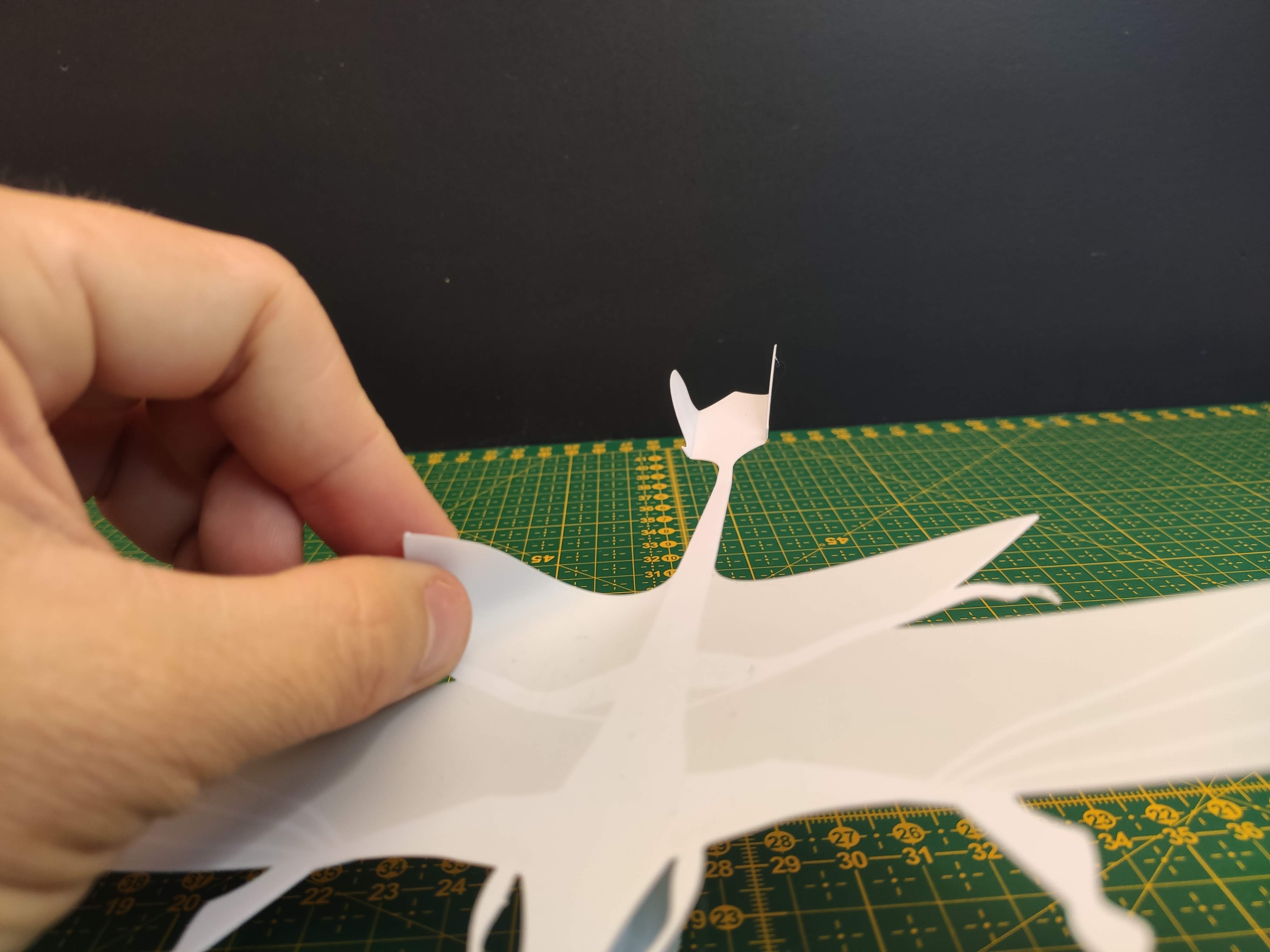
After bending it should look like this
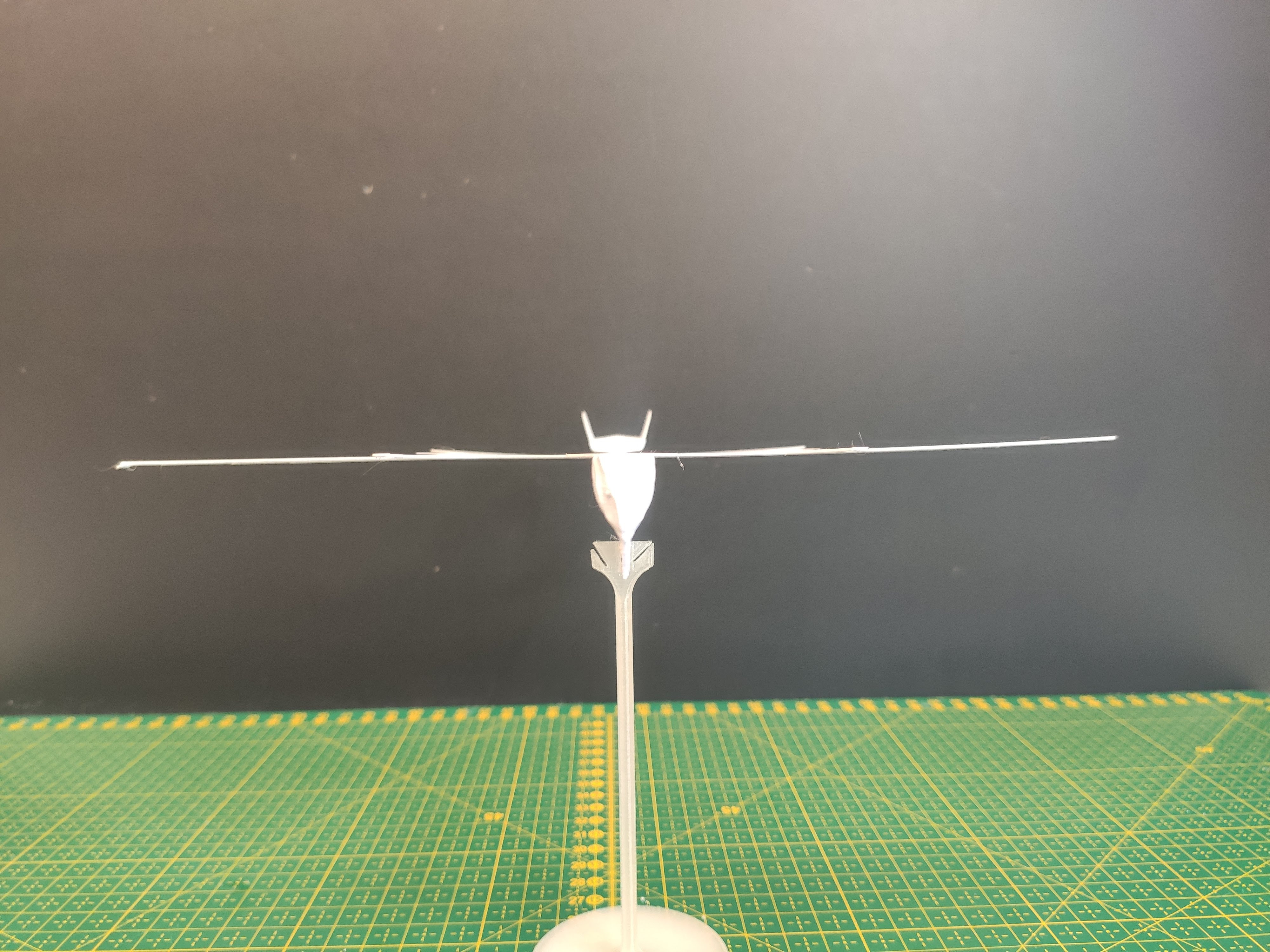
During flights and crashes you have to repeat some of these steps to make it fly properly.
Have fun