
Miss Minutes Clock (Loki)
Obliczymy ostateczną cenę na podstawie wybranego pliku. Sprawdzisz ją i zaakceptujesz przed płatnością.
Zapisane na tym urządzeniu.

Fan Art Clock of Miss Minutes, a character in the television series Loki produced by Marvel Studios.
- Ocena
- 4,989 / 5
- Polubienia
- 1872
- Pobrania
- 3936
- Wydruki
- 111
- Wyświetlenia
- 25 906
- Oceny
- 93
Aktualizacja u źródła:
Informacje o modelu
- Źródło
- Printables
- Kategoria
- Wall-mounted
- Licencja
- Creative Commons — Attribution — Noncommercial — Share Alike
Fan Art Clock of Miss Minutes, a character in the television series Loki produced by Marvel Studios. You can use the clock as a wall clock and as a table clock.
The clock has a size of about 155 mm x 170 mm x 26.4 mm. The dial has a diameter of about 121 mm and a thickness of 4 mm. Movements (clockwork) with a case size of 56 mm x 56 mm can be used.
Other Variants of Miss Minutes
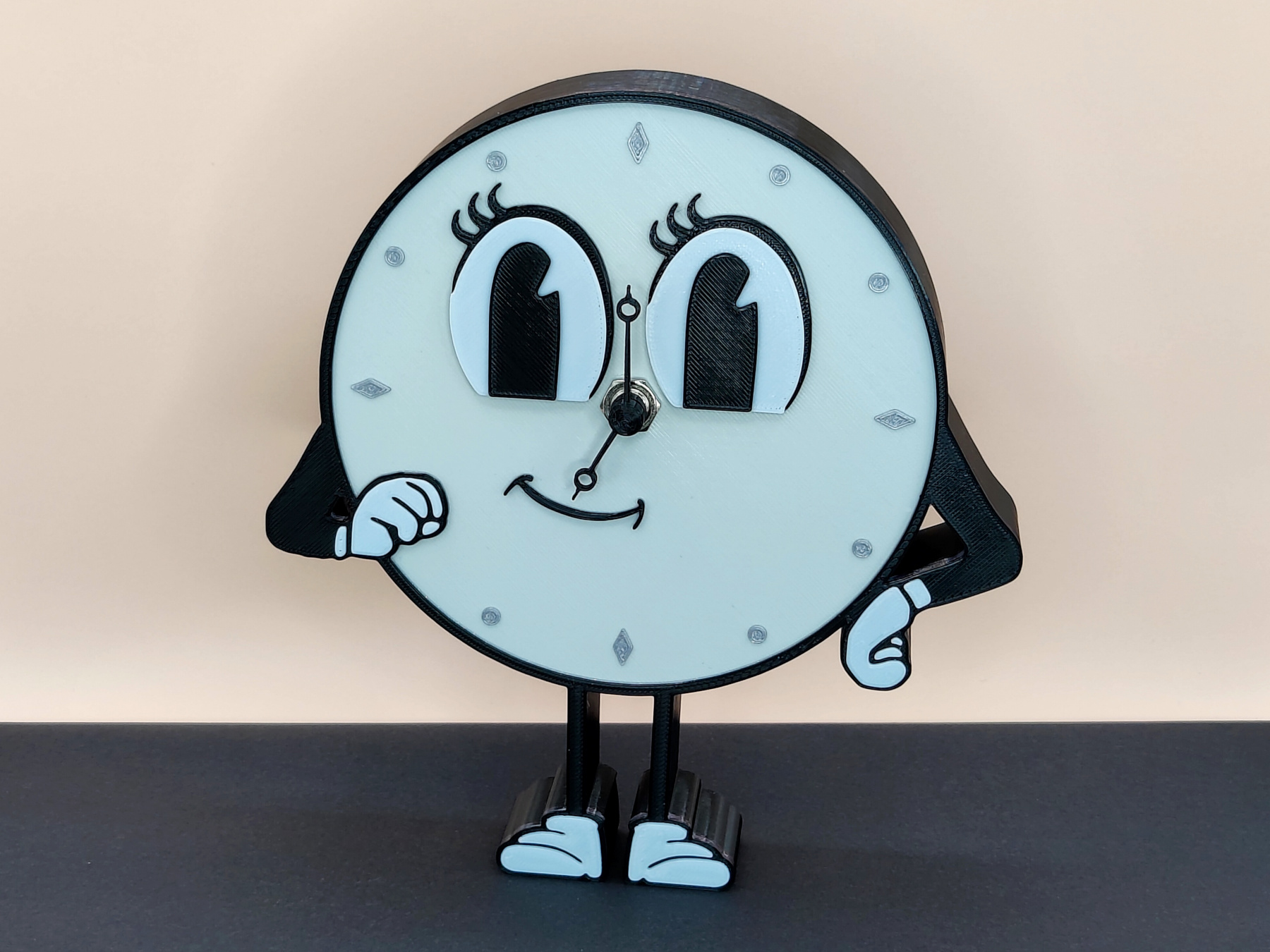 | 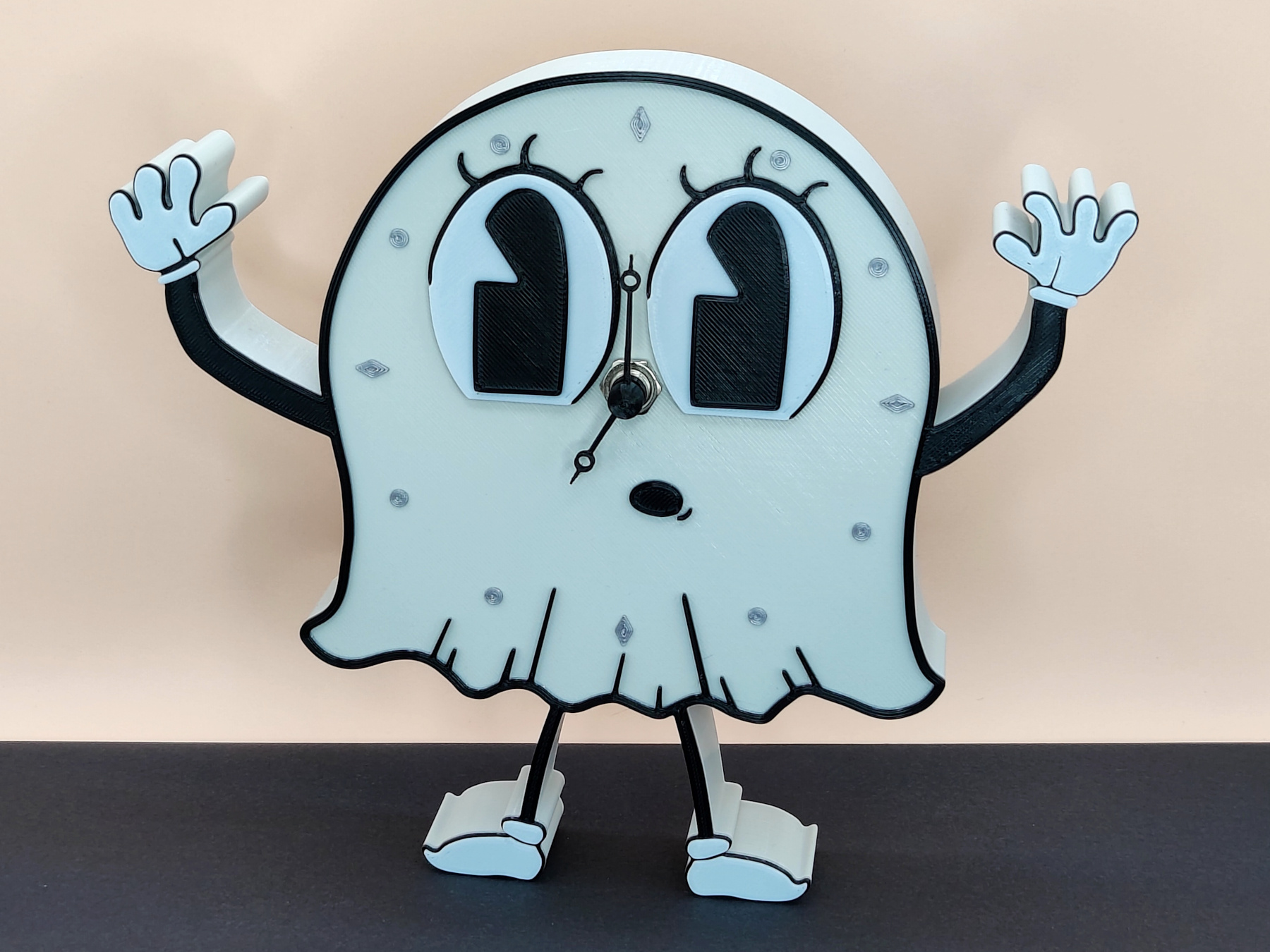 |
Movement and Clock Hands
You can use any movement with a maximum case size of 56 mm x 56 mm x 20 mm. I use the following movement (Amazon DE): https://www.amazon.de/gp/product/B00TPI4FKE
The following movement should also fit (Amazon US): https://www.amazon.com/dp/B0B3CSGHTW
This movements have a thread length of 9 mm.
You can use the clock hands from your movement or use (and modify) the 3D modeled clock hands (see Files). These hands can also be customized if necessary using the included Fusion 360 project file. User parameters were used for this, which can be modified in Fusion via Modify ➝ Change Parameters. The following parameters (and default values) are used.
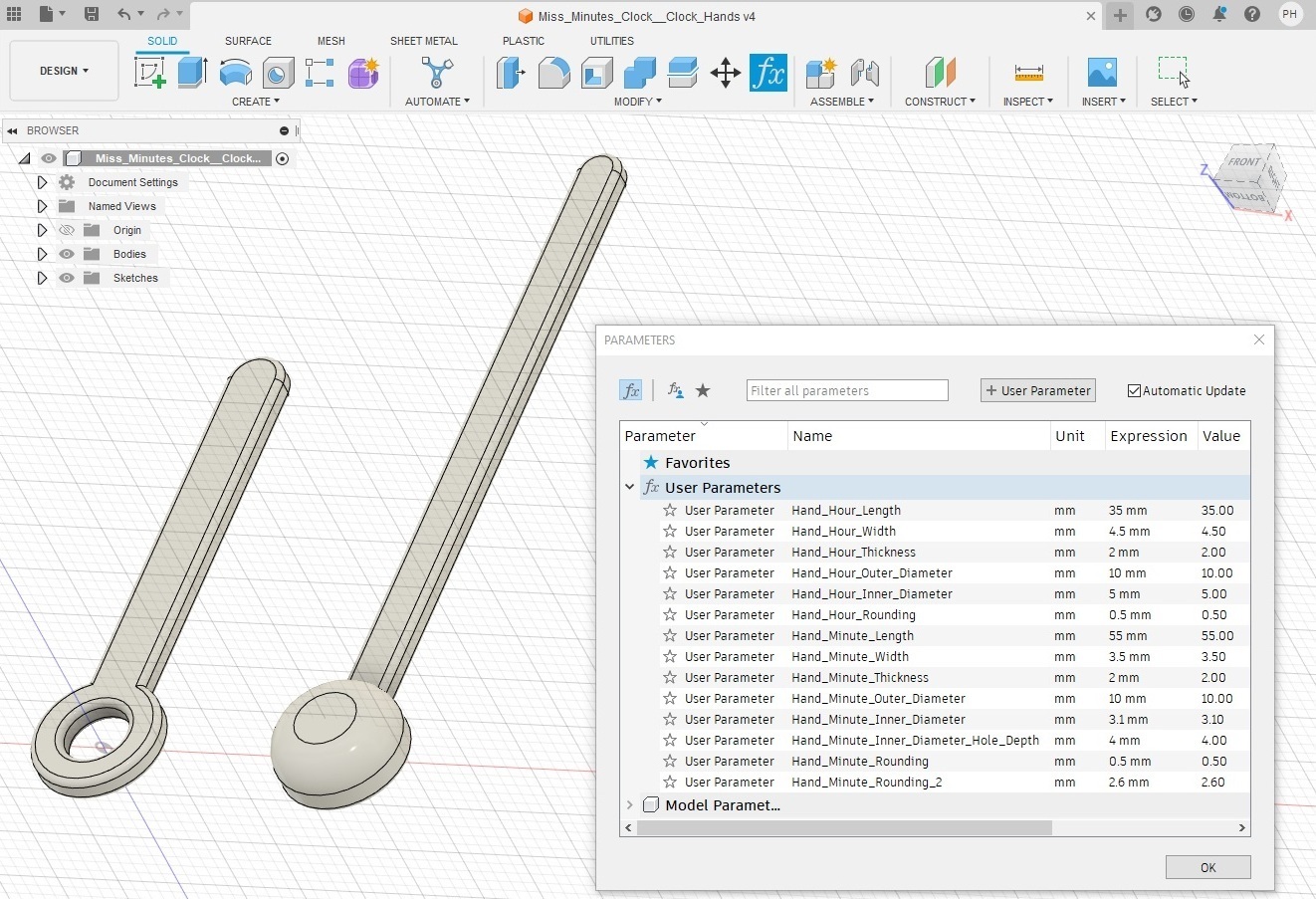
Printing
The clock is printed in 3 colors (orange, black, white). 3 color/filament changes are required (orange ➝ black ➝ white ➝ black).
- 00.00 - 24.00 mm: orange
- 24.00 - 25.00 mm: black
- 25.00 - 25.80 mm: white
- 25.80 - 26.40 mm: black
The filament/color change using PrusaSlicer is described here: https://help.prusa3d.com/article/color-change_1687
Important: The dimensions given are the actual dimensions of the 3D model. Please check in your slicer preview whether the color changes are set correctly. The layers to be set for the color changes depend on the selected layer height.
Supports are only required for the hole for the movement shaft.
It is possible to work with variable layer heights to speed up the printing, for example:
- 00.00 - 23.00 mm: 0.3 mm layer height
- 23.00 - 26.40 mm: 0.2 mm layer height
Updates
- 2023-11-11: Upload STEP files
- 2023-11-19: Upload parameterizable Fusion 360 project file (F3D file) for the clock hands
My Print Settings
- Printer: Prusa MK4 (0.4 mm nozzle)
- Rafts: No
- Supports: Yes
- Resolution: 0.3 / 0.2 mm (variable layer heights)
- Infill: 20 %
- Filament brand: Prusament
- Filament color: Prusa Orange, Jet Black, White
- Filament material: PLA