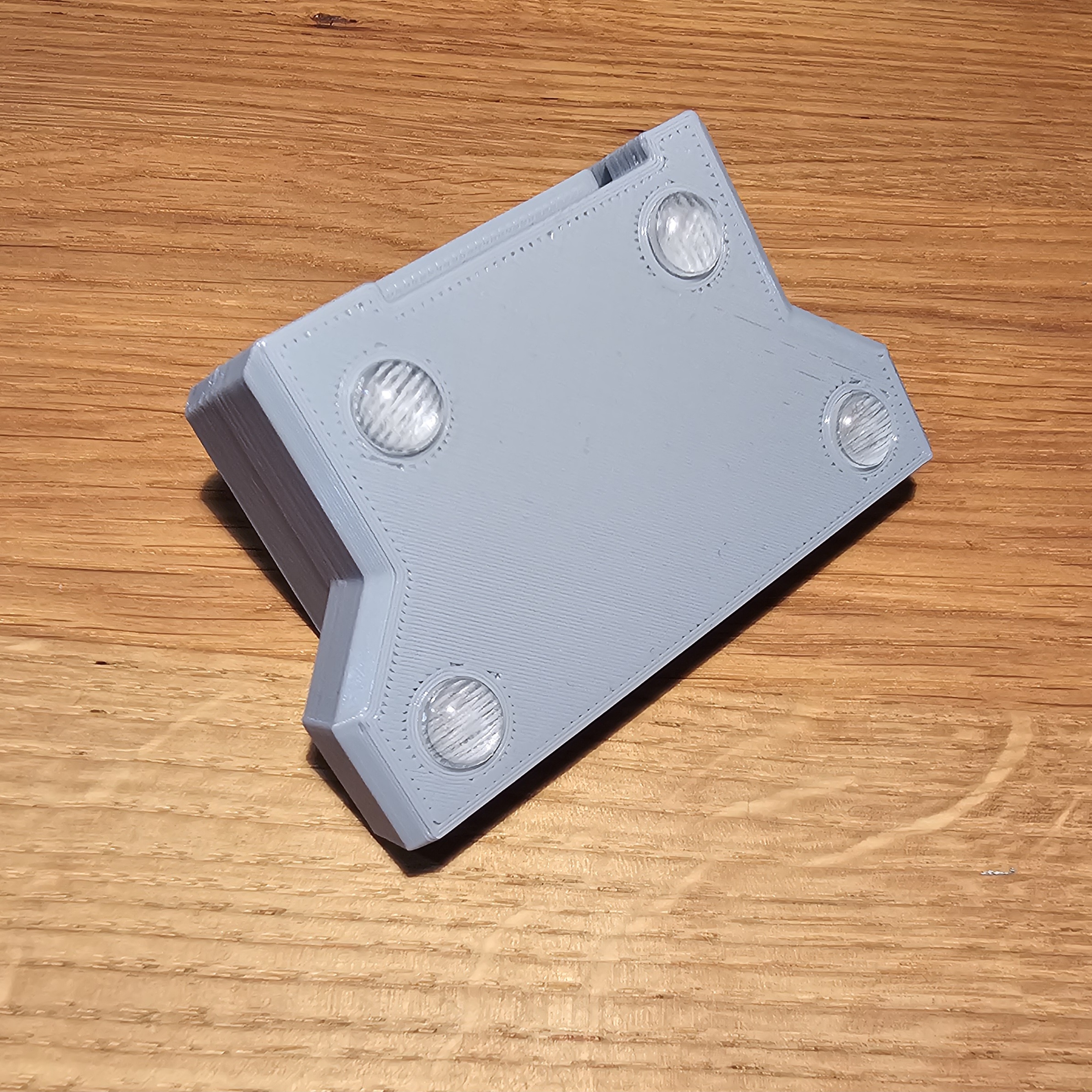
Ultimate 64 - IDC Extender For Userport
Obliczymy ostateczną cenę na podstawie wybranego pliku. Sprawdzisz ją i zaakceptujesz przed płatnością.
Zapisane na tym urządzeniu.
26 Pin IDC Extender For Userport for use with the Ultimate 64
- Ocena
- 0 / 5
- Polubienia
- 4
- Pobrania
- 28
- Wydruki
- 0
- Wyświetlenia
- 357
- Oceny
- 0
Aktualizacja u źródła:
Informacje o modelu
- Źródło
- Printables
- Kategoria
- Computers
- Licencja
- Standard Digital File License
Print Settings:
Layer height: 0.2 mm
Perimeters: 3
Infill: 15%
Support: Only some support on the front of the ‘cover’ for the hinge pin. The base enclosure requires some support on the front to prevent sagging.


Additional hardware required:
- 26 Pin Male to Female IDC extender cable (30 cm)
- 4 pcs. of 8mm adhesive feet (optional)
Note about Inside A or B piece:
There are two version of the “inside” piece included. One has the slot for the IDC connector on the bottom (A), the other one has it on the top (B). You'll probably want to use version A. This ensures that your original cable that connects from the board to this connector doesn't twist. Just wire up your Userport board if you want to verify this.
Assembly Instructions:
- Insert the Male IDC connector into the “inside” piece.
- Add the cap to the “outside” piece.
- Easiest way is to insert the peg in the hole on one side. For the other side, gently push down in the middle of the wall to get the other peg over the edge and slide it up to the hole.
- Insert the “inside” to the “outside”
- Guide the Female IDC connector through the tape port.
- Route the flatcable inside your case to the iternal Userport connector.
- Push the enclosure onto the “lock”