
Vase Mode Oloid
Obliczymy ostateczną cenę na podstawie wybranego pliku. Sprawdzisz ją i zaakceptujesz przed płatnością.
Zapisane na tym urządzeniu.
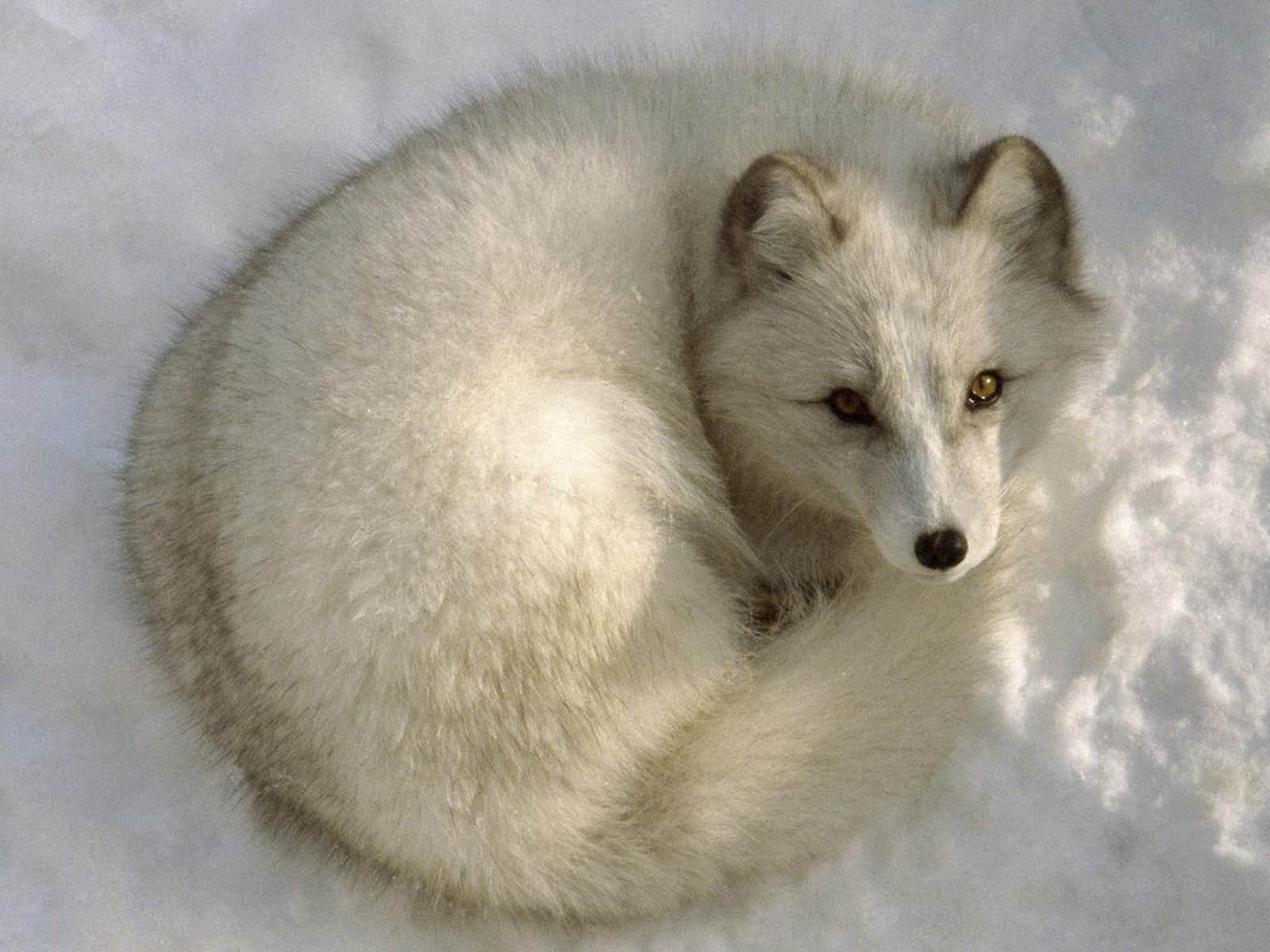
Prints in just 15 min, 1.3 g, no glue or supports required. Watch it roll, or pinch it to make it fly across the room!
- Ocena
- 5 / 5
- Polubienia
- 138
- Pobrania
- 1098
- Wydruki
- 13
- Wyświetlenia
- 4967
- Oceny
- 13
Aktualizacja u źródła:
Informacje o modelu
- Źródło
- Printables
- Kategoria
- Sculptures
- Licencja
- GNU General Public License v2.0
If you don't mind a lightweight oloid (1.3 grams), this is probably the coolest version of my Parametric Oloid that I've discovered yet. It prints in vase mode with a seemingly impossible orientation in just 15 minutes—no glue, supports, or assembly required!
Once printed, you can blow on it to make it roll:
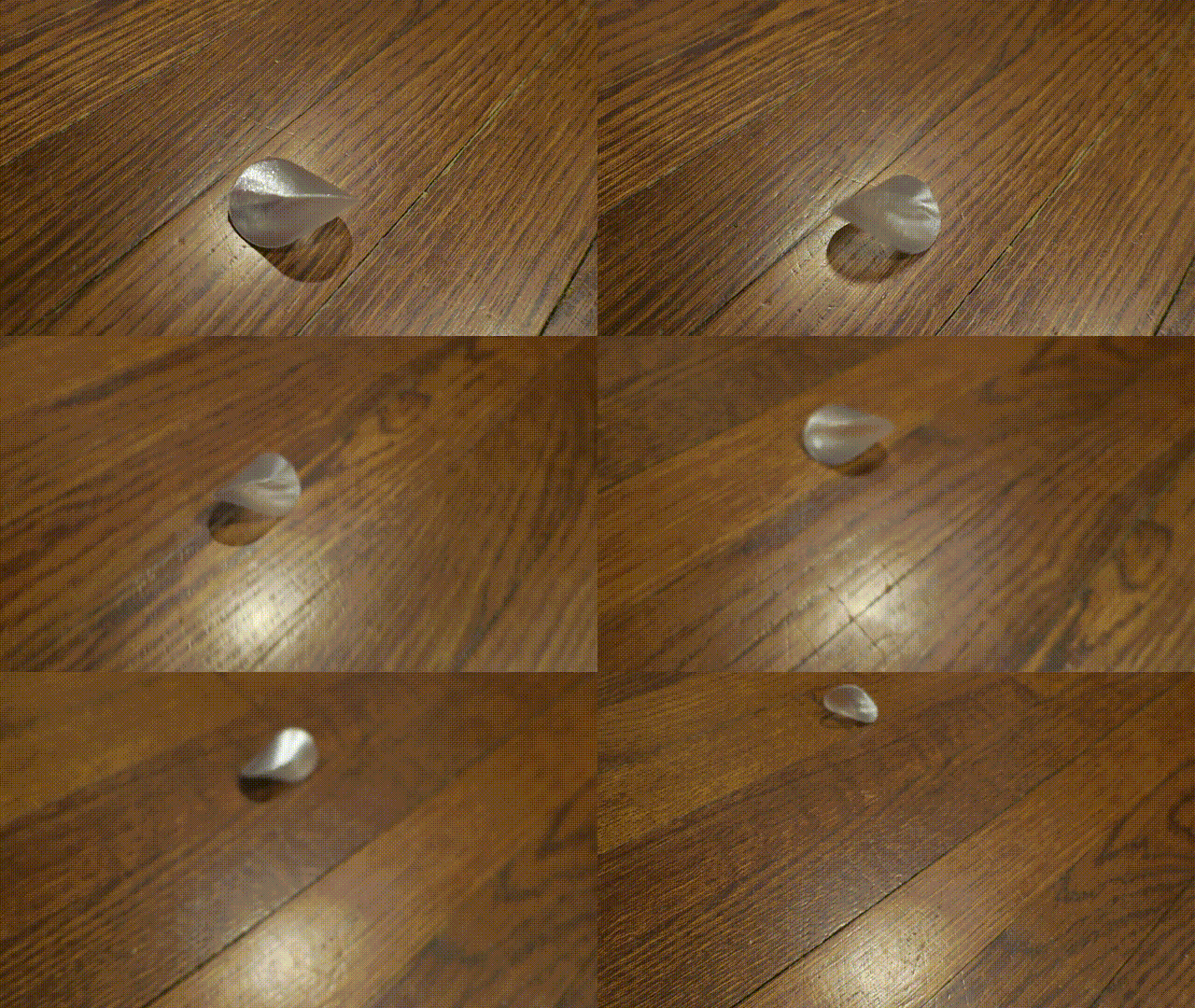
Or pinch it between your fingertips to make it launch it at high speeds:
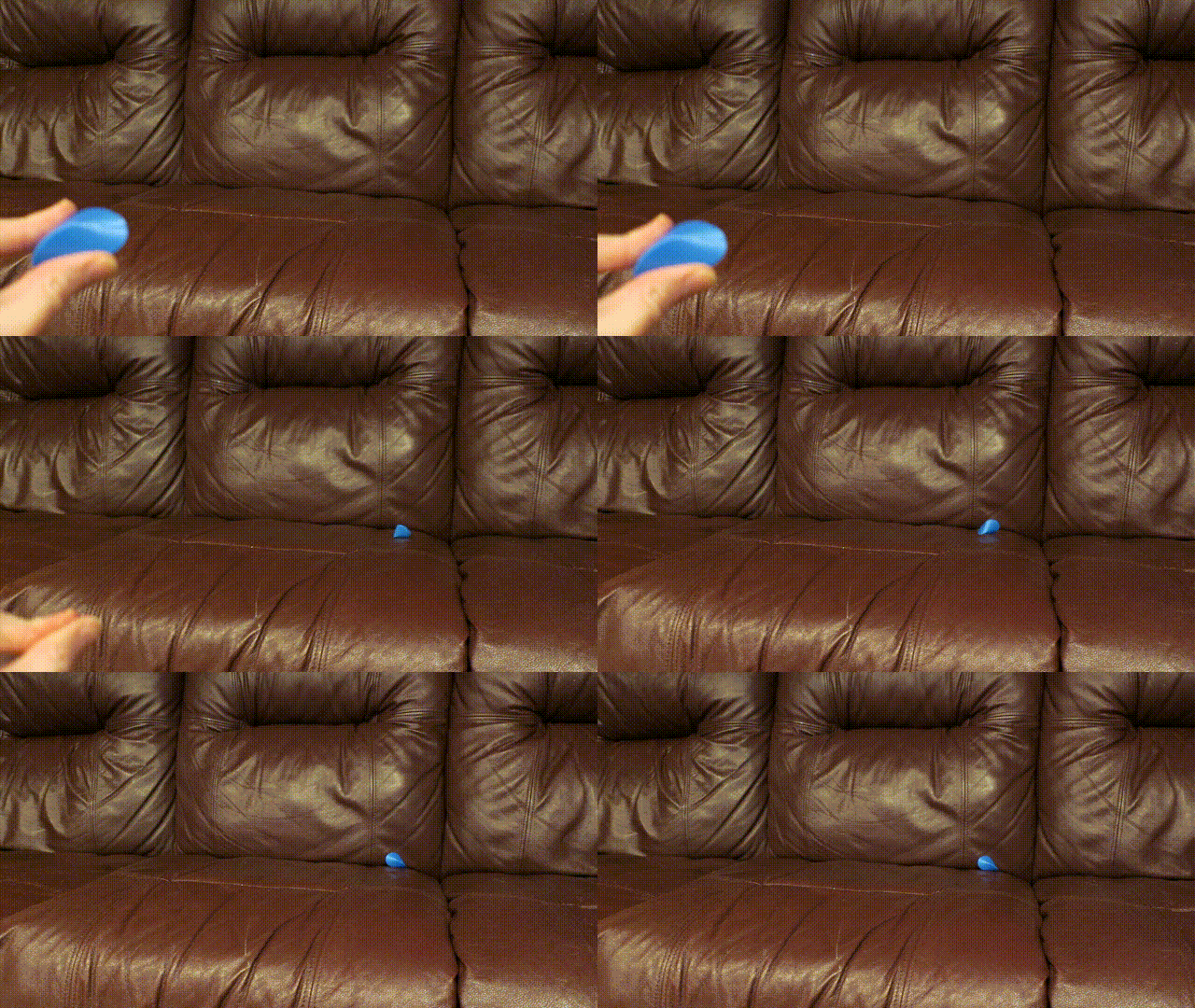
(PLA works the best for a pinch launch—just be careful it can easily fly 15 feet!)
Special print settings are required:
Keep the orientation as shown in the cover photo, .stl, and .3mf files. I know it looks like it would be impossible to print, but the oloid should stay rock solid while printing with the following settings:
- Layer height: 0.2 mm
- Bottom solid layers: 2
- Top solid layers: 0
- Perimeters: 1
- Spiral vase: true
- Brim separation gap: 0 mm
- Brim width: 8 mm
- Skirt loops: 0
- Elephant foot compensation: 0 mm
- First layer: 0.45 mm (set it to the same as the extrusion width of the other layers)
- Fill density: 0%
If your part cooling fan does not blow from the front, I suggest you rotate the model 90 degrees along the Z-axis so the fan is blowing directly toward the wide edge of the base to achieve the best cooling for the overhangs near the bottom.
If you use File > Open Project… on the .3mf file, all of the above settings will already be configured for you.
Warning: Don't just rip it off the print bed after it's done printing! With a brim separation gap of 0, elephant foot compensation disabled, and a wider first layer extrusion width than default, you should carefully peel the print off the bed by its brim, and then trim the brim off using diagonal cutters and/or a hobby knife. Otherwise you risk ripping the bottom off your oloid. (It happened to me with the first one I printed.) |
Other fun stuff to try with your Oloid:
- Because of the way the layer lines are oriented, when you pinch or slide your fingertips across the surface, it can make a pretty loud squeak, so it makes a great fidget toy.
- If you drop a 4.5mm steel BB inside the Oloid while it's still printing, it will make a really cool sound when it rolls, and will stop rolling almost immediately once force is no longer being applied.
- If you want a 100% solid Oloid printed in this orientation, you can disable Spiral vase, and set the Perimeters to 99. It will take longer to print, but it'll have some heft in your hands.
| If you discover anything else fun to do with your Oloid, let me know in the comments—and please remember to hit the Like button. Thank you, and happy printing! |
Printing timelapse: