
Layer Height Test Cube (20x20x20)
Obliczymy ostateczną cenę na podstawie wybranego pliku. Sprawdzisz ją i zaakceptujesz przed płatnością.
Zapisane na tym urządzeniu.
A simple test print to try make layer height samples to get an idea of the detail your printer can print!
- Ocena
- 0 / 5
- Polubienia
- 5
- Pobrania
- 46
- Wydruki
- 0
- Wyświetlenia
- 277
- Oceny
- 0
Aktualizacja u źródła:
Informacje o modelu
- Źródło
- Printables
- Kategoria
- Test Models
- Licencja
- Creative Commons — Attribution — Share Alike
What is it?
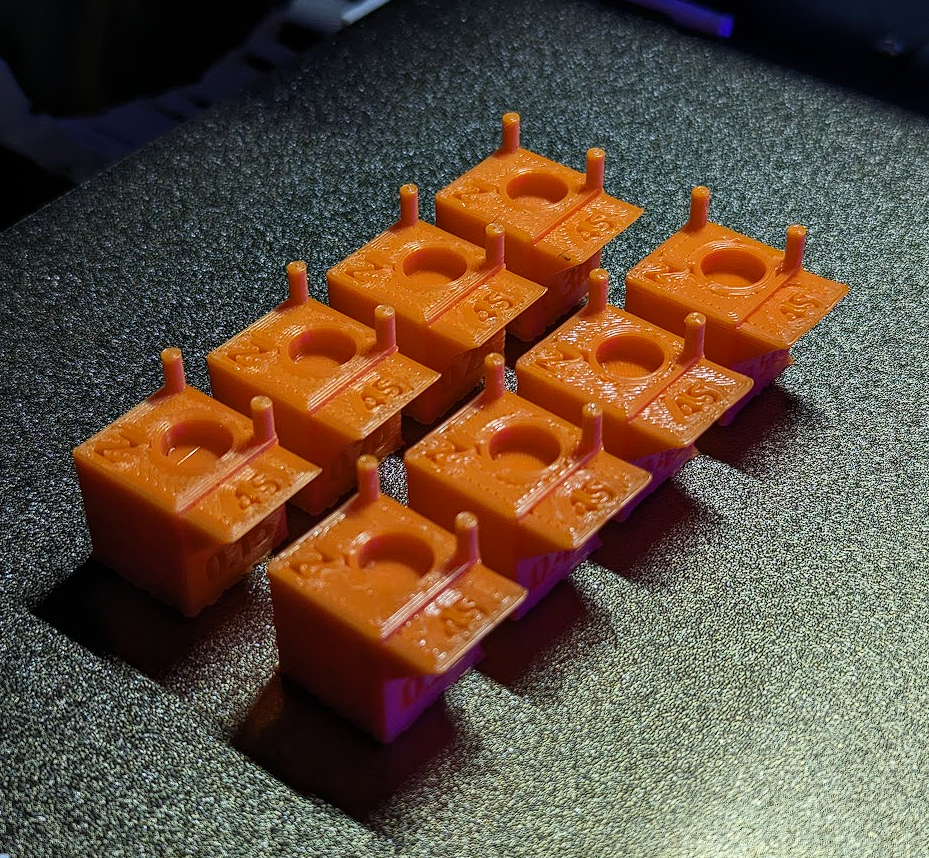
This is a collection of test cubes that are marked with each respective layer heights. I have also included a blank cube in the collection if you want to test a specific layer height that isnt included, simply add a negative text to the same spot when you print to identify the layer height afterwards.
This cube will also cover stringing, holes, text clarity, and a 45 degree overhang. You can scale the model as well if you want to test quality for larger prints.

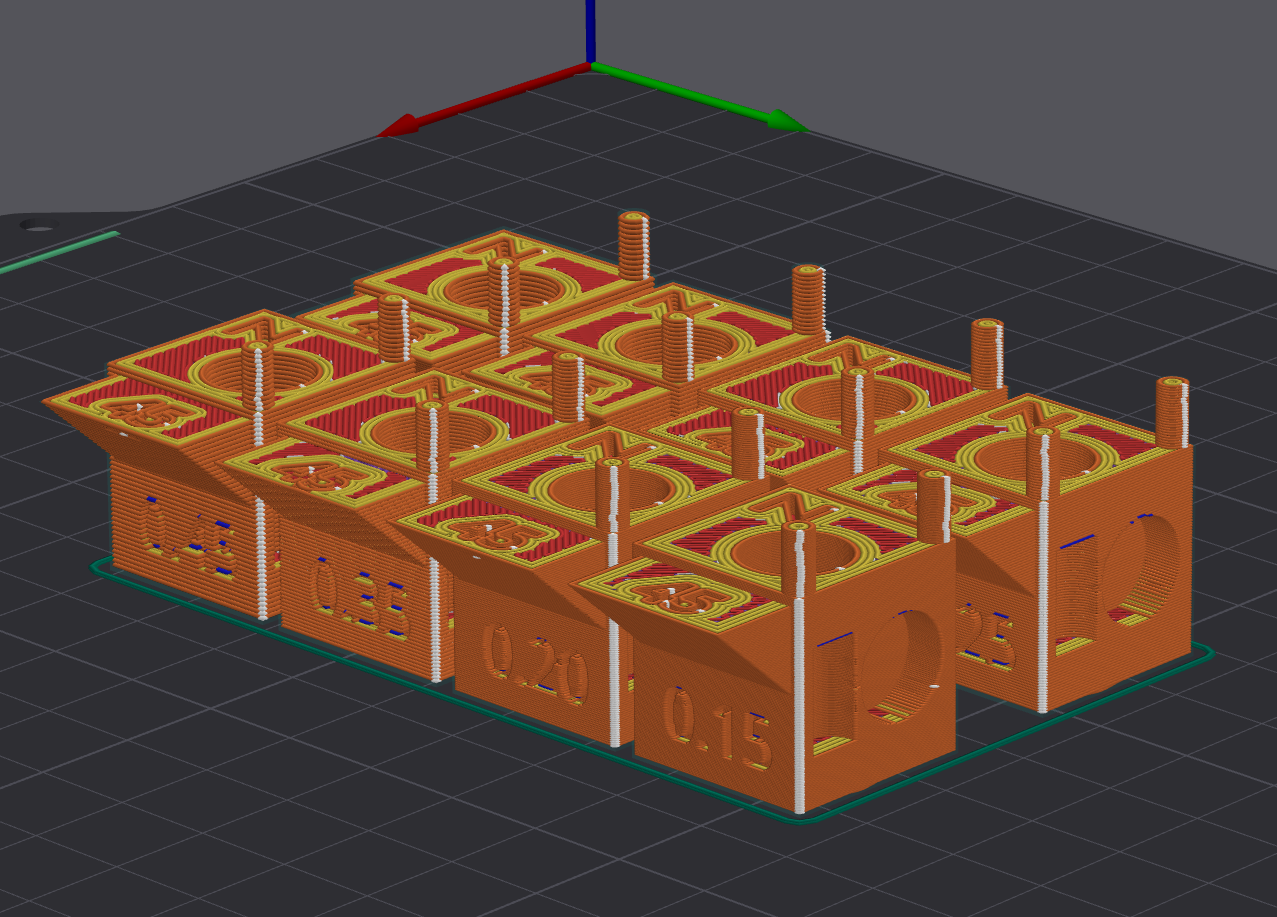
Print Settings:
You will need to change the layer height of each cube as engraved on each cube (it is also in the name of each one).
I'm using Orca Slicer depending on what slicer you are using, it will differ. I also printed these with an Elegoo Neptune 4 through a 0.6mm nozzle, so your results will vary depending on the nozzle & printer you are using, as well as your calibration/print settings.
In Orca slicer: Under Process > Objects > Select each object (cube) > Change Layer Height.
After you adjust the layer height, click Arrange All Objects option > Auto Rotate > Arrange.


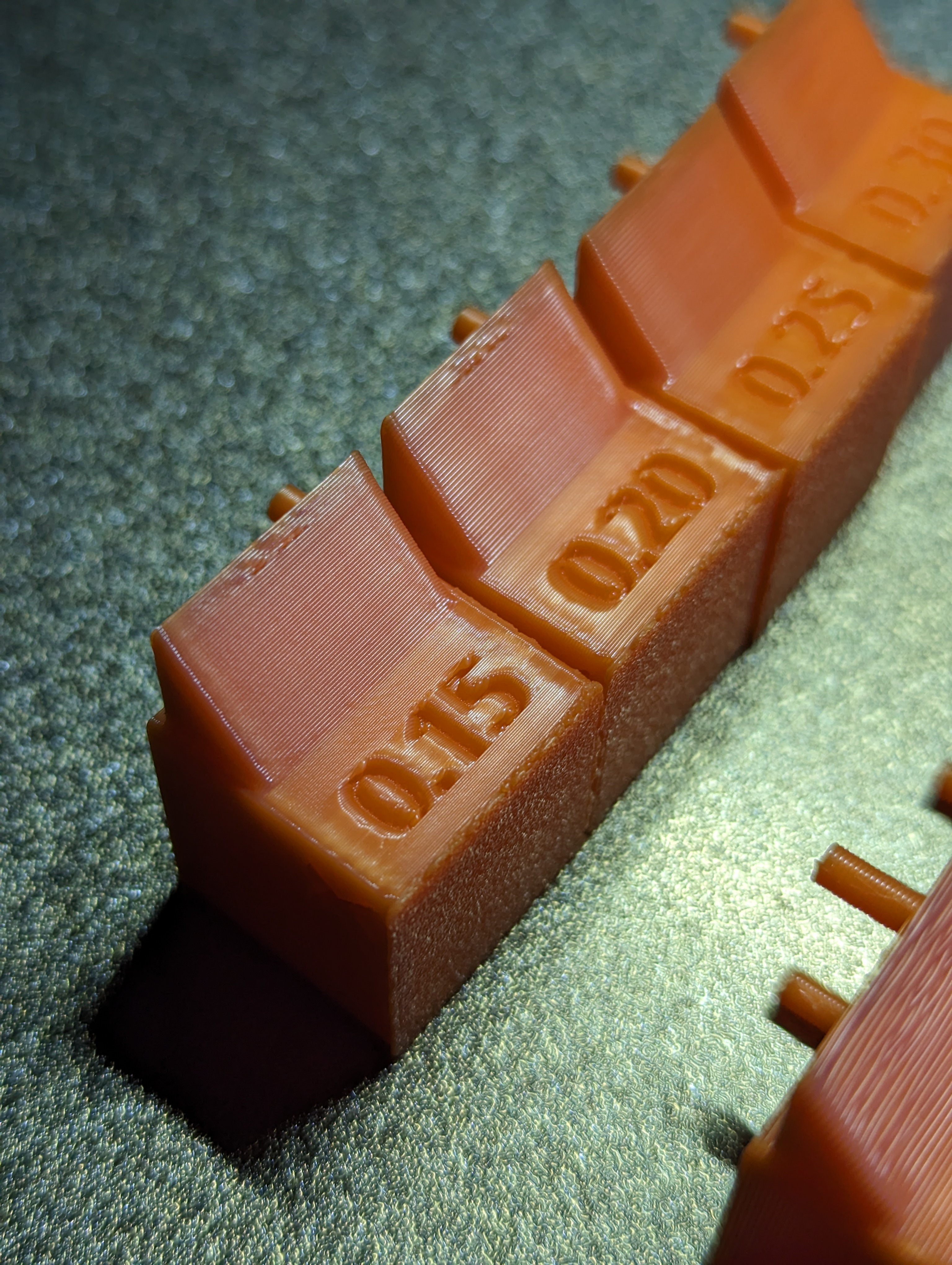
Result:
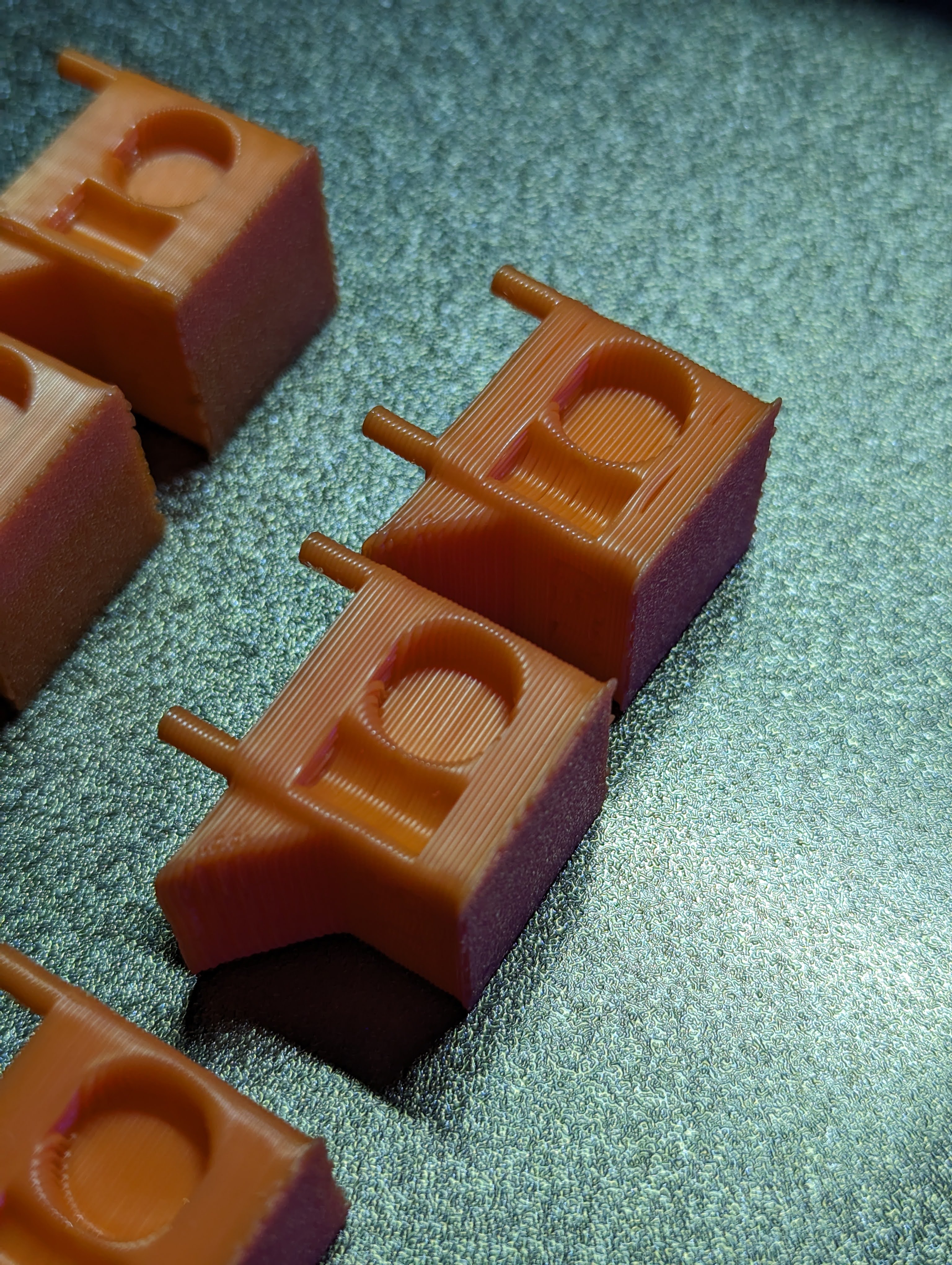
Hope I didn't miss anything.
Good luck!