Fidget Clicker Toy
It needs to be printed with the spring to the bed. Once your done printing, let it cool for 1-2 minutes. Also use at least 2-3 walls. You can screw the cap on too and enjoy.
- Pobrania
- 741
- Polubienia
- 47
- Ocena
- 3
Liczymy pasujące modele…
It needs to be printed with the spring to the bed. Once your done printing, let it cool for 1-2 minutes. Also use at least 2-3 walls. You can screw the cap on too and enjoy.
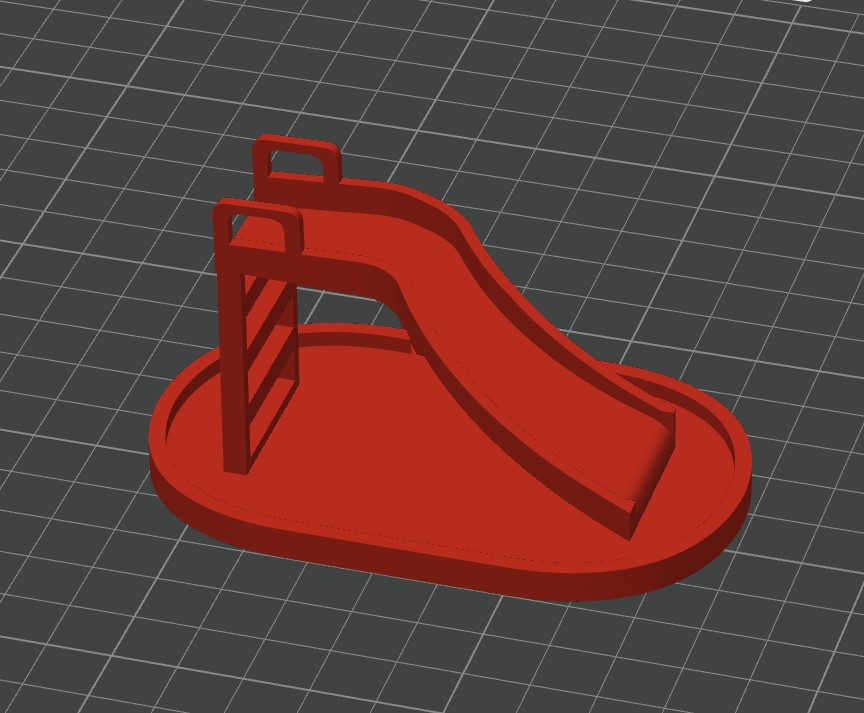
Its a cool little illusion that needs some supports for the ladder.
Its a basic print and I would recommend using basic default settings. One tip is to increase the infill to around 30%. The model takes very less filament and is quick too. -Under 30 minutes -Under 10 grams of PLA
Make sure to use .20 mm layer height with this and have an initial layer speed under 150 for the best results.
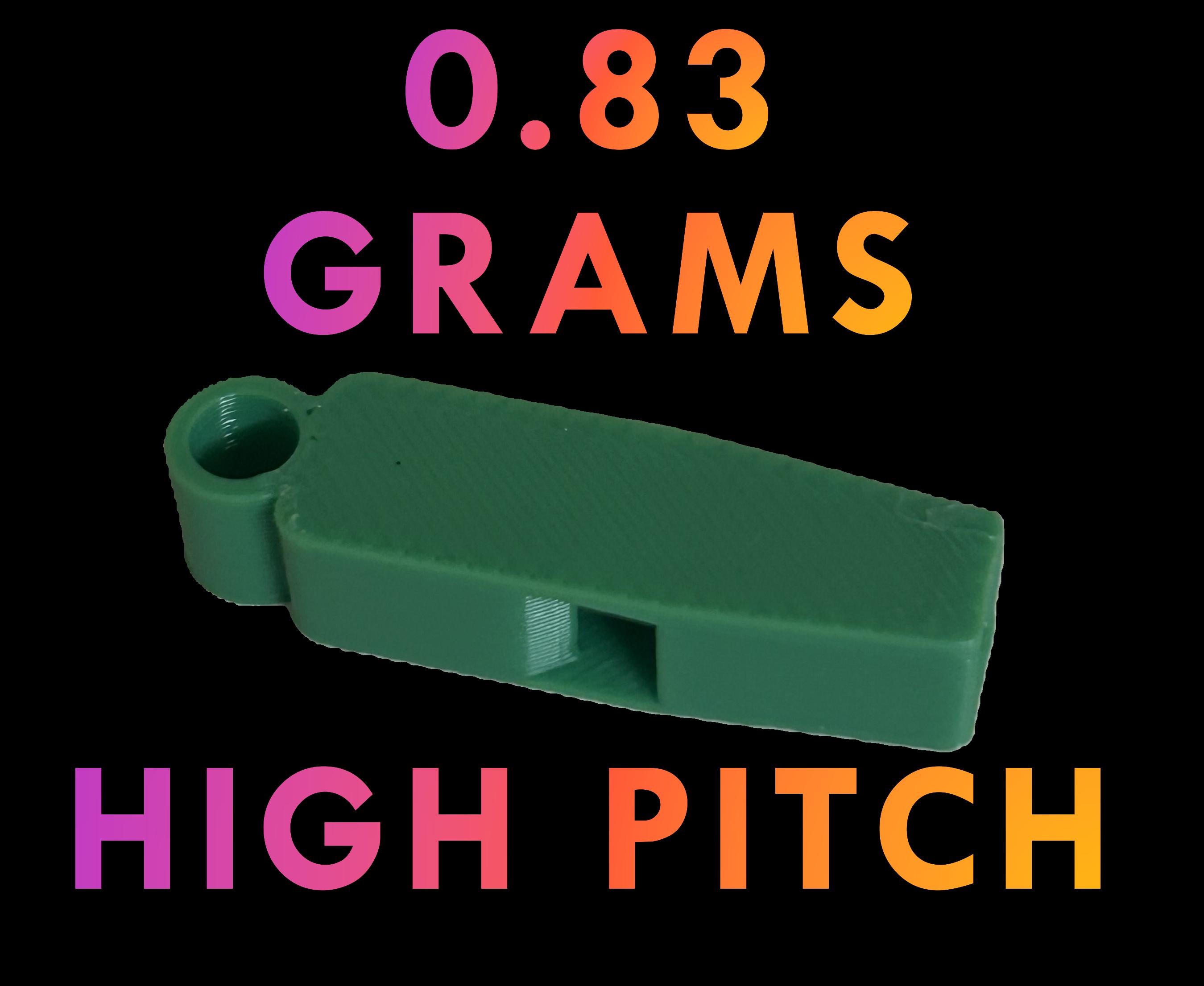
I use an a1 mini and the bambu slicer and I optimized the settings to get to the 0.83 grams and 9 minutes of print time. I would say to use 0.24 layer height with no infill and a 45 degree bridging direction.
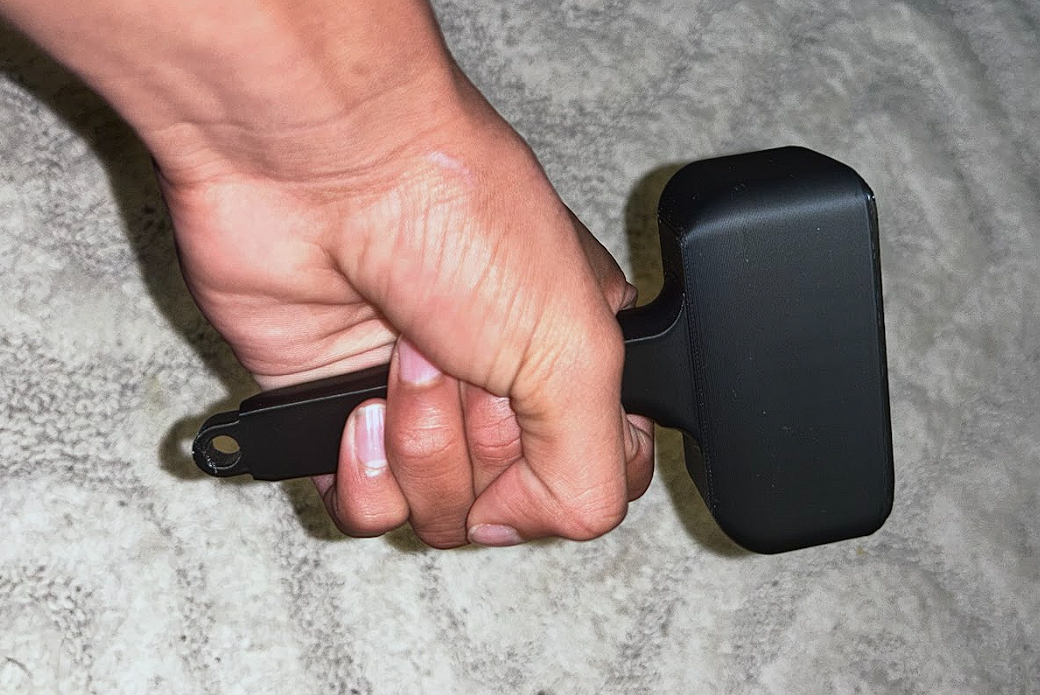
Use a density around 25% with a gyroid or triangles infill pattern(PETG). If you have PLA, try using 30%-45% density. Scale the model up by around 25% if you are an adult(or have bigger hands). Any layer height works well.
A basic dragon. Powered by PrintMon from MakerWorld (https://makerworld.com/makerlab/printMonMaker)
Let me know if the print works. Please feel free to remake it and improve my design. Let me know if you make a better one because I would love to know!
To wszystkie aktualnie dostępne wyniki.