Wyniki wyszukiwania: sg2210p

Sortowanie

Liczymy pasujące modele…

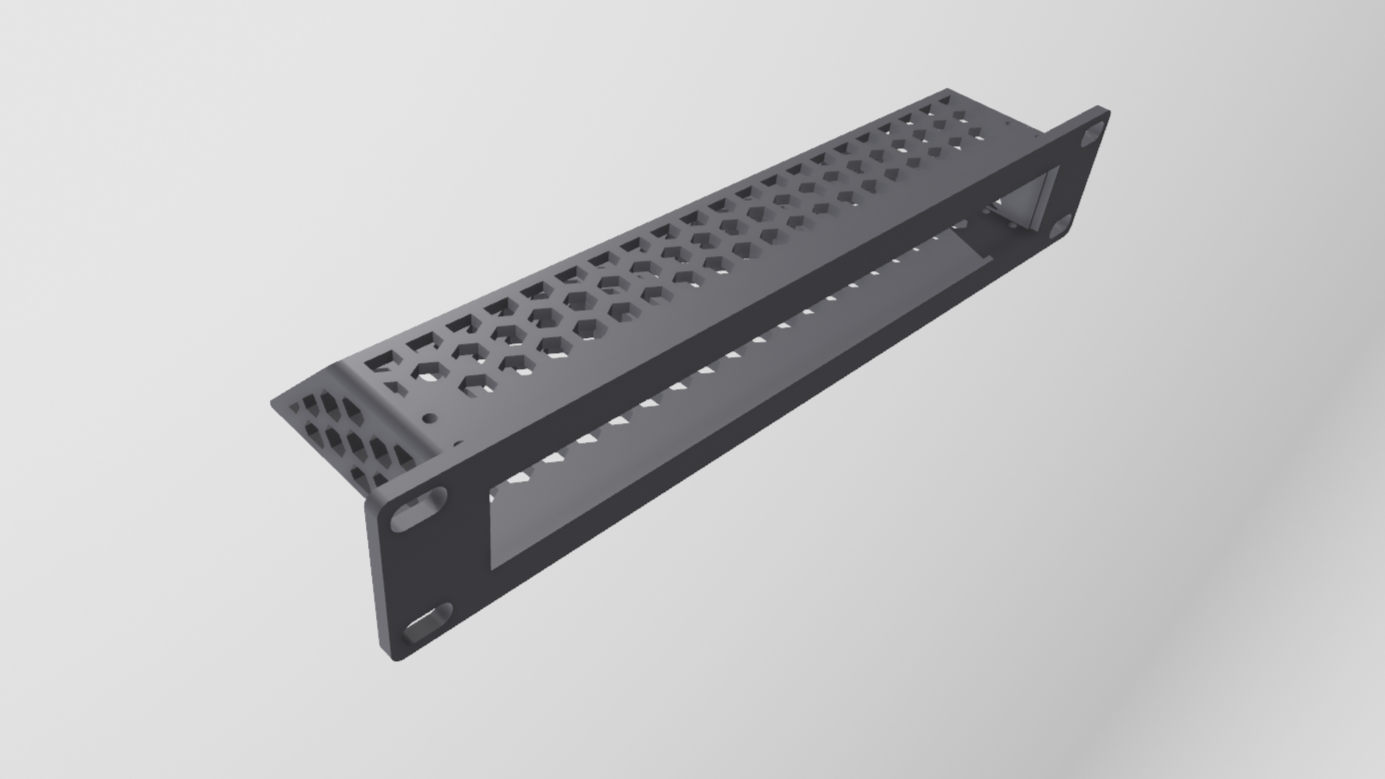
10" Rack mount for TP-Link TL-SG2210P Switch (Omada)

This bracket is made for 10" racks. They have the standard dimensions of 1U (44.5mm) in height and 250mm in width. With these dimensions the mount can be printed on a print bed with the dimensions of 220mm x 220mm. The mount is designed…

Pobrania
625
Polubienia
52
Ocena
0
P
PrintablesDiew

10 inch rack TP-Link SG2210P - SG2008 - SG105-M2

It design not to be a tight fit (to prevent scratching), If you want more secure you can insert pieces of paper between shelve or use m3 screw on pre drill hole on top or below My print settings layer height: 0.2 wall: 3 infill: 15% If…

Pobrania
408
Polubienia
44
Ocena
5
P
Printablesjfr07

TP-Link Omada 2x TL-SG2210P 19" Rackmount Rack Adapter (SG2008P SG1210P)

Based on the very good model of ER605 & OC200 Rack Adapters (V2) by Sorcier, I remodelled them to fit 2x TL-SG2210P. It's a heavy device, and 2 of them in this pair of brackets are recommended to be supported, either by support angles or…

Pobrania
357
Polubienia
31
Ocena
4
P
Printablesangrygriffin

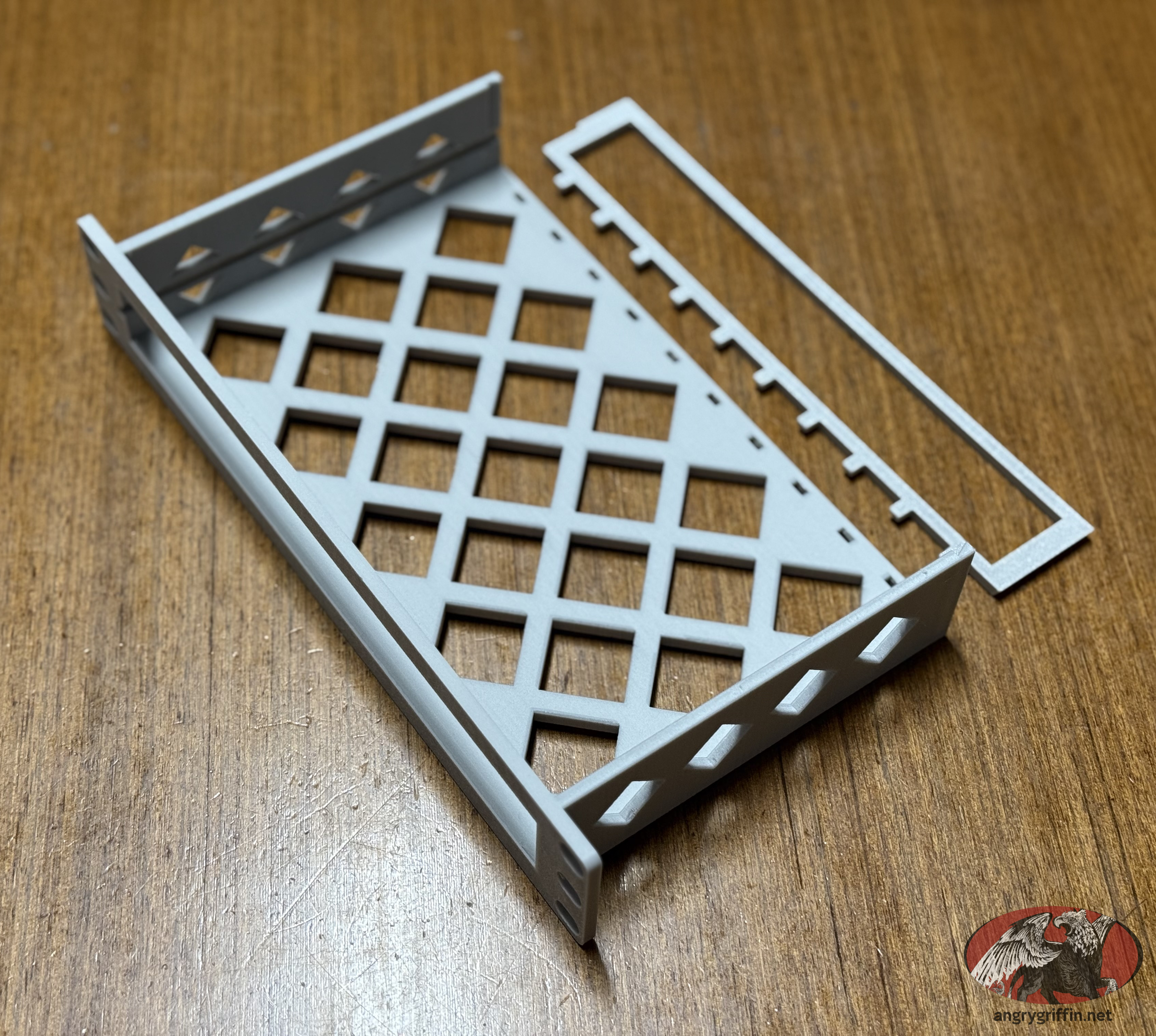
10" Rack Mount for TP-Link Omada SG2210P - Ports Front, Internal Power Cable Routing

I couldn't find a 10" rack mount for a SG2210P which was designed for the ports facing forward. This model has a gate at the back (press in using the bar closest to the "teeth") to stop the switch sliding rearward when you plug in network…

Pobrania
61
Polubienia
8
Ocena
5
P
Printables

10 inch rack TP-Link SG2210P - SG2008 - SG105-M2

It design not to be a tight fit (to prevent scratching), If you want more secure you can insert pieces of paper between shelve or use m3 screw on pre drill hole on top or below My print settings layer height: 0.2 wall: 3 infill: 15% If…

P
Printables

10" Rack Mount for TP-Link Omada SG2210P - Ports Front, Internal Power Cable Routing

I couldn't find a 10" rack mount for a SG2210P which was designed for the ports facing forward. This model has a gate at the back (press in using the bar closest to the "teeth") to stop the switch sliding rearward when you plug in network…