
K8200 Traco TPP-150 Power Supply Brackets
We calculate the final price from your selected file. You review and accept it before payment.
Saved on this device.
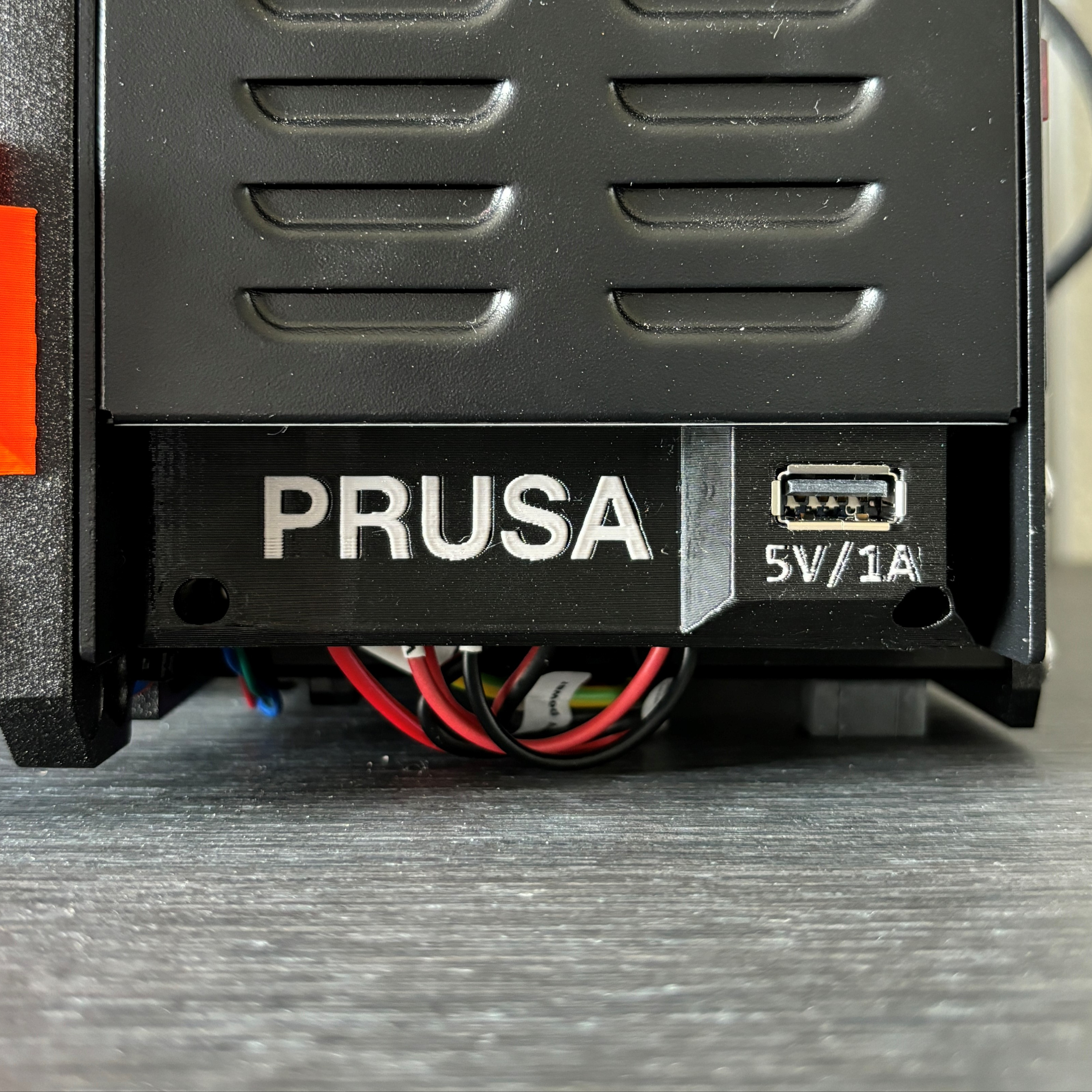
A simple and efficient mounting bracket for a Traco TPP-150 series Power Supply
- Rating
- 0 / 5
- Likes
- 1
- Downloads
- 3
- Makes
- 0
- Views
- 148
- Reviews
- 0
Updated at source:
Model information
- Source
- Printables
- Category
- Accessories
- License
- Creative Commons — Attribution — Noncommercial — Share Alike
A simple and efficient mounting bracket for a Traco TPP-150 series Power Supply
Print Settings
Printer:
K8200
Rafts:
No
Supports:
No
Resolution:
0.2mm
Infill:
10
Instructions
You'll need to print two times the bracket, two M5 by 8mm Bolts with M5 nuts (square or normal), two and four M3 by 10mm Bolts with washers and M3 nuts.
First, put your M3 nuts at the back of the brackets. Then, simply put your M5 nuts in the aluminium extrusion of the K8200, position your brackets and tightens the 2 M5 bolts. Then tightens 2 M3 Bolts on one of the brackets and put your Power Supply. Finally add the last M3 bolts and tightens everything.
Category: 3D Printer Accessories