Magic Mouse Holding Adapter
We calculate the final price from your selected file. You review and accept it before payment.
Saved on this device.

This Adapter was developed to help individuals with motor difficulties maintain control over their computer mouse.
- Rating
- 0 / 5
- Likes
- 13
- Downloads
- 90
- Makes
- 0
- Views
- 686
- Reviews
- 0
Updated at source:
Model information
- Source
- Printables
- Category
- Computers
- License
- Creative Commons — Public Domain
Applications and Impact:
Purpose:
The Magic Mouse Holding Adapter was originally designed for individuals like Katya, who have difficulty holding a mouse due to motor challenges but retain the ability to click. This product allows them to maintain control and use a computer more independently for work or personal hobbies.
Applications:
This adapter is beneficial for anyone struggling with proprioception or motor control when using a computer mouse, particularly the Apple Magic Mouse. It’s ideal for people with conditions affecting grip, dexterity, or control.
Impact:
By providing stability and control, the Magic Mouse Holding Adapter empowers users to use a computer mouse without worrying about their hand slipping, leading to greater independence.
Project Details:
- Estimated Manufacturing Time: 75 Minutes
- Materials Needed: PETG/PLA filament
- Technologies Used: 3D Printing
Print Settings:
- Printer Model: Original Prusa MK4
- Layer Height: 0.2mm
- Infill Density: 20%
- Perimeters: 2-3
- Supports: Yes (Organic reccomended)
Bill of Materials (BOM):
| Item # | Item Description | Material | Manufacturing Instructions | Qty | Supplier Link |
|---|---|---|---|---|---|
| 1 | 3D Print | PETG/PLA Filament | 3D-printed, Infill: 20%, Supports: Everywhere | 20 grams | [Link] |
| 2 | 10mm Elastic Straps | Nylon | Hand cut, Length: 11.5 cm, Edge protection with lighter | 2 | [Link] |
| 3 | Instant Glue | Cyanoacrylate | N/A | 1 | [Link] |
Assembly Instructions:
Print the Base:
- Use PETG filament with 20% infill.
- Ensure supports are enabled everywhere to maintain the base’s structural integrity.
Prepare Elastic Straps:
- Measure and cut two elastic straps, each 11.5 cm in length.
- Burn the edges with a lighter to prevent fraying.
Create Hems:
- Apply a tiny strip of glue along the edge of each strap.
- Fold a few millimeters over to create a hem, then use pliers to hold it in place until the glue sets.
Thread the First Strap:
- Insert the strap from the inside of the base, pulling it outward. Ensure the hem is caught inside.
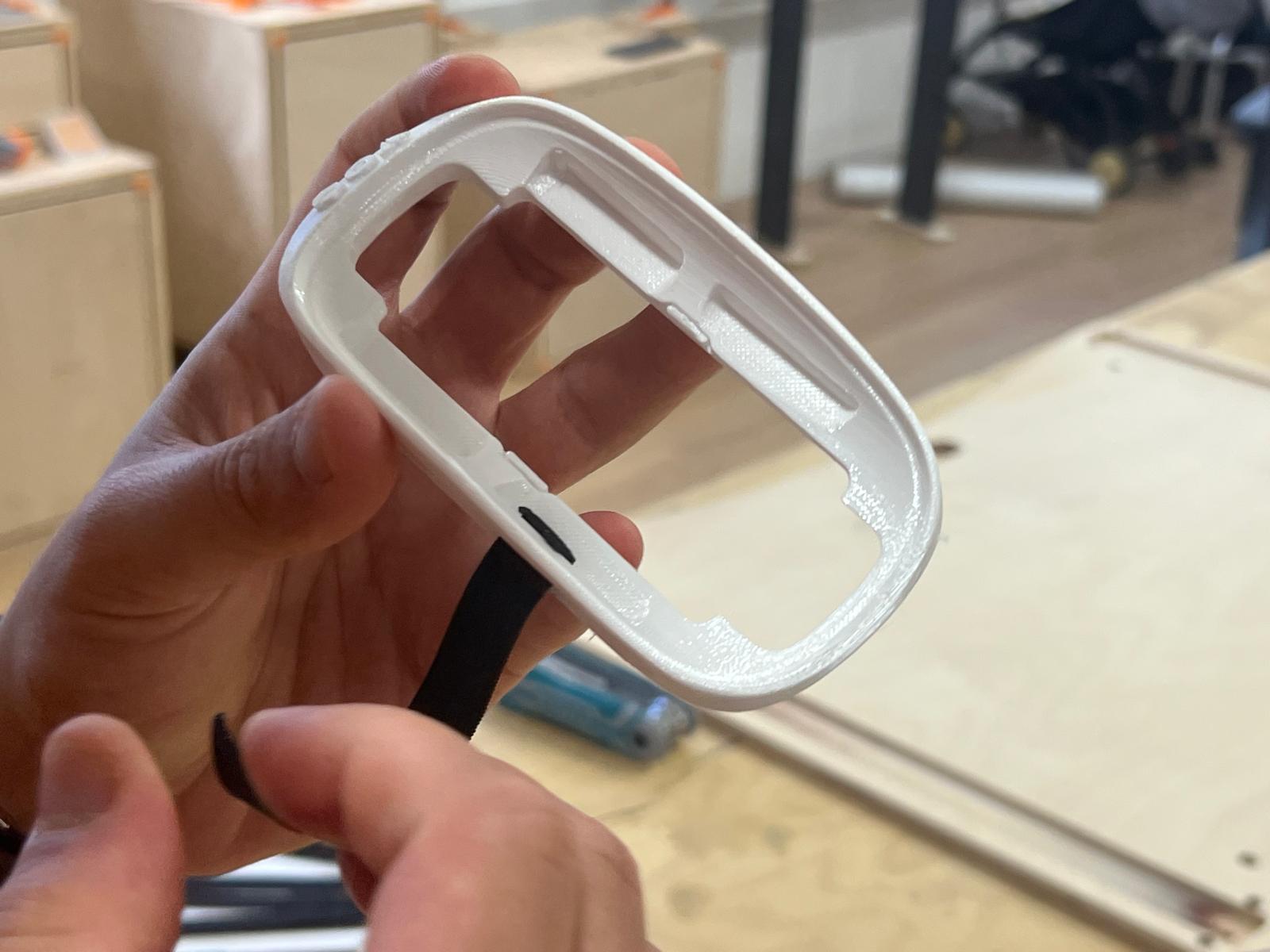
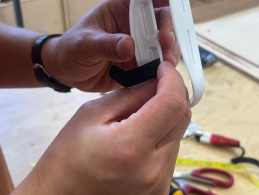
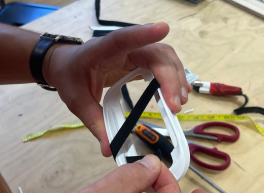
Thread the Second Strap:
- Repeat the process with the second strap, threading it diagonally from the outside in, then create another hem to secure it in place.
Insert the Mouse:
- Once the straps are secured, insert the Magic Mouse into place. The TOM logo should be positioned under the user’s palm when held correctly.
We encourage you to share your makes and remixes of the Magic Mouse Holding Adapter to inspire others, improve the design, and showcase customizations!
For further documentation and to explore other open source assistive tech solutions you can visit tomglobal.org