
Paul Mullin / Wrexham / Bust
We calculate the final price from your selected file. You review and accept it before payment.
Saved on this device.
Paul Mullin / Wrexham / Bust
- Rating
- 0 / 5
- Likes
- 5
- Downloads
- 27
- Makes
- 0
- Views
- 206
- Reviews
- 0
Updated at source:
Model information
- Source
- Printables
- Category
- Sculptures
- License
- Creative Commons — Attribution — Noncommercial
Paul Mullin / Wrexham / Bust
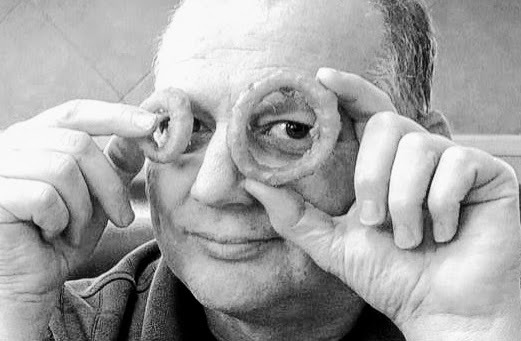
Another experiment with tiled depth maps. Wanted to see if black and white photos were better. Can't tell really. The output after displacement still needs a bunch of cleanup and sculpting. Side angle views are still cattywampus but the front view, I think, is really nice.
This will get you started with producing the depth maps from publicly available pictures.
GitHub - BillFSmith/TilingZoeDepth:
Things move very fast in AI. if you have seen something that produces even more defined depth maps please share. I get stuck in my tool chain and it's easy to miss improvements. But This script seems to work better than even the paid subscription sites for depth map generations. Owl was ok and gave lots of ways to alter the final pic, but for 3d model generation those specific manipulators were of little use.
Tool Chain = Google pic : TillingZOeDepth: Blender (remesh basic cube to octree depth 9 or 10 (apply) - Displace - direction Z -new-, dispace with depth map image. repeat displace direction z new displace with original image) boolean cut with another simple subdivide cube (6). Basically cutting off the back negative image from the Displaced cube. You could aslo save this for making molds
That whole tool chain description is convoluted - here is a video of the process
I love that this uses the default cube!!
Depth Map Creation Video: