
Connector1
We calculate the final price from your selected file. You review and accept it before payment.
Saved on this device.
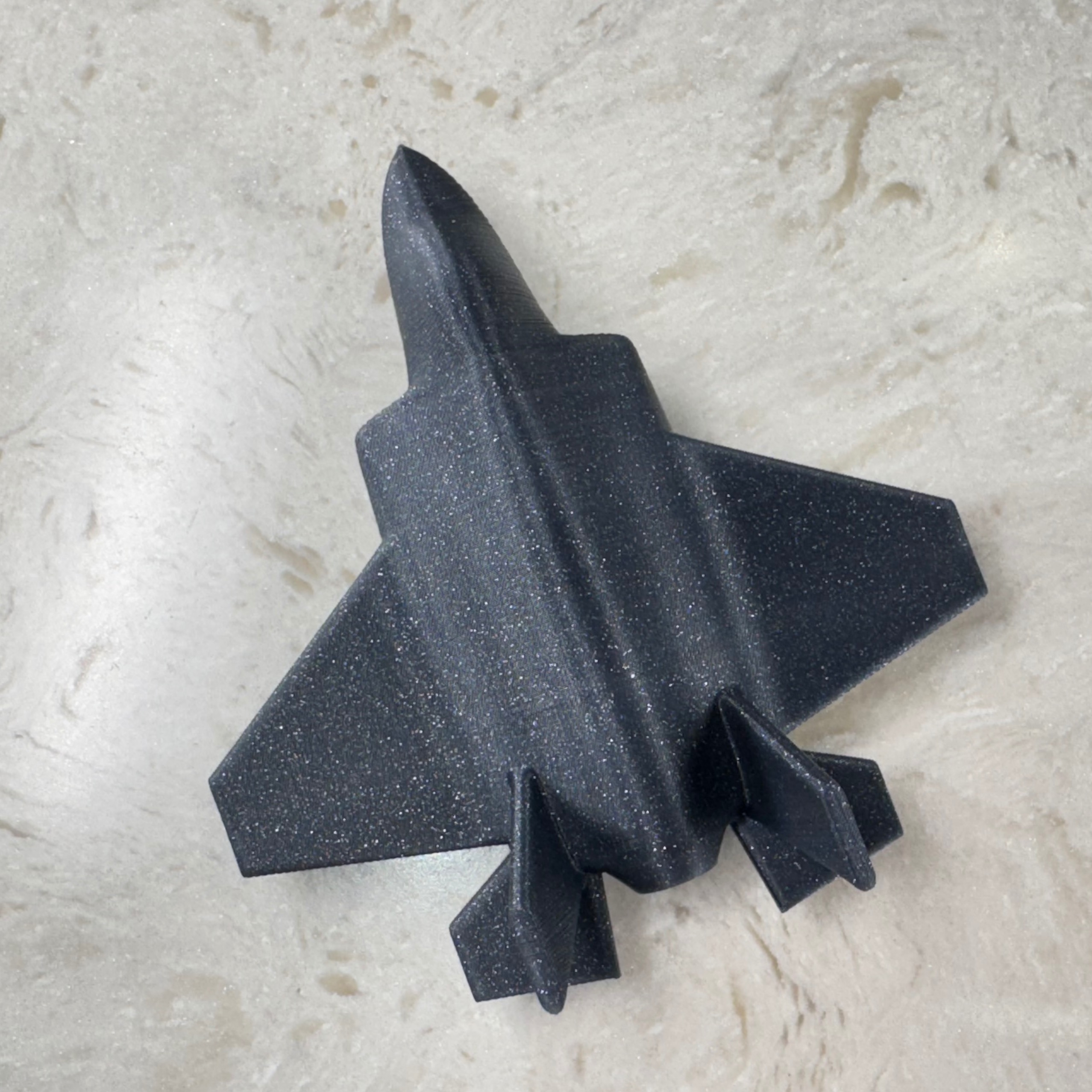
Clips to join two 3D printed parts without glue.
- Rating
- 5 / 5
- Likes
- 480
- Downloads
- 913
- Makes
- 2
- Views
- 7,861
- Reviews
- 1
Updated at source:
Model information
- Source
- Printables
- Category
- Mechanical Parts
- License
- Creative Commons — Attribution — Noncommercial — Share Alike
Clips to join two 3D printed parts without glue.
These clips index (locate) two parts together and hold them firmly together with a clamping force.
Here is how they work:
How to use the files:
There is also a slim version of this connector that can be used in smaller or thinner models, where the full size clips will not fit:
https://www.printables.com/model/1134923-connector1-slim
How to Use
- Bring the model you want to have joined into PrusaSlicer.
- Add as a negative volume modifier, Pocket 0 DOF.
- Ensure that the negative volume modifier is at the Z height where you want to split your model.
- If your print will need more than one connector, add an additional negative volume modifier. Consider using Pocket 1 DOF, which has additional clearance on one side of the pocket, so as to not over-constrain the connectors. Be sure to align this pocket with the first one.
- Use the PrusaSlicer Cut command to split your model a the desired Z height - this should be the same as your Pocket negative volume modifiers. Orient both resultant parts on their cut face.
Settings: 0.4 mm nozzle, 0.2 mm layer height
Tested with PLA and PETG, but other similar plastics will likely work as well.
Files
Clip (0.0 Clearance).stl
Clip (0.1 Clearance).stl
Only one of these is needed. I recommend starting with the 0.0 clearance version. If the fit feels too tight, try the 0.1 clearance version.
Clip Stud (0.0 Clearance).stl
Clip Stud (0.1 Clearance).stl
Use Clip Stud to temporarily join parts for fit checks if desired. Only one of these is needed. I recommend starting with the 0.0 clearance version. If the fit feels too tight, try the 0.1 clearance version.
Pocket 0 DOF.stl
Pocket 1 DOF.stl
The Pocket models are used as negative volume modifiers to create the cut-out for the connector clips. Use Pocket 0 DOF first. If additional connectors are required, consider using Pocket 1 DOF for the second one, which has additional clearance on one side of the pocket, so as to not over-constrain the connectors.
Min Size Part.stl
To use as a reference model for your designs. This model represents the volume required for the clip plus a minimum surrounding wall thickness.
Demo Part X.stl
These are demo and testing parts for the connector.
Connector1.f3d
Editable Fusion 360 file to remix your own versions.