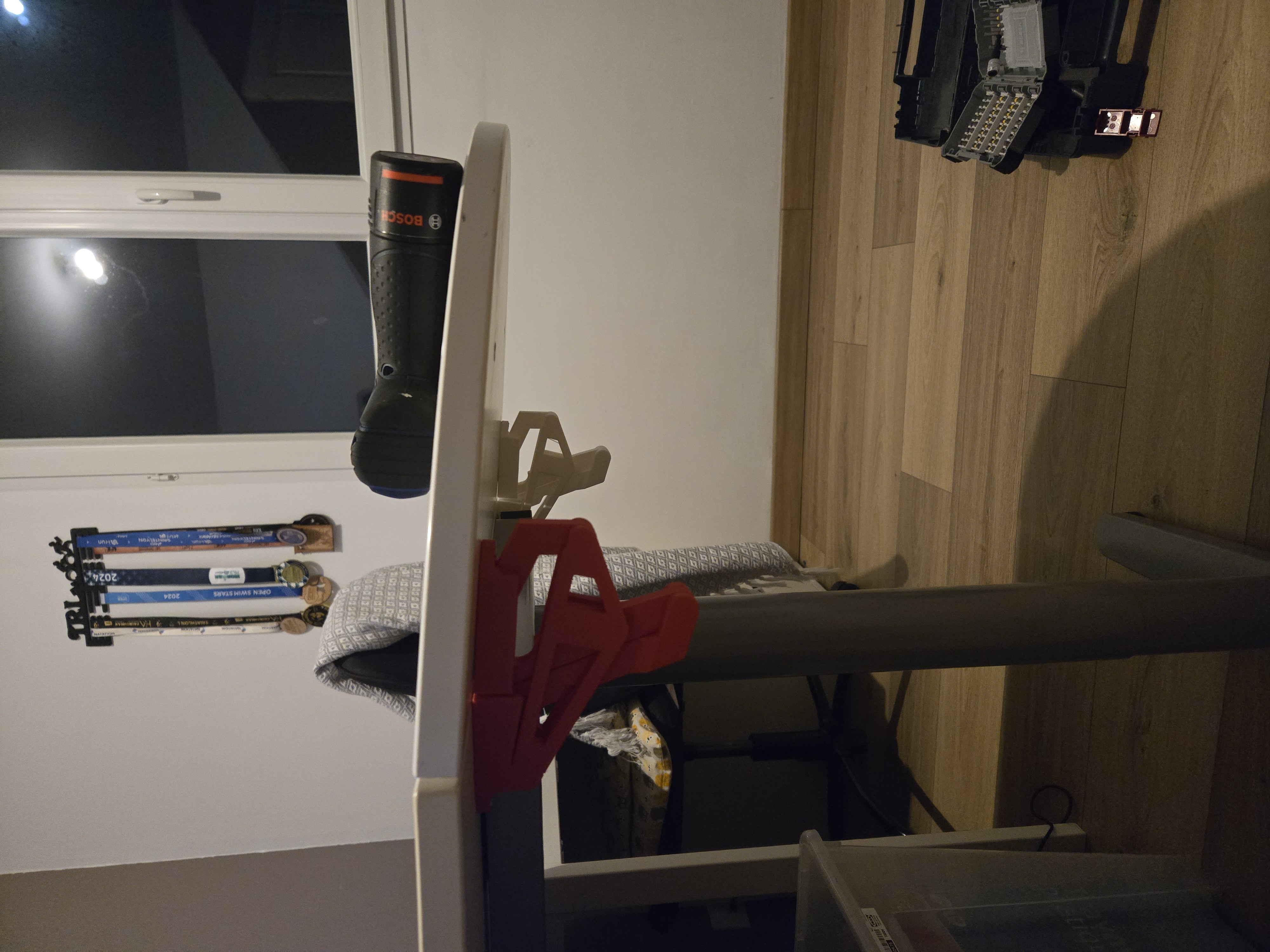
Gravity locked, print in place, vertical hinge
We calculate the final price from your selected file. You review and accept it before payment.
Saved on this device.
Model information
- Source
- Printables
- Category
- Other Ideas
- License
- Creative Commons — Attribution — Noncommercial — Share Alike
Hi !
I loved making this first print in place hinge and wondered what could the second version bring.
=> Gravity lock !
Concept :
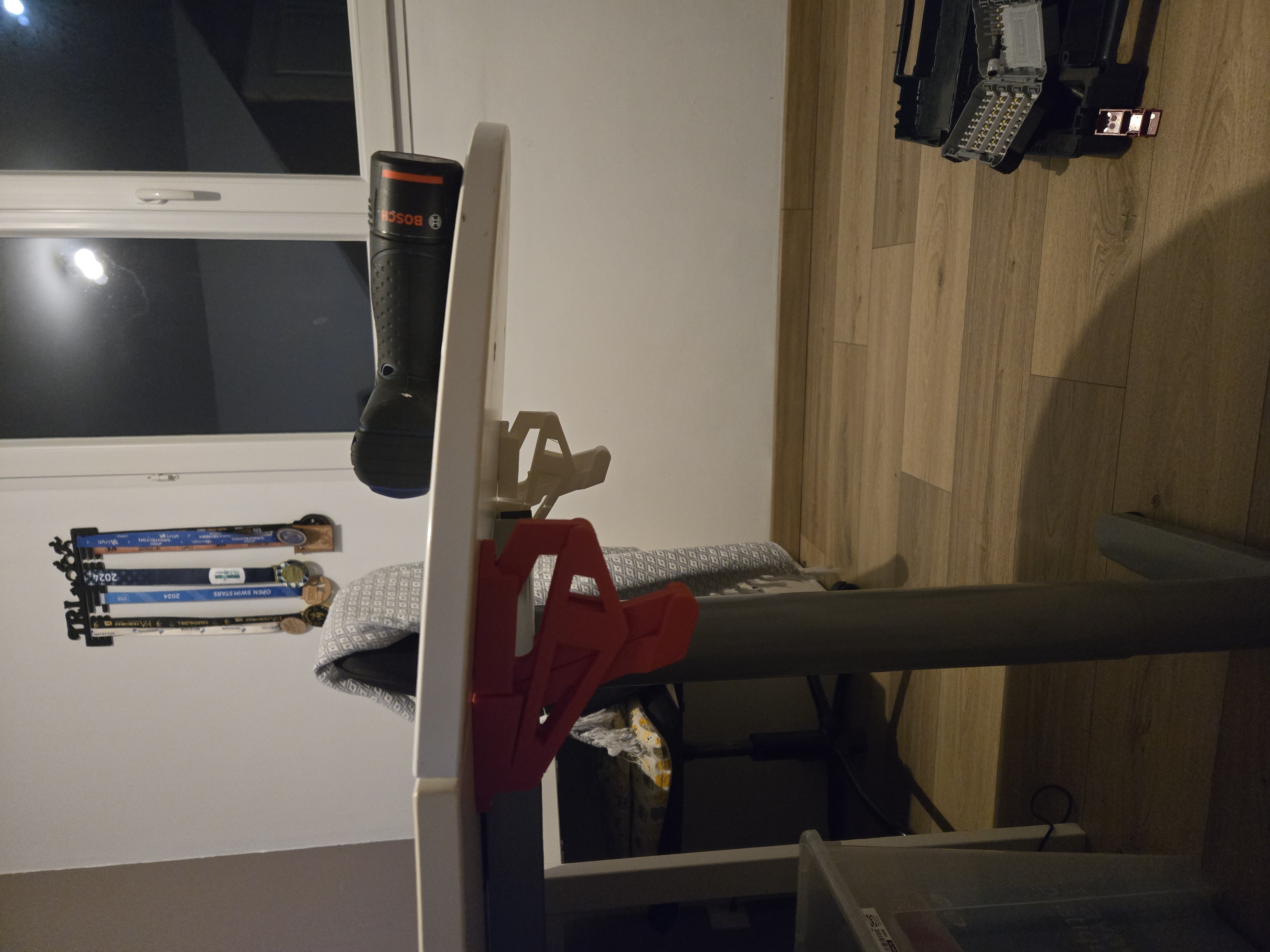
This hinge is perfect for extending a table.
Once the hinge is in its contracted position, the geometry of the linkages locks the hinge in this position.
Once in this position, gravity keeps the hinge locked.
For the moment, the hinge sags a bit but I'm working on this.
One of the file is a tool to help marking the holes.
Slicing :
If you don't want to use my 3MF, don't forget to :
- us adaptative layering,
- use normal, snug, on build plate, supports
Printing :
Please calibrate your extrusion flow multiplier as printing in place demands a well calibrated printer.
Post-printing :
1 - Remove the external supports
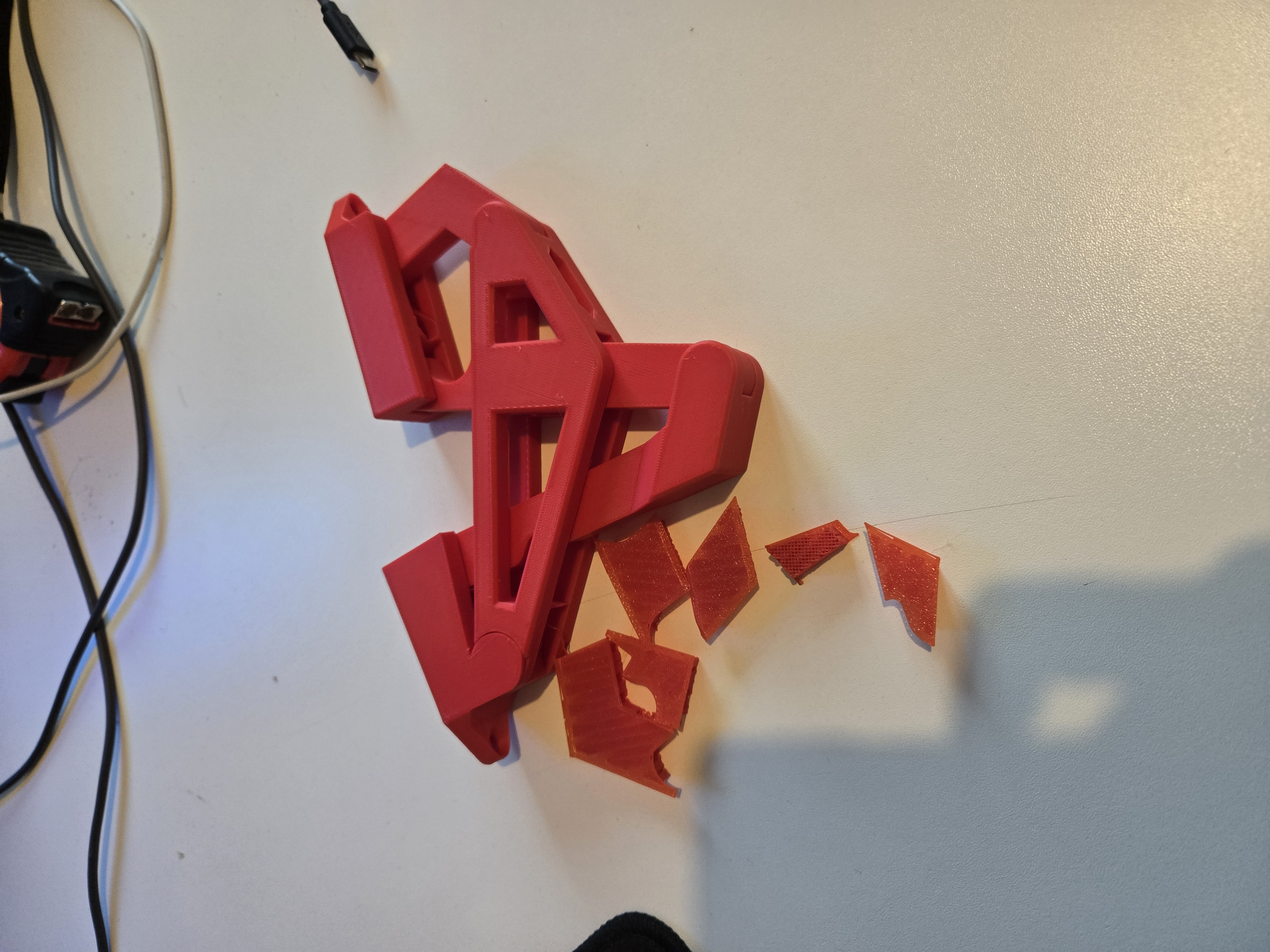
2 - Firmly hold each part and separate them to break the system loose.
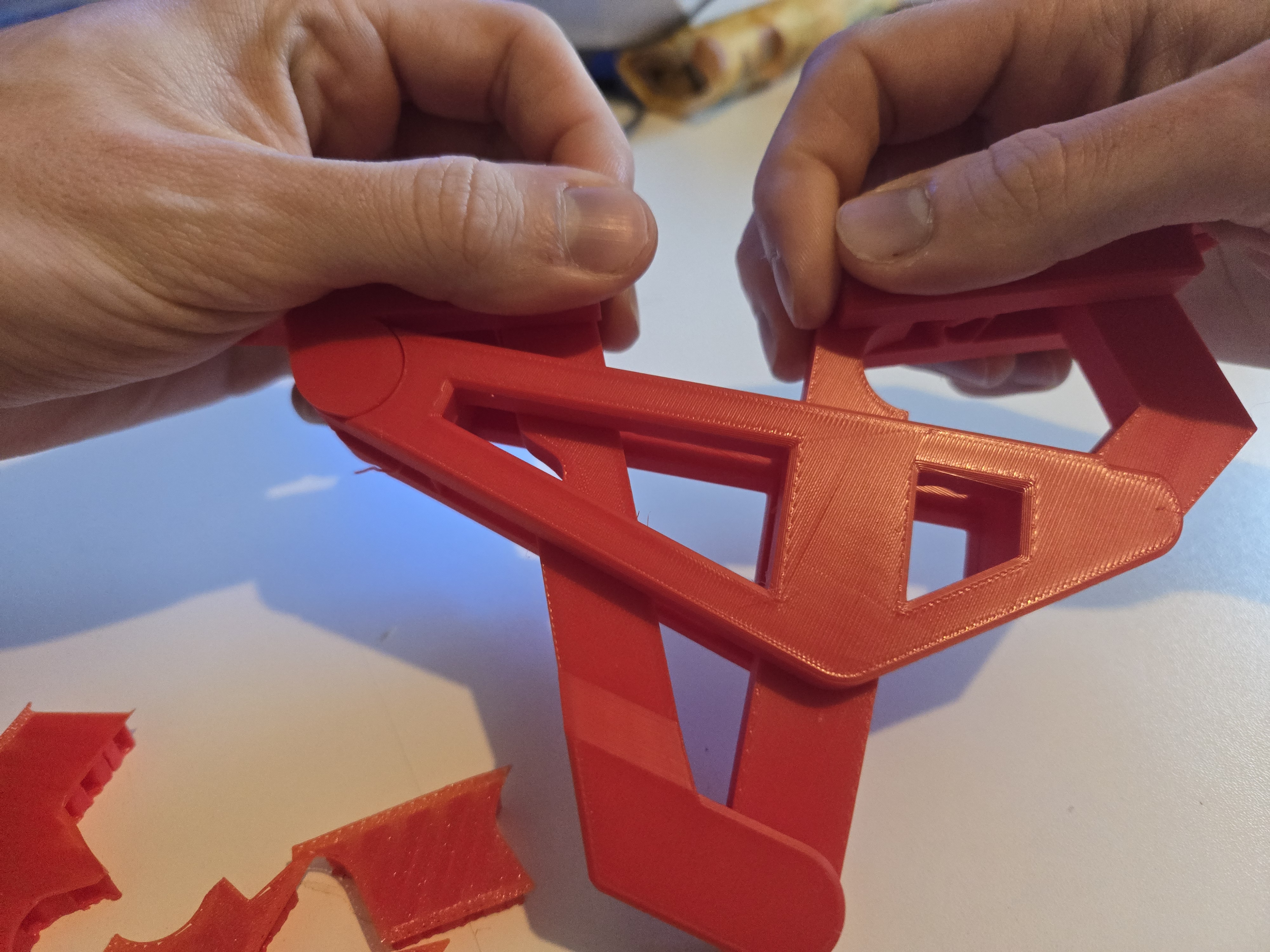
It can be a little hard to break. Don't be shy and use all force needed.
3 - Once you broke the system loose, there is 3 little internal supports to remove. (They should break once you play a little with the hinge)
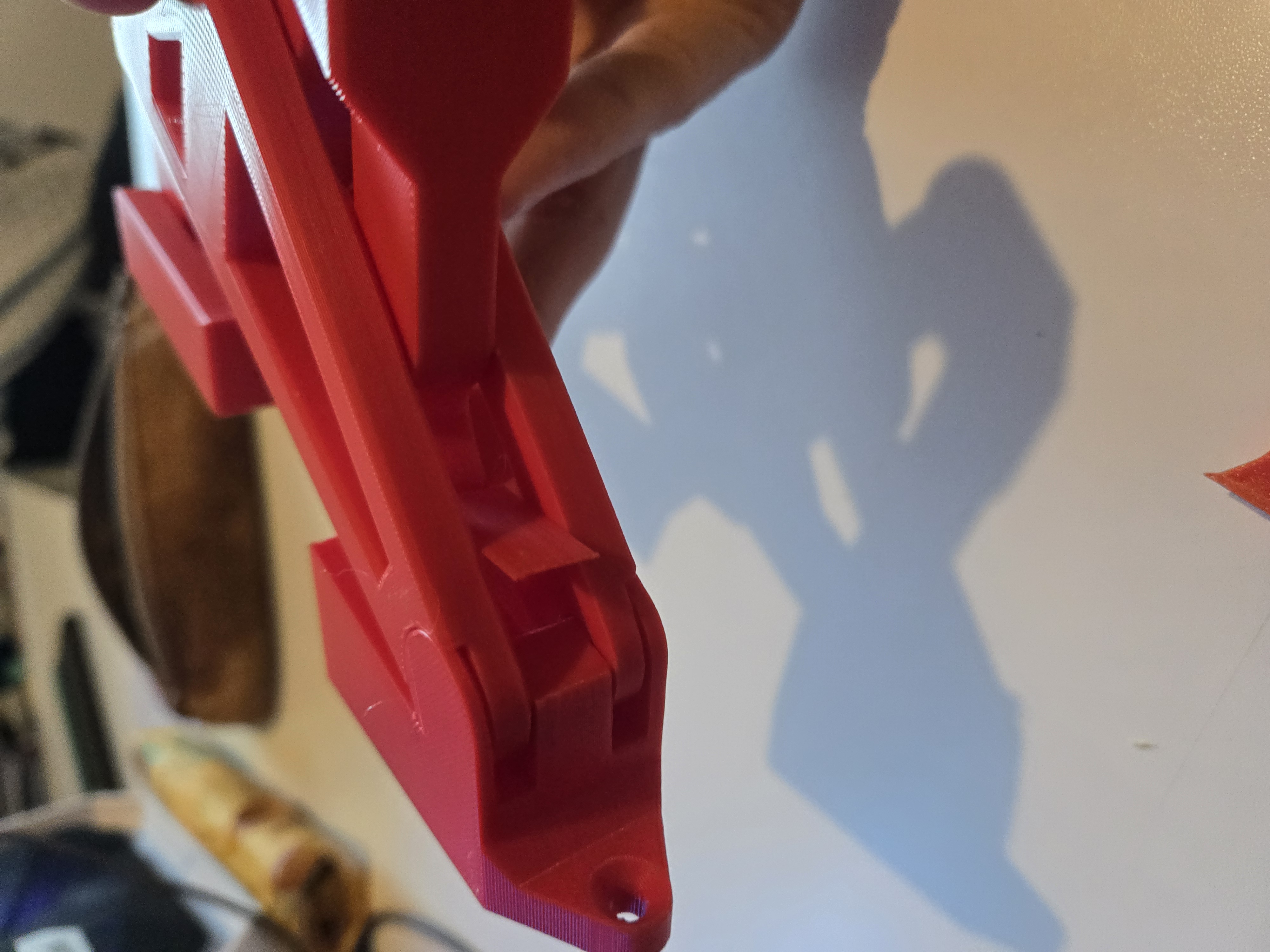
Installing the hinge :
Use the tool to mark the position of the holes. Drill the hole to help guide the screw
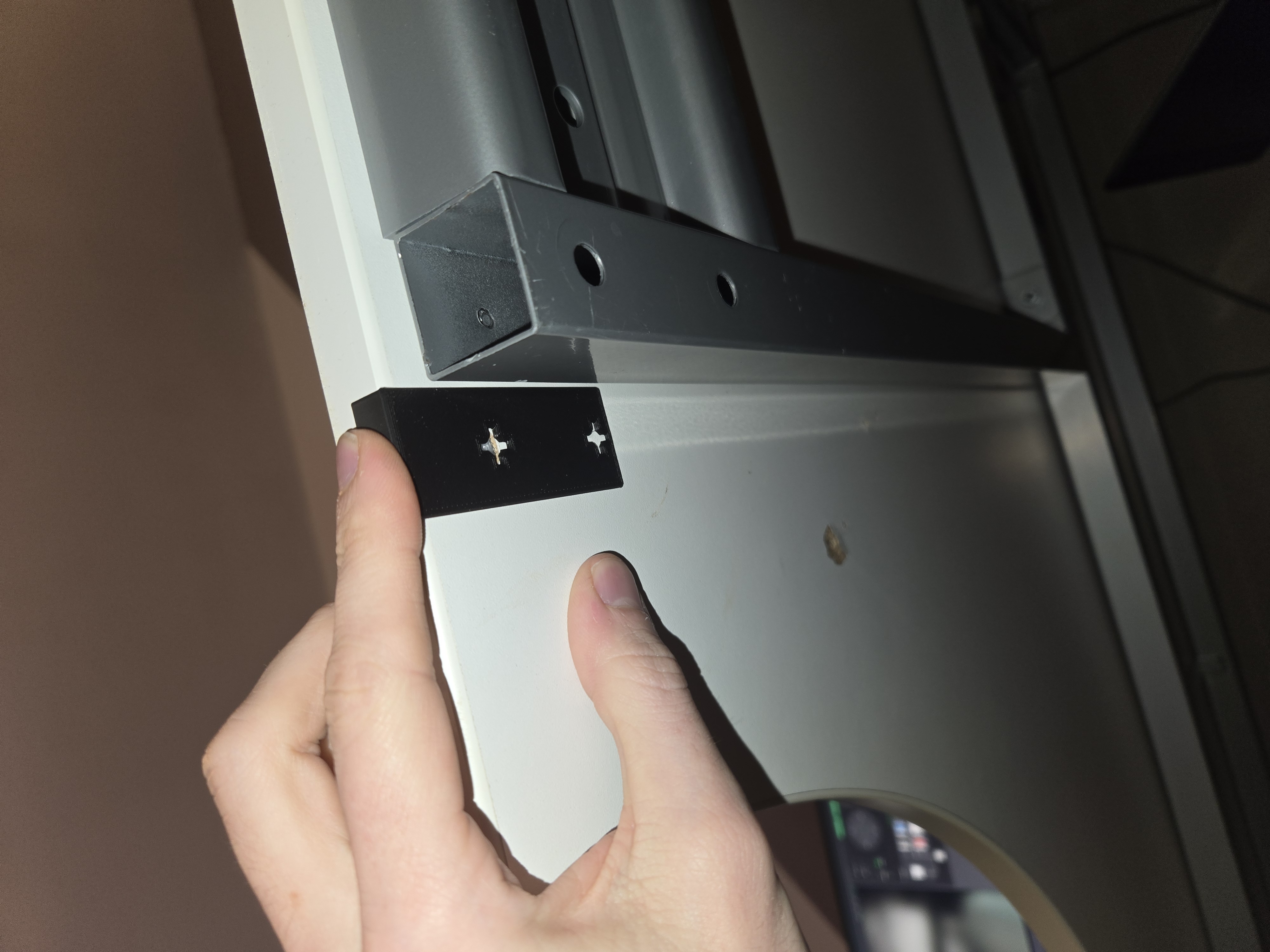
First install the hinge on the “mobile” side. A hole allow the screwdriver to reach the screw
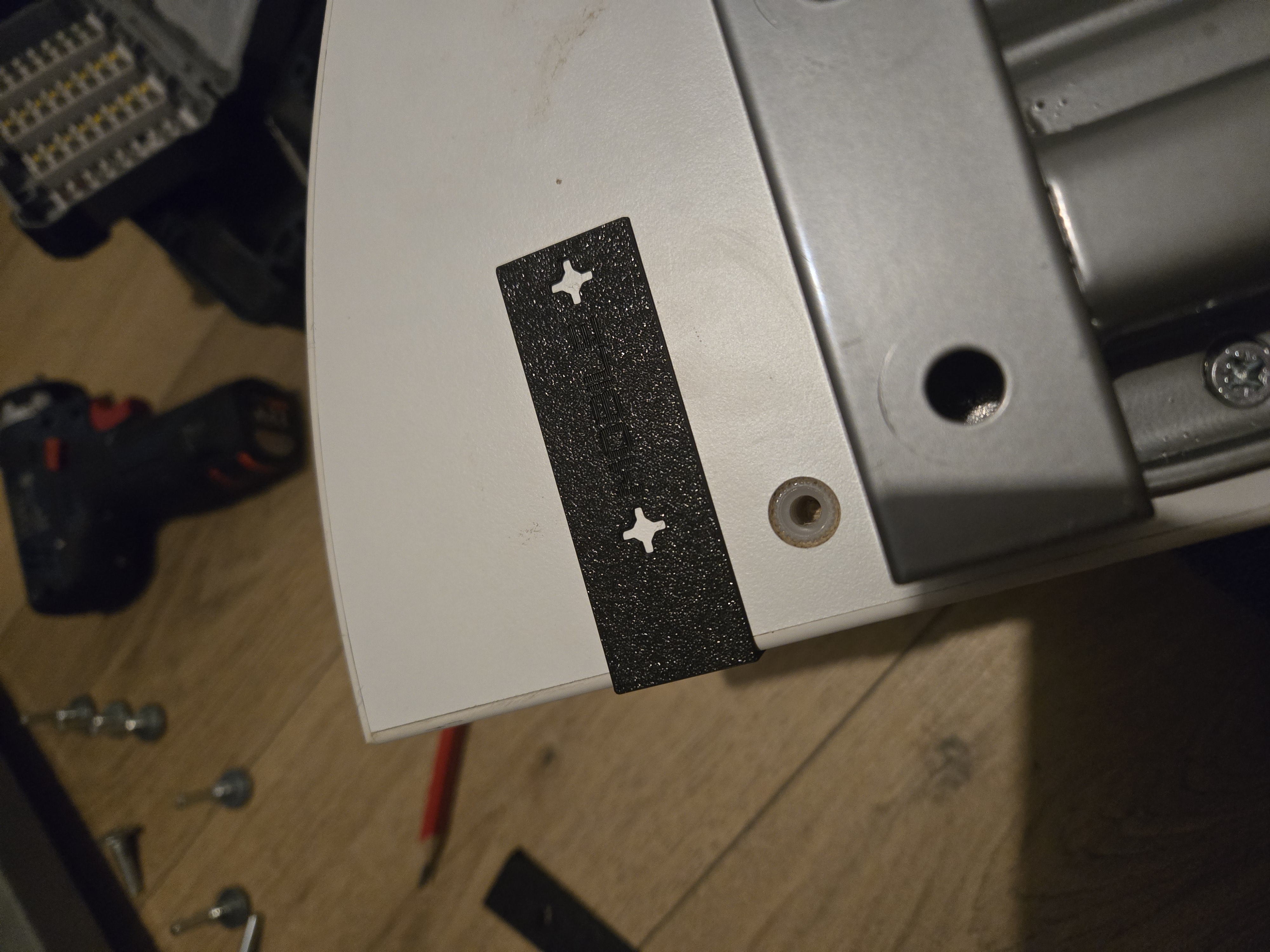
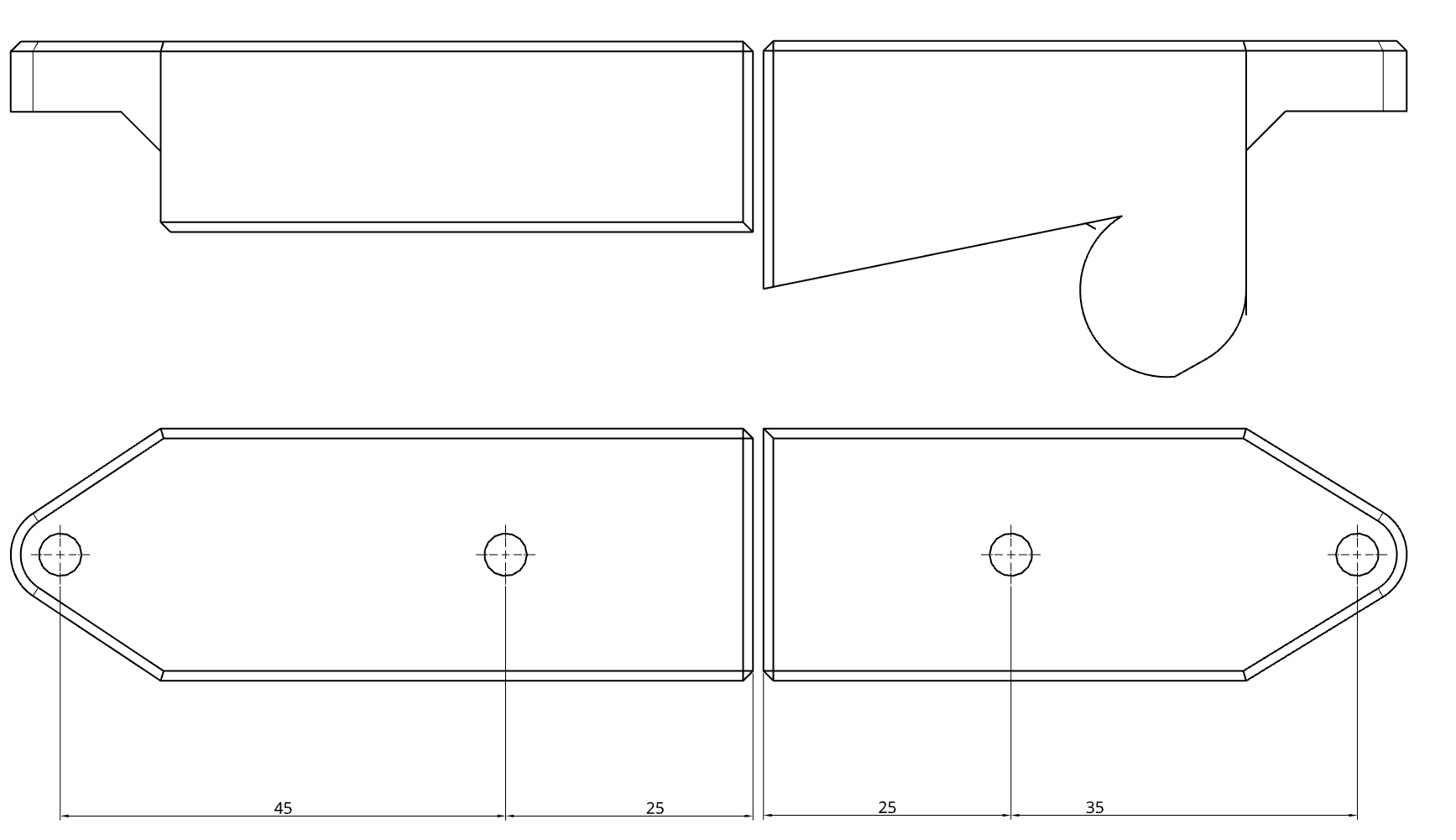
Then screw the other part to the fixed part of your furniture. You might need a second pair of hand.