
Audioengine D1 DAC Snap Mount
We calculate the final price from your selected file. You review and accept it before payment.
Saved on this device.

Snap on mount for Audio engine D1 DAC. Mount onto any surface with either M4 screws or double adhesive backed tape.
- Rating
- 0 / 5
- Likes
- 4
- Downloads
- 30
- Makes
- 0
- Views
- 112
- Reviews
- 0
Updated at source:
Model information
- Source
- Printables
- Category
- Audio
- License
- Creative Commons — Attribution — Noncommercial — Share Alike
Introducing the Audioengine D1 DAC Snap Mount!
Allows you to mount the Audioengine D1 DAC to any surface with either M4 screws or double adhesive backed tape.
Intstalltion
Load DAC into 3D the Audioengine D1 DAC Snap Mount.
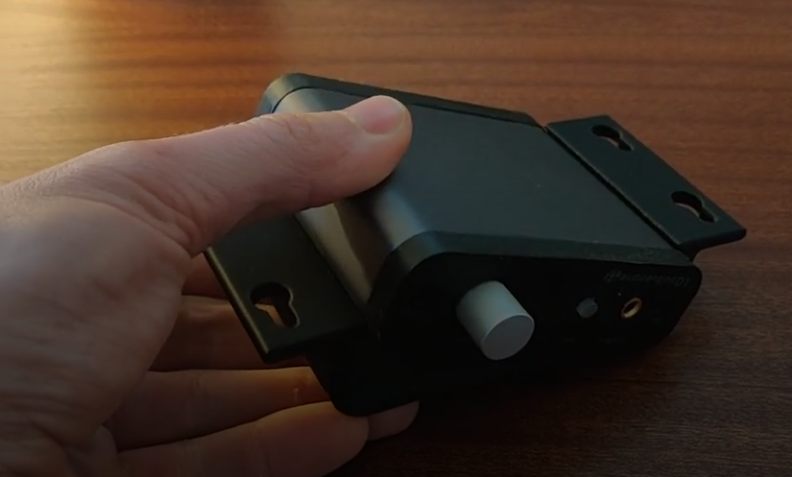
Apply some pressure and it will snap right into place, with a satisfying snap!
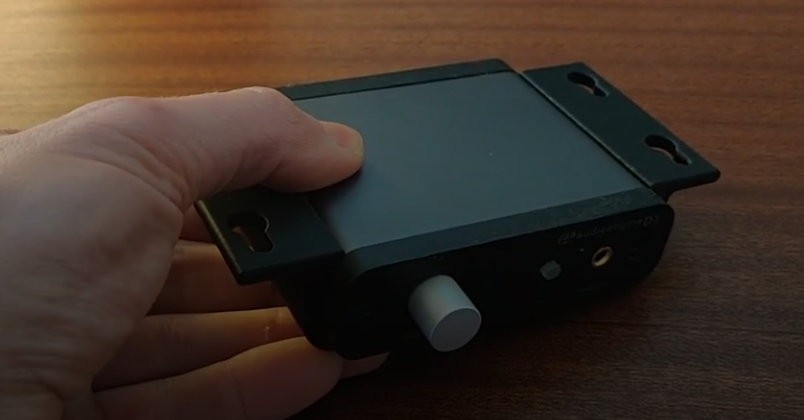
Then Screw or adhere the printed part under your desk or desired mounting location.
Using Hardware
The mounting holes are called keyslots. This allows you to easily install and remove the D1 DAC without misplacing the hardware. Simply install the screws loosely onto the mounting surface first.
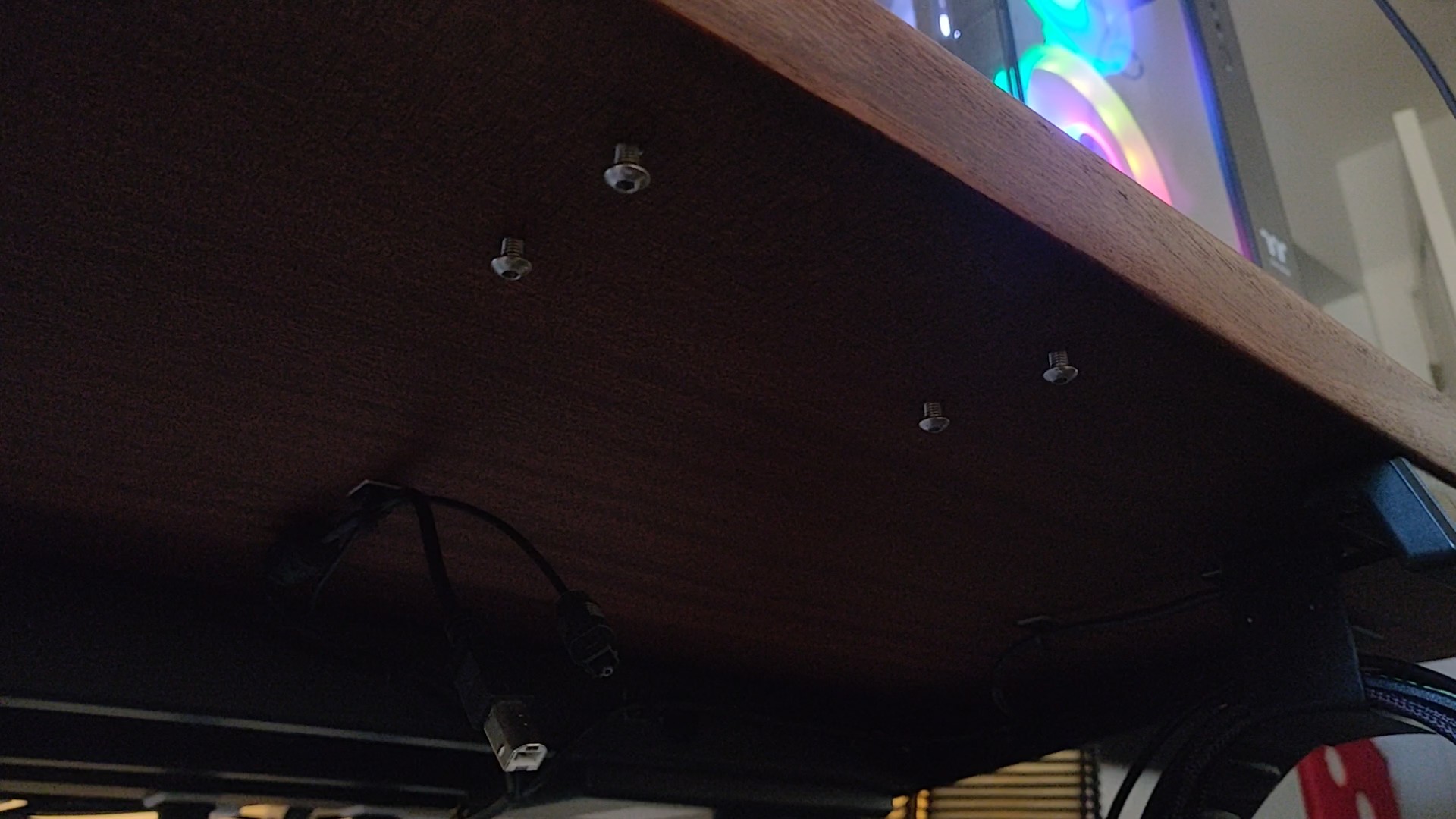
Then to mount the D1 DAC by putting the screw heads through the large holes of the keyslot and sliding the heads to the end of the slot.
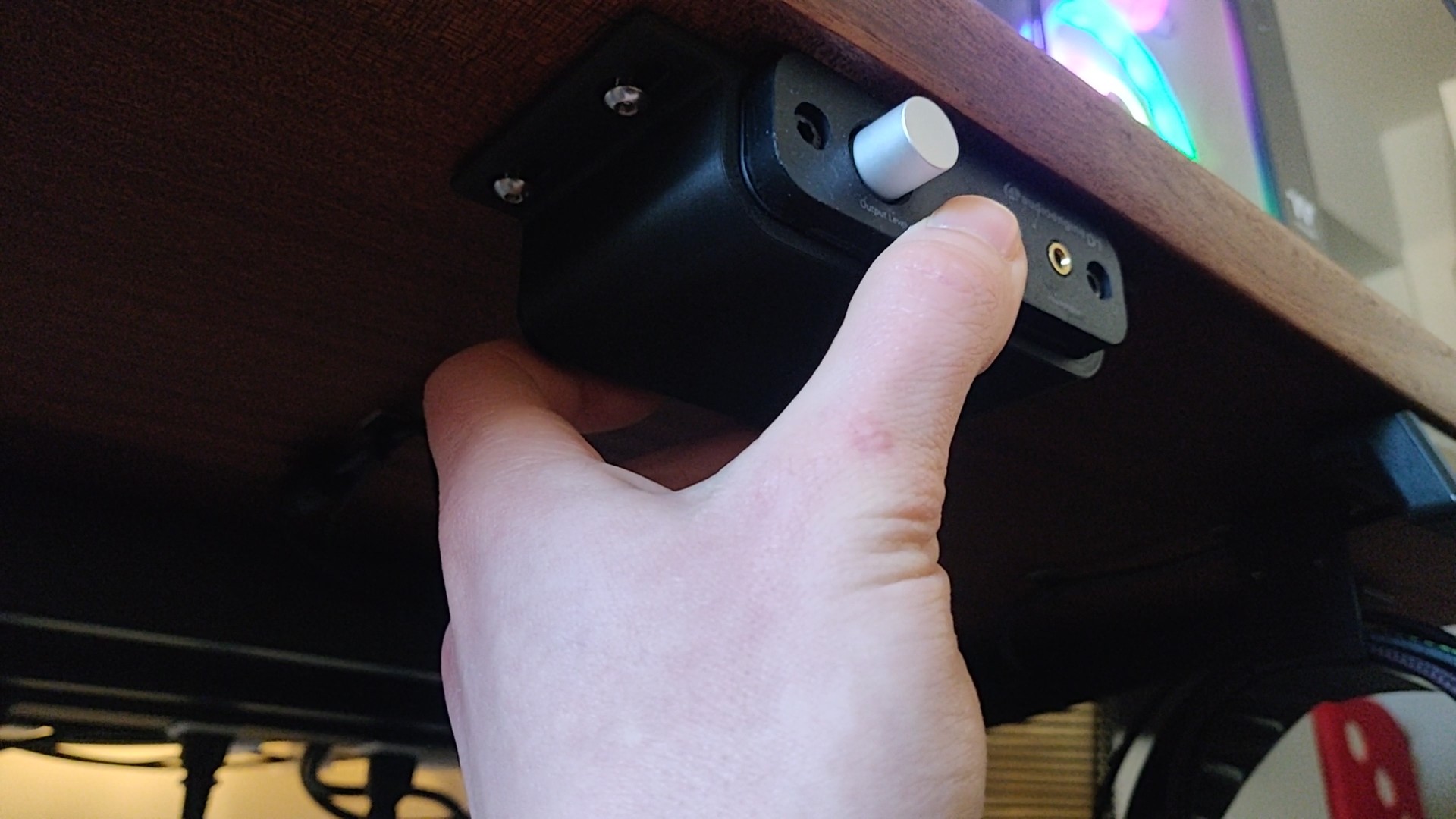
Then simply tighten the four screws and it is mounted!
For hardware I used M4 x 10mm screws you could also use #8 x 3/8" or longer.
Filament used ERYONE Matte PLA
Print settings I used
- 0.4 Nozzle
- 0.2mm Layer Height
- 20% Infill
- No Supports