
Parametric "mouse ears"/"lilypads" for print bed adhesion
We calculate the final price from your selected file. You review and accept it before payment.
Saved on this device.

A few little cylinders to improve bed adhesion
- Rating
- 0 / 5
- Likes
- 0
- Downloads
- 11
- Makes
- 0
- Views
- 65
- Reviews
- 0
Updated at source:
Model information
- Source
- Printables
- Category
- Test Models
- License
- Creative Commons — Attribution — Noncommercial — Share Alike
Just a few simple cylinders to help keep finicky corners down on the build plate if they're misbehaving. Some slicers (like PrusaSlicer) have this function built in, so you should use the native functionality instead.
Usage
- Import your model into your slicer
- Import as many mouse ears as you need on the same build
- Manually align the mouse ears onto each problematic corner
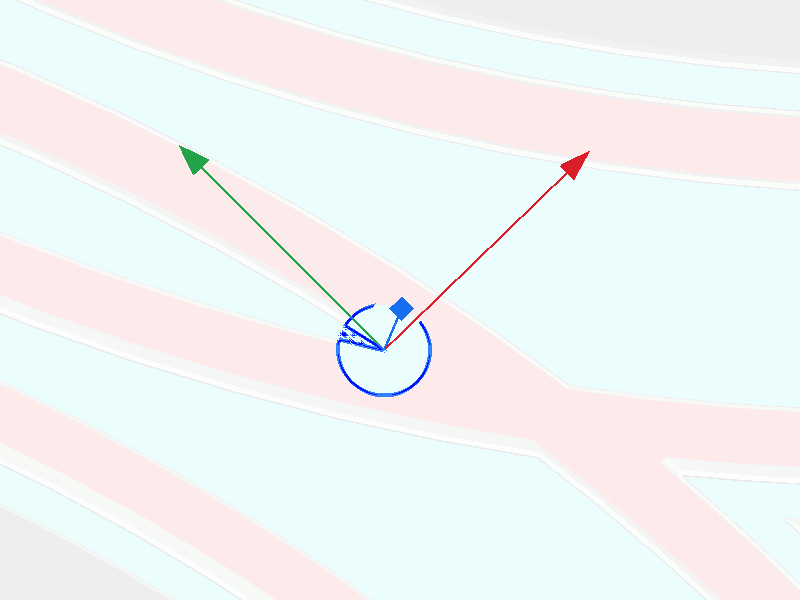
- Slice and confirm the mouse ears are laid down properly
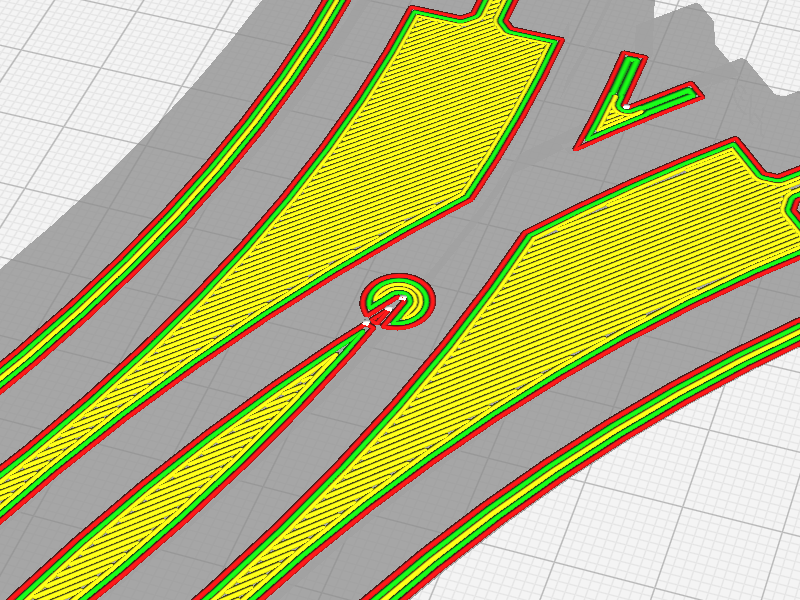
I have included a series of mouse ear models ranging from 2mm-64mm radius with a 0.2mm initial layer height. The .scad file can be modified parametrically for other layer heights and sizes.
Note
If using Cura (or a derivative thereof), you must disable the Ensure models are kept apart setting under Preferences > Configure Cura > Viewport Behavior and the print mode must be All at Once under Special Modes.
The model used in the screencaps is Curved Crossing Track - H3 by @MichaelFanta.