
Endless fabric from 6 KByte model
We calculate the final price from your selected file. You review and accept it before payment.
Saved on this device.
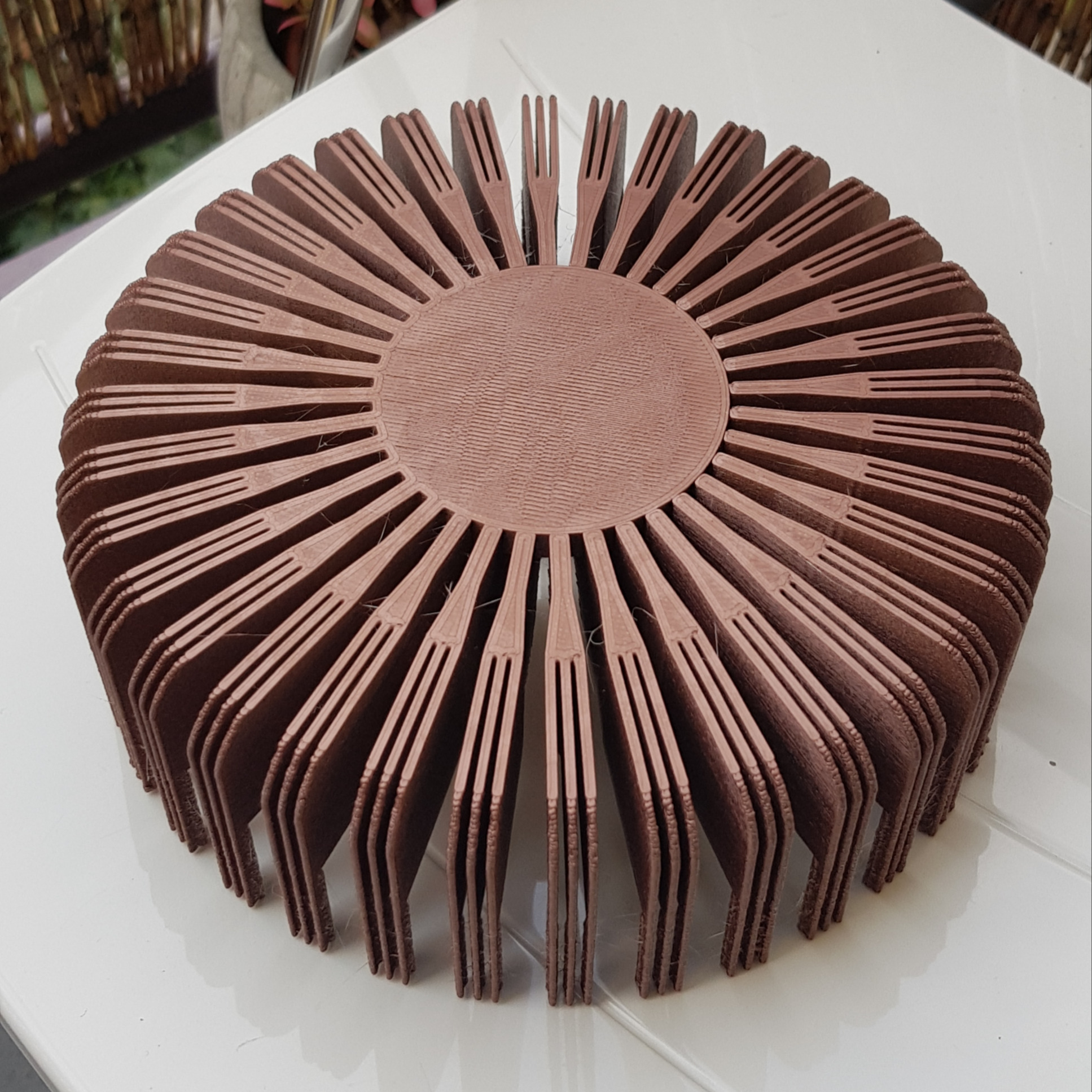
tiny model > big fabric | print-in-place | different patterns | scalable
- Rating
- 0 / 5
- Likes
- 30
- Downloads
- 61
- Makes
- 0
- Views
- 556
- Reviews
- 0
Updated at source:
Model information
- Source
- Printables
- Category
- Mechanical Parts
- License
- Creative Commons — Attribution — Noncommercial — Share Alike
I wondered why fabric models always have loads of MBytes since they mostly consist of small identic parts. So I tried to reduce filesize of a printable fabric as a fun project and ended up with around 6 KByte for a simple model (Piece_cross.stl) and a bit more for the other patterns. Goal achieved :)
I created a segment on a 10x10 mm grid with two interlocking parts, which is copied and mirrored in sclicer to build the fabric. This makes finetuning or remixing of the model much easier but includes some design limitations.
The included models are optimized for fast printing at 0.3 layer height. Print should work with all common materials. Don't use supports or brim!

How to create your fabric in PrusaSlicer (others should work similar)
(you can skip the first section by using prepared 4Pieces.3mf files)
- open one of the Piece.stl patterns in your slicer (see rendered previews)
- copy and paste segment 3 x
- position it on 10 mm grid (by entering x/y coordinates in 10 mm steps)
- mirror parts x/y that they fit together
- merge the 4 parts (select parts > right click > Merge)

- set automatic arrangement spacing to 0 (right click on arrange button)

- fill bed with merged part (right click on part > Fill bed with instances)

- if needed > remove parts from the edges (shift + select with Mouse) to get the fabric size you want
You could print it now but parts would be sliced independently (not really connected), so you finally have to:
- select all > right click > Set as separated Objects
- select all > right click > Merge
Now the parts should be correctly connected when sliced.
Respect! You read until the end.
Have fun!