MITTZON Control Panel Position Adjustor
We calculate the final price from your selected file. You review and accept it before payment.
Saved on this device.
Model information
- Source
- Printables
- Category
- Office
- License
- Creative Commons — Attribution — Noncommercial — Share Alike
Context
I created this because my chair kept accidentally hitting the buttons on my IKEA MITTZON controller/control panel.
This 3D print lets you re-mount the control panel 15mm farther from the edge of your desk to solve the issue.
Installation Instructions
Use the existing MITTZON wood screws to attach the adjustor plate to your desk. (Via the 2 small circular holes, not the slots).
Insert the 2 "locking screw" models through the MITTZON control panel's screw slots and line them up into the plate's slots.
Rotate each "locking screw" 90 degrees to lock the control panel onto the plate.
Removal Instructions
Turn each "locking screw" 90 degrees to unlock.
Pull out the "locking screws" and detach the MITTZON control panel from the plate.
Unscrew the wood screws from the adjustor plate to remove it from your desk.
Printing Tips
These settings worked for me:
PLA
0.2mm STRUCTURAL
15% infill
Supports everywhere
I printed the locking screws separately from the plate to avoid stringing between the objects
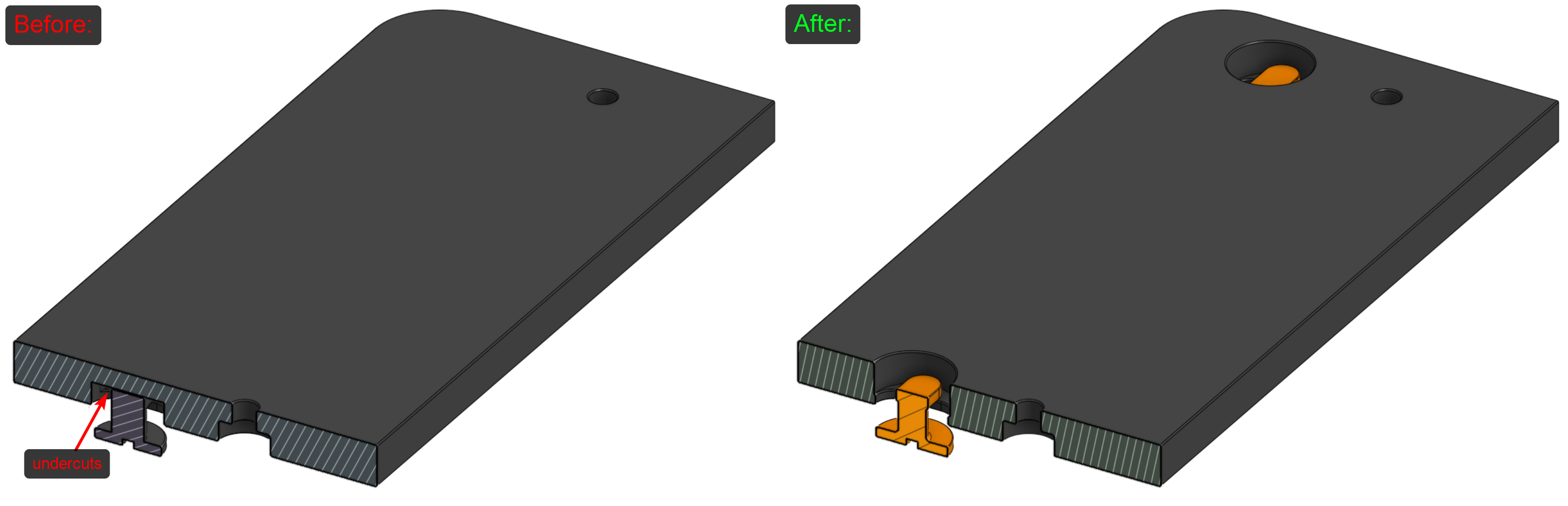
Removing the supports was difficult so I improved the model before uploading: