Tenting Kit for a split keyboard
We calculate the final price from your selected file. You review and accept it before payment.
Saved on this device.

A simple, yet robust tenting kit
- Rating
- 0 / 5
- Likes
- 15
- Downloads
- 40
- Makes
- 0
- Views
- 587
- Reviews
- 0
Updated at source:
Model information
- Source
- Printables
- Category
- Computers
- License
- Creative Commons — Attribution
Case available as a separate model.
Made those to put my Halcyon Elora in a more comfortable position.
Positions
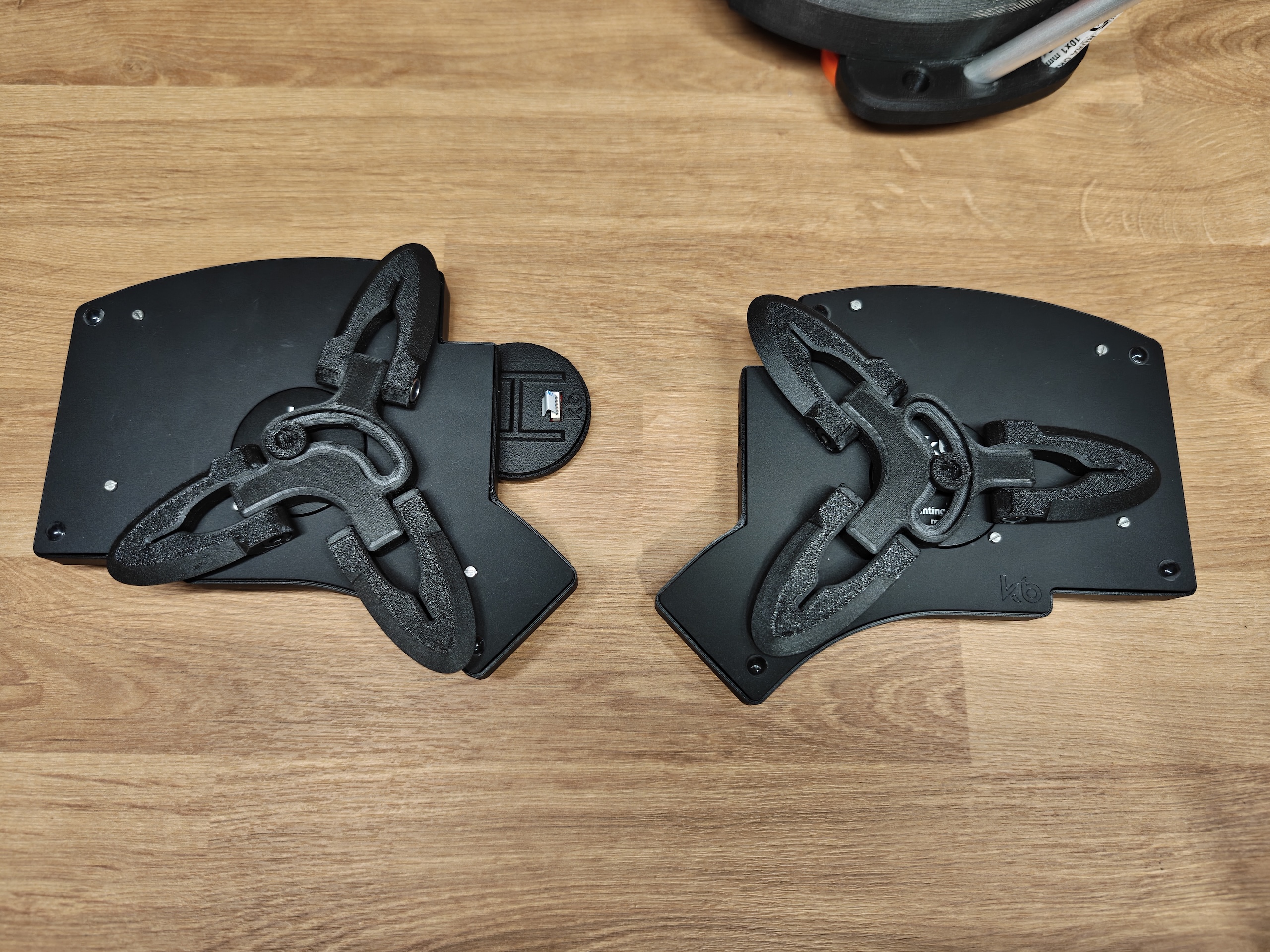
It should be quite universal given the mounting slot and the fact that you can use it in different positions. For example, on the right is what I would consider the default, while for Elora I find the position on the left most comfortable - the most outer leg is flat (unused) and the inner two are widely spread for more stability:
Hardware
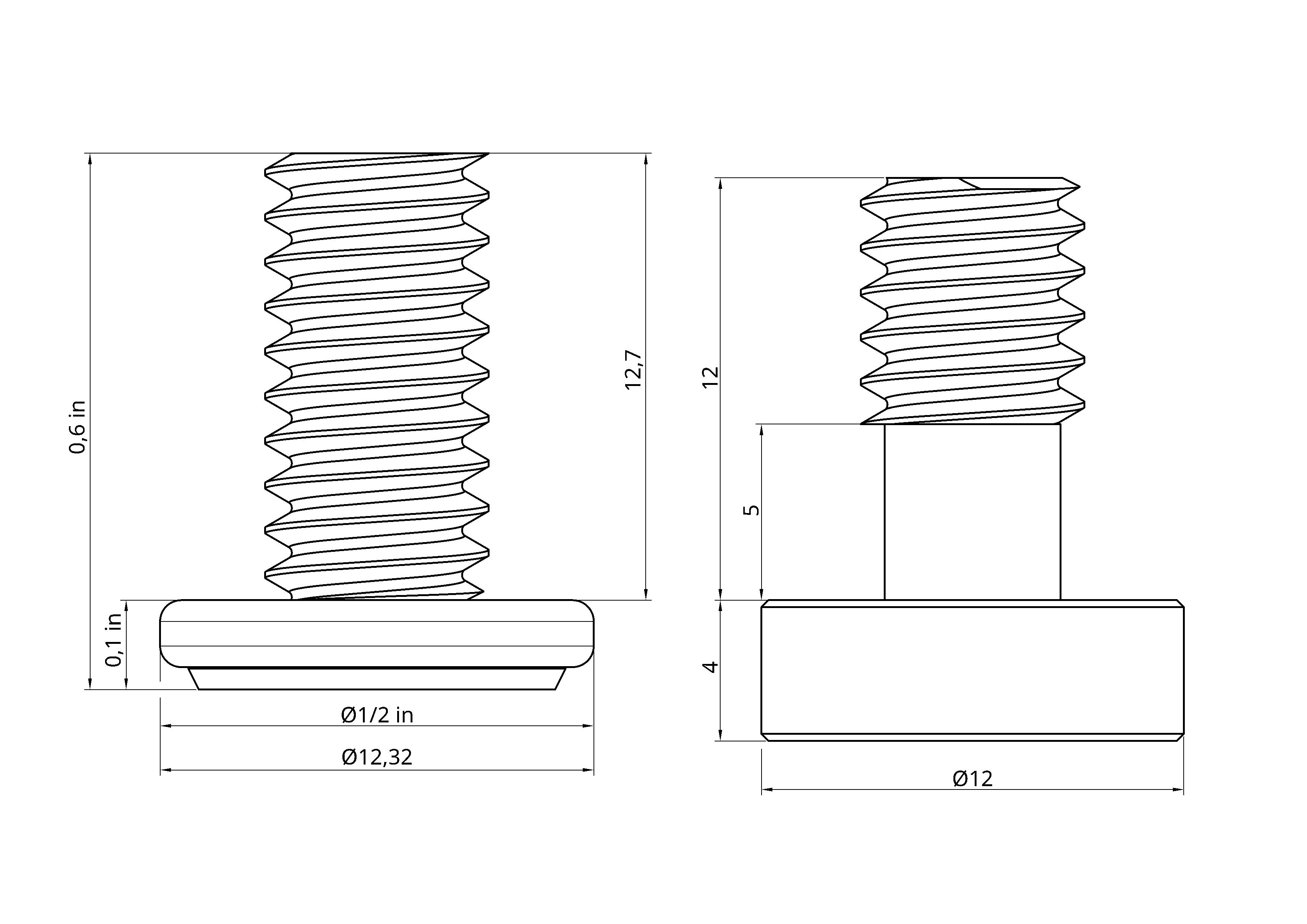
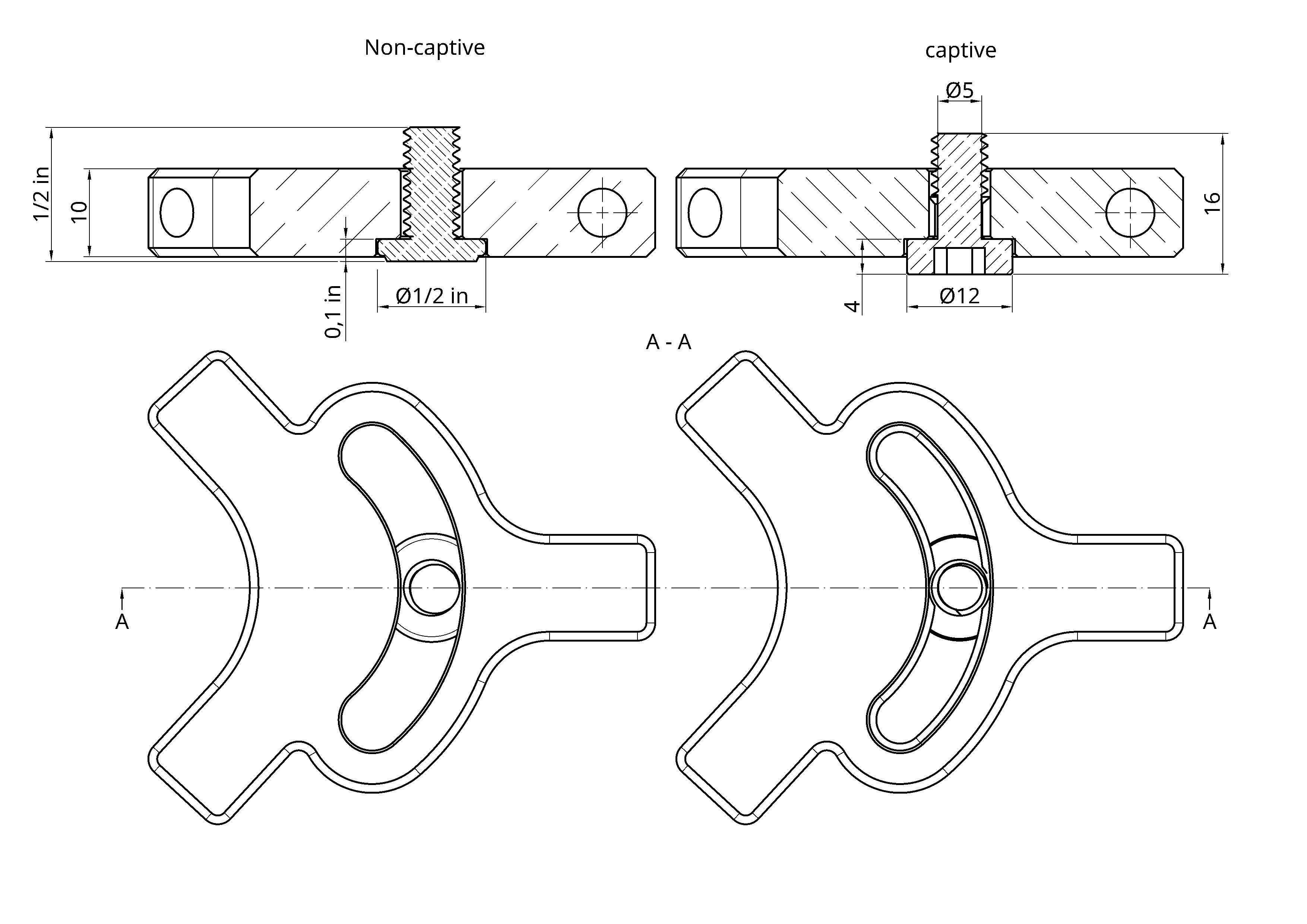
I originally designed this around a screw I found in the polish Amazon, but then could not find in Amazon.com. That's why we have two versions:
Captive
Print the tenting_tripod-tripod_base-PETG and use this screw: amazon.pl.
I'm also including a model of the screw. You can print it if your printer has enough cooling.
Non-captive
I consider it inferior to the other but realistically it's the same thing. tenting_tripod-tripod_base_no_slot-PETG goes together with the screw found here: amazon.com.
Three leg lengths
Choose from 3 sizes: 54mm, 69mm, 84mm. On Elora I eventually ended up with one of each size per side.
Common to both
For one stand with 3 legs you need:
1x screw mentioned above
3x M5 hex head 25mm
3x M5 hex nut
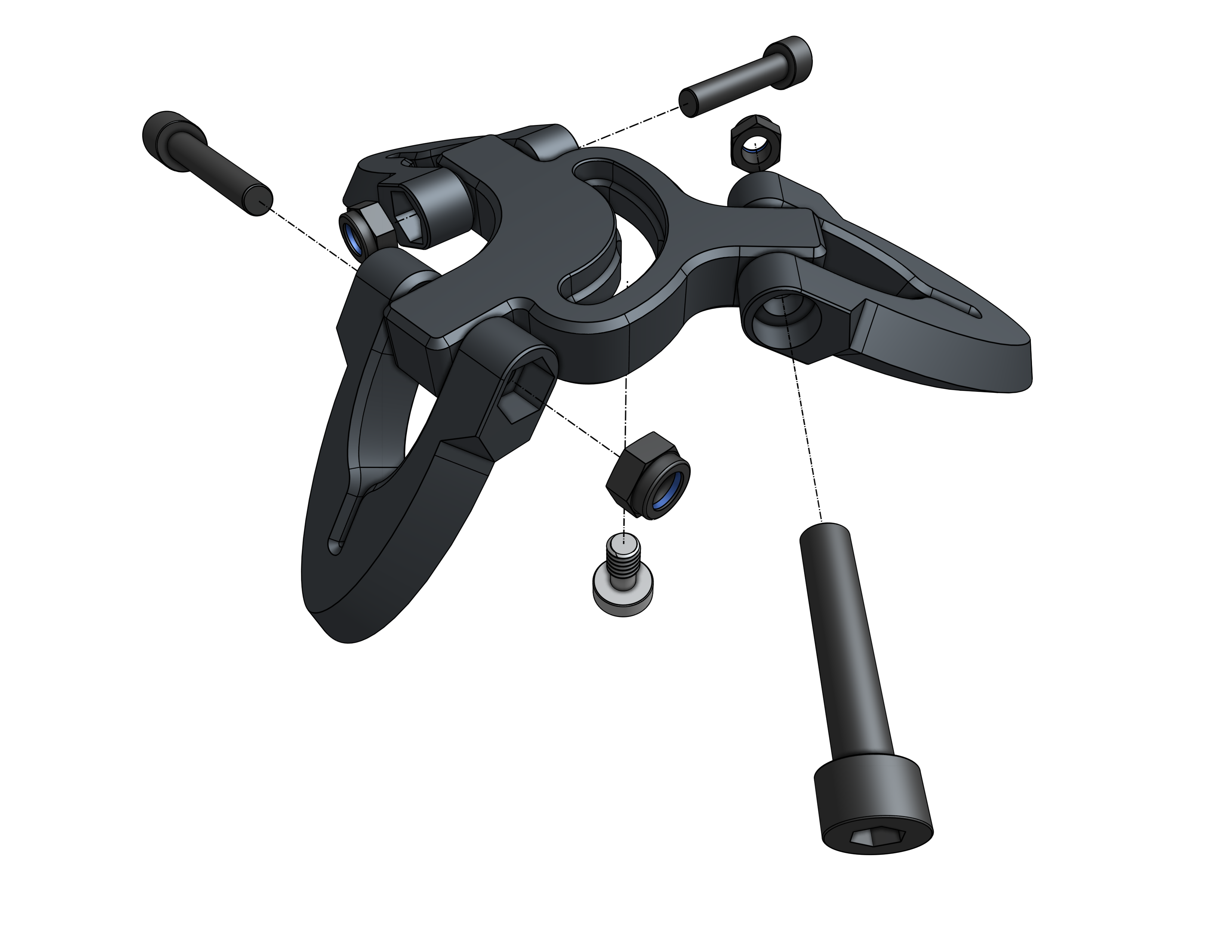
Below you will find some dimensions - those should help you figure out if this design is compatible with your keyboard.
Printing
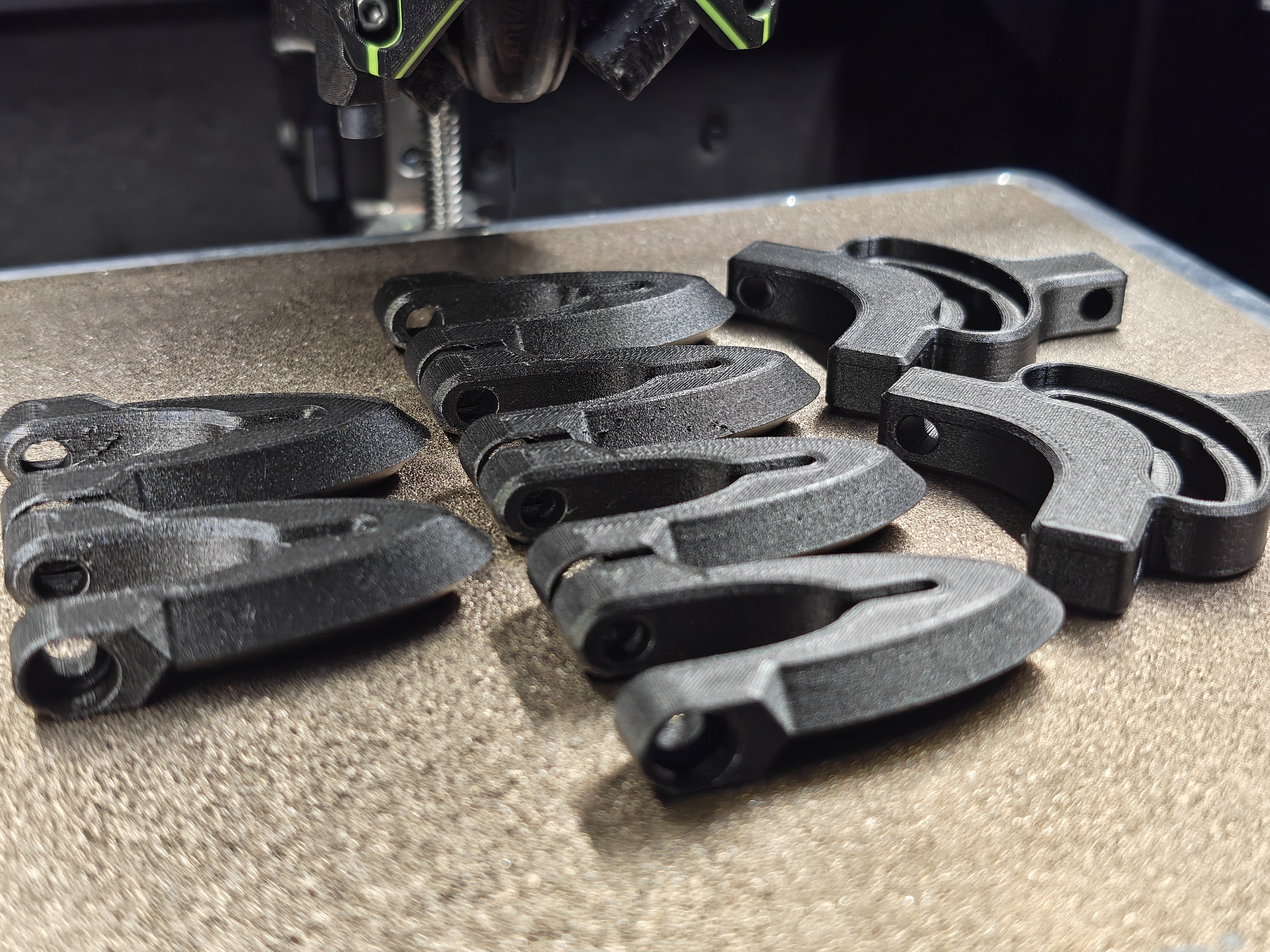
Print everything flat. 0.3 mm layer height is what I designed this around, so print that or finer for better looks.
I printed my final ones with 0.12 mm layer height in Fiberlogy PETG Matt. Outside of that I'd avoid PLA due to it's over-time creep.