
Mounting Solution for USBTO3DO-FZ1 ODE
We calculate the final price from your selected file. You review and accept it before payment.
Saved on this device.

A simple mounting solution for USBTO3DO.
- Rating
- 0 / 5
- Likes
- 0
- Downloads
- 6
- Makes
- 0
- Views
- 49
- Reviews
- 0
Updated at source:
Model information
- Source
- Printables
- Category
- Video Games
- License
- Creative Commons — Attribution
Introduction
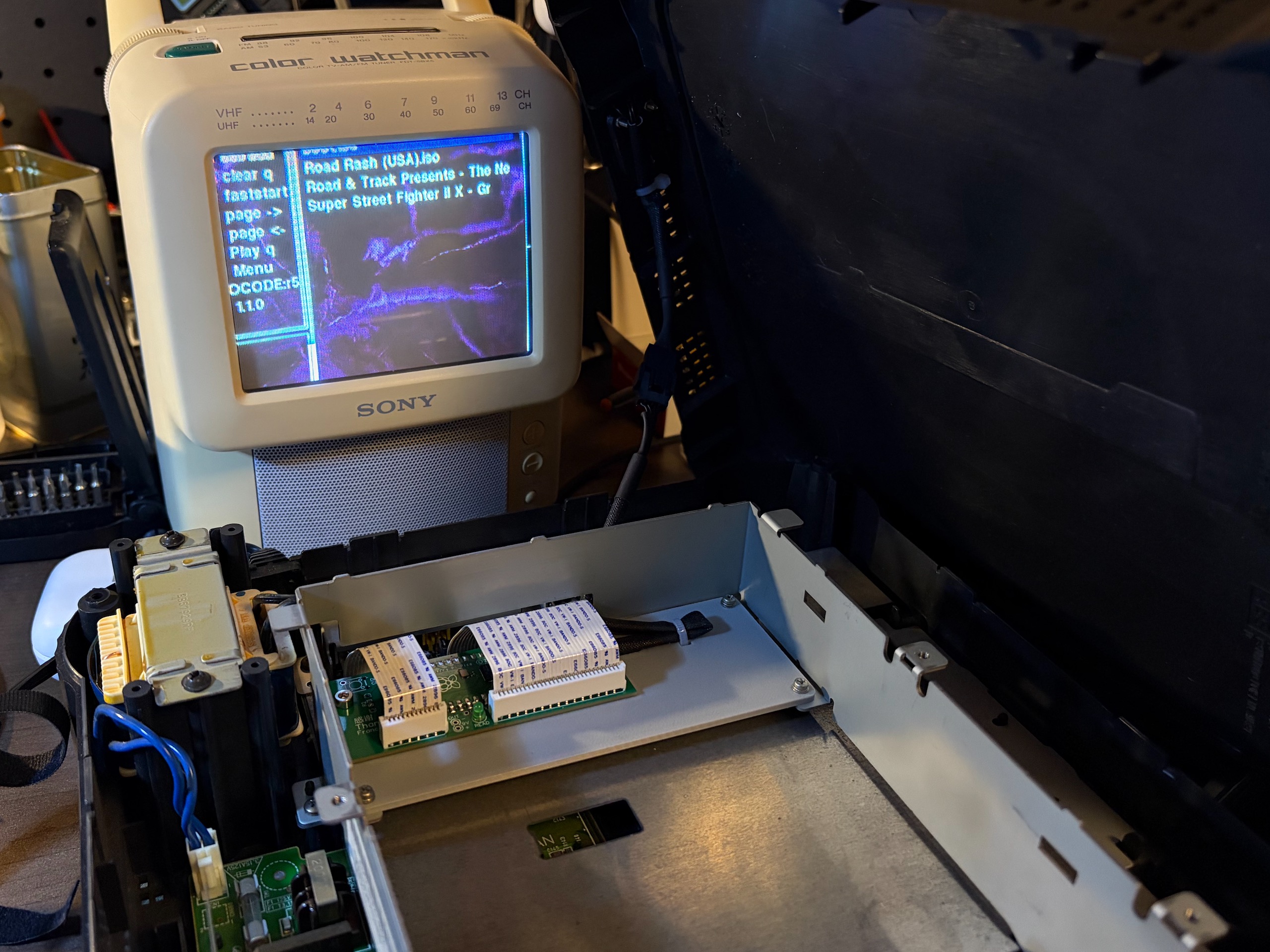
This is a simple mounting solution to mount USBTO3DO-FZ1 for the Panasonic 3DO FZ-1 (PCB made by tzwmx, originally SataTo3DO by FCare) into the metal chassis of the original optical disc drive.
Zip-tie holes provided just in case for any outgoing cables.
Printing
Print flat.
Installation
Remove the top shielding of the drive by unclipping.
Undo the 4 screws from the crossbeams (might be very tight, must use a screw driver that is a very good match).
Unplug the two ribbon cables from the motherboard side of the 3DO.
Remove the original drive with the ribbon cables attached by undoing the 5 sets of M2 screws with washers.
At this point, finish all the necessary soldering before installing the mounting to the ODE board!
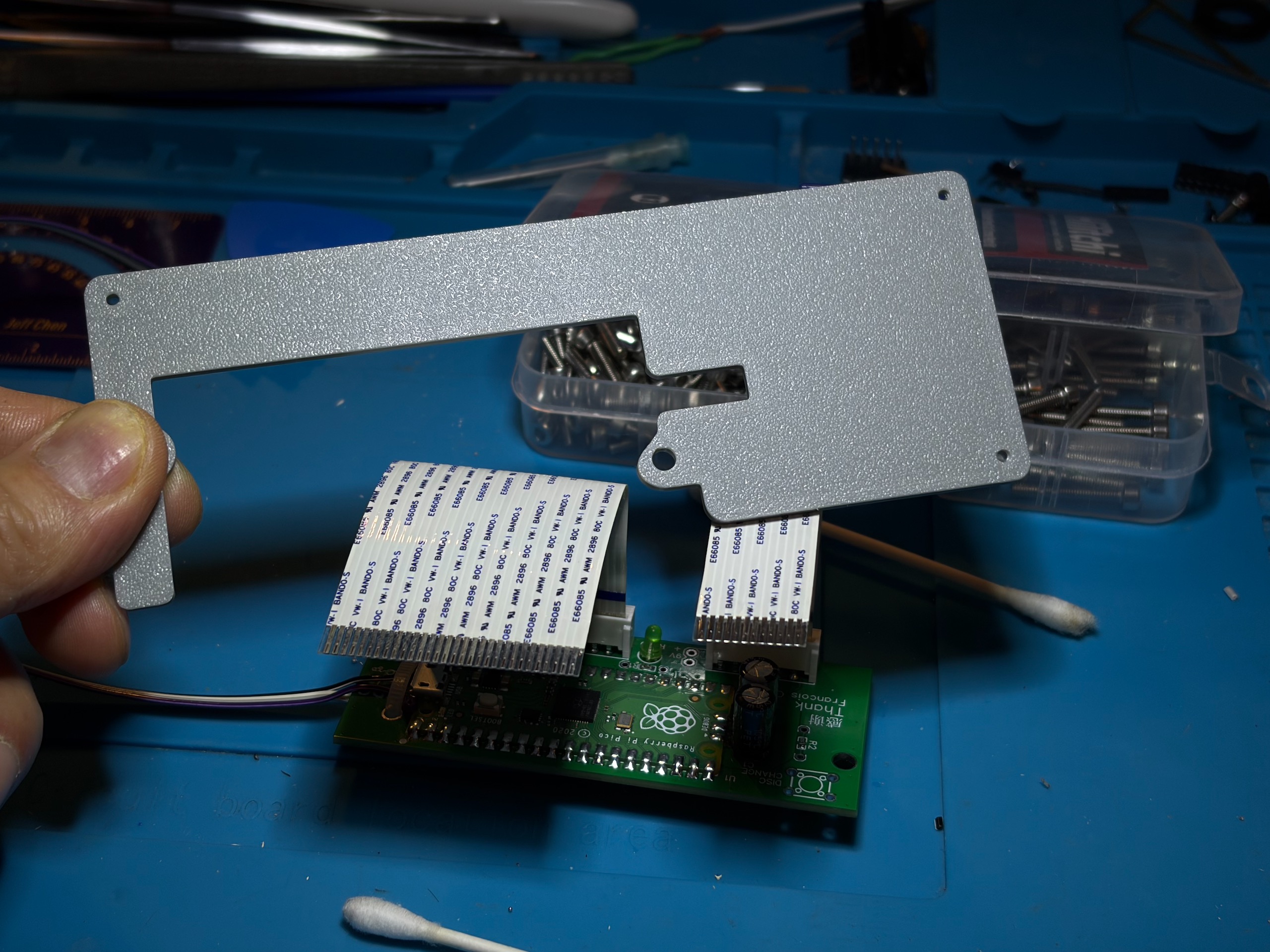
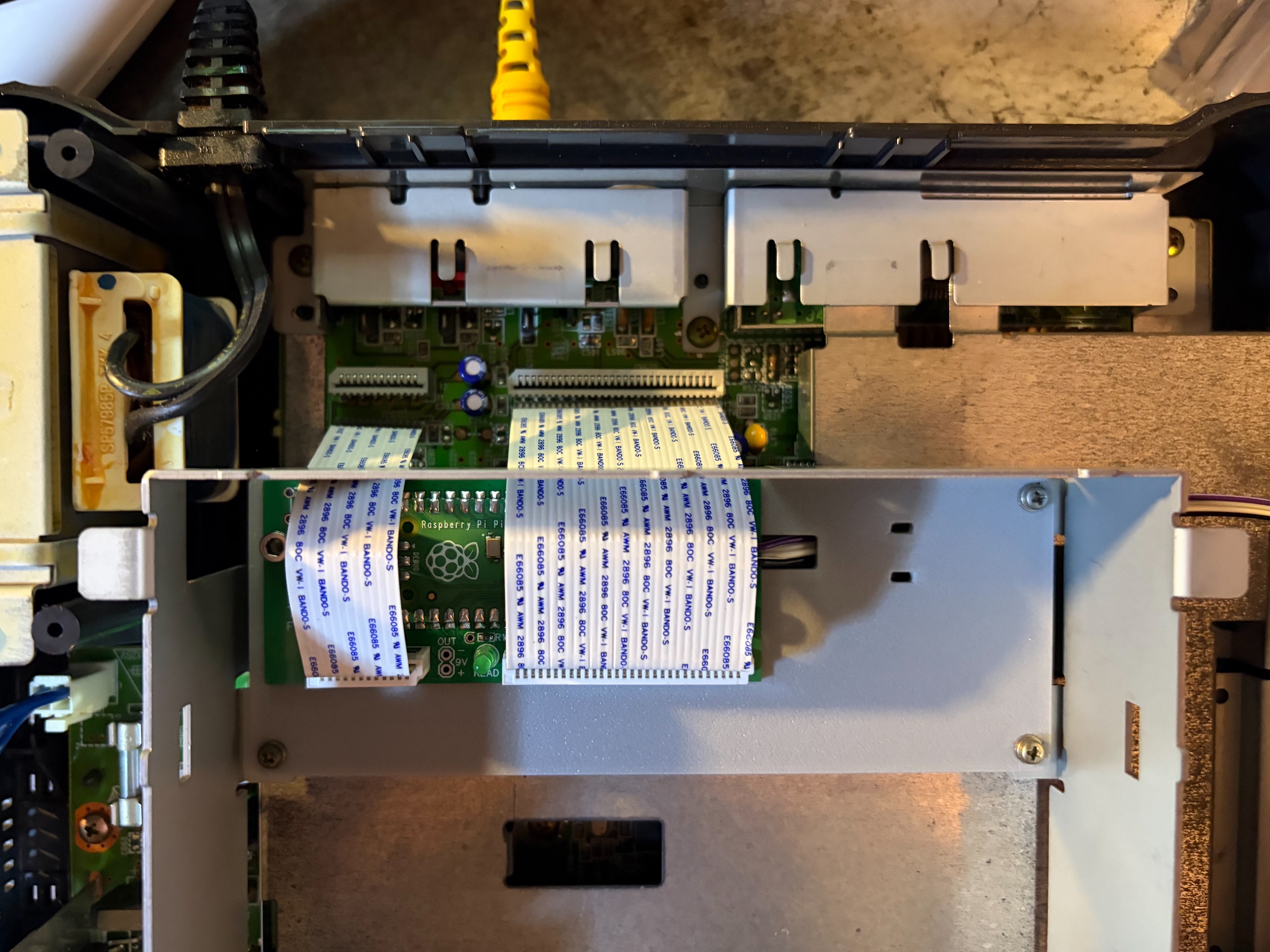
Install the ribbon cable onto the ODE. Note the correct sides.
 |  |
|---|
Mount the ODE to the printed piece with your preferred M3 screws and nuts.
Mount the piece back into the metal drive chassis with 3 of the 5 screws and washers.
Reinstall the crossbeams and the metal shielding.