Print in place boxes
We calculate the final price from your selected file. You review and accept it before payment.
Saved on this device.

6 boxes that fits in to each other. Costomiseble by Fusion360 f3d file (ParameterBoks-V6 v7.f3d)
- Rating
- 5 / 5
- Likes
- 171
- Downloads
- 881
- Makes
- 11
- Views
- 2,995
- Reviews
- 10
Updated at source:
Model information
- Source
- Printables
- Category
- Organizers
- License
- Creative Commons — Attribution
Print In Place Boxes
Include 6 boxes that fit into each other.
Customizable by Fusion360 f3d file (ParameterBoks-V6 v7.f3d)
Box sizes are fully customizable with Fusion 360.
Sliser settings (Simplify 3D):
Box wall thickness are set to 1.6mm and for best result, make shure to use 0.4mm
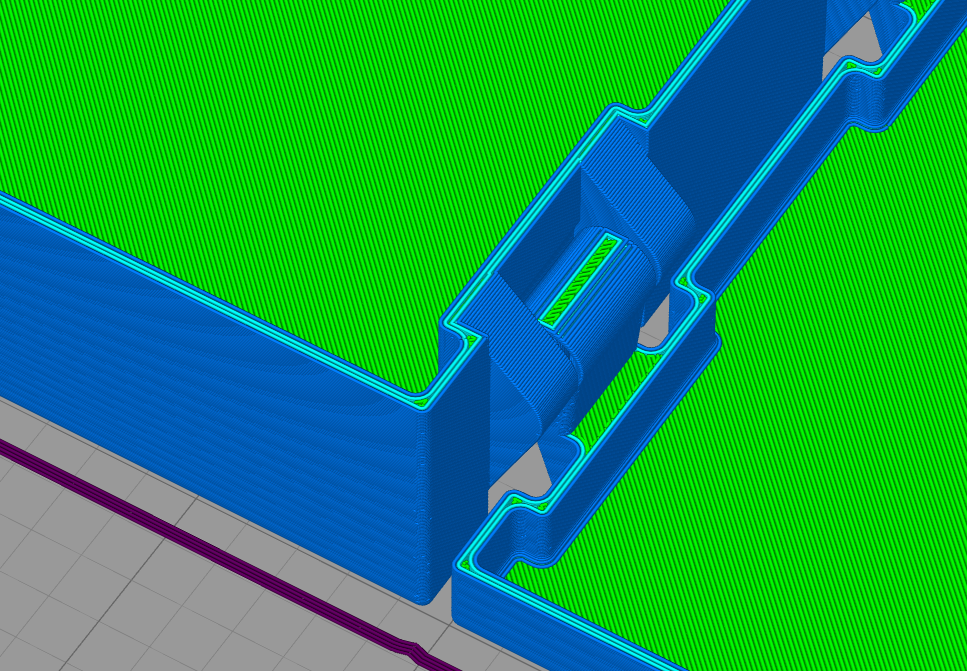
Extrusion Width diameter to ensure no infill in the wall, only 4 straight lines (se picture)
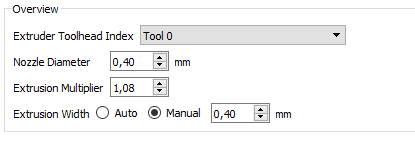
Wall with 4 Nozzle-lines, and no infill for cleaner walls:
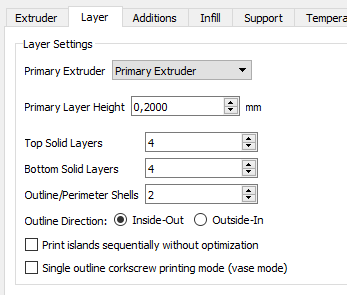
Use 2 outline Shels:
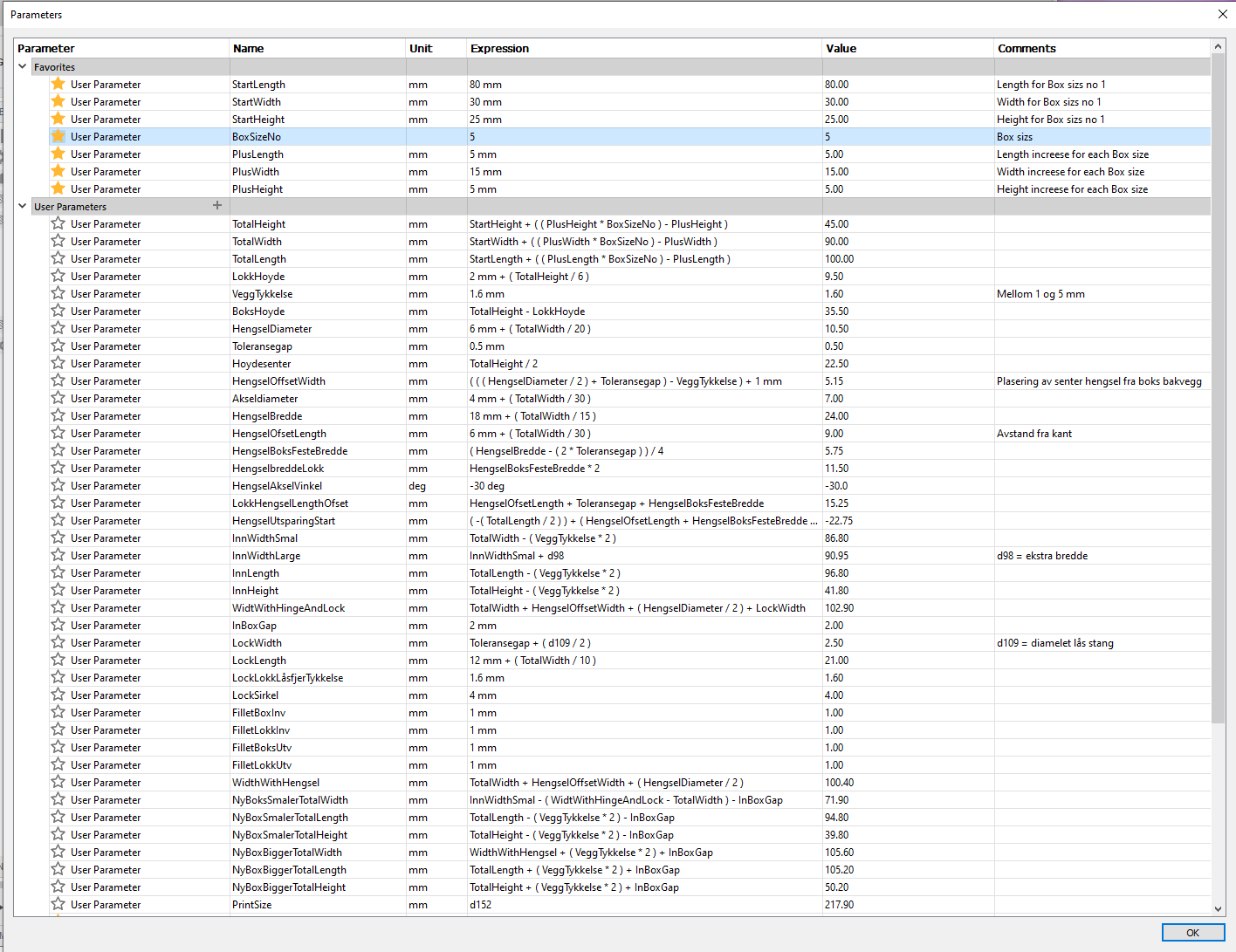
Fusion 360 parameter:
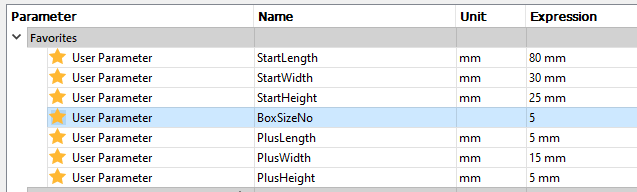
Start parameter are smallest Box size for BoxSizsNo = 1.
Plus parameter are increase in size for each increasing BoxSizsNo.
Example: For BoxSizsNo=5, the box length are :
(StartLength +(PlusLength *(BoxSizeNo-1)) ( For BoxSizeNo= 5. The Box increases 4 times the Plus size )
= 80mm + (5mm * (5-1) = 80mm + 20mm = 100mm. The same goes for With and Height.
The Plus parameter used here are minimum size to ensure the boxes fit into each other.
(BoxSizeNo 2 will fit into BoxSizeNo 3 and so on)
The cover height, hinches and lock size increases slitely with the inceasing box size.
Fusion 360 Parameter sheet: