
Honeycomb Storage Wall HSW - Bambu X1C/P1P Max Wall Piece
We calculate the final price from your selected file. You review and accept it before payment.
Saved on this device.

Honeycomb Storage Wall's wall piece - remixed to max out the usable plate on the Bambu X1/X1C/P1P
- Rating
- 5 / 5
- Likes
- 720
- Downloads
- 4,017
- Makes
- 26
- Views
- 27,215
- Reviews
- 21
Updated at source:
Model information
- Source
- Printables
- Category
- Organizers
- License
- Creative Commons — Attribution — Noncommercial
Update 27 April 2023
- Test wall piece added - small 7 hex piece
---
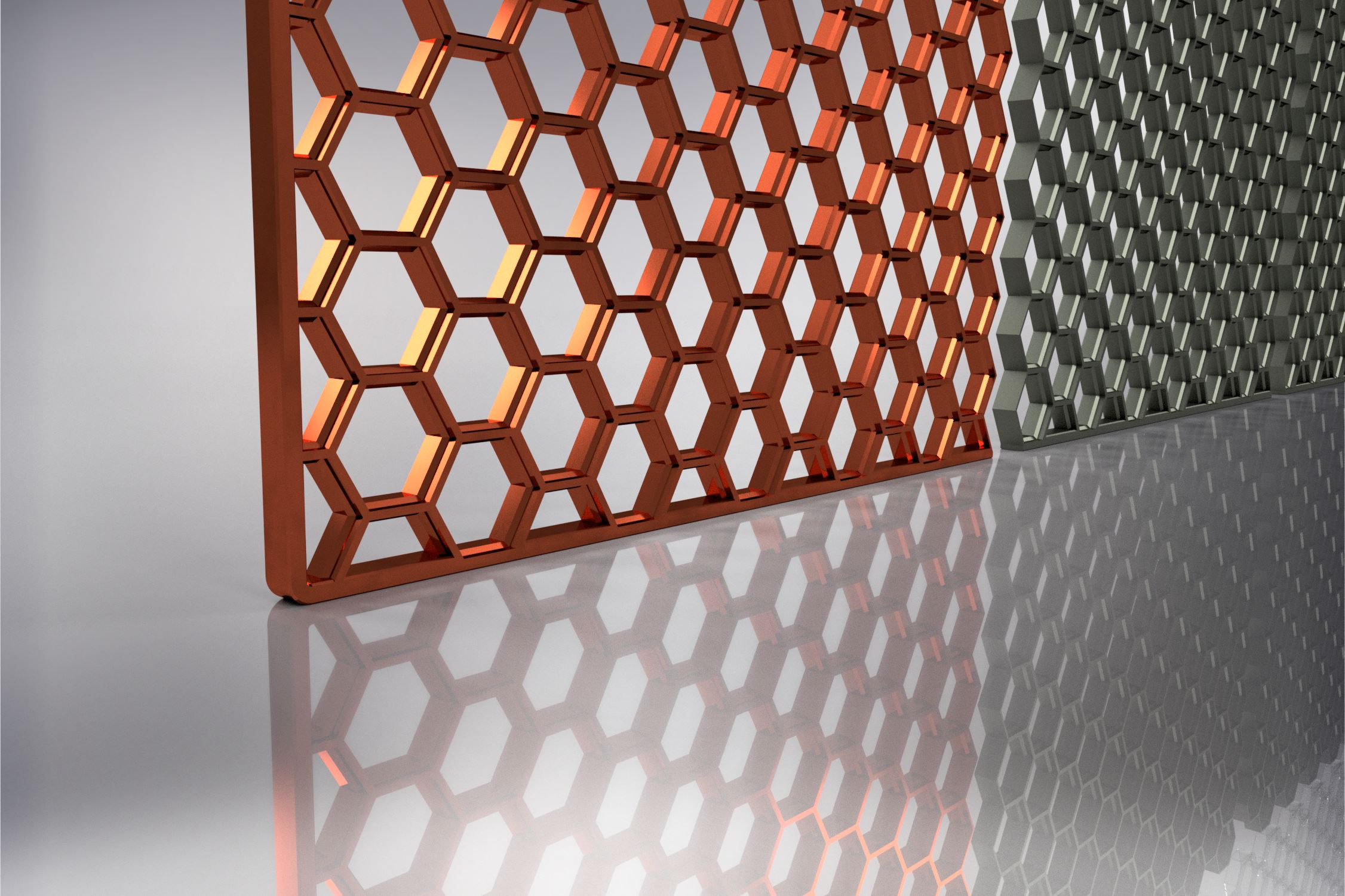
Honeycomb Storage Wall's wall piece - remixed to max out the usable plate on the Bambu X1/X1C/P1P
252x248 is the biggest possible but requires a bit of tinkering to print this, see here if you want to print this one: https://wiki.bambulab.com/en/knowledge-sharing/print-volume-limitations
Otherwise, use the 252x224 one (see the slicer screenshot for where to place it on the plate)
For the Bambu users - framed perimeter pieces of various sizes are available to print directly from the app - search “Framed HSW”. For users of Mk3, Mk4, Ender 3, K1 and other printers with a bed size of around 220x220, see here for perimeter pieces.
If you only need one piece, check this out:
https://www.printables.com/model/460255-hsw-symmetric-singles-with-integrated-fastening-po
Also check out https://www.printables.com/model/444229-easy-print-super-strong-hook-single-piece-no-screw for some nice hooks.
Note- if you want to make your own size using the original STP file, it loads with the front side up, and you should flip it so that the front side is down. The original STL files are already like this but the STP files are not. The models here have already been flipped so that they should load in the correct orientation (front side down - no overhangs).