
F360: 1 MinuteText Generator
We calculate the final price from your selected file. You review and accept it before payment.
Saved on this device.

Create any text under 1 minute in fusion 360
- Rating
- 0 / 5
- Likes
- 46
- Downloads
- 530
- Makes
- 0
- Views
- 4,041
- Reviews
- 0
Updated at source:
Model information
- Source
- Printables
- Category
- 2D Plates & Logos
- License
- Creative Commons — Attribution
Watch video tutorial:
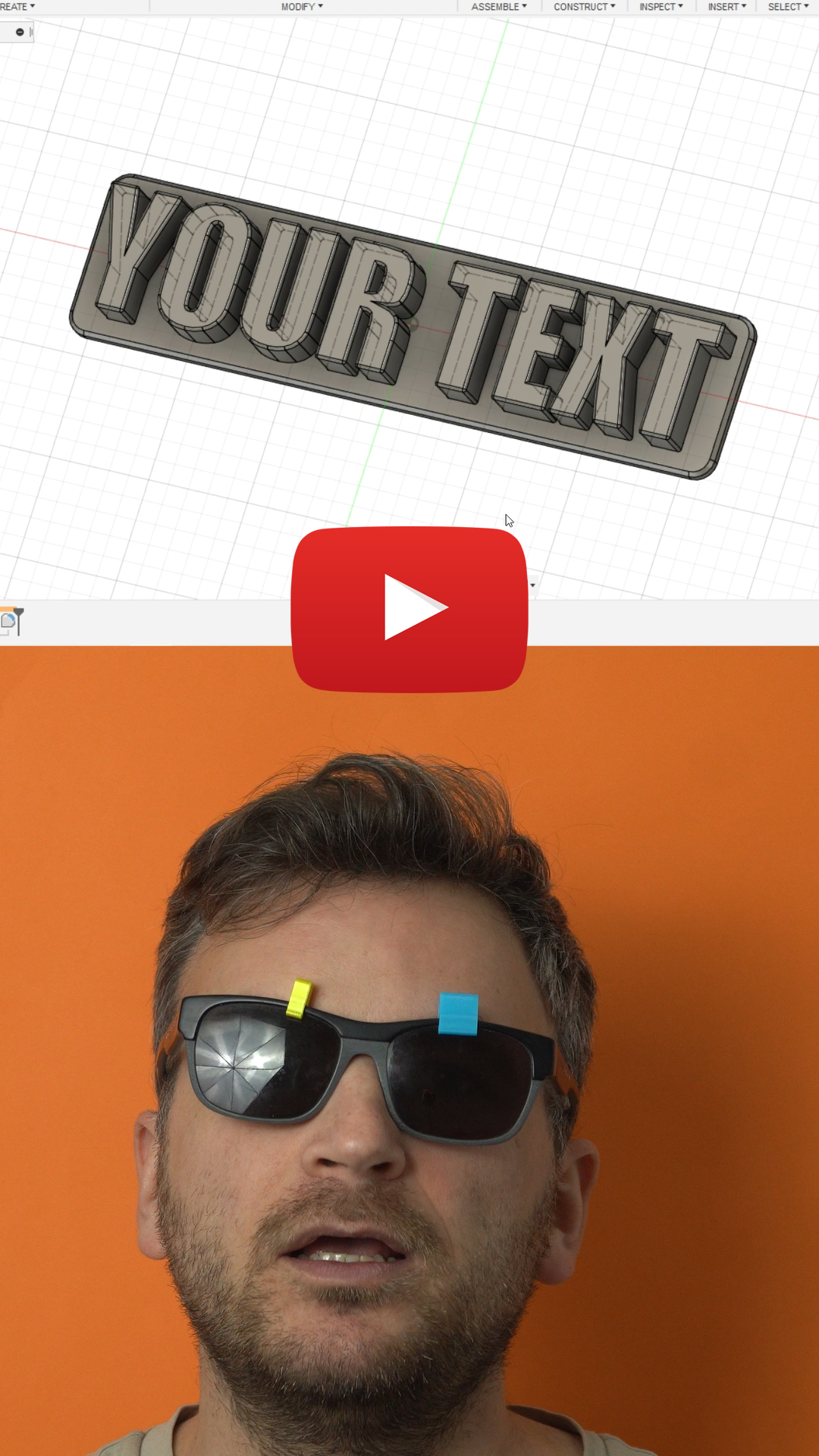
https://youtube.com/shorts/sTRmoBs0bK8
There are two things we need to change:
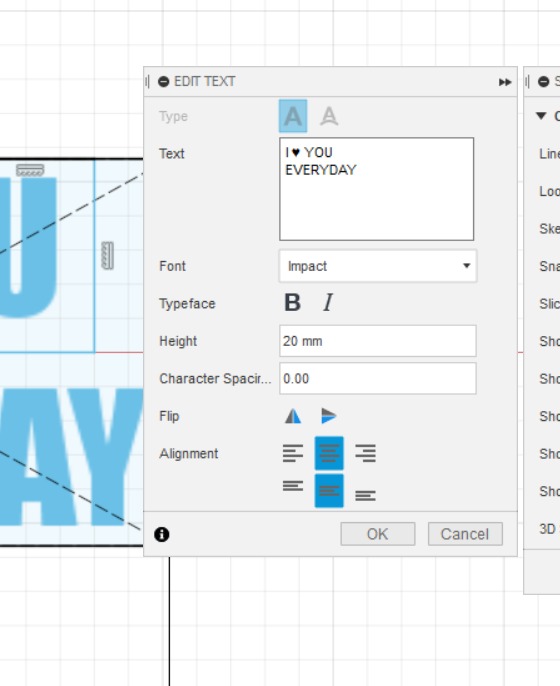
Right click, edit sketch, double click on the text
Type whatever you want, in all caps!
If you need a bigger text, adjust the height.
Go to modify, change parameters, under letters and spaces enter the
Number of letters and spaces you have, in my case its 7.
Click ok, finish sketch.
Your text is ready to export and print.
Text Heart: ♥ - copy paste to your text
Update 1: Two line text
Added 2 more files for two lined text.
Modify → change parameters → letter_and_space: of the long word/ phrase.
(EVERYDY: is 8 letters no spaces)
Notice the are no unnecessary spaces, will throw off the dimensions

Questions are welcomed :)