
1 / 2
Simple Voron V0 lights
Order a print of this model
We calculate the final price from your selected file. You review and accept it before payment.
Saved on this device.
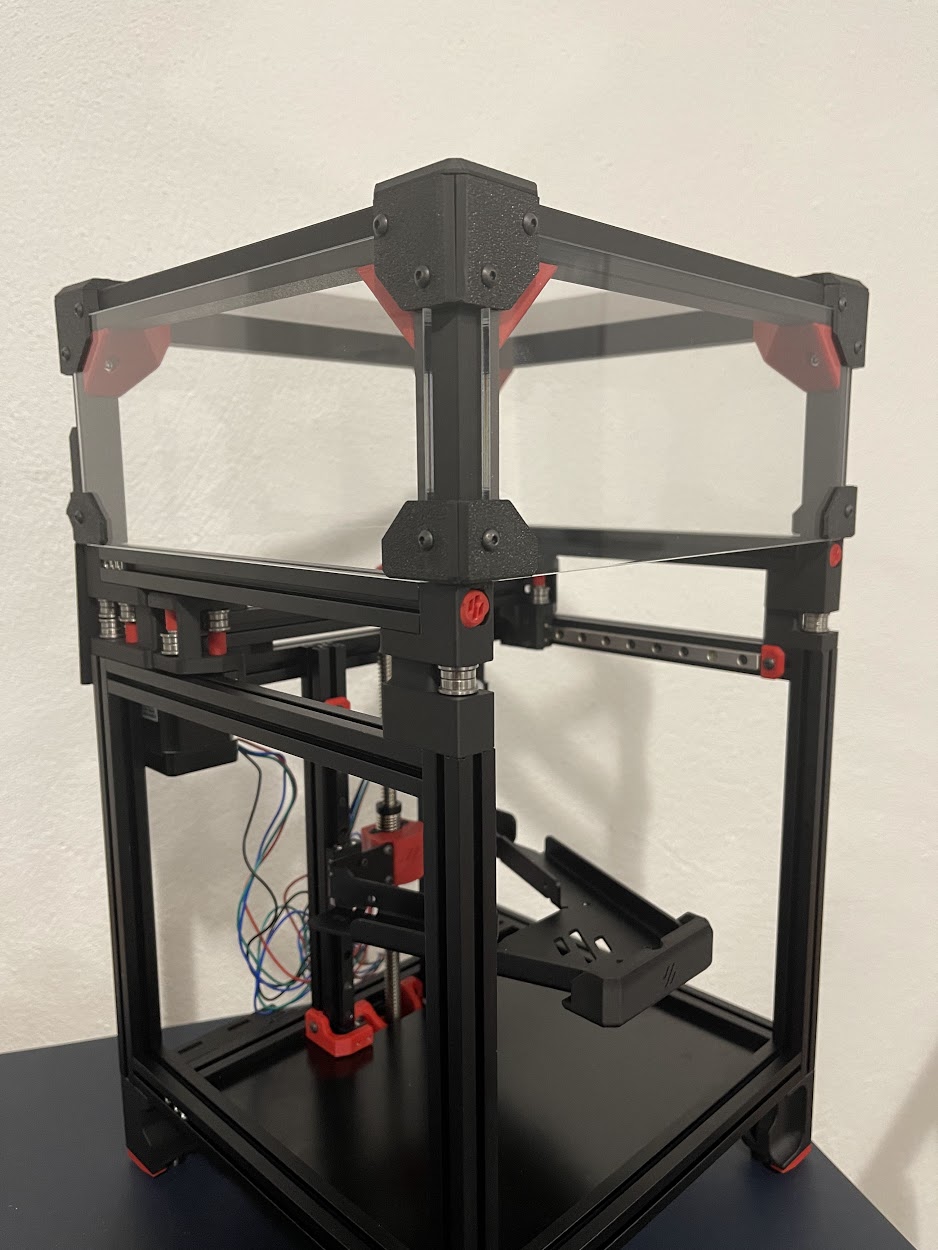
I have created a simple led holder for a Voron V0.
- Rating
- 5 / 5
- Likes
- 25
- Downloads
- 71
- Makes
- 1
- Views
- 1,068
- Reviews
- 1
Updated at source:
Model information
- Source
- Printables
- Category
- Voron Parts & Upgrades
- License
- Creative Commons — Attribution
This is a really simple LED holder for any Voron V0 that was inspired by the LED holders on the Voron Switchwire.
There are 2 stls one for the left side and one for the right side. Just use VHB tape and put them under the Y 15x15 profiles.
I use 24V LEDs that are connect to a relay and take power directly from the main power supply.
Here is a quick explanation on how I have configured mine:
- Add a relay and connect it to the raspberry pi on GPIO pin4 for signal and GPIO pin5 for ground.
- Add the raspberry pi as an MCU to your klipper instance. Here is an explanation on how to do that: https://www.klipper3d.org/RPi_microcontroller.html
- Update your printer config with the following, in order to be able to control the relay from klipper:
[output_pin caselights]
pin: rpi:gpio4
value: 1- Add several macros in order to be able to control the lights
[gcode_macro CASE_LIGHTS_ON]
gcode:
    SET_PIN pin=caselights value=1[gcode_macro CASE_LIGHTS_OFF]
gcode:
    SET_PIN pin=caselights value=0
- Optionally if you want to automatically for the lights to turn on / off you can add the following to macro:
[delayed_gcode TURN_OFF_CASE_LIGHTS]
initial_duration: 300
gcode:
  {% if printer.idle_timeout.state == "Idle" %}
    CASE_LIGHTS_OFF
{% endif %}- Add the following to your print_start macro:
CASE_LIGHTS_ON- Update the idle_timeout config with the following, in order to turn the lights off when the printer becomes idle:
[idle_timeout]
timeout: 900
gcode:
   TURN_OFF_HEATERS
   M84
   CASE_LIGHTS_OFF